OCCT is a stress test and stability software that is used to test the behavior of computer hardware. Its primary objective is to test things, the system and its components, to extremes to reveal mistakes, instability, or failure points of a system. OCCT is often run following the construction of a new personal computer, overclocking hardware, or when there is a crash, frozen server, or overheating issue.
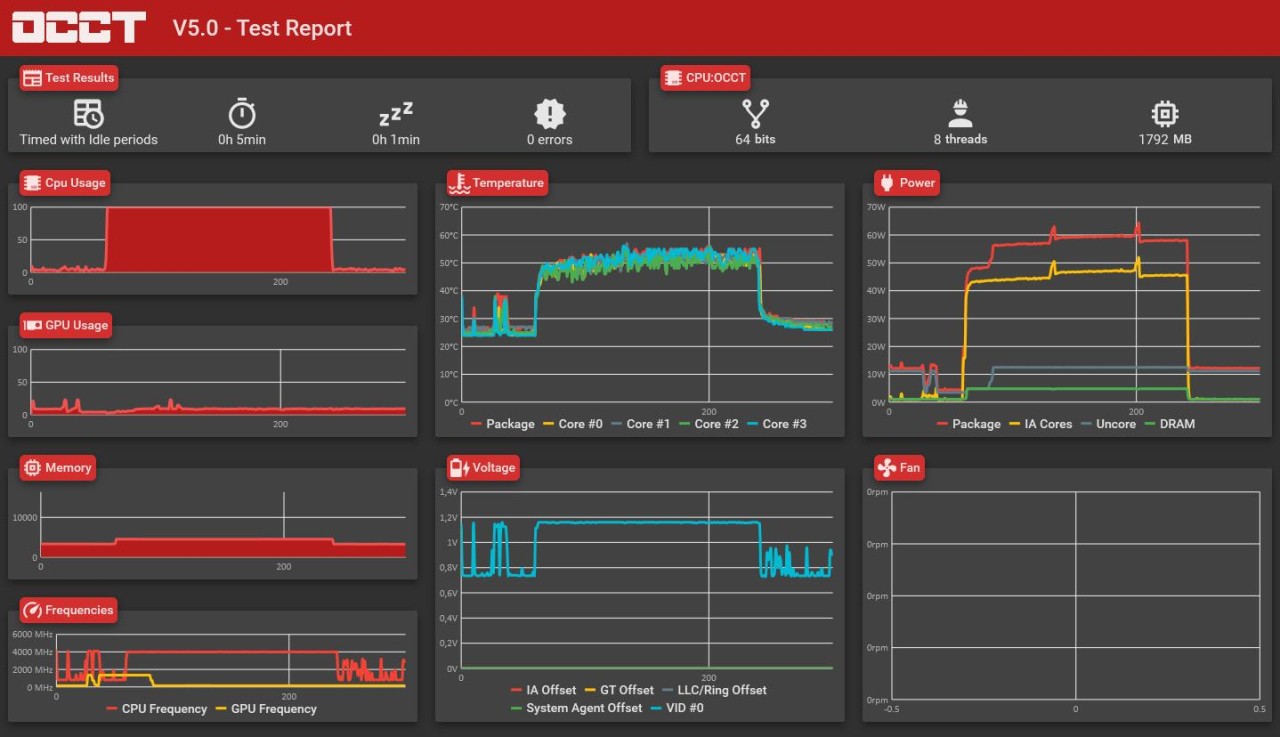
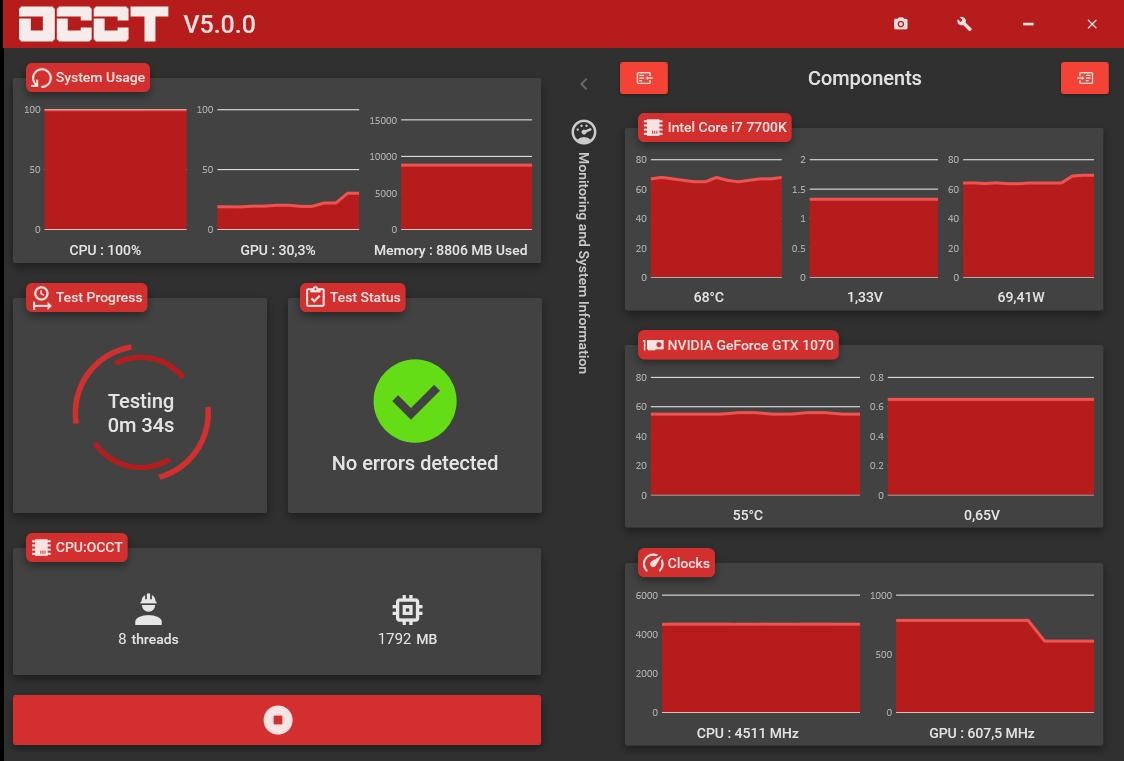
The software will run controlled stress tests and monitor the reaction of the system with time. Rather than assigning one score, it emphasizes whether the system will stay steady or it will begin giving errors. The OCCT also captures the temperatures, voltages, frequencies, and other values inside the computer on test to assist the user in not only understanding why something fails but also why.
The types of users vary, with numerous users being traditional PC owners and professionals who require good machines. Gamers are the ones who verify it before a long session, and builders and technicians are the ones who check whether the systems are safe to send to the customers. It does not fix hardware nor fine-tune settings; it merely checks, monitors, and reports on what is occurring within the system comprehensively.
What Are the Key Features of OCCT?
The major characteristic of OCCT is stability testing. Test settings can be customized, allowing users to emphasize various features of the system. The tests can be short, long, light, or heavy according to the requirements of the user. OCCT aims to identify small errors as fast as possible, thereby assisting in identifying the problems early on.
OCCT has also advanced 3D stress testing, which adapts the load dynamically. This enables it to replicate different levels of usage, such as light or heavy gaming or an extreme workload. In these tests, visual artifacts, calculation errors, and crashes are searched for by OCCT. It can also be used to perform parallel testing in which more than one type of GPU from different brands can be tested at once.
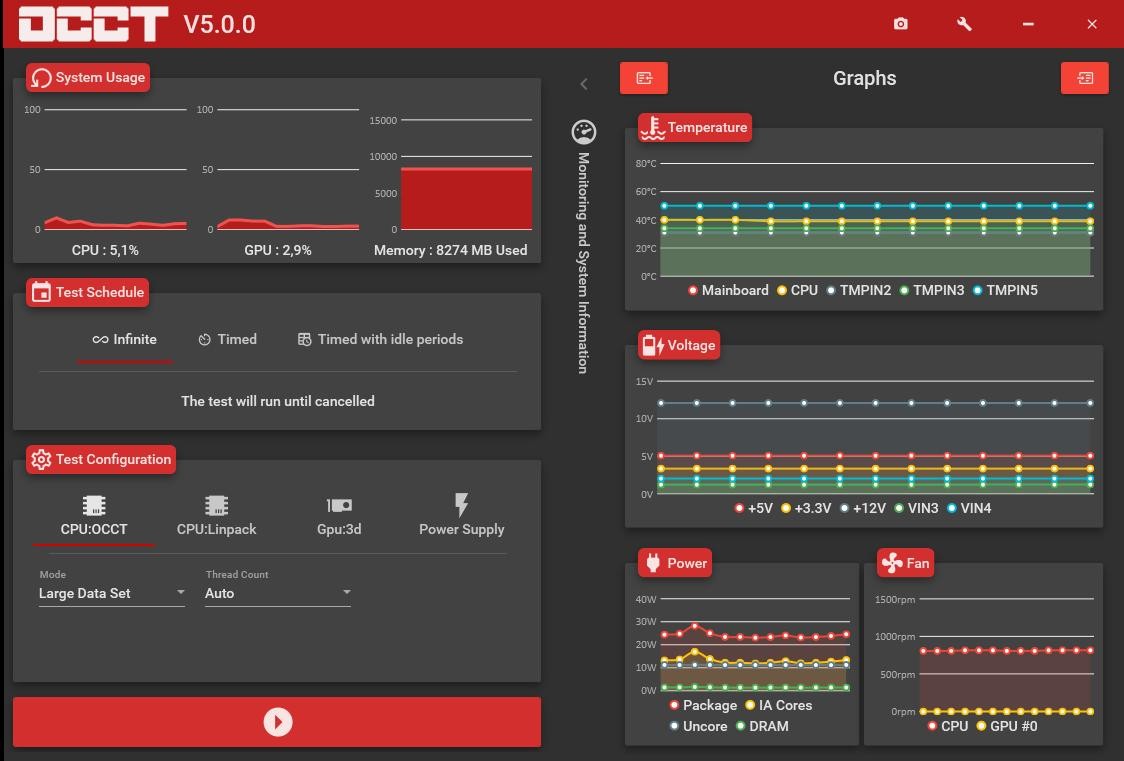
The other important feature of OCCT is monitoring. A consolidated hardware monitoring engine provides real-time monitoring of temperatures, voltages, fan speed, and clock frequencies. The user can have warnings on overheating or abnormal behavior. Another feature of OCCT is to include CPU and host memory benchmarking and detailed latency and bandwidth testing that gives users a better view of system performance, in addition to stress testing.
Is OCCT Free to Use?
OCCT provides a free edition that has core stability test features, monitoring, and benchmarking. This is why it is convenient for home users who will be interested in monitoring the health of the system without charges. Paid versions have additional services and professional and business licenses. The free version is sufficient to do the basic testing and general verification of the system.
Which Platforms Support OCCT?
OCCT operates on Linux and Windows. On Windows, it is known to be used on modern desktops and workstations. It offers it on Linux in environments where reliability is paramount, like servers, data centers, and high-performance computing systems. Linux support is officially highlighted by OCCT, with the platform positioned for industrial, server, and critical workloads.
The software is compatible with a wide variety of hardware, such as the newest CPUs, GPUs, and memory setups. It is compatible with systems containing multiple graphics cards and hardware vendors. OCCT does not lag newer technologies since it is updated regularly, and it works hand in hand with manufacturers. Since the stress testing relies on a lot of hardware and drivers, the results can be different depending on the settings of the systems, cooling, and power delivery.
What Are the Best Alternatives to OCCT?
One of the most common alternatives is HWiNFO, which is primarily employed in monitoring a system in detail. It displays the real-time status of the temperatures, voltages, clock speeds, as well as sensor values of nearly all the parts. Numerous users make use of it to monitor the behavior of the system when running their everyday jobs or when executing other stress tools. But HWiNFO is not involved with high-intensity stability testing; it is better used to observe reactions of hardware rather than actively driving the system to errors or crashes. Many users choose to download HWiNFO when they want clear visibility into system sensors without pushing hardware under heavy load.
The other alternative is CrystalDiskInfo, which is specific to storage devices. It monitors SMART data to indicate the health, temperature, and status of hard drives and SSDs to facilitate the early detection of drive failure or overheating. CrystalDiskInfo does not stress the system, test GPUs, CPUs, or even memory. It is effective only in cases where storage health is a significant issue, but not in general system stability in general. People often download CrystalDiskInfo to keep an eye on disk health and receive early warnings about potential storage issues.
A more detailed variant is AIDA64 Extreme, which is a collection of hardware detection, monitoring, and benchmarking all in a single application. It can perform stress tests of the CPU and memory, among other components; it also generates detailed reports about the system. Advanced users prefer to use AIDA64 Extreme because it allows obtaining both diagnostic and performance tests in one tool. Nonetheless, it is a commercial application that might be puzzling to users who only require simple testing of stability. Users usually download AIDA64 Extreme when they need more in-depth system diagnostics along with benchmarking in one place.