Scratch is built around a pretty simple idea. You drag colored blocks onto the screen, snap them together, and a character on the screen does what they say. It is a free programming language and online community where you can create your own interactive stories, games, and animations. It is less about typing code, learning syntax, and fixing errors, and more about putting small projects together with blocks on a screen.
That also explains why it feels different from a regular programming tool. Scratch is built around removing the parts of code that tend to get in the way of beginners. The Scratch Foundation has been pretty open about that, describing the platform as a creative learning community for kids aged 8 to 16, with no tricky syntax required. So if what you want is a low-pressure way to learn how code works, or to introduce a kid to it, the app is a suitable option.
What Are the Key Features of Scratch?
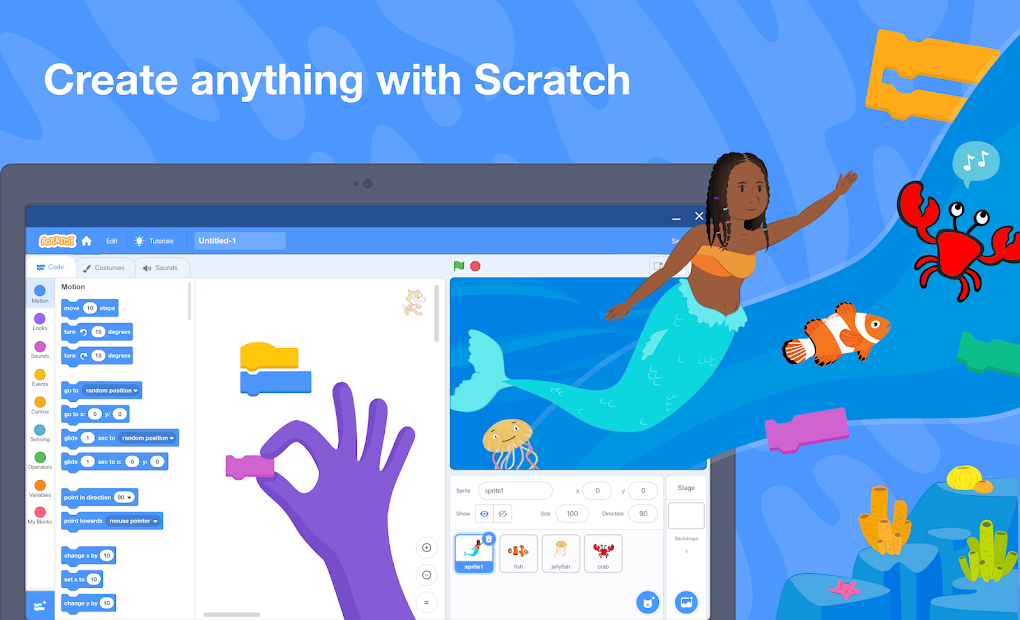
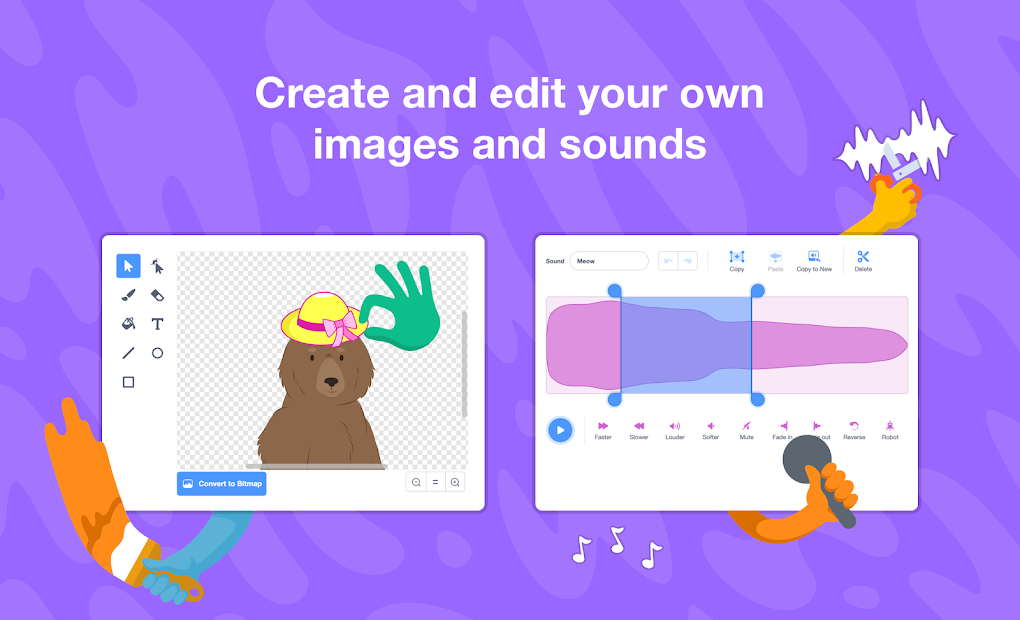
The main reason to use Scratch is that it keeps the coding idea very visual. The platform highlights the block-based editor, a stage where your characters move, a sprite library, and a paint and sound editor for making your own art and audio. That gives the app a pretty clear role. It is built for making small interactive projects, not for serious software.
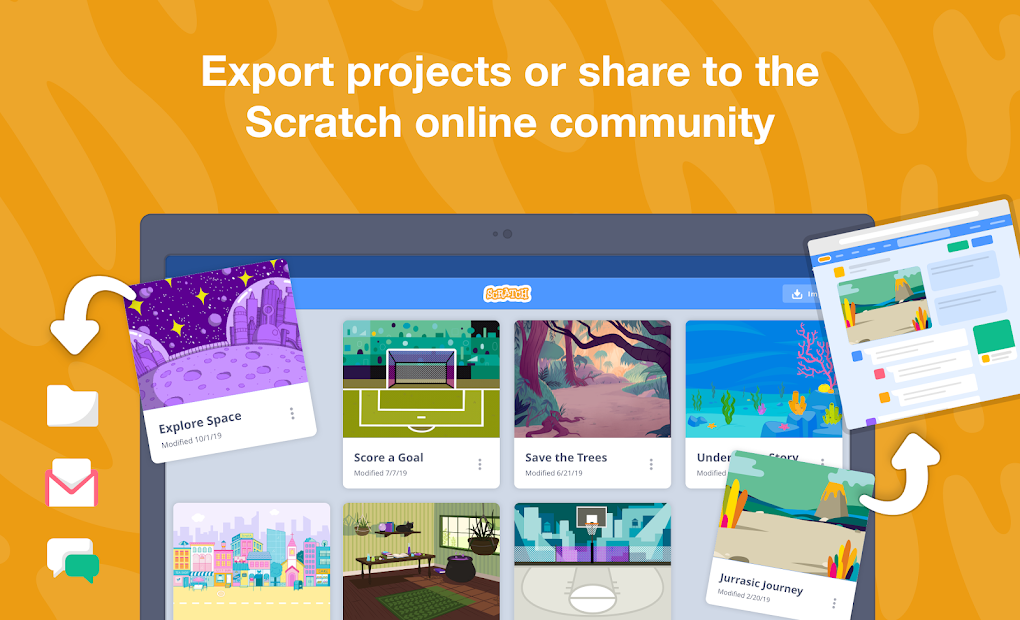
It is a learning tool first, even if it overlaps a little with game and animation makers, through what kids end up building with it. A lot of the draw comes from how direct it is. You drag a block, press the green flag, and the project runs. And because so much of the platform is built around the public community, finishing something often turns into sharing it.
At the beginning, new users can watch videos and tutorials to see how to use everything. And there is a step-by-step presentation when you first open the editor. The interface is quite easy to understand, and even if Scratch is oriented towards kids and teens, adults can also give it a try.
Note that for children under 8, the project also offers a special platform named ScratchJr.
Is Scratch Free to Use?
Yes, Scratch is free to use. The official site presents it as a free programming language and online community, with no subscription or paid tier on top of the editor.
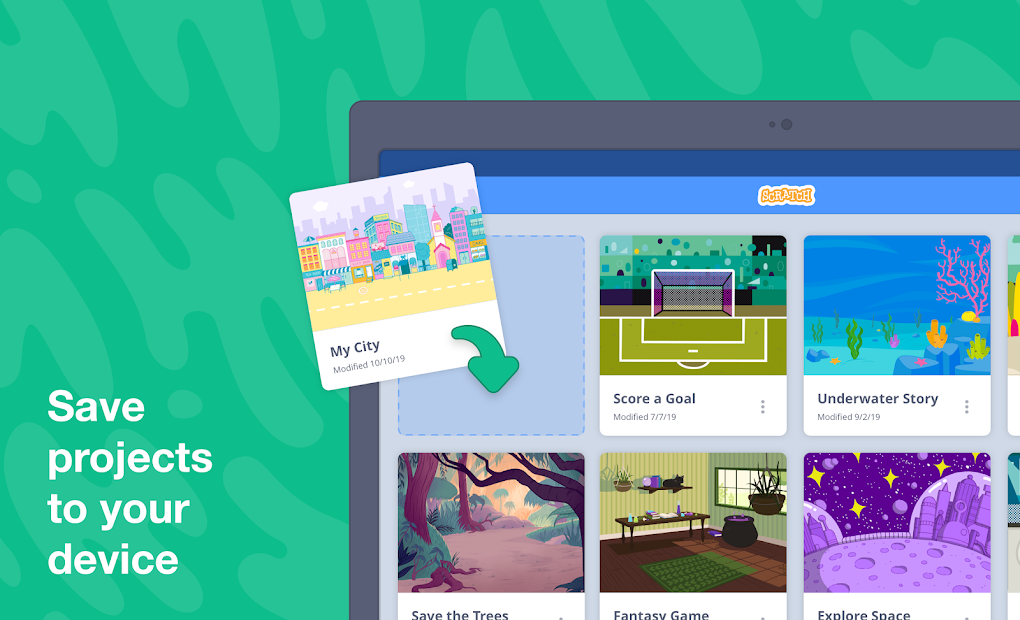
Just open the website through our link (or download the free desktop or mobile app), sign up if you want to save and share, and start building straight away. Scratch is now run by the Scratch Foundation, a nonprofit that took over from MIT in 2019, and the project is funded by donations and grants rather than ads or paid features.
Which Platforms Support Scratch?
Scratch runs in your browser, so it works on most computers with a modern browser and an internet connection. There is also a free Scratch desktop app for Windows, macOS, and ChromeOS, which lets you work on projects offline. Finally, you can download the free mobile app available for Android and iOS users.
The ScratchJr version, for youngsters, is available for Android and iOS and is a simplified version of the platform.
What Are the Best Alternatives to Scratch?
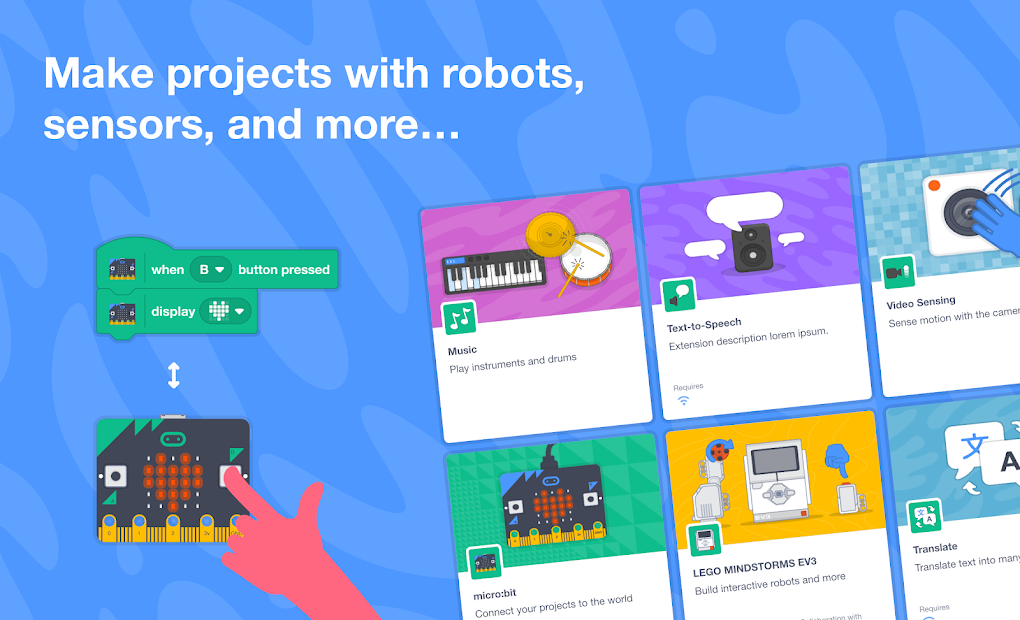
PictoBlox is the closest alternative if you want a block-based tool that also reaches into robotics and AI. Its site describes it as a graphical programming software, with extensions for robots, microcontrollers, and machine learning projects. Compared with Scratch, it feels more focused on hardware and classroom use, while Scratch feels more open-ended and built around general creative projects.
AlgoRun goes in a more game-like direction. Its site describes it as a coding game where you write small programs to guide a character through puzzles, with a focus on logic and problem-solving. Compared with Scratch, it feels more like a structured game with set challenges, while Scratch feels more like a sandbox where you make your own things.
In a different way, Human Resource Machine is the more puzzle-heavy option here. It is a puzzle game where you program little office workers to solve tasks using a simple visual assembly language. Compared with Scratch, it leans much further into puzzle-solving for older players, while Scratch sits closer to a beginner-friendly tool for kids who want to build their own projects.