About Microsoft Sudoku
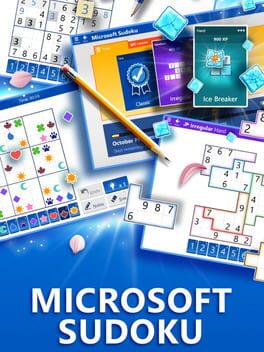
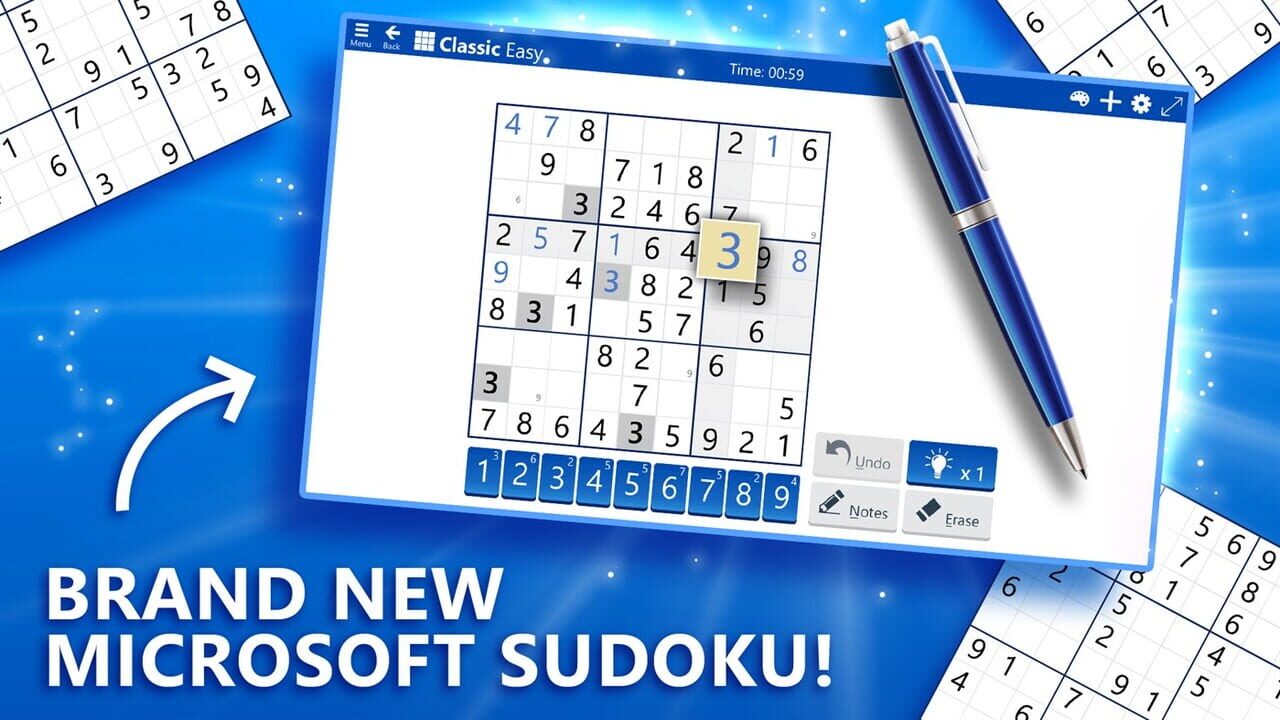
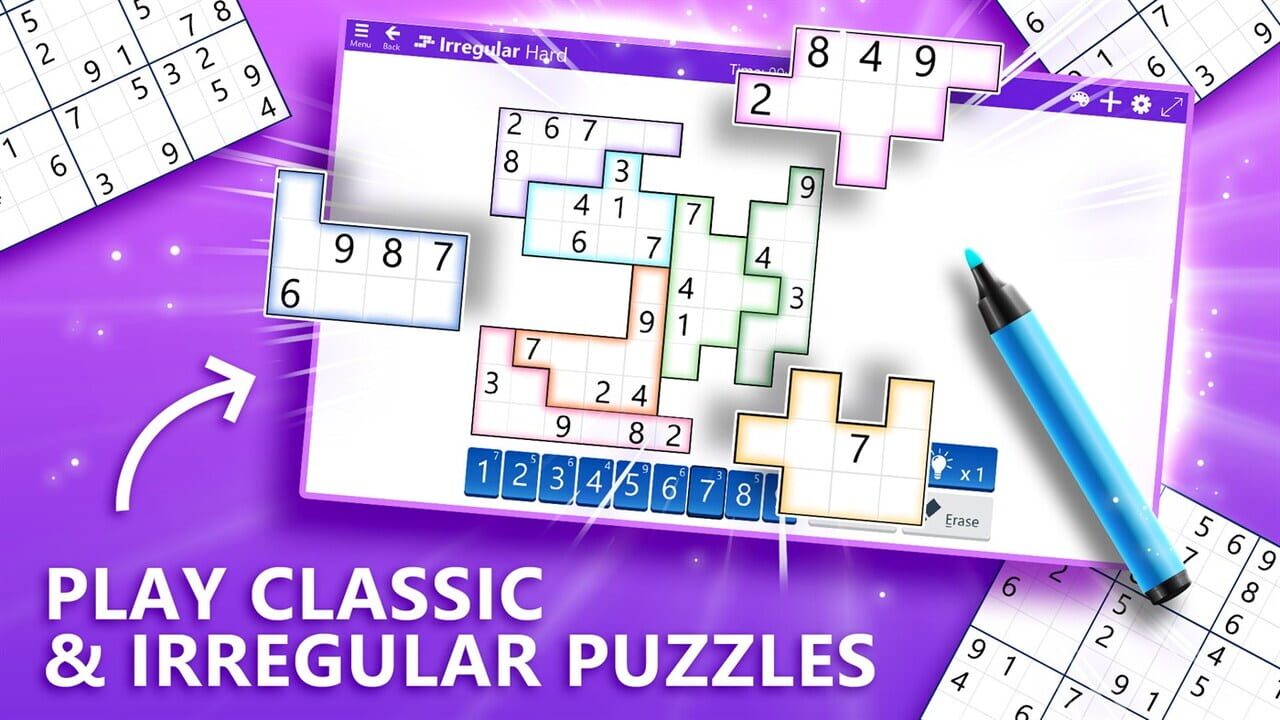
Microsoft Sudoku keeps the core rules of Sudoku the same and focuses on making the game easy to use. Classic mode generates new puzzles every time you play, with six difficulty levels so you can slide from relaxed to difficult without changing apps. Irregular mode uses the same rules but swaps the standard 3×3 blocks for odd shapes, which makes the grid feel fresh even if you’ve played a lot of traditional Sudoku.
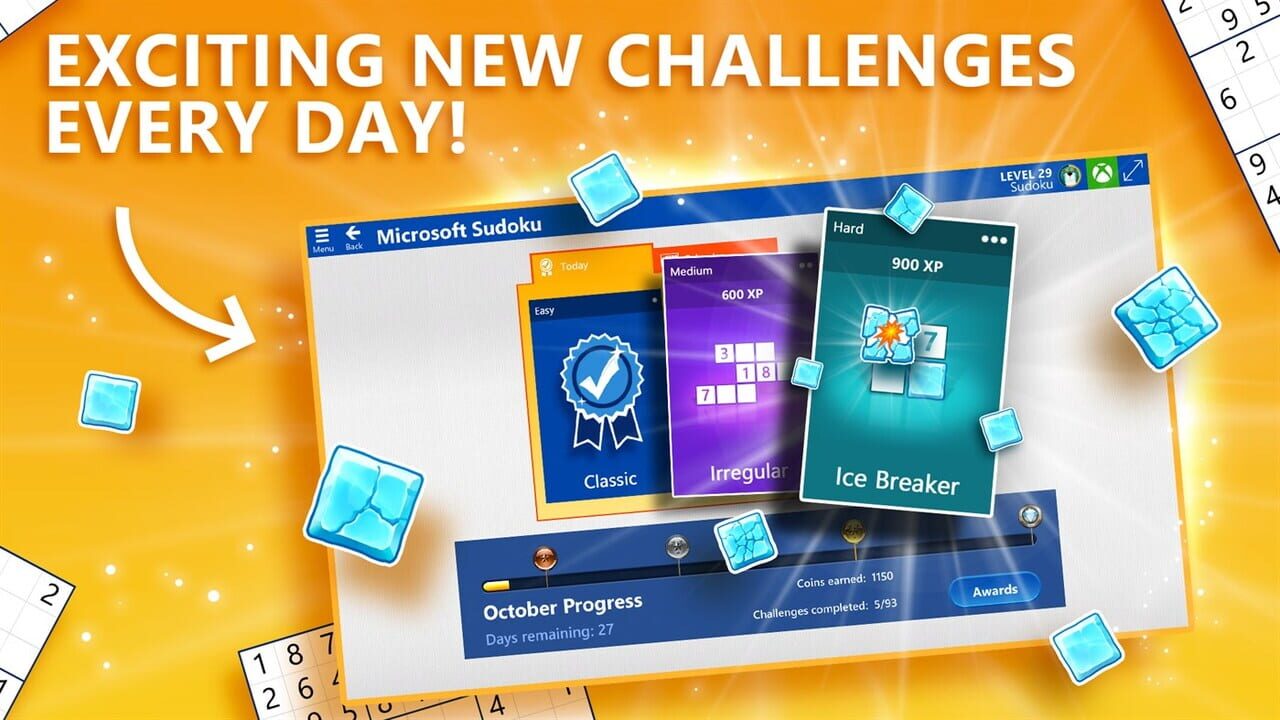
Daily Challenges add a little structure on top: three puzzles per day across Classic, Irregular, and Ice Breaker mode, where correct placements send “shockwaves” to break ice on the board, giving the same logic game a slightly more playful feel. Notes auto‑update as you fill cells, mistakes can be erased, and theme options, including a Charms theme that replaces numbers with symbols, keep it friendly for visual thinkers.
Why Should I Play Microsoft Sudoku?
The main reason to play Microsoft Sudoku is that it treats Sudoku as a daily brain exercise, not a one‑time novelty. Freshly generated boards and six difficulty levels make it easy to match the game’s intensity to your mood. You can dip into an easy grid over coffee or attack a harder one when you want a more serious challenge. Irregular boards and Ice Breaker mode then give you just enough variation that “one more puzzle” doesn’t always feel like the same routine.
It also folds in gentle meta goals. Daily Challenges award coins and badges when you complete enough in a month, statistics track best and average times for each mode, and Xbox Live achievements kick in if you sign in with a Microsoft account. That combination of tiny rewards and clear stats makes it satisfying if you like seeing progress over weeks rather than just clearing a single board. If you leave mid‑puzzle, your progress is saved, so it suits short breaks and commutes as well as longer sessions.
Is Microsoft Sudoku Free-to-play?
Microsoft Sudoku is free to download and play, sitting in the same casual space as Microsoft’s other puzzle apps. You get Classic and Irregular modes, Daily Challenges, notes, themes, and statistics without an upfront purchase. There are in‑app purchases available, typically for removing ads or unlocking certain cosmetic or convenience options, but the core Sudoku experience is accessible on the free tier.
Where Can I Download Microsoft Sudoku?
Microsoft Sudoku is available as part of Microsoft’s casual games lineup on PC and mobile. On Windows, it appears in the Microsoft Store alongside titles like Microsoft Solitaire Collection and Microsoft Ultimate Word Games, and it hooks into Xbox services for achievements and cloud save. On mobile, you find it through the usual app stores, such as Google Play and the iOS App Store. You can also play it directly in your web browser on MSN.
What Games Should I Play If I Enjoy Microsoft Sudoku?
Microsoft Solitaire Collection is the natural next step if you like quiet, rules‑driven card puzzles with daily goals. It bundles Klondike, Spider, FreeCell, Pyramid, and TriPeaks into a single app, with Daily Challenges, events, and themes sitting over the top. Compared with Microsoft Sudoku, Solitaire Collection keeps the “one more puzzle” rhythm but trades number logic for card sequencing and different layouts, which can be a nice change of pace if you want something familiar but not grid‑based.
Microsoft Ultimate Word Games is the option if you want to flex language rather than numbers. It includes Crosswords, Wordament, and Word Twister, and wraps them in single‑player adventure maps and Daily Challenges, plus Xbox integration for achievements and cloud saves. Compared with Microsoft Sudoku, Ultimate Word Games pushes you into vocabulary and pattern spotting. Wordament is about spotting as many words as possible on a 4×4 grid, Crosswords emphasize clues and definitions, and Word Twister is about rearranging letter tiles into solutions. The meta structure (maps, badges, challenges) feels very similar, so it fits neatly alongside Sudoku in the “small daily brain workout” category.
Windows 7 Games for Windows 10/11 brings back the older built-in casual games like Chess Titans, Purble Place, and classic card and board titles. Compared with Microsoft Sudoku, they’re more of a nostalgia bundle: the logic and pacing are still casual and low‑stakes, but the presentation is closer to the old Windows era than the modern flat Sudoku app. If you enjoy Microsoft Sudoku mainly as a way to relax with something lightweight and familiar, these restored games hit a similar tone with different mechanics.