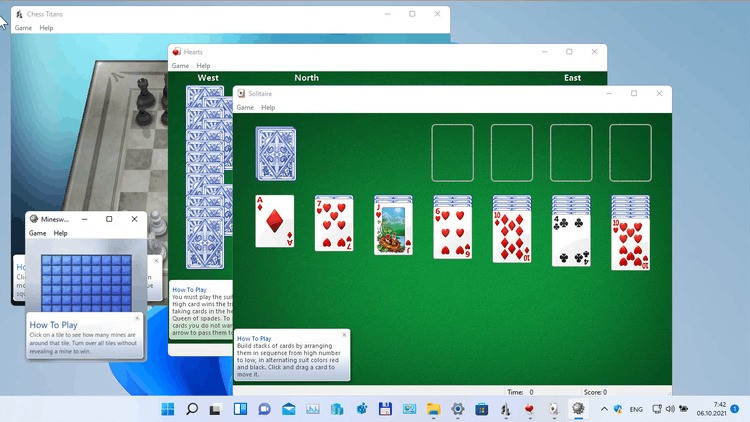
Windows Games (Windows 10/11) is a restoration software of the old Windows 7 games that people liked and still want to play. The built-in games were removed as Microsoft transitioned to UWP apps and titles that require an internet connection. Numerous users did not like the new substitutes, which were more cumbersome and web-based.
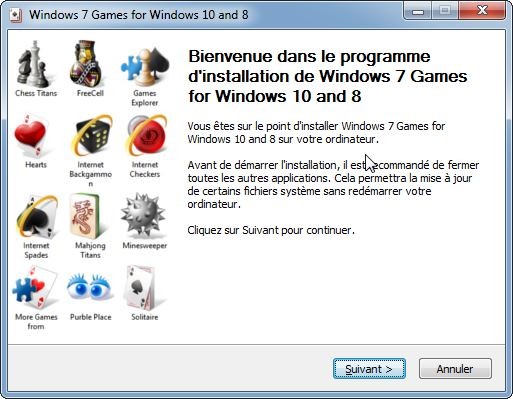
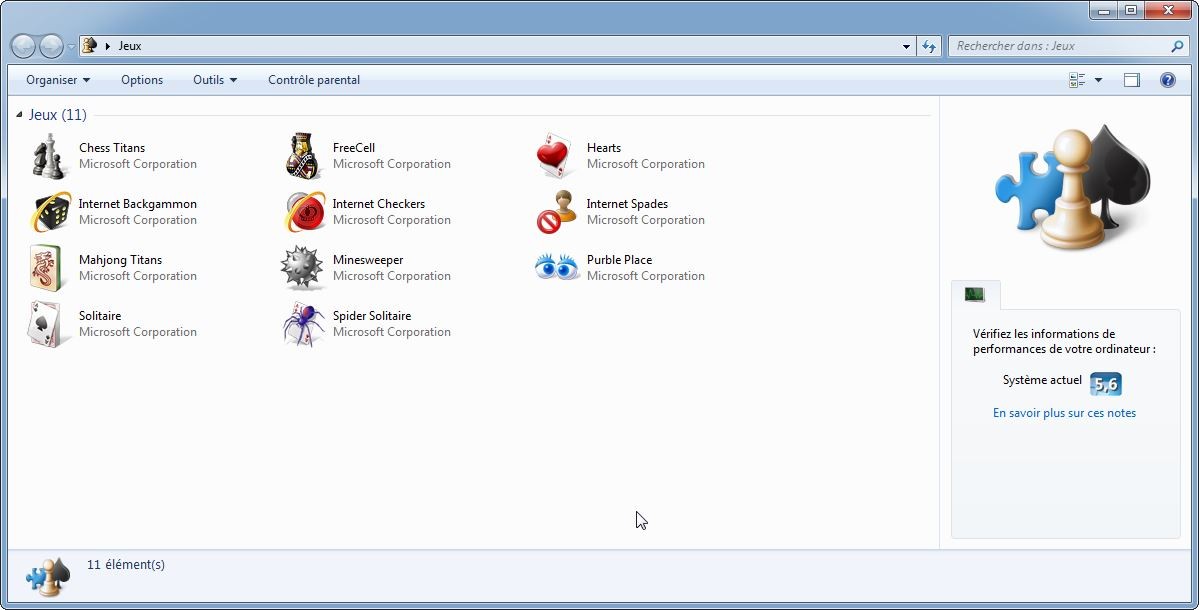
This package introduces those older titles back on board just as they were: lightweight, offline, and familiar. The package consists of the usual Windows games: Solitaire, Spider Solitaire, Minesweeper, FreeCell, Hearts, Mahjong Titans, Chess Titans, Purble Place, and three internet games (Spades, Checkers, and Backgammon).
There is a simple charm in these games. Many users have been raised with them, played them at work during breaks, or used them as brief mental refreshers. Even with the modern hardware, the outdated versions open and run immediately, and they do not attempt to push advertisements or request you to log in.
The idea behind this package is therefore not to provide something new but rather to give the users back something that they feel has been taken away by Microsoft much earlier than they should and to have access to the same without having to edit their system files or hack into the operating system.
What Are the Key Features of Windows 7 Games for Windows 10/11?
The most interesting feature of the software is that it offers to install Windows 7 games that disappeared in Windows 8 and later. These games are not remakes; they are original. The package contains all of them: Solitaire, Spider Solitaire, FreeCell, Minesweeper, Mahjong Titans, Hearts, Chess Titans, and Purble Place (and optionally the old Internet Games). It supports HiDPI displays and language packages, and it does not break Windows updates.
Every game is played offline: no Microsoft account, no cloud service, no advertising. It is easy to install and uninstall, even when the user does not know how to edit system directories. Silent installation supports multiple machine deployment. Language support is extensive due to the automatic loading of the games in the system language through the MUI files. It is all intentionally simple overall, much like older Windows software operated, not having any additional layers of features.
You can choose which games you want on your computer in a straightforward window that appears when the package is installed (no, you are not required to install them all).
Is Windows 7 Games for Windows 10/11 Free to Use?
Yes. The software is free to play and download. There are no subscription fees or any invisible charges. No in-app purchases or ads are included. The users simply download the package and continue playing as normal.
Which Platforms Support Windows 7 Games for Windows 10/11?
The package is compatible with Windows 11, Windows 10, Windows 8.1, and Windows 8. It supports all builds of those systems as provided by the developer. The installer also adapts itself to the user’s system by verifying components and language files. Several languages are enabled through MUI resources; hence, the games can be displayed in the operating system’s language.
Since the installer does not install system files, the package does not interfere with Windows updates. The same installer can be used for users on older Windows 10 or Windows 11 (newer). The games are acting exactly like on Windows 7, which is now running in an operating system environment that is newer.
What Are the Best Alternatives to Windows 7 Games for Windows 10/11?
If you liked Microsoft games but don’t have a Windows computer anymore, or don’t want to install anything, or just want to play them on other devices, it’s possible. These games are available for Windows, mobile, and on the web.
Microsoft Solitaire Collection is a modern descendant of the original Solitaire family. It features Klondike, Spider, FreeCell, Pyramid, and Tri-Peaks, and daily challenges, themes, and cross-platform sync. It is more related to rewards, difficulty, and seasonal events. The game, however, requires an internet connection to use most of it and comes with advertisements unless a premium version is bought. Although it is not as easy to use as the old Windows 7 solitaire, it provides more entertainment options to users who would like to have a cleaner, feature-packed version. Many users simply download it when they want a quick, familiar set of card games with modern updates.
Microsoft Ultimate Word Games is a bigger and more contemporary puzzle set based on wordplay. The package consists of Wordament, Crosswords, and Word Twister and offers a more dynamic and diverse range of puzzles compared to the normal Windows 7 setup. It is targeted at players who like vocabulary tests, challenges in a daily routine, cloud-based storage, and advancement. It is a nice choice for users who prefer light and casual games to play in a short period of time. The interface is more simplistic, and the challenges are updated regularly, which is attractive to lovers of puzzles. Players often download it when they want something refreshingly simple yet mentally engaging for short breaks.
Updates the traditional idea of Microsoft Sudoku by allowing players to choose a level of difficulty, daily challenges, hints, notes, and customize the theme. It maintains a quiet, travel-alone vibe akin to most of the Windows 7 games but with a more action-packed backdrop. This can be a natural substitute for Minesweeper or FreeCell for users who like number puzzles. The app has special versions, such as Irregular Sudoku and Ice Breaker, to make it a variety. It is easy for newcomers and difficult for old players, providing an alternative to silent, attentive puzzle games of equal measure. Fans of number puzzles usually download this version because it blends old-style, calm gameplay with steady updates.