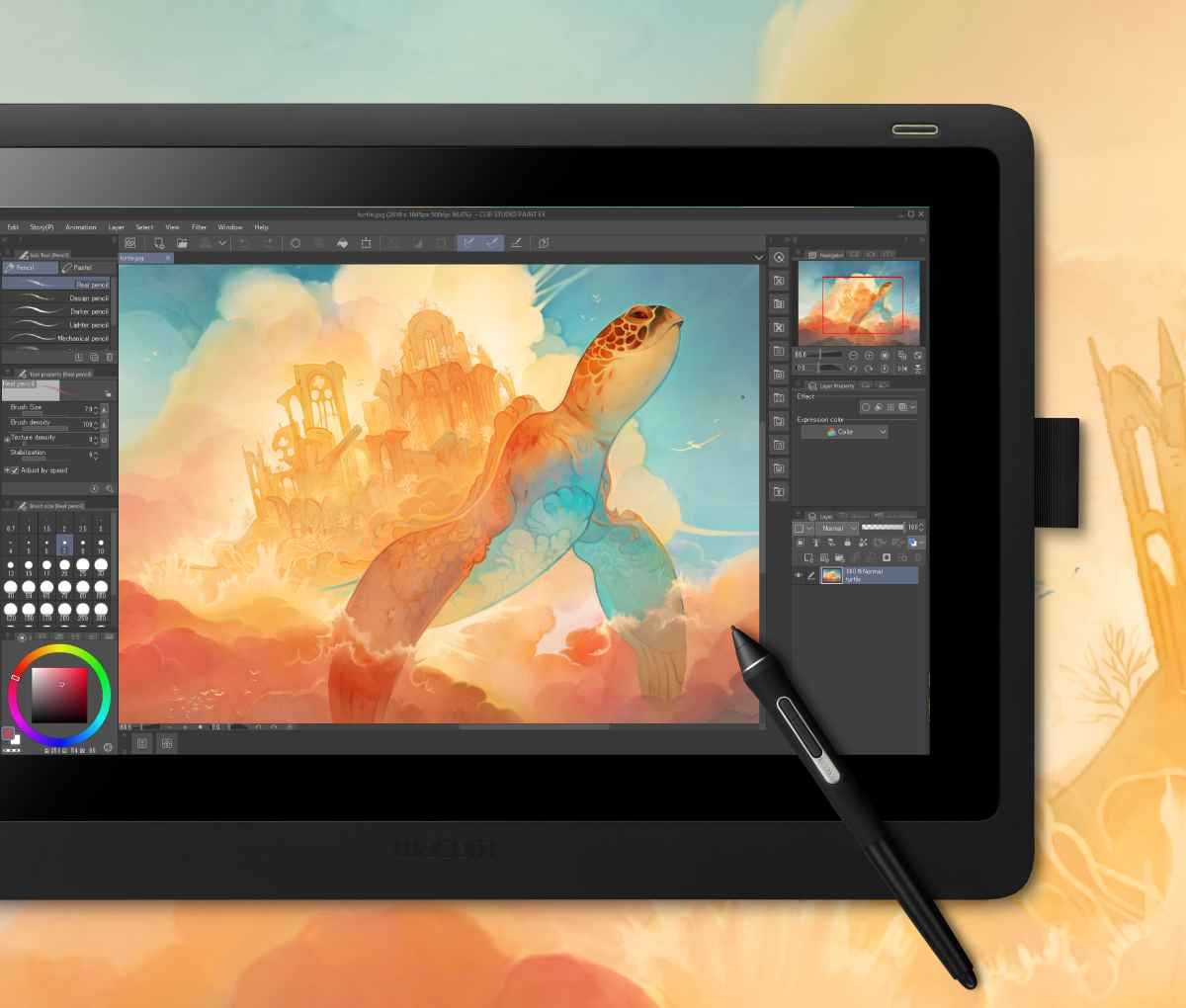
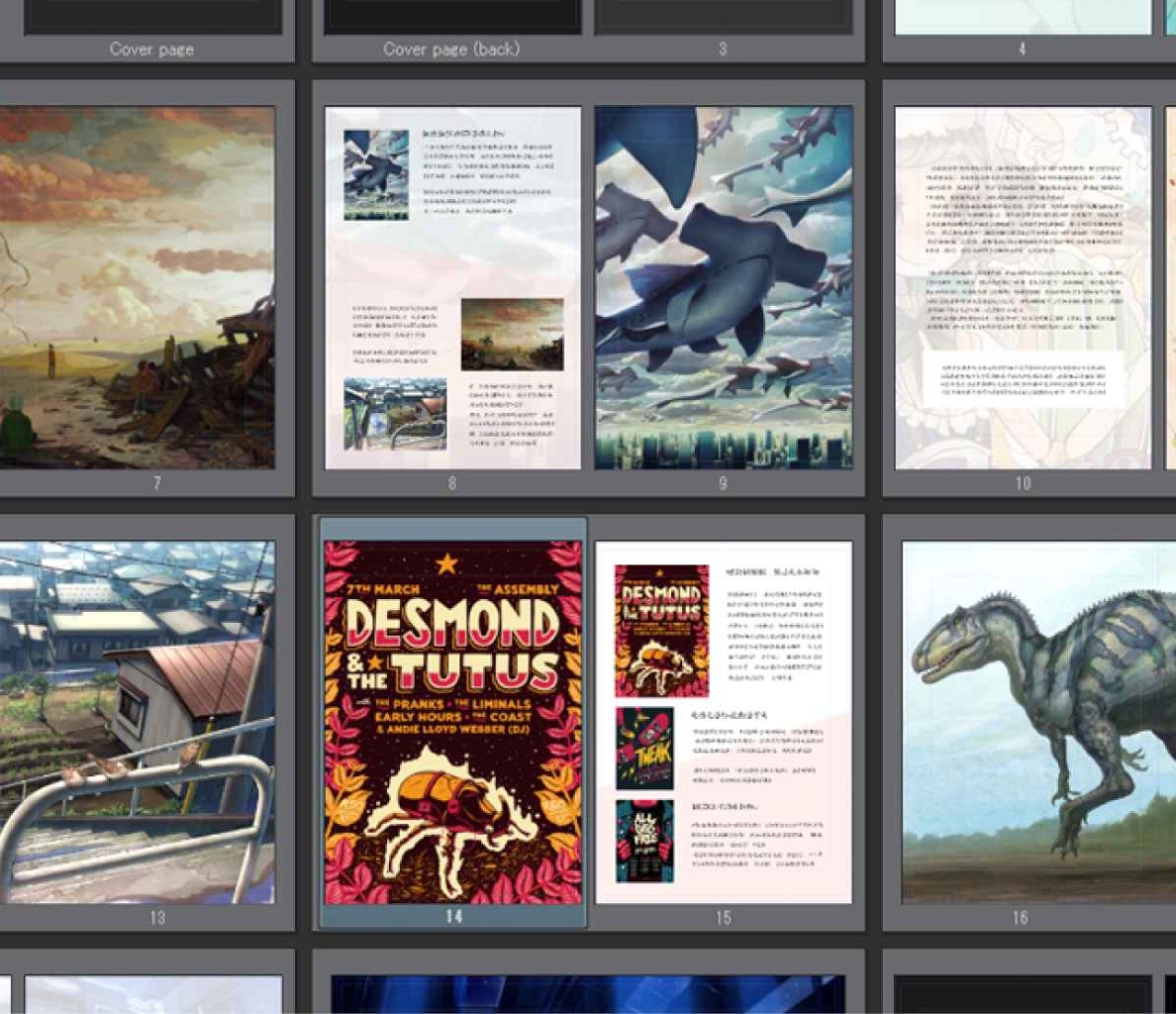
Clip Studio Paint is a digital drawing and painting application designed for everyone from hobbyists to professional illustrators, comic artists, and animators. It combines traditional-style brushes with digital editing tools, giving you flexibility whether you're sketching a character, painting a detailed background, designing a comic page, or creating an animation. Its broad feature set makes it useful for both standalone artwork and more complex, multi-page projects.
The software puts a lot of emphasis on helping artists work naturally while retaining control over their drawings. You can customize brushes, work with layers, use rulers to guide perspective, and adjust parts of an illustration without starting over. It also includes 3D models that can be positioned and adjusted to provide references for anatomy, poses, proportions, and lighting. These features can be particularly helpful when you're working on scenes or characters that are difficult to draw from imagination alone.
What Are the Key Features of Clip Studio Paint?
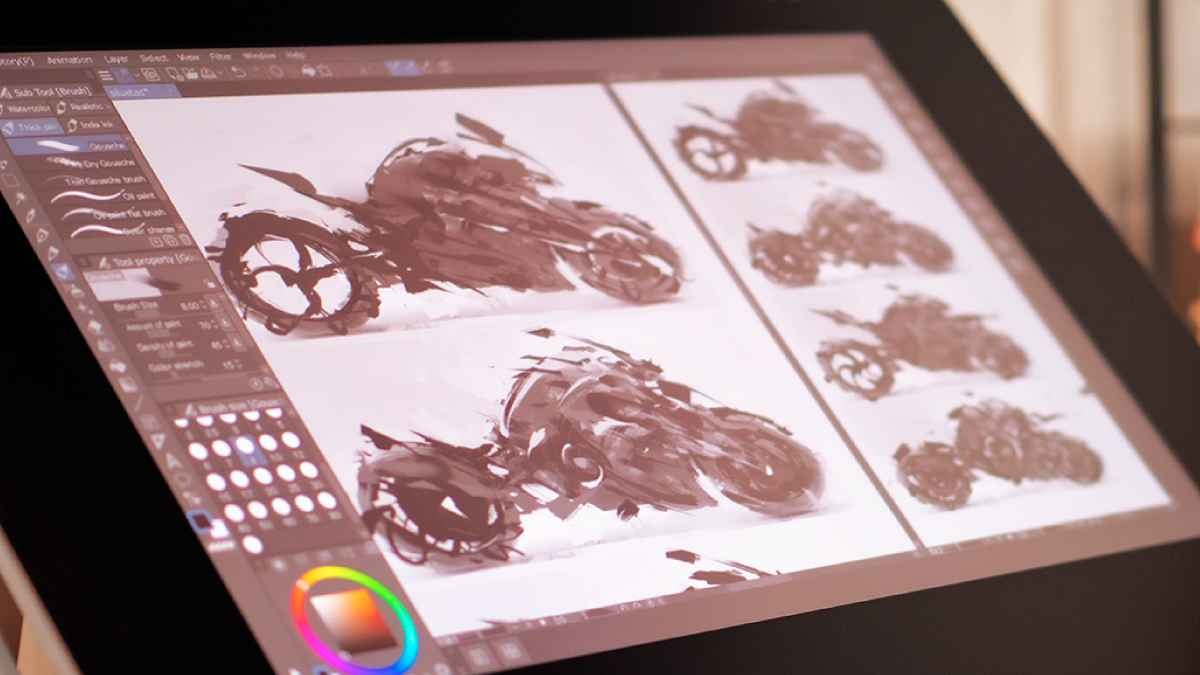
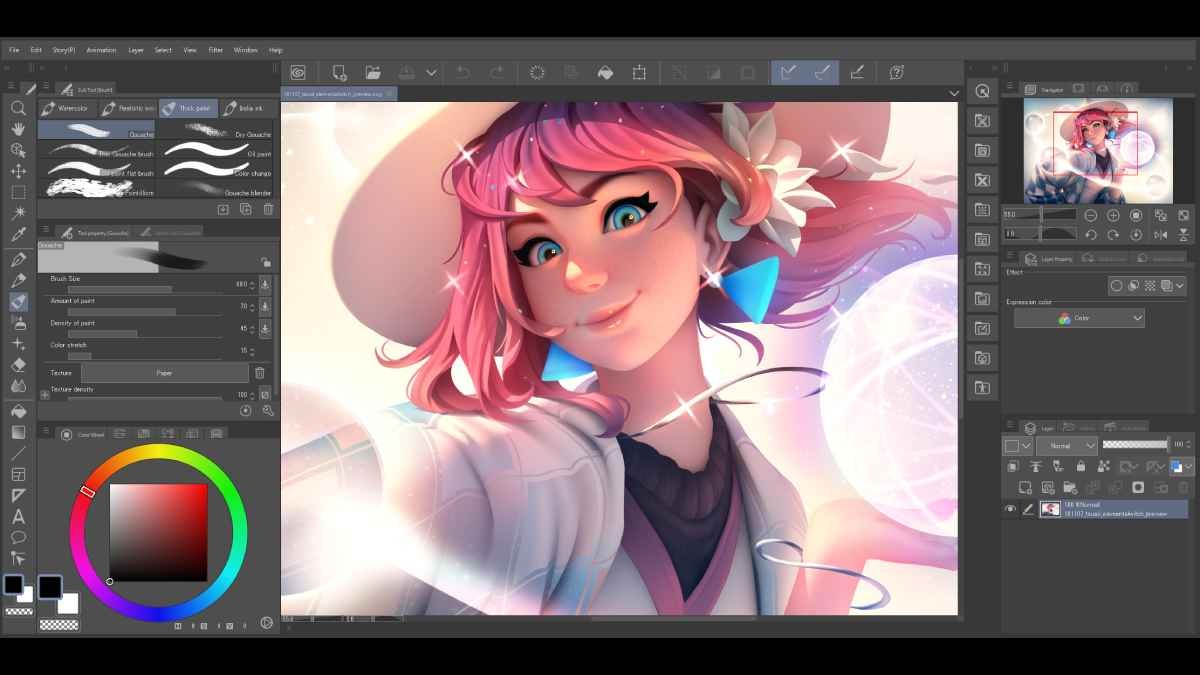
Clip Studio Paint offers a wide range of brushes designed to reproduce the feel of traditional art materials, including watercolor, acrylic, and pencil textures. You can adjust brush settings, combine brushes, and add paper textures to develop a style that suits your work. Smooth, precise strokes and customizable tools make the software suitable for everything from loose sketches to detailed digital paintings.
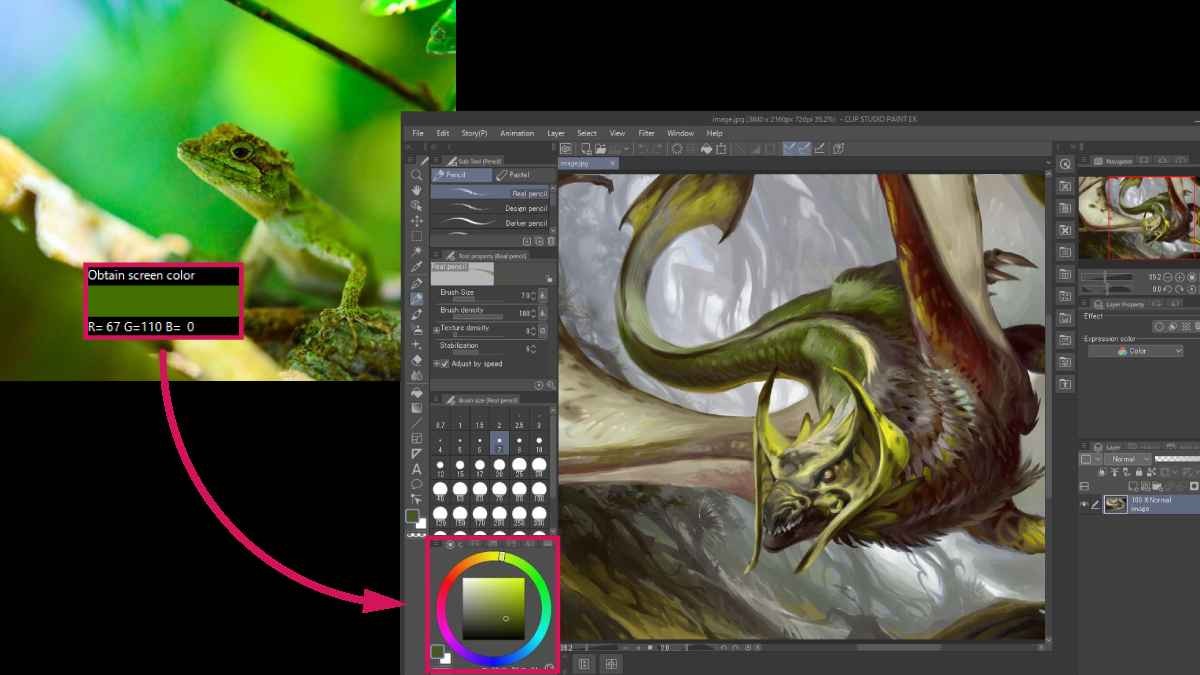
Its layer and editing tools help you refine artwork without repeatedly redrawing sections. You can use masks, clipping, layer effects, and vector layers to keep elements editable. Vector line art is particularly useful for illustrations that need resizing, since you can adjust and scale lines without losing their quality. Tools such as Liquify, Puppet Warp, and mesh transformations let you reshape parts of an image, while filters and color adjustments provide additional finishing options.
Artists who struggle with anatomy, perspective, or complex compositions may find the 3D reference tools especially useful. You can pose 3D drawing figures, adjust character proportions, position lighting, and use 3D objects as references for props and backgrounds. Perspective rulers, symmetry guides, and specialized rulers help you construct more accurate scenes. These tools support your drawing process without forcing you to rely on premade models for the finished artwork.
Is Clip Studio Paint Free to Use?
Clip Studio Paint offers a free trial, allowing you to test its drawing, painting, and editing tools before committing to a paid option. The trial is available across supported devices, although its duration and conditions can depend on the platform and offer. It isn't a permanently free version with unrestricted access to all the software's features.
After the trial, you can choose between subscription plans and a perpetual license for compatible desktop versions. Subscription plans are available for Windows, macOS, iPad, Android, and iPhone, while the one-time purchase option is limited to Windows and macOS. The licensing model you choose determines how you access the software and its updates, so check the current terms for your device before signing up.
Which Platforms Support Clip Studio Paint?
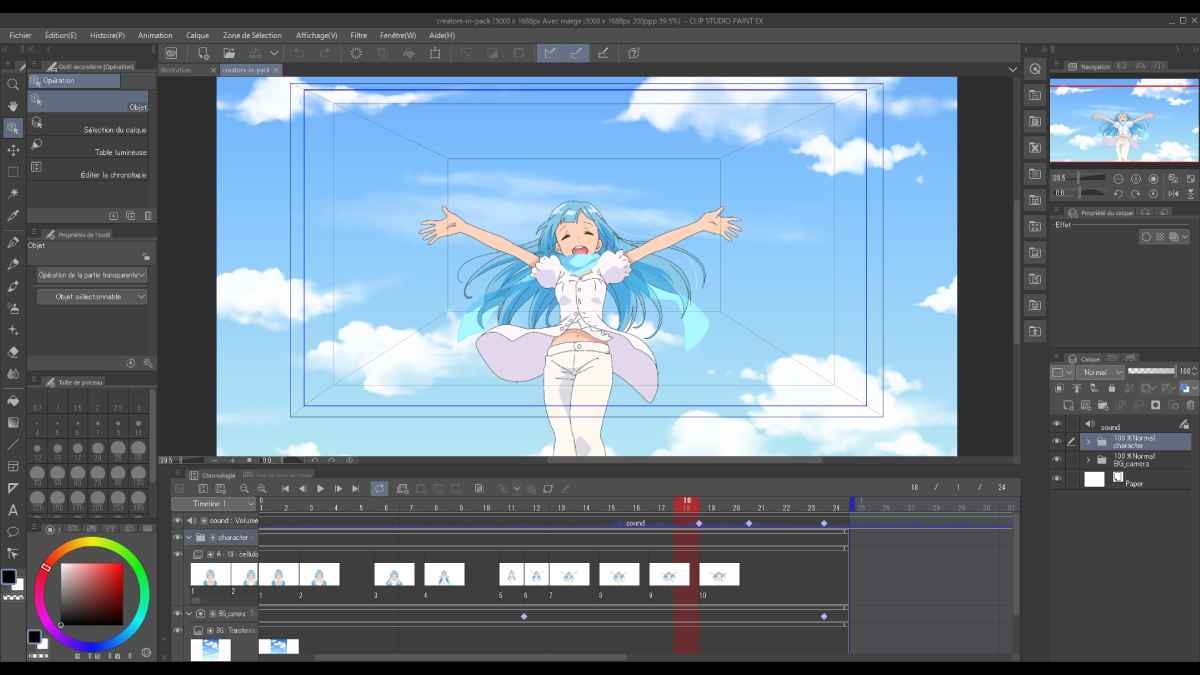
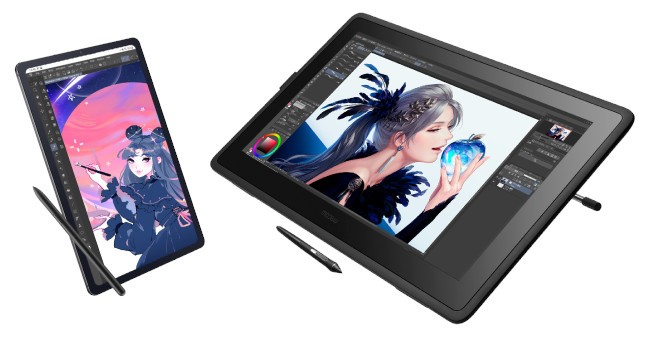
Clip Studio Paint is available for Windows, macOS, iPad, Android, and iPhone. Desktop versions provide a workspace for detailed illustrations, comic production, and animation, while mobile versions let you sketch and paint on a tablet or smartphone. The mobile interface is adapted for smaller touchscreens, making it accessible to artists who prefer drawing directly on their devices.
The software also supports workflows across compatible devices through its cloud services. This can help you continue a project on a different device rather than keeping your work tied to one computer. However, cloud functionality, synchronization options, and available features may depend on your plan and device.
What Are the Best Alternatives to Clip Studio Paint?
ArtRage Vitae focuses on recreating the experience of traditional painting in a digital workspace. Its tools simulate materials such as oils, watercolors, pencils, and other familiar art supplies, making it appealing to artists who prefer a tactile approach to digital creativity. Rather than emphasizing comic production and animation, ArtRage Vitae centers on painting techniques and natural-looking media. It's worth considering if realistic brush behavior and traditional artistic textures matter most to you.
ibis Paint X is a popular digital drawing app for illustrators who work on mobile devices. It includes a large collection of brushes, layers, filters, and other editing tools for creating character art, illustrations, and manga. Its mobile-focused workflow makes it convenient for drawing on a phone or tablet, while its community features provide opportunities to discover other artists' work and techniques. It's a practical alternative if you want a flexible drawing app for creating art on the go.
Rebelle is a digital painting program built around realistic simulations of traditional media. Its watercolor and oil painting tools reproduce effects such as pigment spreading, wet-on-wet blending, and paint interacting with the canvas. This makes it particularly appealing to artists who want their digital work to behave more like physical painting. If your main interest is expressive painting rather than comic layouts or animation, Rebelle offers a specialized alternative focused on the behavior and appearance of traditional materials.