If you’re thinking of a safer way to store your passwords on your device, PearPass might be just the solution for you. This open-source platform doesn’t use centralized cloud storage. Instead, it keeps all of your passwords and sensitive information locally on your device, so there is no risk of leaks or security breaches.
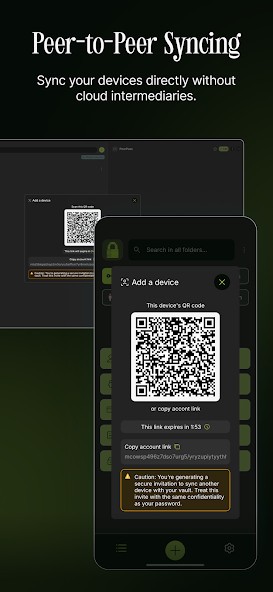
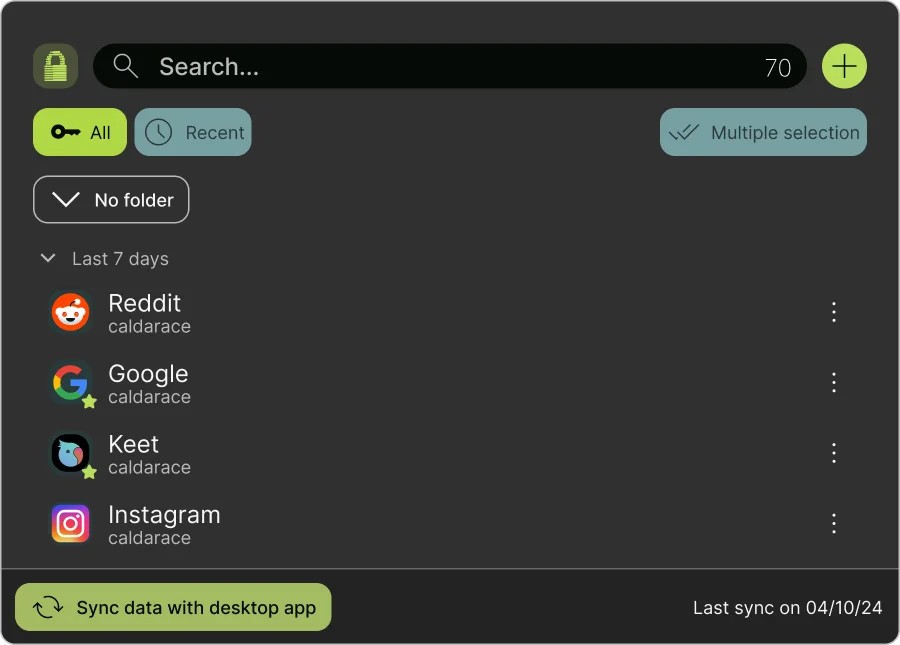
The platform is available for macOS, Windows, and Linux computers, as well as iOS and Android mobile devices. If you’d like to synchronize your account across different devices, you can do so through a private P2P network that doesn’t expose you to third parties that could steal your data. PearPass doesn’t require an internet connection to work.
The tool’s open-source nature means that anyone can audit the code online. It is also entirely free to use.
What Are the Key Features of PearPass?
PearPass is an offline password manager for computers and phones. It is a free and open-source solution that doesn’t use cloud storage or public networks for data synchronization. The tool places more emphasis on data security than most of its competitors.
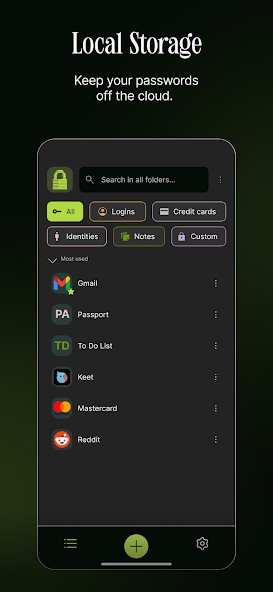
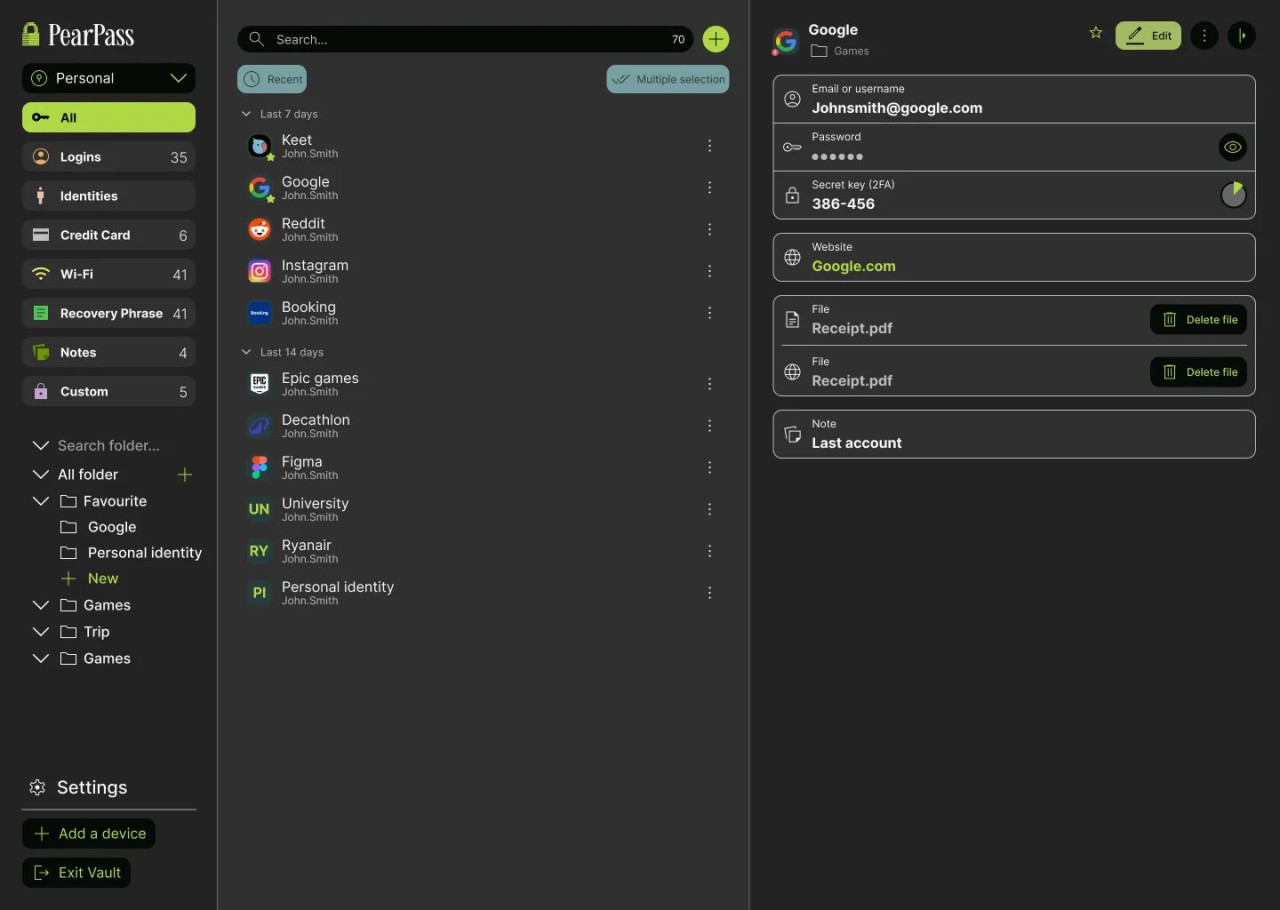
One of PearPass’s main features is that it doesn’t use cloud storage. Instead, all of your passwords, card details, and other credentials are stored directly on your device. That minimizes the risk of data leaks and cyberattacks. If you ever need to synchronize your passwords between devices, you can do so safely through a private peer-to-peer network. Your data is not exposed to middlemen or third parties in the process.
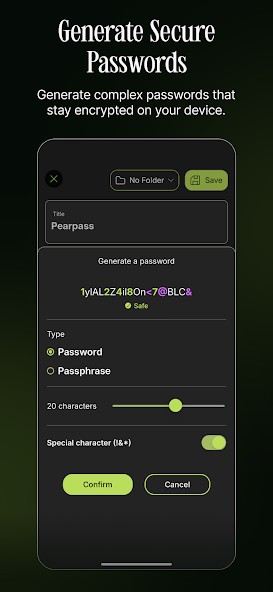
Because PearPass does not rely on cloud storage, it can work entirely offline. You can look into your account at any moment and retrieve the information you’re looking for. Other tools include a password generator that can come up with strong passwords for new accounts, and password analysis that will point out any passwords that need changing or have been reused too many times.
PearPass is an open-source tool that’s available for independent audits online. The app is available for iOS and Android, as well as Windows, Linux, and macOS. You can also access it through a Chromium browser extension.
Is PearPass Free to Use?
Yes, PearPass is a free application. You don’t need to purchase the app or pay for a subscription to use it. The app is open-source, which means its code is publicly available on the internet.
Which Platforms Support PearPass?
PearPass is compatible with Windows, macOS, and Linux computers. You can also download the mobile app on iOS and Android. Finally, there is a browser extension for Chromium-based browsers.
What Are the Best Alternatives to PearPass?
LessPass is another security-forward password manager. While PearPass stores your passwords locally on your device, LessPass doesn’t store them at all. Instead, it calculates the needed password from scratch every time, and it does so successfully. It uses a mathematical formula to figure out the unique combination of letters, numbers, and symbols that you’re looking for. All you need to provide is the domain of the website you’re trying to access, your login information, and the master password you use for LessPass. The platform provides incredible security because your passwords are never recorded to begin with. However, you must remember your master password, as you will lose all other passwords without it. It is also important to write the name of the website you’re trying to access with precision.
KeePassXC doesn’t use cloud storage, much like PearPass. The tool is also free and open-source, so you won’t need to pay or subscribe. It works entirely offline, and your passwords remain on your device no matter what. KeePassXC is compatible with Windows, macOS, and Linux computers, with browser extensions for Firefox, Edge, Chrome, and Vivaldi. The browser extension is especially useful, as it fills in your login and password automatically. The solution is extremely safe, with security certifications from different reputable organizations worldwide. Its toolkit includes a password generator for new passwords and analytics to flag compromised credentials.
Bitwarden functions as a secure vault for your passwords and other sensitive data. To access it, you need to set up a unique master password. All of your data is encrypted locally, so nobody but you has access to it. It comes equipped with a password generator that can create bulletproof passwords on demand. In addition to that, you can encrypt files, set up viewing limitations, and share them with others safely. Bitwarden is compatible with Windows, macOS, and Linux computers; Android and iOS mobile devices; and modern browsers like Chrome, Safari, and Firefox. The free tier has all the basic capabilities you might need, while paid tiers offer additional tools like analytics and reports.