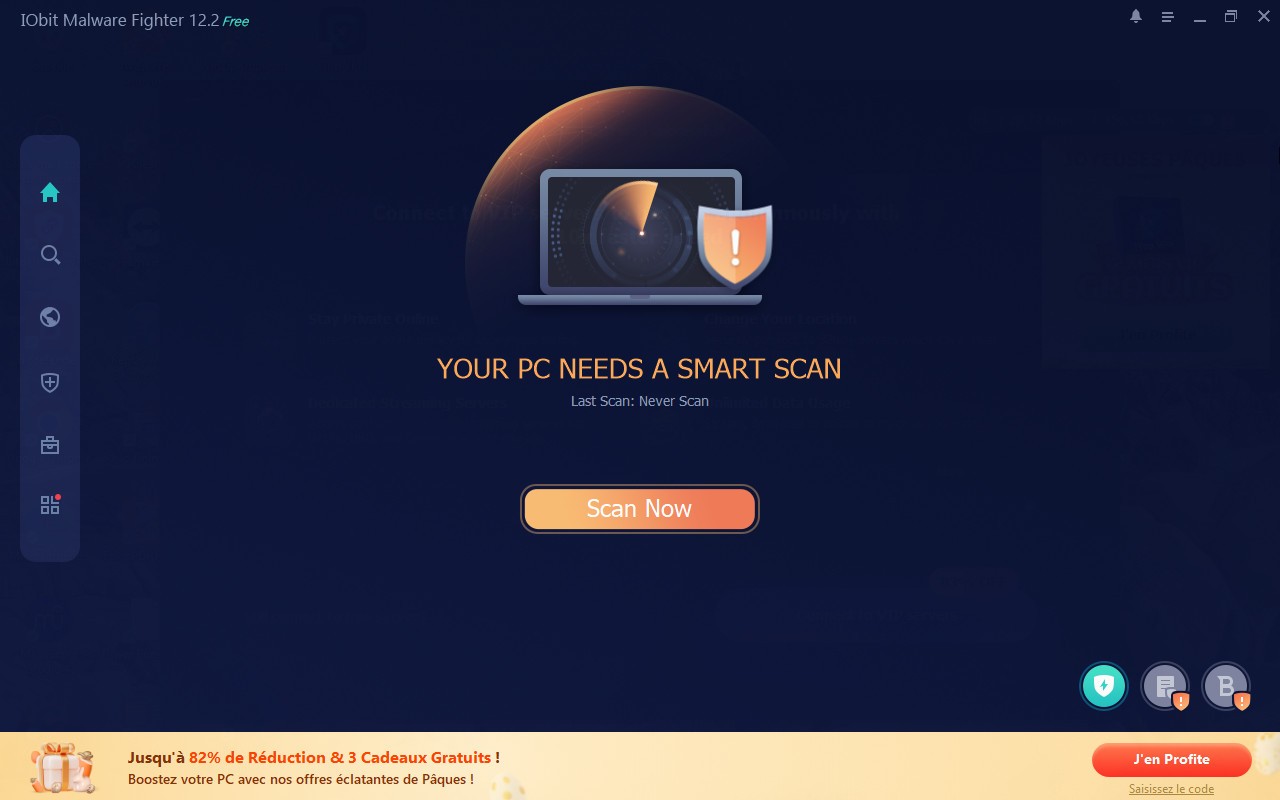
IObit Malware Fighter is a Windows security program designed to detect and block threats before they can infect your computer. More than just a basic security tool, it is aimed at users looking for effective, everyday protection. In practice, it acts like a discreet guardian, monitoring your system in the background to identify and stop threats before they can cause harm. Whether you frequently download files or regularly connect USB drives, IObit Malware Fighter remains active to help minimize the risk of infection. Its interface is another advantage: it is clear and straightforward, making it easy to navigate even without any technical knowledge.
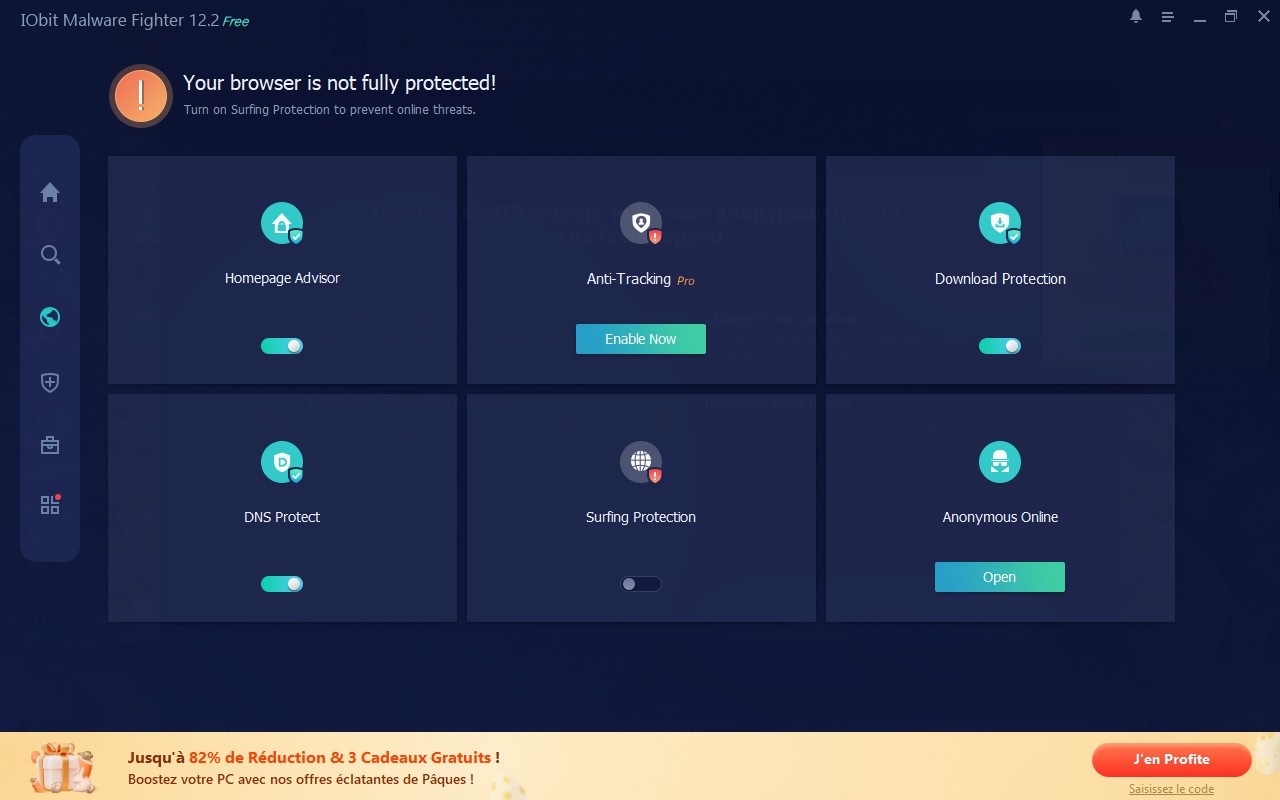
Where IObit Malware Fighter really stands out is in its focus on privacy and personal data protection. It includes features designed to defend against modern threats, including ransomware, which can prevent users from accessing their files until a ransom is paid. The software also enhances browsing security and helps protect sensitive information, including passwords, from theft attempts. By combining real-time monitoring with additional security features, IObit Malware Fighter provides a comprehensive approach to PC protection. It offers a reassuring way to use your computer more safely without making security settings unnecessarily complicated.
What Are the Key Features of IObit Malware Fighter?
At the heart of IObit Malware Fighter is a large malware database that is regularly updated to help the software recognize the latest known threats. The program works as an additional layer of protection for your computer, scanning files and system activity to detect malware, Trojans, spyware, adware, and other threats. When a threat is identified, the software can block, quarantine, or remove it as appropriate.
One of IObit Malware Fighter's key features is its real-time protection. Instead of waiting for a manual scan, the software monitors activity on your PC and attempts to prevent threats from taking hold before they can cause damage. It also includes more targeted security features, such as restricting suspicious access attempts, monitoring connected USB devices, and detecting potentially malicious behavior in RAM.
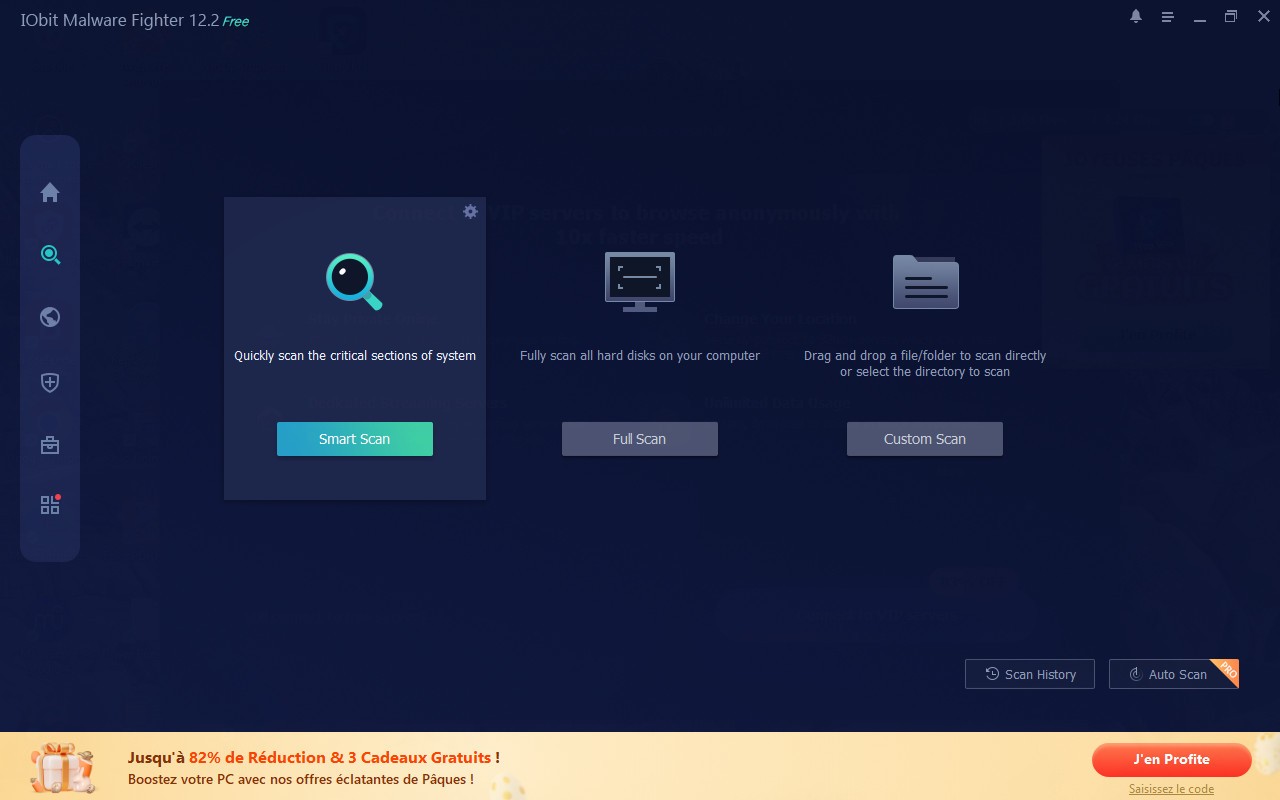
In practice, the software is fairly easy to get the hang of. You can run a full system scan or check specific files and locations, after which IObit Malware Fighter displays any suspicious items it finds and lets you decide what to do with them. This straightforward approach works well for general users who want protection without having to navigate complicated technical menus.
The Pro version goes further by leveraging Bitdefender's technology to provide an additional layer of malware detection. It also includes a feature designed to protect particularly important files from ransomware and other unauthorised changes. Users can place selected files in the protected area and secure access with a password, helping prevent malicious programs from modifying or encrypting them. Combined with continuous monitoring and real-time protection, these features provide a more comprehensive approach to keeping your computer secure with minimal user intervention.
Is IObit Malware Fighter Free to Use?
IObit Malware Fighter is available in both free and paid versions. The free version lets you download and use the software's basic detection and cleanup features, making it a useful option for getting familiar with the program and performing manual scans.
The paid version adds more advanced security features, including real-time monitoring, multiple layers of protection, and enhanced defenses against certain types of threats. It is therefore better suited to users who want more continuous and automated protection as part of their everyday security setup. In practice, the free version is a good choice for basic scanning and testing the software, while the paid version is aimed at those looking for more extensive, hands-off protection.
Which Platforms Support IObit Malware Fighter?
IObit Malware Fighter is designed specifically for Windows computers. The software is compatible with Windows computers only. It is designed to complement other antivirus and anti-malware solutions and help protect desktop and laptop computers from various threats. Its focus on Windows makes it particularly suitable for home users who want to add an extra layer of security without changing their existing operating environment.
IObit Malware Fighter is available to download through our direct download link. The software offers an English-language interface, while other languages may be available depending on the version and settings.
What Are the Best Alternatives to IObit Malware Fighter?
Among the software programs comparable to IObit Malware Fighter, Malwarebytes remains one of the best-known names. It offers a free version for scanning and removing threats, while its Premium version adds real-time protection and more continuous defense against viruses, ransomware, spyware, adware, and Trojans. The software is available for Windows and Mac on desktop computers, as well as Android and iOS devices. With its straightforward interface and flexible plans, Malwarebytes is a user-friendly alternative for those looking for both basic and more comprehensive protection.
Glarysoft Malware Hunter is another alternative worth considering, particularly for Windows users. The software is designed to detect and remove various types of malware and includes features such as active protection and automatic updates. Like IObit Malware Fighter, it follows a free-and-paid model: the free version focuses on manual scanning, while the Pro version adds continuous protection. Its simple interface and relatively straightforward feature set make Malware Hunter a suitable choice for users who want basic malware protection without a complicated setup.
Adlice Protect, better known as RogueKiller, offers another approach to Windows malware protection. Developed by French company Adlice Software, it is designed to detect and remove a broad range of potentially unwanted and malicious software, including threats that may be difficult for traditional security tools to identify. RogueKiller supports Windows and offers a free version for personal use, while its paid plans add features such as automatic protection. It is particularly suited to users who want a more specialized anti-malware tool with additional scanning and threat-detection capabilities.