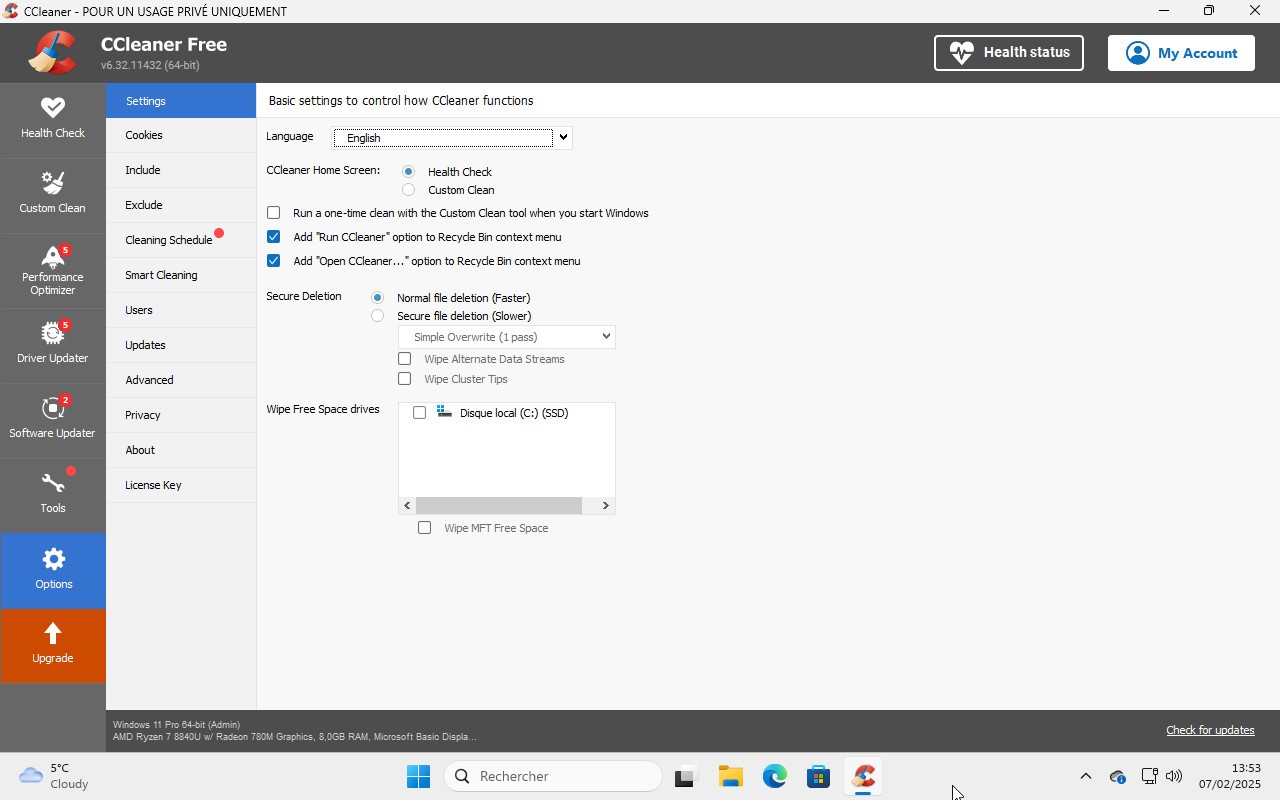
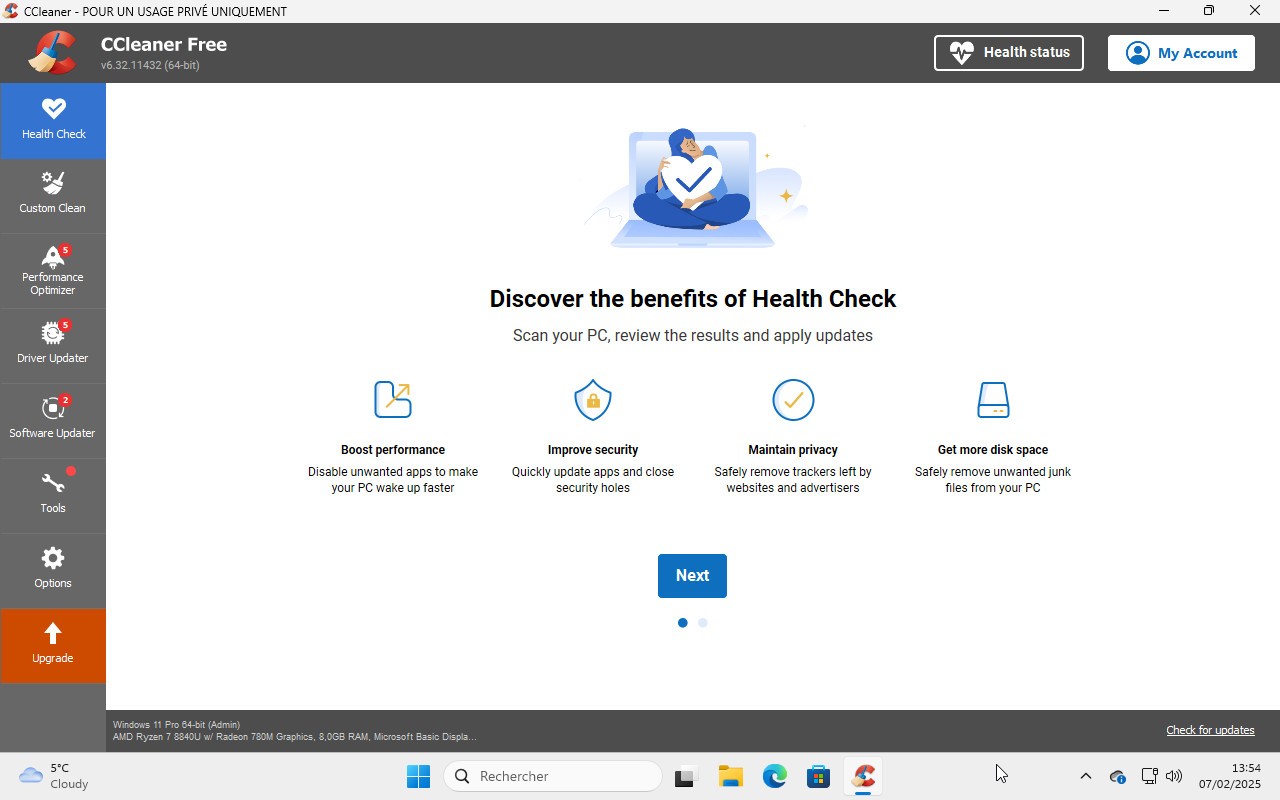
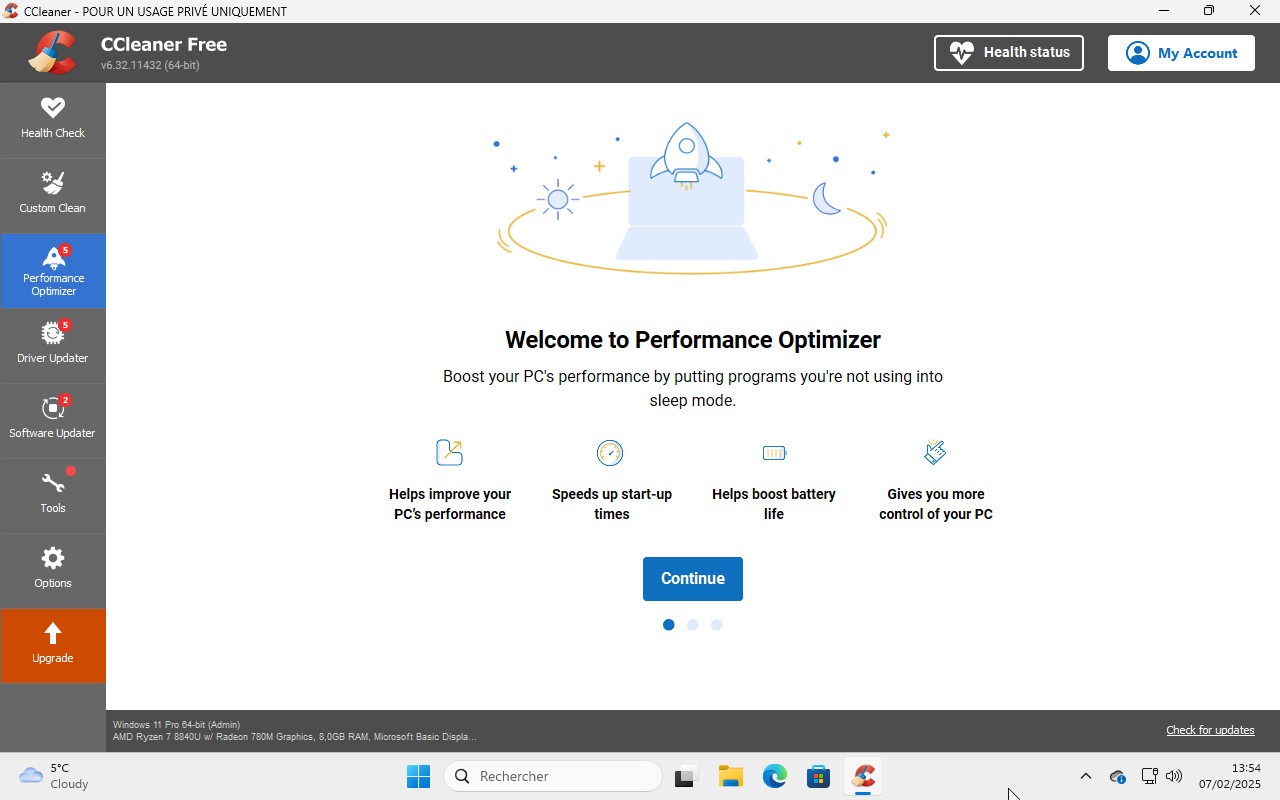
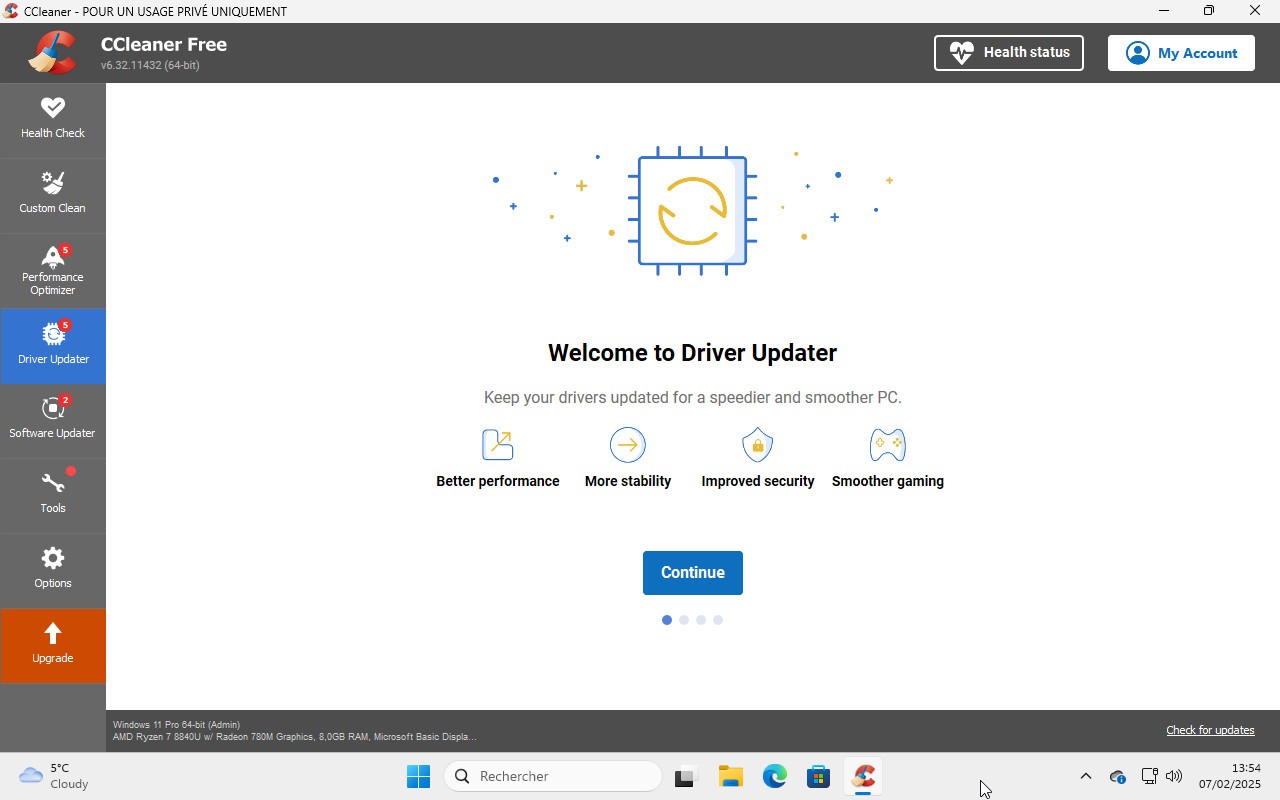
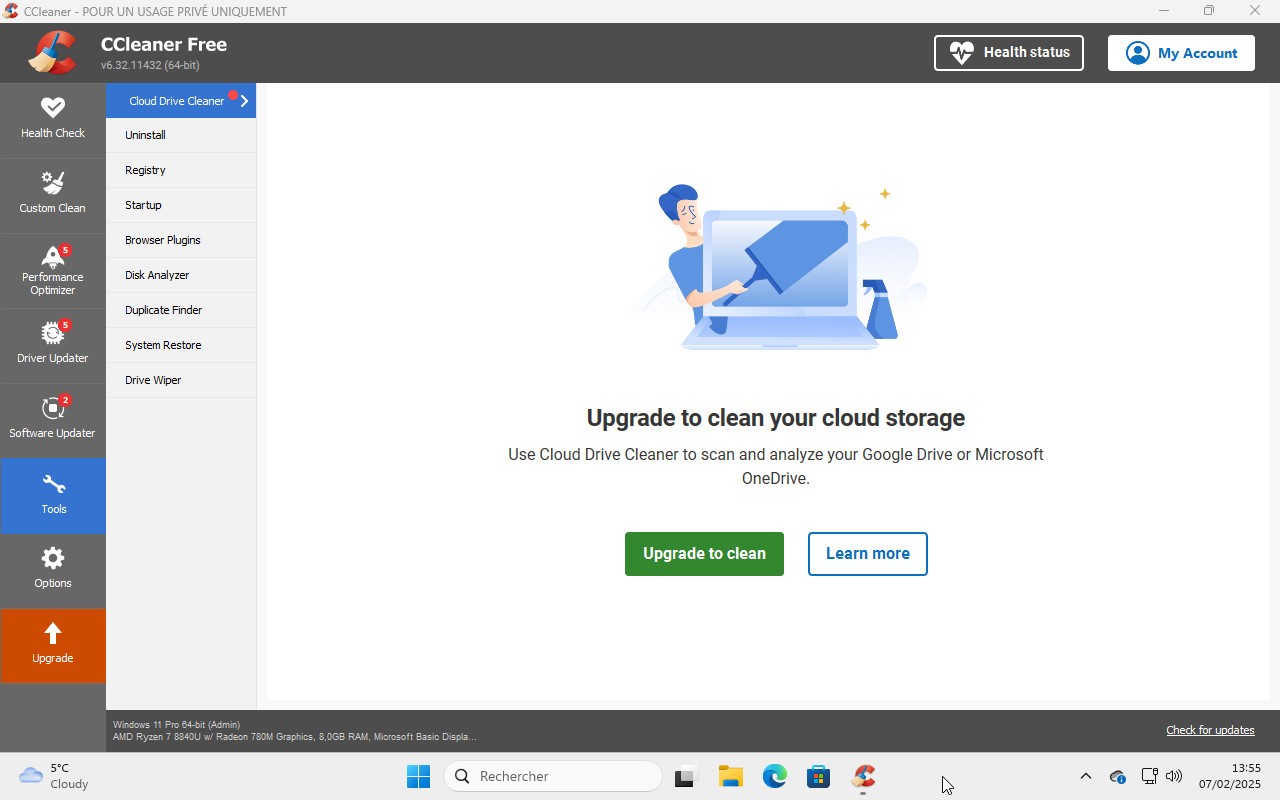
CCleaner has been around long enough that most people have probably come across it at some point, especially on Windows. It started as a file cleaning tool, but over time, it has developed a broader set of uses. Alongside clearing temporary files, cookies, caches, log files, and other leftovers, it also extends into areas like startup control, software and driver updates, and broader system tuning. That makes it more than a basic cleaner, though it also means it feels less narrow and focused than it once did.
Part of the reason it is still well known is that it is easy to understand. The core job is clear. You scan for files and clutter your system does not need, remove them, and try to recover space or tidy up the machine a little. That is still the appeal. At the same time, CCleaner now sits in a category where some users want a fuller optimization tool, and others want something simpler, lighter, and less commercial in tone.
What Are the Key Features of CCleaner?
CCleaner’s main feature is still system cleanup. It can remove temporary files, browser traces, cookies, system caches, log files, recycle bin contents, memory dumps, and other leftover data that builds up over time. It also includes a registry cleaner for Windows, tools to uninstall programs, manage startup items, delete restore points, and handle some update-related tasks. It also positions itself as part of broader PC optimization, startup improvement, and privacy cleanup.
That mix gives CCleaner a fairly broad role. It’s not only for clearing disk space. It’s also meant to feel like a maintenance tool for everyday users who want one place to handle small cleanup and performance tasks. Whether that feels useful or a bit overextended will depend on what you want from this kind of software. Some people just want junk file removal. Others want a tool that reaches into more parts of the system.
Is CCleaner Free to Use?
CCleaner does have a free version, and that is still the easiest way most people try it. The official site offers free downloads for PC, while paid versions add more automation, monitoring, and extra maintenance features. CCleaner is also available in paid versions for Mac.
Which Platforms Support CCleaner?
CCleaner began as a Windows tool, and Windows is still the platform it’s most closely tied to. Over time, it also expanded to macOS, Android, and iOS.
That gives it wider coverage than some older system cleaners, though the product still makes the most sense in a Windows context. A lot of the features people associate with CCleaner, especially the registry and startup side, are really part of that Windows history.
What Are the Best Alternatives to CCleaner?
BleachBit is the most stripped-back alternative in this group. It is free, open source, and focused on cleaning disk space and protecting privacy. The official site supports Windows and Linux directly, and it also offers command-line Mac support for more advanced users. Compared with CCleaner, BleachBit feels narrower and more utility-driven. It is built more like a cleaner and less like a full tune-up product.
IObit Advanced SystemCare moves in the opposite direction. It is positioned as a broader Windows optimizer with PC cleanup, speed-up tools, protection features, and AI-based scans. Compared with CCleaner, it leans harder into the idea of an all-in-one system optimization rather than just cleanup. That makes it closer if you want a fuller maintenance suite instead of a simpler utility.
Wise Disk Cleaner is a more focused alternative built around disk cleanup and defragmentation on Windows. Its site emphasizes junk file removal, browser traces, cookies, and outdated files, which keeps it closer to the core cleanup side of what many people still use CCleaner for. Compared with CCleaner, it feels more specific in scope and less spread across unrelated system tools.