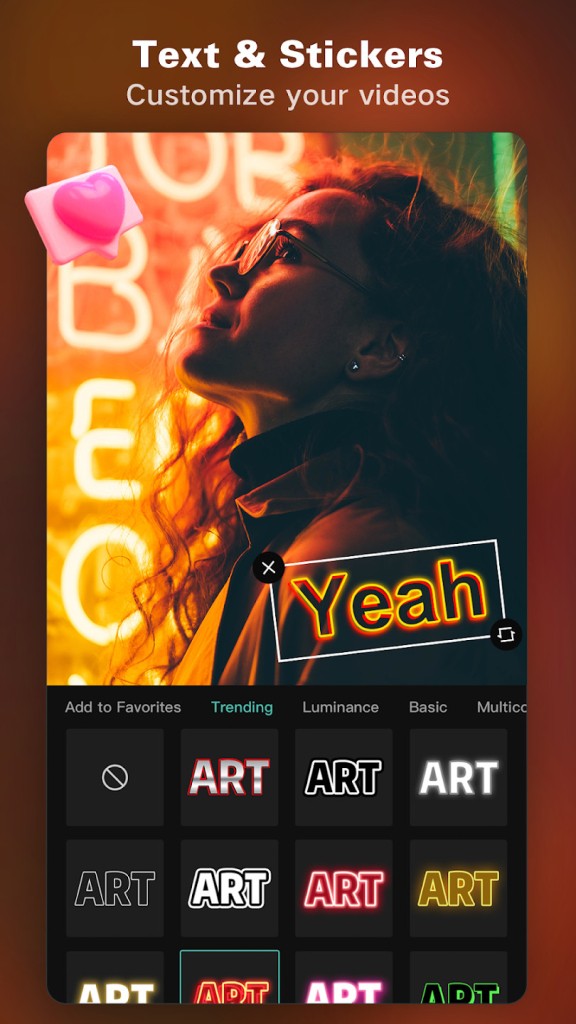
CapCut is a video-editing application designed to provide consumers with an easy way to edit videos without complicated software. It caters to individuals who produce short clips, lengthy vlogs, or social media videos. Rather than relying on trimming or merging, CapCut combines all the basic editing features, motion effects, speed controls, keyframing, AI features, and filters into a single interface. Such a mix helped it gain popularity among TikTok creators, YouTubers, Instagram editors, and everyday users who need a good-looking video in a minute.
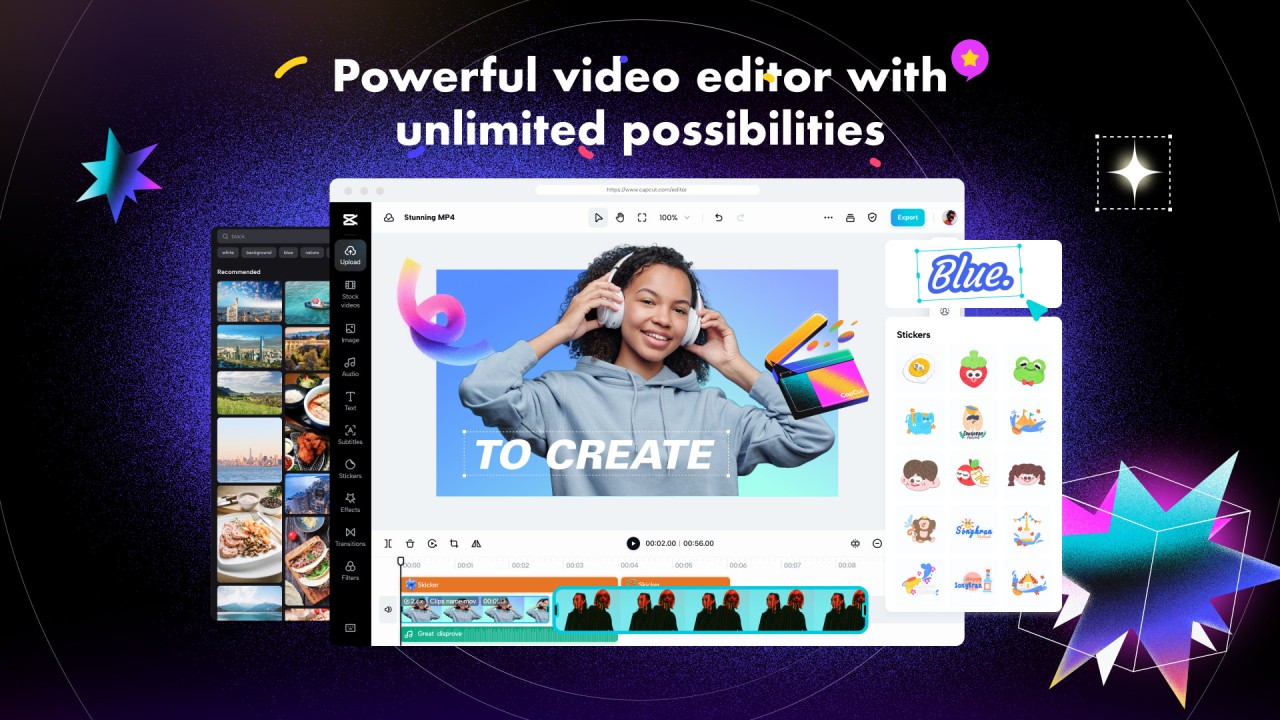
The app allows you to place clips on a timeline and edit them. There is no need to be familiar with any professional editing software, as the layout is simple and can take you through transitions, captions, effects, filters, and music. CapCut also offers more sophisticated features, such as motion tracking, chroma key, and stabilization, making it possible to develop higher-quality projects.
Its popularity is due to its mobile simplicity and desktop functionality. Clips, music, your own fonts and templates, and even background removal can all be done with the help of AI. CapCut is advertised as a professional, user-friendly editor.
What Are the Key Features of CapCut?
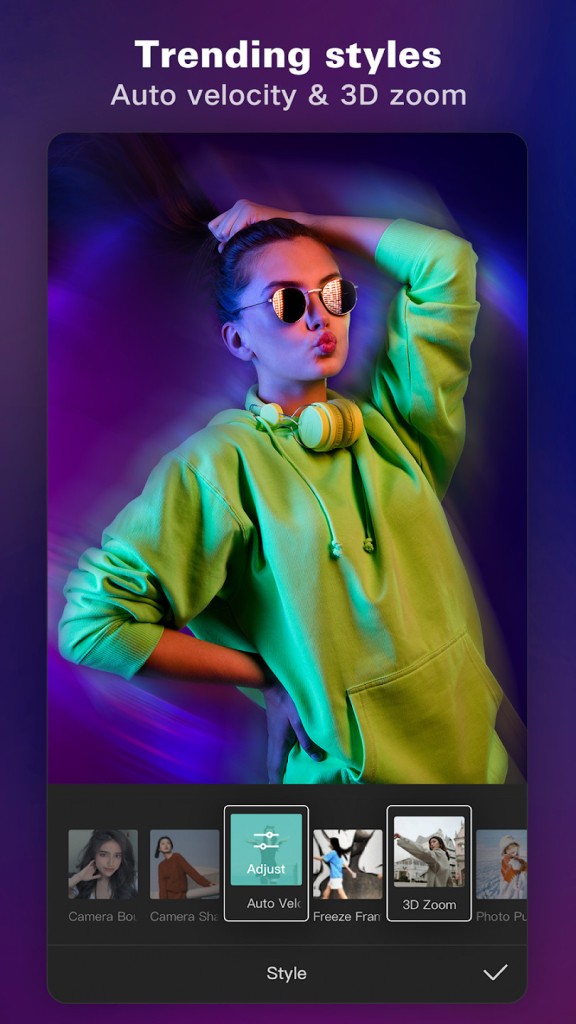
CapCut includes the basic tools most editors are familiar with: cutting, trimming, merging, splitting, and reversing clips. The video speed can be set to the slowest or fastest, and the speed-curve tool will not leave it choppy in slow motion. There are zoom-in and zoom-out animation presets that let you add animation without having to animate manually. You can insert between clips or freeze frames to emphasize a point.
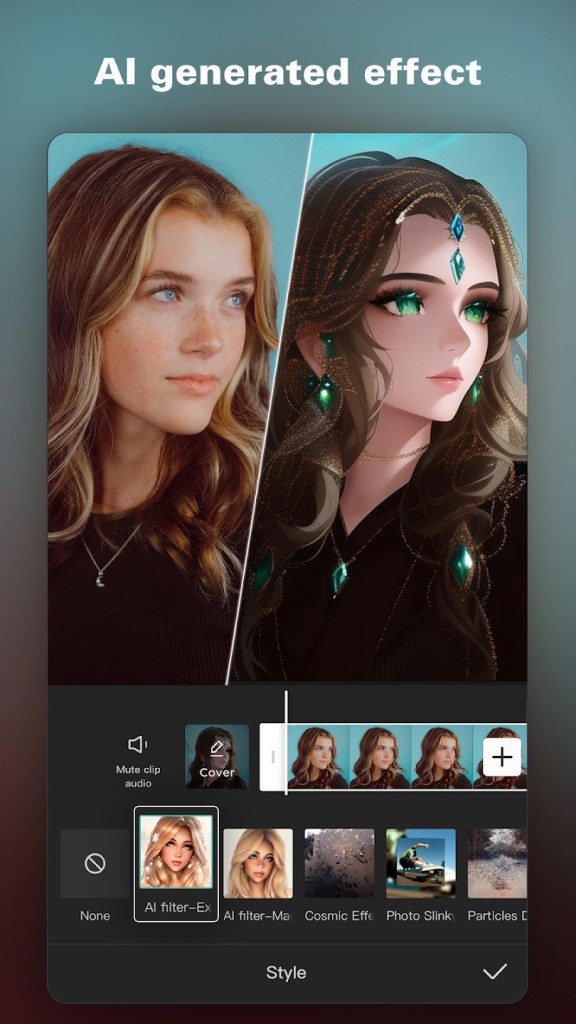
The more sophisticated features include keyframe animation, which enables control over object movement across the screen. Chroma-key background removal, video stabilization of shaky video, and multi-track editing are also features of CapCut to allow you to have complete flexibility in how you arrange your video and audio tracks. Powerful AI features, including auto-captions that can create subtitles or speech, a voice-to-speech system with numerous voices, and a background remover, which isolates a subject without a green screen, are included.
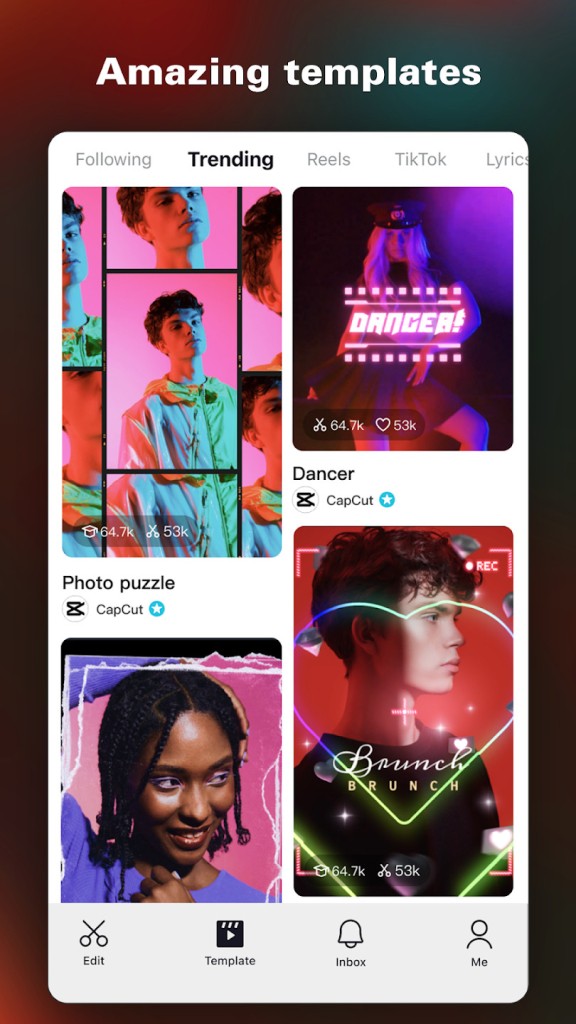
CapCut has a vast selection of effects and filters, including glitch and blur, 3D effects, distortions, and stylistic filters, as well as color-correction presets that refresh themselves with trends. Brightness, contrast, temperature, and other colors can be changed manually. Ready-made text templates are provided with various fonts, and one can import their own fonts to brand or to be creative.
In the case of audio, CapCut provides a music library and a sound-effect library. You can strip audio from video clips or record within the app, and you can export at 4,000 frames per second, HDR, and several social media aspect ratios. The application is designed so that it can be easily shared without requiring another application, as the user can export and upload videos.
What is Capcut Pad?
If you're familiar with the CapCut app on Android smartphones and tablets, you'll be interested in CapCut Pad. Released in late May 2026, this new app delivers all the same features as the standard CapCut app but with an interface specifically optimized for larger tablet screens.
With CapCut Pad, editing videos on a tablet becomes more comfortable and efficient. The interface takes full advantage of the extra screen space, with menus distributed around the workspace for quicker access to tools and features.
Visually, CapCut Pad is closer to the desktop version than to the smartphone app. The video preview sits at the center of the screen, while the timeline is positioned below. Filters and effects are displayed on the left side, making them easy to browse and apply. Once selected, their settings can be adjusted using the editing panel located on the right side of the preview window.
For iPad users, a separate app is not required. The iOS version of CapCut already includes a tablet-optimized interface, offering the same spacious layout and full feature set directly on the iPad.
Is CapCut Free to Use?
The basic workflow of CapCut is free: trimming, adding effects, adding music, captions, filters, and templates, and exporting. Subscriptions or purchases of optional, more advanced features and premium assets are available, but the core tools are free. Since CapCut is a company of the parent company ByteDance, the free version promotes widespread use on social media platforms.
Which Platforms Support CapCut?
CapCut is available on Android smartphones, and since late May 2026, CapCut Pad has been offered as a dedicated version for Android tablets. On Apple devices, users can download the same app for both iPhone and iPad, with the interface automatically adapting to the larger screen. The iOS version is also compatible with modern Macs powered by Apple Silicon chips.
On bigger screens, it has a web version and Windows and Mac desktop applications. CapCut is not available in specific Linux or Chromebook versions, but the web-based version may operate on most browsers and thus is available on various devices. Multi-platform support allows users to work on a project on their phone and complete it on a desktop when greater accuracy is required.
All versions have similar functionality; desktop and web versions have more space in terms of timeline and a larger layout due to the large screen. Export formats are customized to TikTok, Instagram, YouTube, WhatsApp, and Facebook and allow high-quality output and various aspect ratios, including 9:16, 1:1, 16:9, and custom sizes.
What Are the Best Alternatives to CapCut?
YouCut is an app with the same developers as InShot, a lightweight mobile editor. It is all about convenient, rapid editing that includes trimming, cutting, combining, and speed adjustments. YouCut has transitions, filters, color effects, and audio editing, and there are no watermarks added to exports. It also focuses on compression, where users can compress files without loss of quality. Although it does not have some sophisticated tools, it works well in day-to-day editing. Many users download YouCut for quick edits when they need a simple, watermark-free tool.
InShot finds many applications in social media videos and photos. It also provides trimming, splitting, merging, speed control, music sync, and a vast collection of text styles, stickers, and filters. InShot is also capable of resizing, blurring the background, collaging, and modifying canvases to fit other formats. It is easy to operate and is selected by individuals who desire fast edits with no timelines or multi-tracking channels. InShot specializes in clean exports, aesthetic filters, and easy access to trending images. It can be relied on in short videos, clips, and social content despite having fewer AI or advanced features. People often download InShot because it keeps editing simple and perfect for fast social media content.
KineMaster is a mobile editor designed for professional use. It has multi-layer editing, chroma key, keyframe animation, transitions, blending modes, and audio mixing. KineMaster also provides better control over layers and effects than YouCut or InShot, and is therefore appropriate for users who require tight control on their phone. The interface is more complicated, though the learning curve is not that hard. It facilitates high-resolution export and templates, sound effects, music, and other effect packages. A free version is sufficient, but some tools are only available through a premium subscription, which is primarily used by creators who want to go beyond the basic features of desktop software. Many creators download KineMaster when they want advanced tools on mobile without switching to a computer.