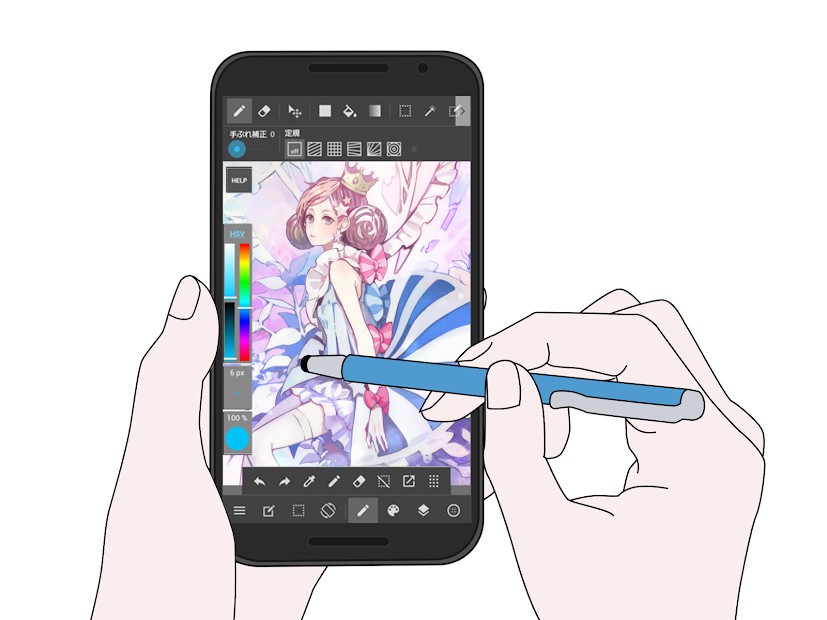
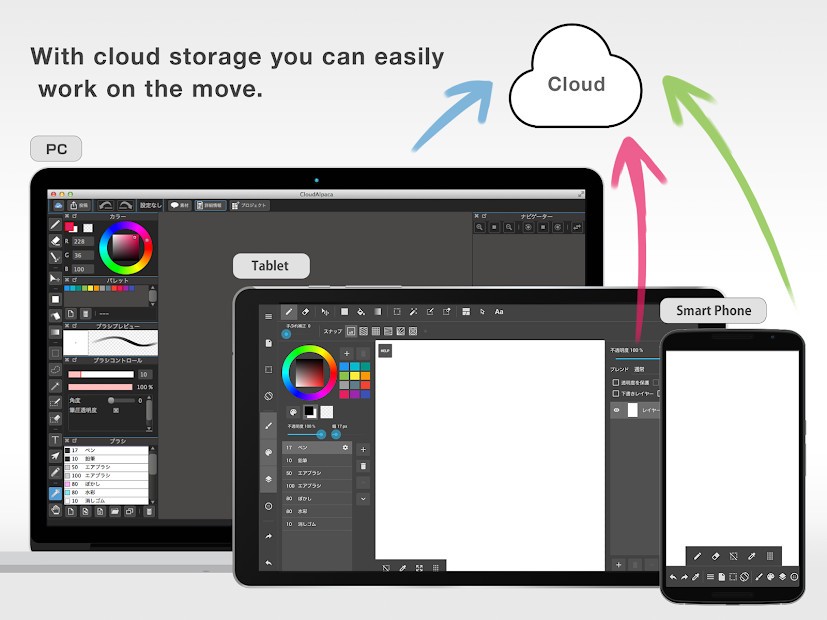
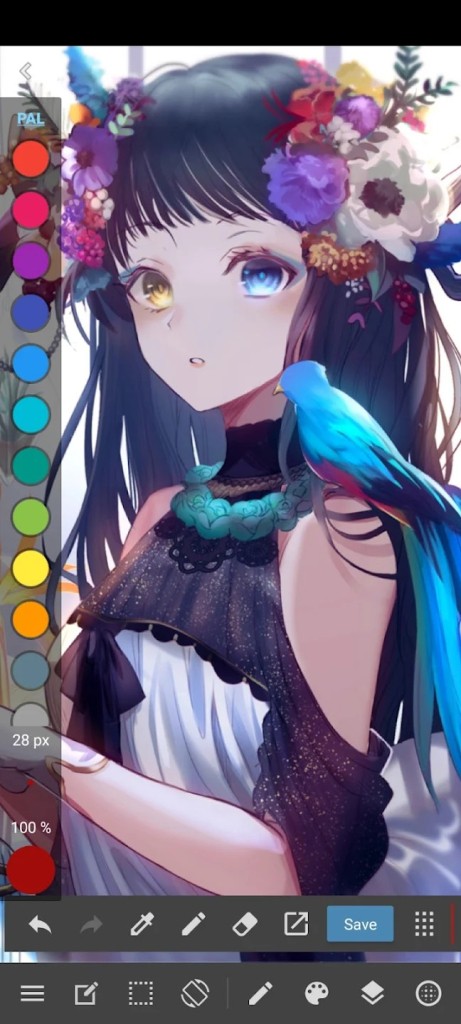
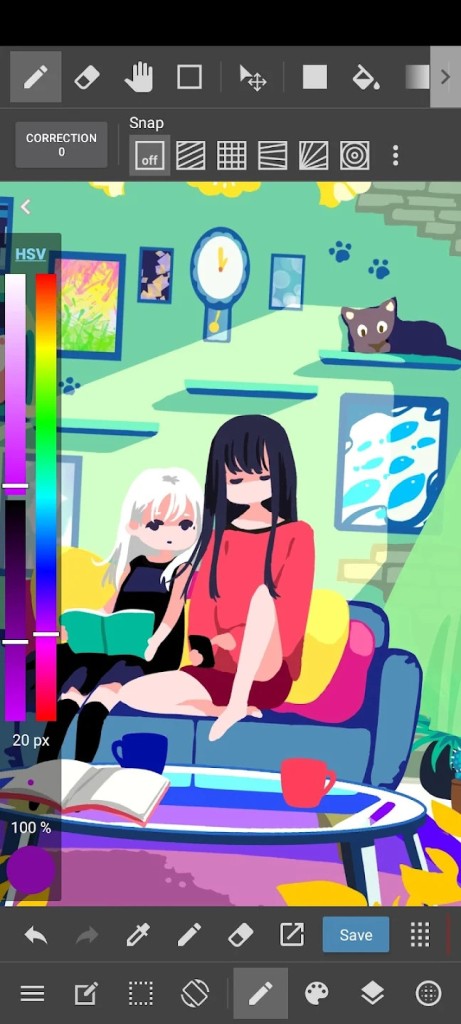
MediBang Paint is an illustration platform that allows you to create digital art. You can download the app on your Windows or macOS computer, as well as Android or iOS mobile devices. Sync your account through the cloud and switch between devices without losing progress.
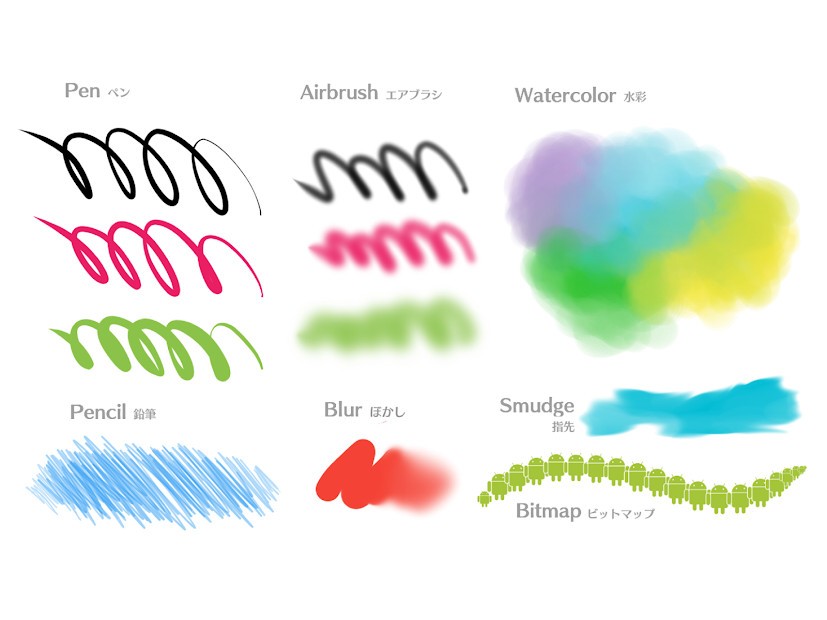
The program is often used for comic and manga creation. Appropriate tools like templates, backgrounds, and word balloons will make the process more intuitive, even if you’re a beginner. More than 50 different brushes, including pens, pencils, and airbrushes, can help you achieve the result you’re looking for. If you’re not sure what you want just yet, you can experiment and find your personal style.
MediBang Paint is compatible with a wide range of file formats, including PNG and JPEG. The software enables users to collaborate on team projects.
What Are the Key Features of MediBang Paint?
MediBang Paint is an illustration app that is most commonly used for manga and comic creation. However, its features do not confine you to choosing one art style; you can experiment and develop your own with the help of its wide array of tools.
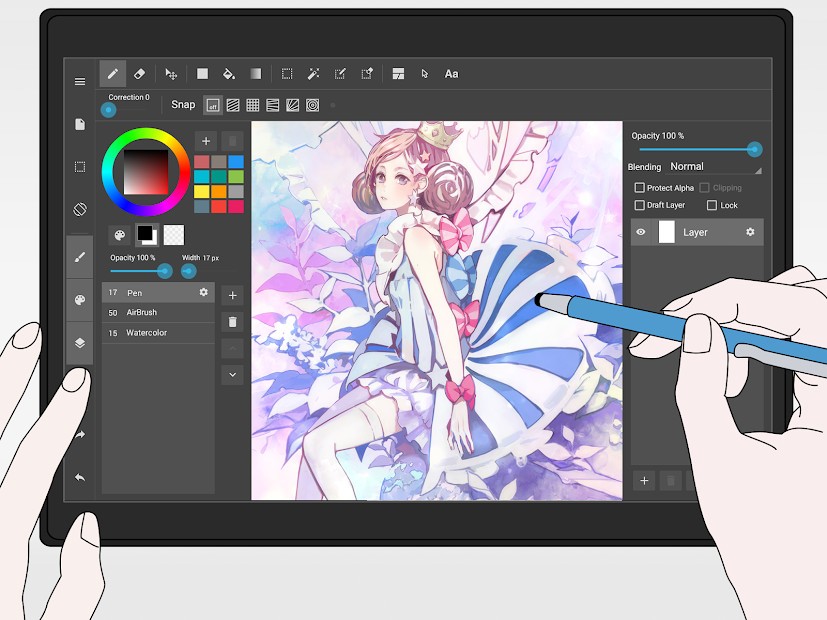
MediBang Paint’s toolset boasts many different brushes, from pens and pencils to watercolors and others. You can change brush settings like opacity and width to meet your needs. Other tools allow you to select and manipulate parts of your illustration individually, or create gradients between colors. Comic and manga creators will appreciate relevant tools like comic panels, fonts, and speech bubbles. The app’s functionality is particularly suitable for comic and manga illustrators. If you’re just starting out and don't yet know what tools you will need, let MediBang Paint be your guide.
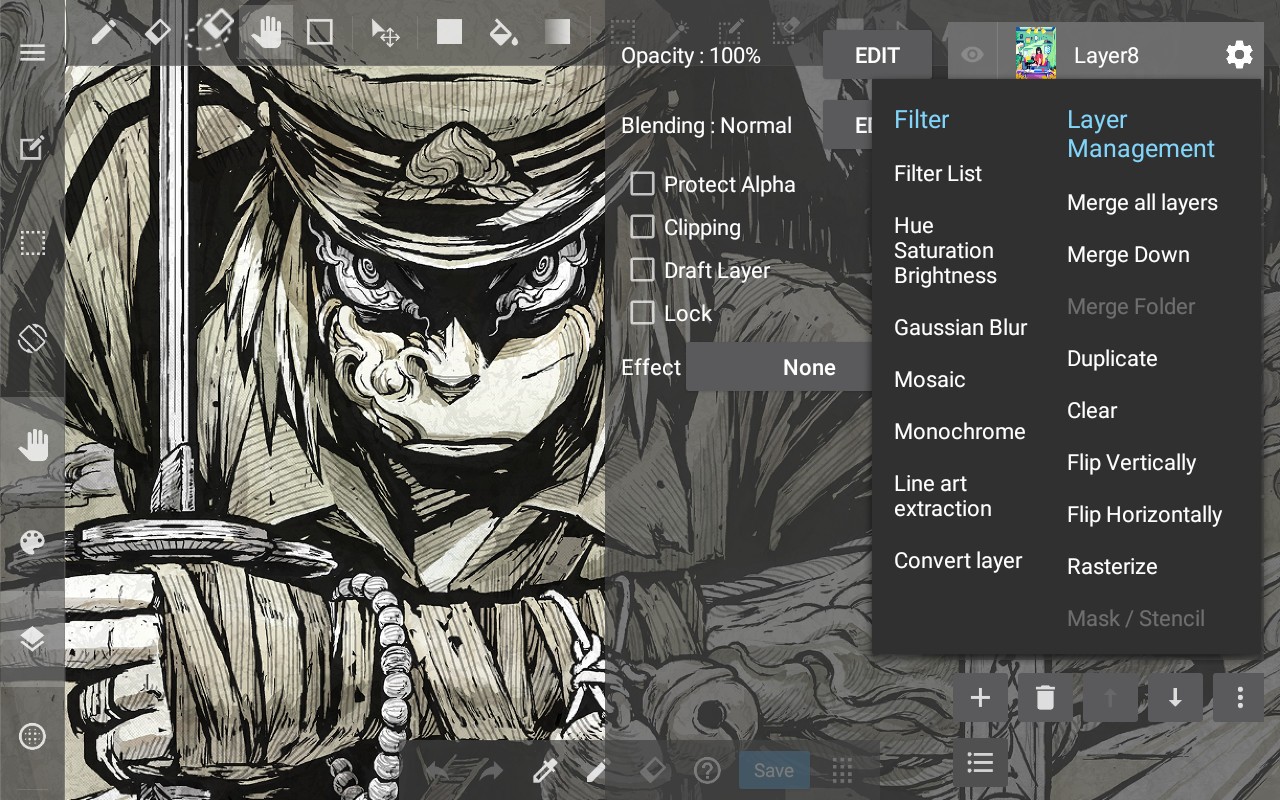
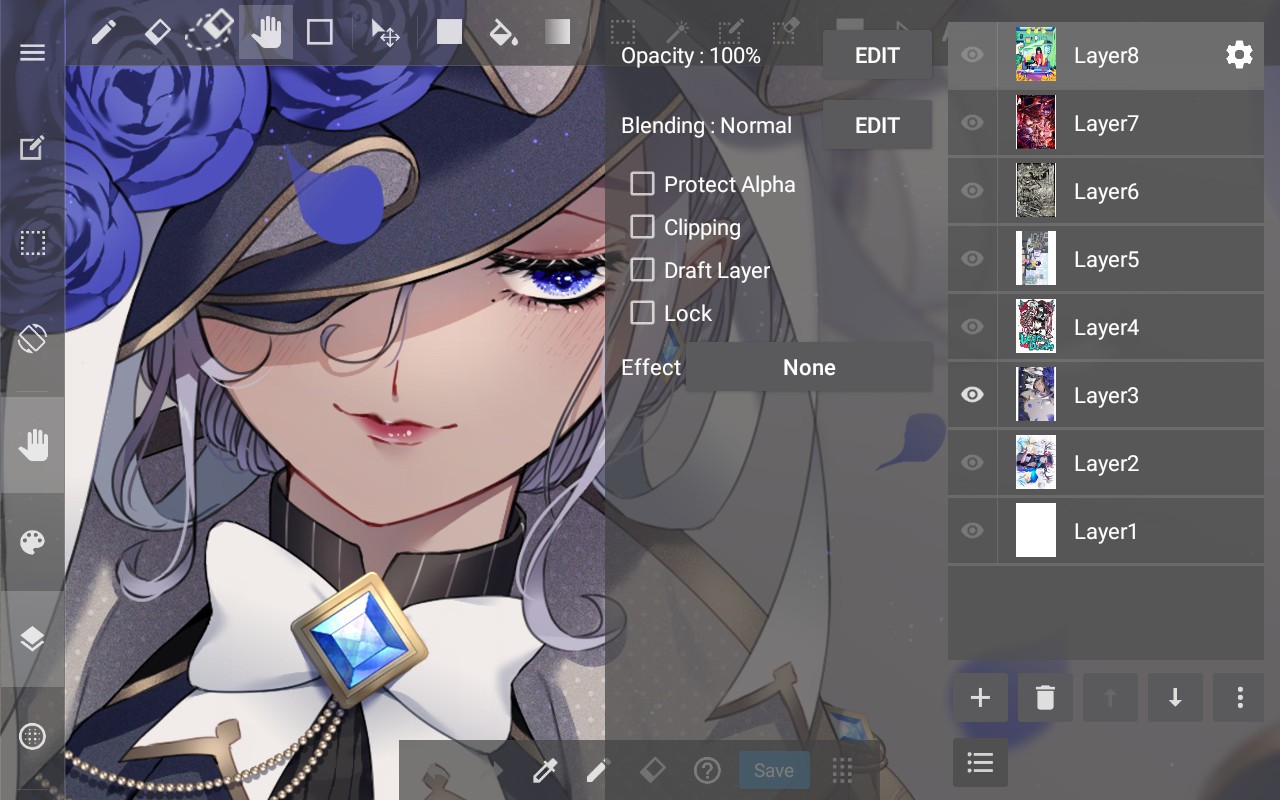
The platform introduces layer-based editing for ease of making changes to individual project elements. You can add as many layers as you need before you’re ready to throw it all together. Making edits to individual elements is quick and intuitive, and you can do so without compromising the whole project. Other features allow you to draw straight and angled lines, or circular shapes for text balloons.
You can sync your account across devices to have access to your projects at all times. Pause when you need to and carry on from a different device. MediBang Paint is available across a wide range of devices and operating systems. If you’re using the desktop version of the app, you can even enjoy creating basic animation.
Is MediBang Paint Free to Use?
Yes, MediBang Paint can be used for free. It is certainly free to download. If you only want access to the core features of the app, then the free version will suffice. Keep in mind that it will come with some limitations (like less storage) and ads, which can be disruptive.
You can spring for the premium subscription and get access to advanced features and more storage space. Though useful, it is not necessary, especially if you’re just starting out.
Which Platforms Support MediBang Paint?
You can use MediBang Paint on a variety of devices with different operating systems. You can run it on your Windows or macOS computer, with Windows 10 or above and macOS 11 or above.
The app is also compatible with iOS and Android mobile devices that run iOS 11 or above and Android 8 or above. That goes for both smartphones and tablets.
What Are the Best Alternatives to MediBang Paint?
While MediBang Paint is an excellent tool for creating illustrations and digital art, there are other tools with different features that may fit your needs better.
Tayasui Sketches is a digital sketchbook for mobile and desktop devices. Its toolset boasts over 20 different tools, including felt pens, brushes, acrylics, watercolors, and more. The app is sensitive to the pressure and angle of the brush, making for a realistic painting or drawing experience. The app offers layer-based editing, allowing users to make changes to individual elements of the work without sabotaging the whole thing. You will enjoy Tayasui Sketches if you like a minimalistic interface without unnecessary bells and whistles.
ibisPaint X attracts art enthusiasts with its wide array of tools and features. The mobile and computer app has over 100,000 brushes, more than 3,000 fonts, 86 different filters for pictures, and so much more. The sheer number of options makes for endless experimentation. In addition to that, you can work on frame-by-frame animations in the app, record your screen when you’re working on a project, and share your work through the built-in community gallery.
Clip Studio Paint is a popular program for making comics and webtoons, as well as other forms of digital art. The platform aims to mimic the real-life drawing and sketching experience, which it does through customizable brushes and pencils. People working on comics or webtoons can take advantage of speech bubbles, template panel borders, and screentones.