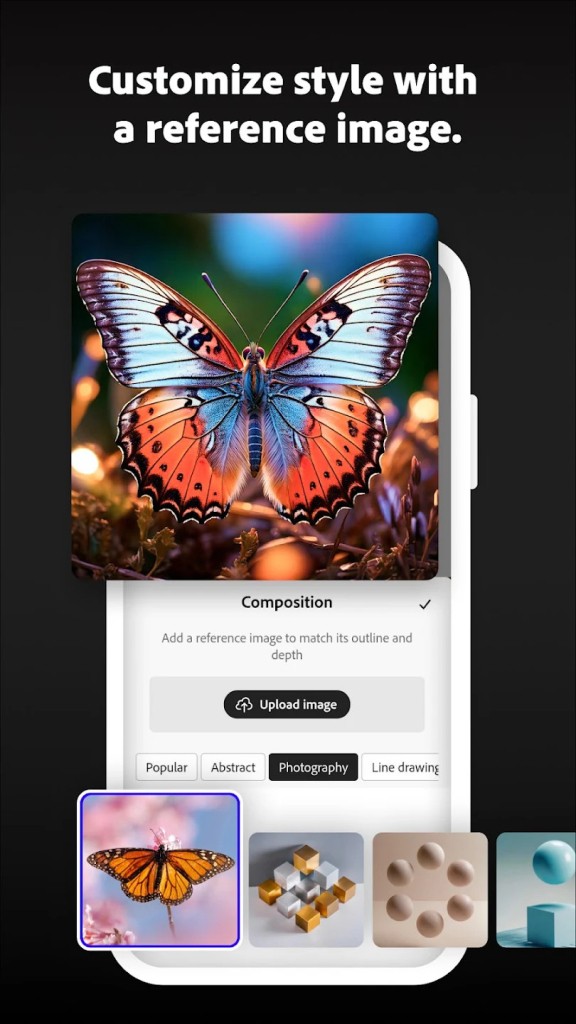
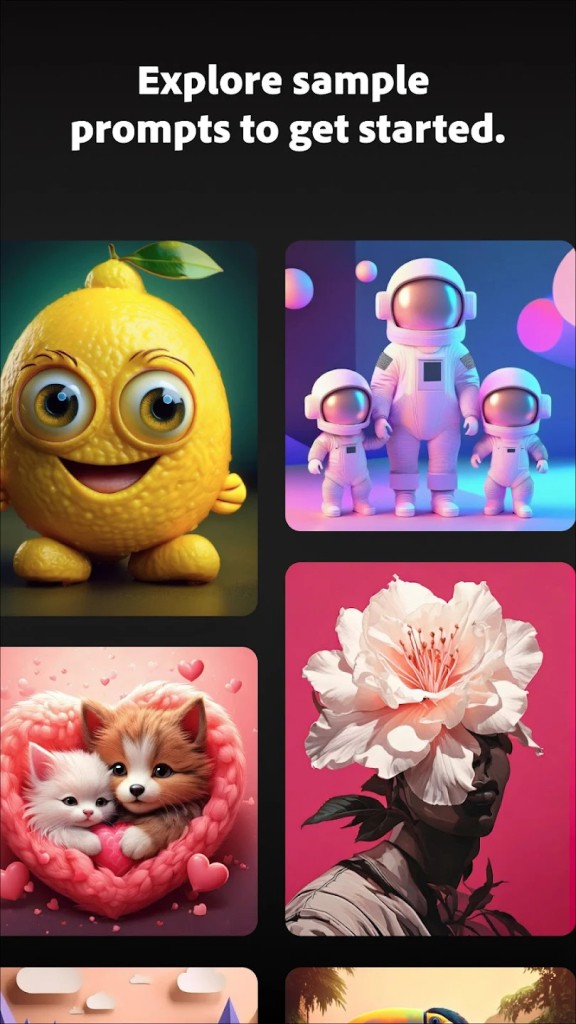
In a world full of AI chatbots and art generators, Adobe, the leading creative software developer, couldn’t be left out. Adobe Firefly is their answer to the AI generators you can find almost everywhere.
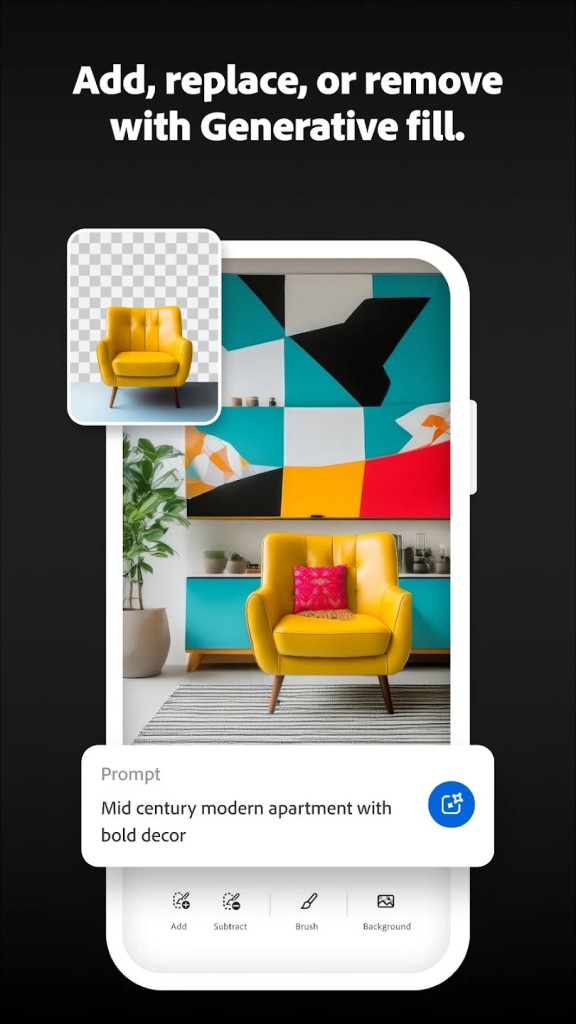
But Firefly isn’t just a new chatbot that you question on the web. Even if the feature exists and anyone can access the Adobe Firefly website or download the mobile apps (Android, iOS), its distinctive feature is being integrated into all of Adobe's artistic solutions. You can find it in most Creative Cloud software, like Photoshop, InDesign, Premiere Pro, etc. And not only does it allow you to generate art, but it can also modify images, videos, etc.
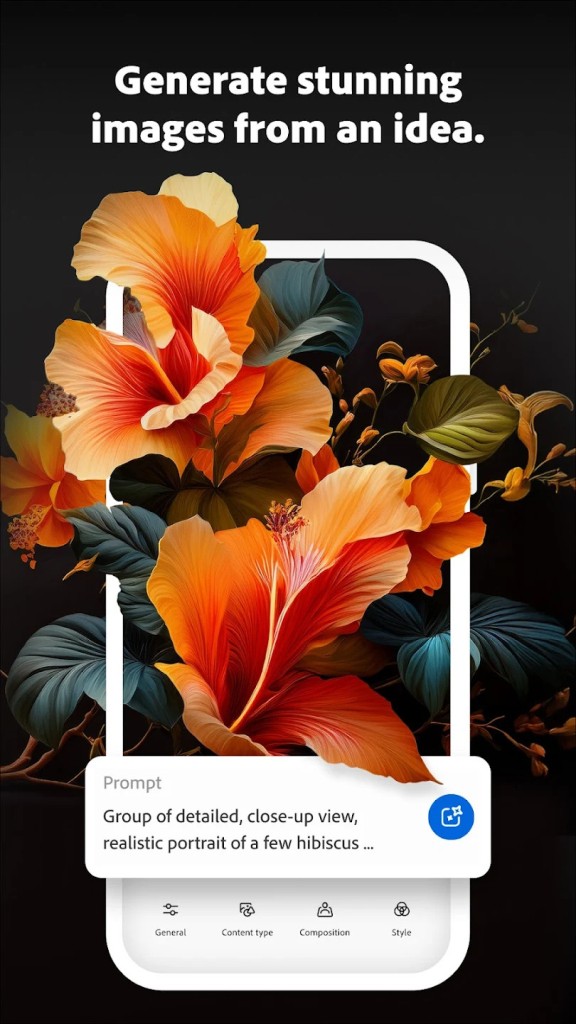
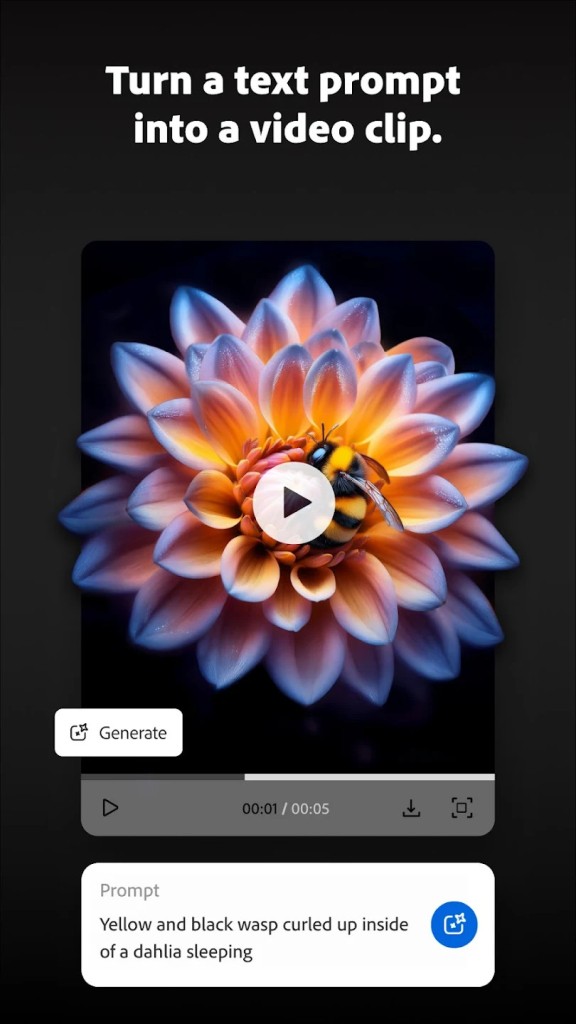
Using Adobe Firefly is quite simple, just like using any other AI chatbot: you just have to explain to it what you need. You open the app, type or sketch out what you want, and let it turn that into images, short videos, sound, or vector graphics.
What Are the Key Features of Adobe Firefly?
Adobe Firefly is a generative AI app for creatives, with image, video, and audio tools in one studio, plus access to its own Firefly models and a list of partner models from companies like Google (with Gemini), Runway, and OpenAI. It is less of a one-trick image generator and more of a creative AI hub that sits next to the rest of Adobe's apps.
That also explains why Firefly feels different from a lot of standalone AI tools. The whole point is that it does not live on its own. It is built to slot into Photoshop, Premiere Pro, Express, and the wider Creative Cloud setup. If you just want a quick prompt-to-image toy, this is probably more than you need. If you want AI generation with proper editing tools and brand-safe output around it, the appeal is easier to see.
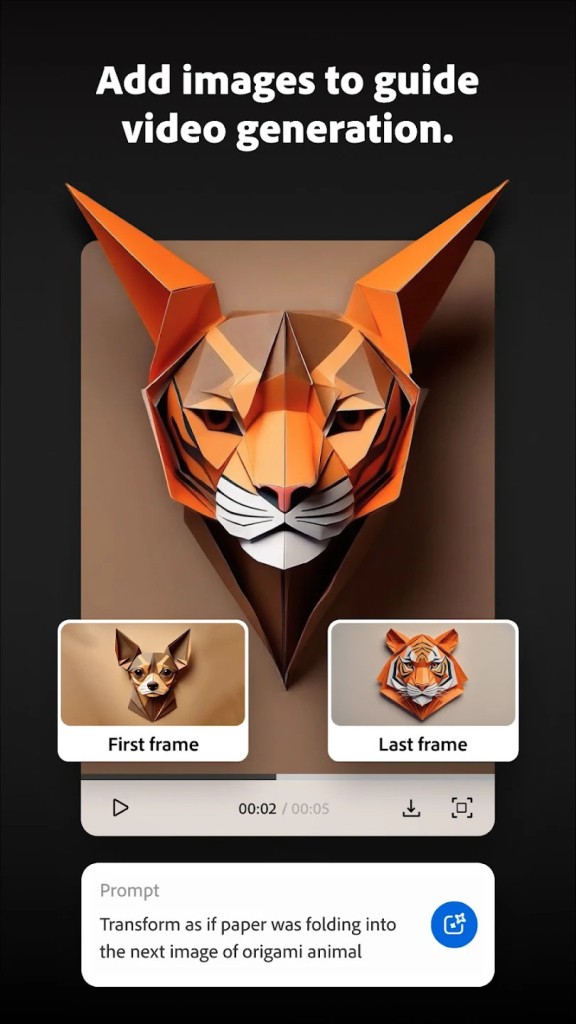
Firefly covers a fairly wide set of tasks for one app. Its main tools include text to image, text to video, image to video, vector generation, sound effects, audio and video translation, and avatar videos with custom voices. Adobe also offers Firefly Boards for brainstorming and a video editor that pulls everything together on a timeline. It is built for people who want to ideate, generate, and refine in one place rather than jumping between separate AI services.
A lot of the draw comes from the model choice. Firefly is set up to run with Adobe's own image and video models, but it also gives you access to more than thirty partner models, with options like Google Veo, Runway, and Kling sitting in the same dropdown. You can generate with one model, refine with another, then drop the output straight into a Premiere Pro or Photoshop project. There are also custom models in beta, which let you train Firefly on your own images so it can match a particular style across future work. That kind of integration is what makes Firefly easy to place. It is closer to a creative studio than a single AI feature.
Is Adobe Firefly Free to Use?
Yes, Adobe Firefly is free to start, but only up to a point. The app runs on a generative credit system, where each Creative Cloud, Adobe Express, Firefly, or Adobe Stock plan comes with a monthly amount of credits, and free users get a smaller allowance to test things out. Once those credits are used up, you either wait for the next reset or move to a paid plan to keep generating.
Which Platforms Support Adobe Firefly?
Firefly is available on the web and as a mobile app for iPhone and Android that follows a similar flow. There is no separate desktop app to install, since the main experience runs in your browser, and the same account ties into Photoshop, Premiere Pro, Express, and other Creative Cloud apps where Firefly features show up natively.
Firefly is mostly a web-first tool, with a mobile app for quick generation on the go and deeper integration when you use it inside Adobe's flagship apps. It is built around being part of a larger Creative Cloud setup rather than a standalone download you keep on one device.
What Are the Best Alternatives to Adobe Firefly?
DALL-E is one of the closest alternatives if your focus is mainly on image generation. It is OpenAI's text-to-image model, available through ChatGPT and other OpenAI tools, and is built around turning prompts into detailed images, with editing features like inpainting and outpainting layered on top. Compared with Firefly, it feels more focused on images and conversation-style prompts, while Firefly spreads itself across image, video, audio, and vector work in the same place.
NightCafe Creator goes in a more community-driven direction. It is an AI art platform with text-to-image, image-to-image, and video tools, plus support for many different open and commercial models and a public feed where users share creations and styles. Compared with Firefly, it leans harder into experimentation, prompt sharing, and model variety, while Firefly stays closer to a proper creative app aimed at production work and Adobe integration.
Leonardo.AI is the closest option for people who want a more designer-focused AI studio outside the Adobe world. It offers image generation with custom-trained models, AI Canvas editing, image-to-image controls, and video tools, with strong support for game art, concept design, and stylized work. Compared with Firefly, it feels more tilted toward stylized creative pipelines and personal model training, while Firefly leans on Adobe's wider ecosystem and the safety story around its training data.