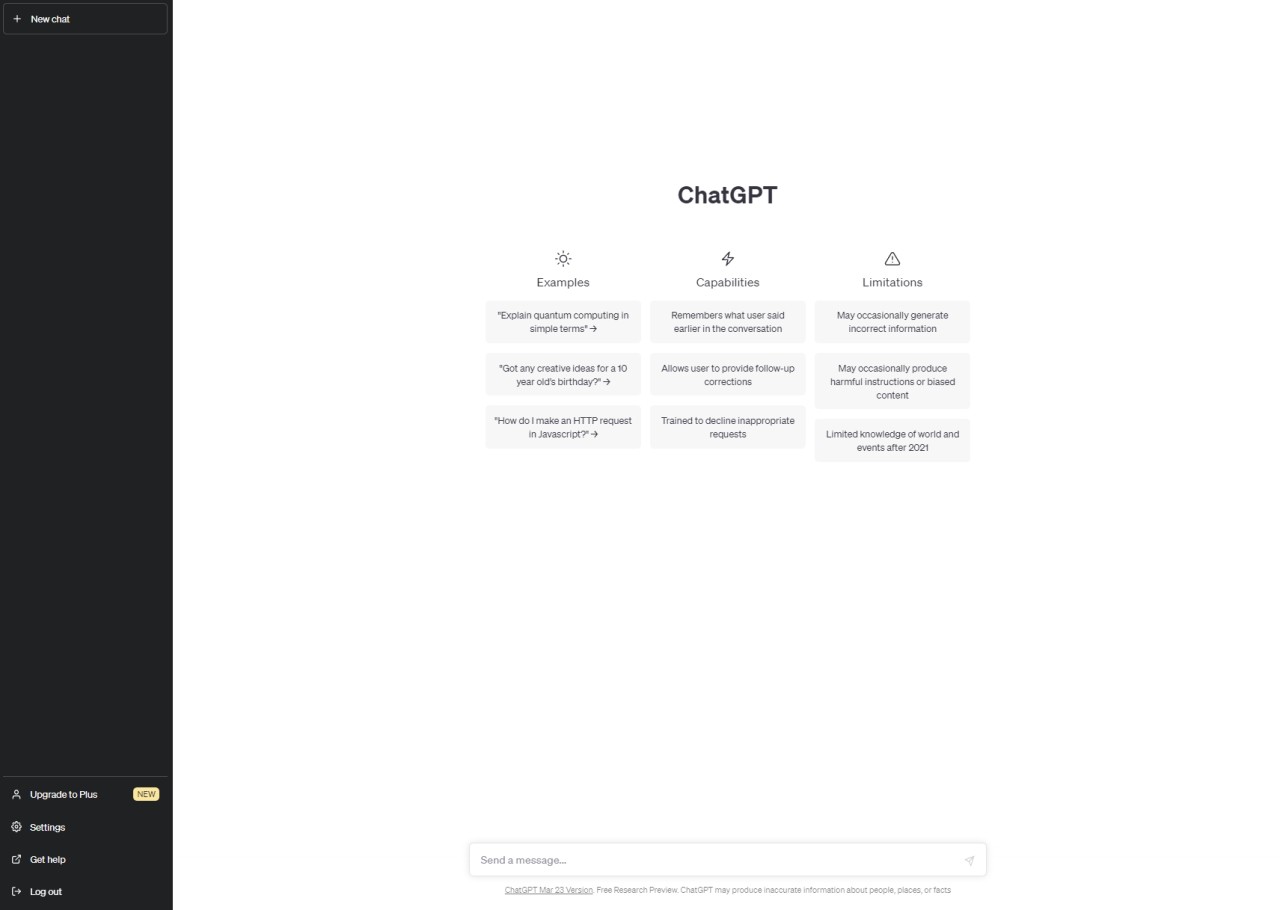
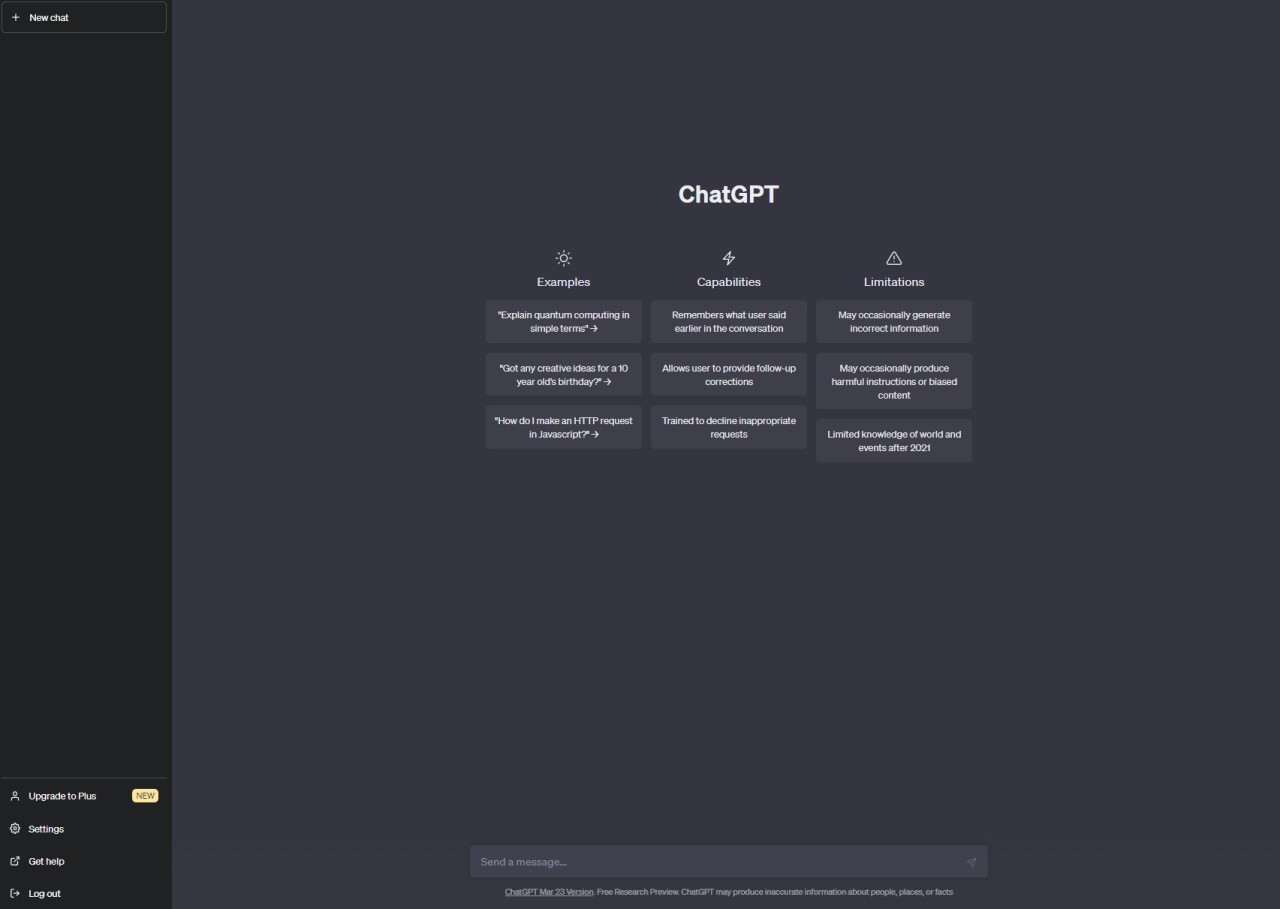
ChatGPT is an AI chatbot developed by OpenAI. It is an artificial intelligence tool that works with text, voice, images, screenshots, and documents. People use it to get quick answers, detailed explanations, writing assistance, brainstorming support, code help, and everyday conversation. It does not lock you into a single function; it shifts to match whatever you need at a given moment. Think of it as a conversational interface that doubles as a research companion and a creative partner.
ChatGPT includes OpenAI's DALL·E image generation system built directly into the experience. A short description is all it takes to produce new images or modify existing ones. Because DALL·E operates inside the chat, you can create illustrations, graphics, mockups, cards, and visual concepts for any project without switching to a separate tool.
OpenAI is also working on Sora, a video-generation AI that currently sits outside of ChatGPT. Sora points toward where the platform could be heading as it moves into full multimedia production territory.
ChatGPT Atlas is a browser that merges AI support with standard web navigation. It draws on ChatGPT to help users search, summarize, and dig into content, turning the browsing experience into something closer to an ongoing conversation.
What Are the Key Features of ChatGPT?
At the core of ChatGPT is its conversational capability. Whether your question is straightforward, technical, creative, or open-ended, it responds with relevant and useful answers. It can unpack difficult concepts, condense lengthy documents, produce written drafts, reword existing content, and guide you through processes one step at a time. Many users rely on it as a research tool that turns dense or complex information into something clear and easy to act on.
DALL·E integration makes ChatGPT useful for visual work as well as writing. Describe what you have in mind, and the system generates or adjusts images accordingly. You can refine styles, add or remove elements, produce product mockups, or work through visual ideas for a project, all without leaving the chat window.
File and screenshot analysis extends what the tool can handle. Upload documents, spreadsheets, images, or screenshots and ask ChatGPT to pull out key information, translate content, write a summary, or reorganize the material into a more useful structure. This makes it a practical tool for professional tasks, academic work, and everyday planning.
Voice mode adds a hands-free option, letting you speak your prompts and hear the responses read back. This works particularly well when you are multitasking or when typing is not convenient. Sora is not part of ChatGPT itself but operates within the same OpenAI family. It generates short video clips from text descriptions and offers a hint of where AI-assisted content creation is headed.
ChatGPT Atlas brings all of this together inside a browser environment, adding context, live summaries, and real-time answers as you move around the web.
Can teenagers use ChatGPT?
OpenAI’s chatbot is available to users ages 13 and up. However, it has often been criticized for failing to address issues specific to younger users. The chatbot’s conversational responses, which are written in everyday language, can influence teenagers because they seem so realistic.
To reduce exposure to sensitive content and steer the chatbot’s responses in a safer direction, OpenAI decided to create a special mode within ChatGPT. Called ChatGPT for Teens, it provides a tailored experience for users aged 13 to 18.
The user’s age is detected when the account is created. But OpenAI doesn’t stop there. In fact, a detection system allows the chatbot to determine whether the user is actually in the correct age range. When in doubt, the settings for younger users are applied.
While the chatbot looks the same as it does with an adult account, its responses will differ. It is configured to avoid certain sensitive topics and direct teens to adults if necessary. Additionally, this version for teens gives them direct access to Study Mode, which helps them with their homework while explaining the steps involved.
Furthermore, the introduction of ChatGPT for Teens adds a feature to ChatGPT that did not exist before: account linking. This allows a child’s account to be linked to a parent’s account. The parent’s account then has access to a range of additional parental controls that supplement the settings already in place for younger users.
Is ChatGPT Free to Use?
Yes, there is a free tier that covers the core features, including text chat, image uploads, and general assistance. Accessing the most capable models, faster response times, higher usage limits, and certain advanced tools requires a paid subscription. That said, you can get genuine value from ChatGPT, including writing help and content generation, without paying anything.
Which Platforms Support ChatGPT?
ChatGPT runs across a broad range of platforms. The desktop app for Windows and macOS lets you launch it instantly with a shortcut like Alt + Space, work with uploaded files, use voice mode, and keep the chat pinned alongside whatever else you have open. There is also a version for Linux, including ChatGPT Codex.
The Android and iOS apps bring text chat, voice mode, photo uploads, and image generation to mobile. Your conversation history stays synced, so the context carries over seamlessly between your phone and computer. A browser version is also available, requiring no installation at all.
Beyond personal use, ChatGPT Atlas weaves the assistant directly into the web browsing experience, while API access lets developers build ChatGPT capabilities into their own products and workflows. The platform reaches into professional and development environments just as naturally as it handles everyday tasks.
What Are the Best Alternatives to ChatGPT?
Microsoft Copilot is embedded throughout Windows, Office, Edge, and Microsoft 365. It supports document writing, email summarization, response drafting, image creation, system troubleshooting, and in-app actions. Being woven into the Microsoft ecosystem makes it especially valuable for users who spend most of their time in Word, Excel, Outlook, or Windows itself. It works as an integrated productivity layer rather than a standalone chat tool. Many users download Copilot updates to keep it running reliably across their Windows and Office setups.
Google Gemini powers AI features across Search, Gmail, Docs, Android, and other Google products. It handles writing, image generation, coding, analysis, and creative tasks. Its deep connection to YouTube, Drive, Maps, and the rest of Google's product range makes it feel native to that environment rather than bolted on. Gemini accepts multimodal input, so you can upload images or documents and ask questions about what they contain. Many users download Gemini to bring AI assistance into the Google apps they already use every day.
Perplexity takes a search-first approach, delivering fast answers with sources attached. It combines conversational AI with live web retrieval, pulling current information and linking directly to the original references so you can check them yourself. It works particularly well for research, fact-checking, and staying current on fast-moving topics. The interface naturally leads you into follow-up questions and related threads. Perplexity Comet, its dedicated browser, brings the assistant into your browsing session directly. Many users download Perplexity when they need quick, reliable, source-backed answers and a more focused research experience.