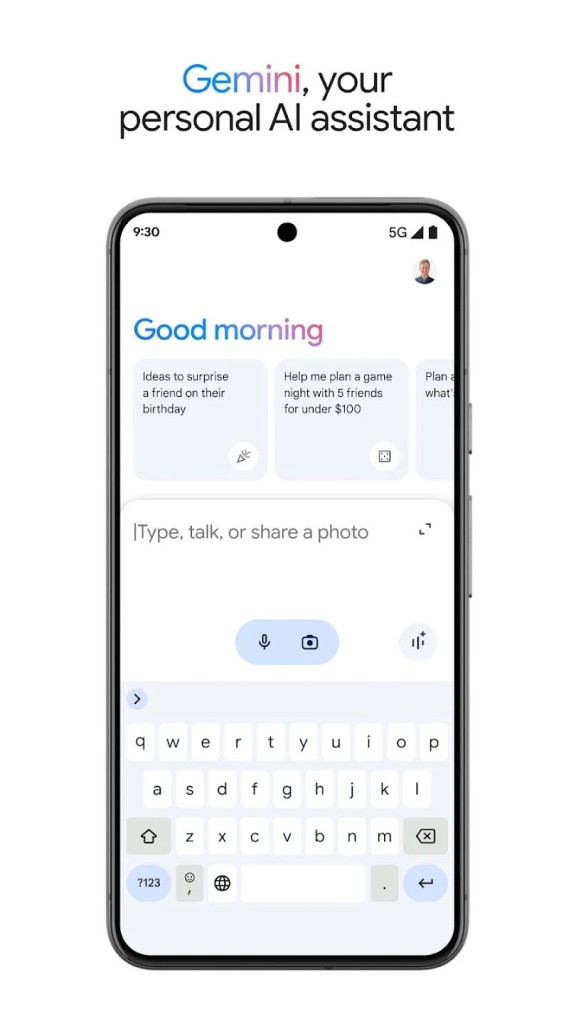
Gemini is a versatile AI assistant, developed by Google, perfect for boosting your productivity and fostering your creativity every day. It supports you in your studies, helps you create stunning AI-generated images, and makes it easier to plan your next trips. Gemini uses an advanced model capable of understanding and processing multimodal data, combining text, images, audio, and video to provide more accurate and comprehensive answers.
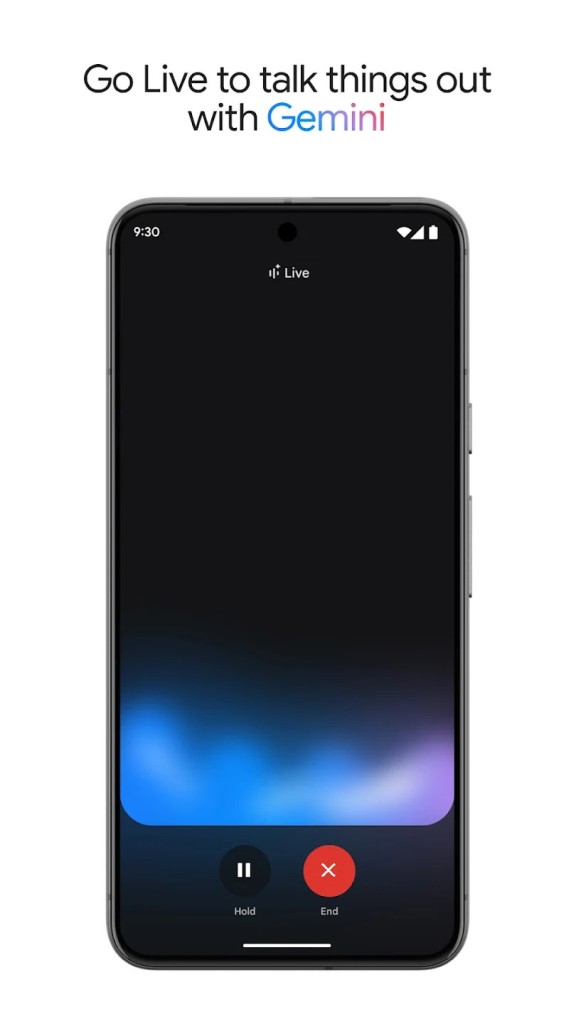
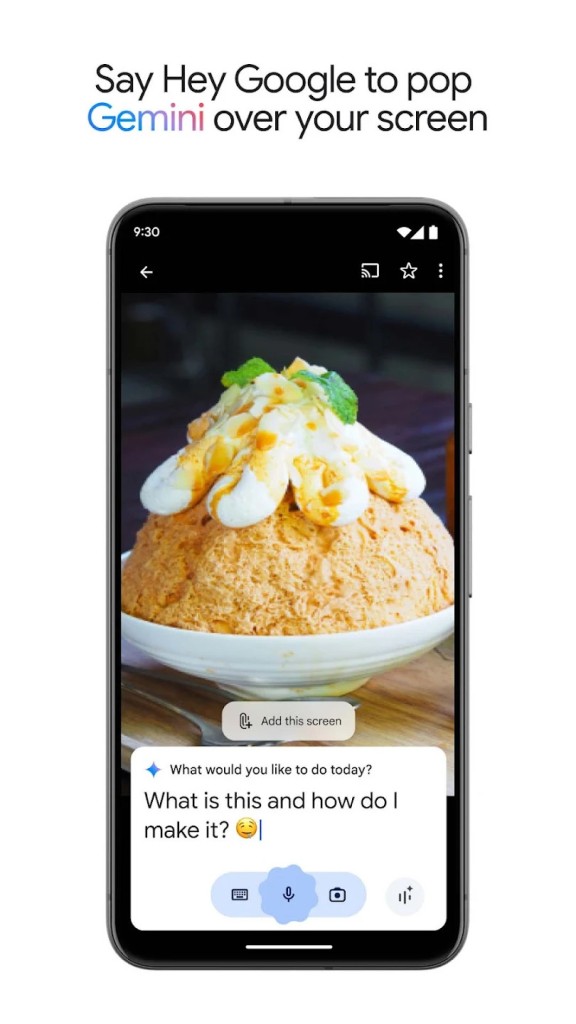
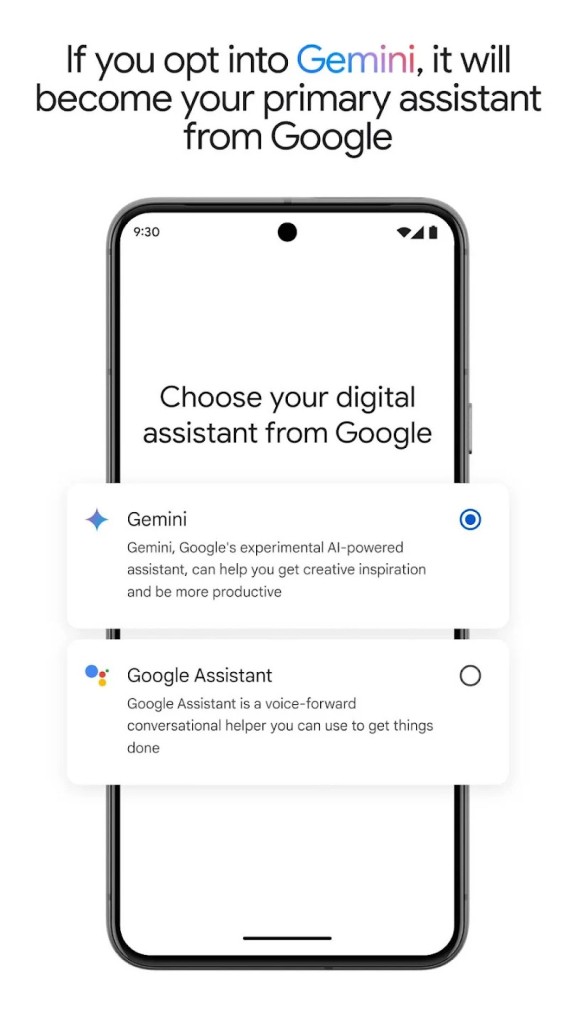
When enabled on a compatible Android phone, Gemini replaces Google Assistant (devices not compatible can continue to use Google Assistant). Gemini includes the same features as Google Assistant: voice commands to set a timer, make calls, or create reminders. Additional features are added with each update. With Gemini Live, you can have a voice conversation with Gemini and show it what’s around you using the camera or screen sharing. You can also use images in your conversations. This allows you, for example, to take a photo of an object or show a situation with the camera to ask for help or explanations.
Gemini is also available as a chatbot (like ChatGPT) online or by downloading the mobile app on Android or iOS devices or the desktop app for Windows and macOS. And, of course, Gemini is included in Google Drive, Gmail and all other Google tools. Gemini's “Memory” feature allows Google's AI to become a true personal assistant that remembers important information from past conversations to improve its future responses.
What Are the Key Features of Gemini?
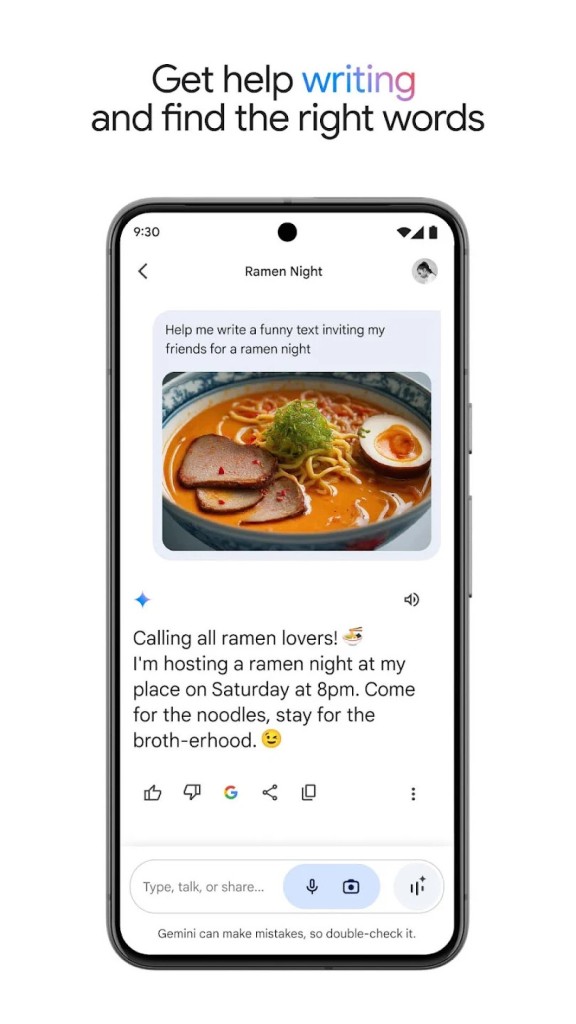
With Gemini on your iPhone or compatible Android device, you get valuable help with many tasks. For example, with the Gemini Live button, you can instantly start a conversation with the assistant to brainstorm ideas, simplify complex concepts, or prepare for important moments. So, if you’re studying, the app can help you explore topics and learn more effectively. It offers interactive visuals, real-world examples, and information tailored to your level of expertise.
Gemini can also analyze long documents and provide summaries, while converting your text to audio for a more immersive learning or reading experience. It can also offer in-depth analyses, with links to the sources used, to help you better understand the material. You can also use a combination of text, voice, and even photos to get more detailed results.
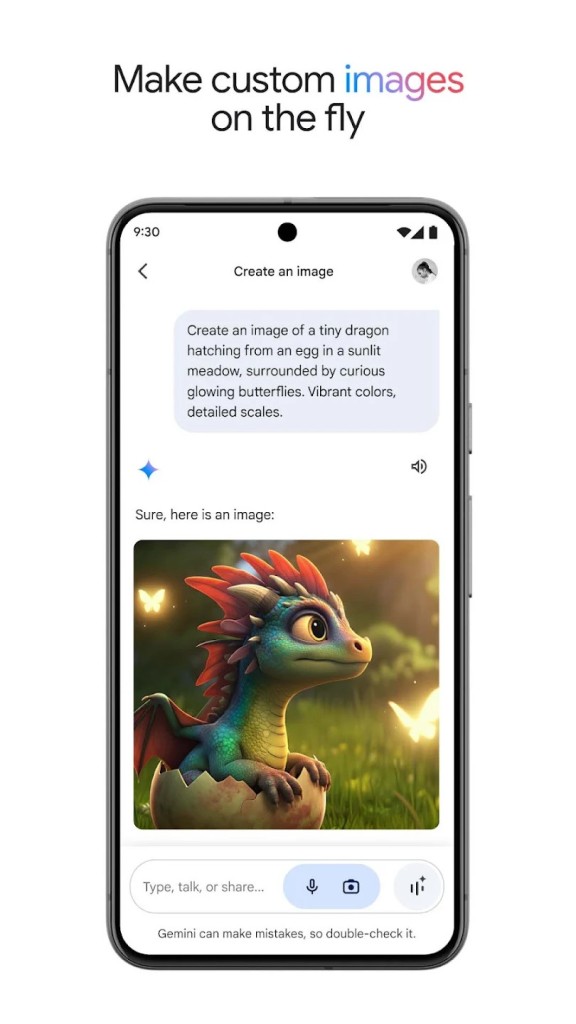
In addition to text-based information, Gemini also lets you create images and edit photos (thanks to the Nano Banana model)—a feature that’s ideal for content creators, designers, or anyone who needs quick, customized illustrations. The advanced version of Gemini also lets you create Gems, which are custom templates designed to meet your specific needs.
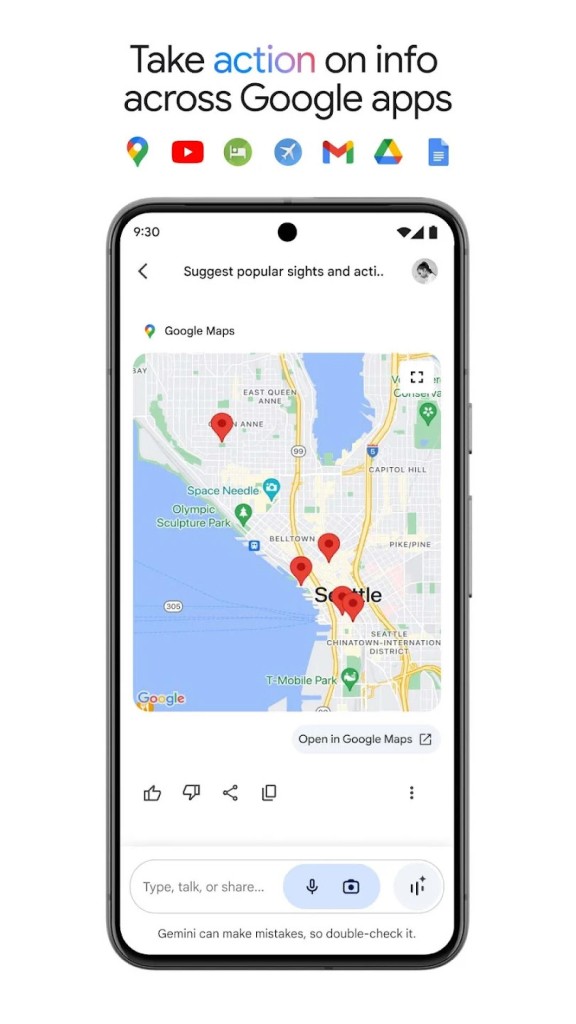
Gemini connects to your favorite Google apps, such as Search, YouTube, Google Maps, Gmail, and many others. You can also use it to plan trips more efficiently using both Google Maps and Google Flights. You can quickly organize your trips and get recommendations tailored to your preferences. The app includes extensions to access data from Gmail, Drive, Docs, and Maps, making it easy to organize and use your information directly from the AI assistant.
In addition to image creation and photo editing, Gemini includes a video-generation tool, Veo 3, capable of creating videos with sound (dialogue, background noise, nature sounds, etc.). Note, however, that only paid Google AI subscribers can use this feature. The same applies to the conversation search feature.
Personal Intelligence is a feature that will provide more personalized and accurate answers to your questions—but only if you allow it to search through your Google apps. Gemini also includes an image-editing system with annotations. And to make it easier to learn complex concepts, Gemini is partnering with NoteBookLM to automatically generate interactive animations that are easier to understand.
Gemini is updated regularly, particularly with new AI models that improve its responses and the media it can generate. Google also adds new functionalities designed to improve the user experience.
Is Gemini Free to Use?
The basic version of Google Gemini is available for free. You can use the chatbot, have it analyze files, help you on the go, or use the assistant in Android.
However, for those looking to unlock the full potential of artificial intelligence, Google offers a more advanced option with Gemini Advanced. To explore Gemini Advanced, you can start with a one-month free trial. This version provides access to additional features, such as video and audio generation, customization of Gems, and priority access to the latest AI models.
There are other subscription plans: Google AI Plus, Pro, and Ultra. These plans include the latest features, new models, notably Gemini Omni Flash. It features a new tool called Avatars that lets you create your own avatar or digital clone, which you can then insert into the videos you create with Gemini Omni Flash.
Which Platforms Support Gemini?
You can download the Gemini chatbot for your computer on Windows and macOS. This tool lets you access the chatbot directly from your main workspace and ask it any questions you have. You can share your screen with it or give it access to local files to refine your searches or get additional information about your current work.
The Gemini app is available for Android and iOS users. On recent Android devices, it replaces the old Google Assistant app. The chatbot can answer any question, look at files, connect to your Google account to access your emails and Google Drive files, etc.
Note that the Gemini assistant is also available on select smart TVs. The app supports over 70 languages and automatically adapts to your language and region to provide personalized responses. In addition, Google has equipped it with musical capabilities, as Gemini can compose songs using DeepMind’s Lyria 3 model.
What Are the Best Alternatives to Gemini?
There are several interesting alternatives in the field of AI models, each with unique features that can rival those offered by Gemini.
Microsoft Copilot integrates seamlessly with the most widely used productivity tools in the workplace, such as Word, Excel, PowerPoint, Outlook, and Teams. It leverages advanced AI models to help users complete their tasks faster and more efficiently. Unlike Gemini, which focuses primarily on a voice assistant and personal idea management features, Copilot tackles more specific and complex professional tasks, but also offers a chatbot if needed.
Perplexity is an ideal choice for anyone looking for more comprehensive and in-depth answers, whether for academic, professional, or personal questions. This AI assistant uses advanced AI models to analyze and process complex information, providing more nuanced and context-rich answers than traditional search engines.
Mistral (now called Mistral Vibe) is particularly well-known for its performance in natural language processing tasks, such as text generation, information synthesis, and semantic analysis. The chatbot stands out for its ability to provide extremely detailed and accurate responses, while allowing for extensive customization of results based on users’ specific needs.
And of course, there’s also ChatGPT, a very popular alternative that lets you get instant answers, create text content, code, analyze data, or generate ideas—all on a single platform. ChatGPT is available in both free and paid versions. The chatbot can be accessed on the web via a browser as well as through a mobile app that you can download.