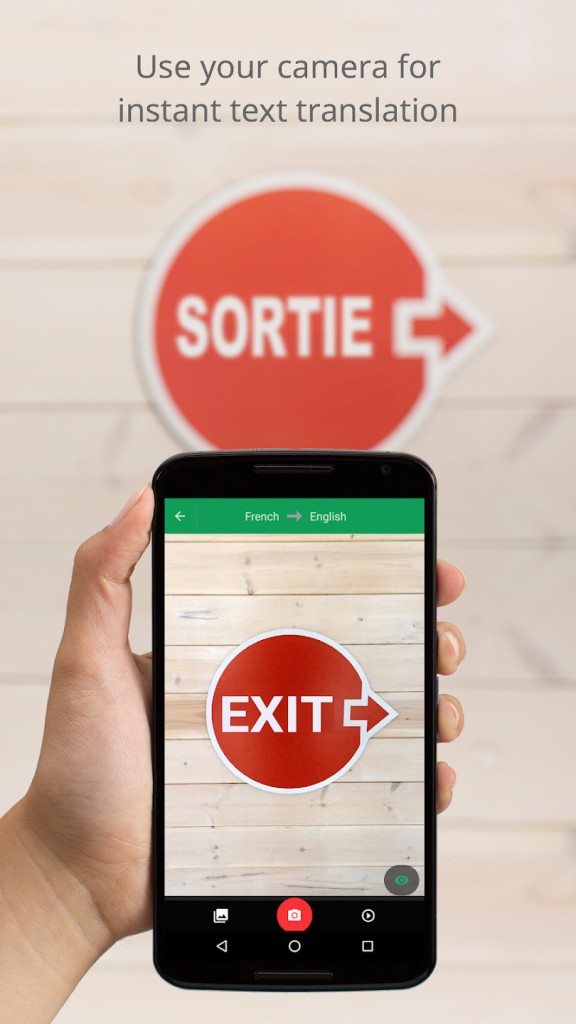
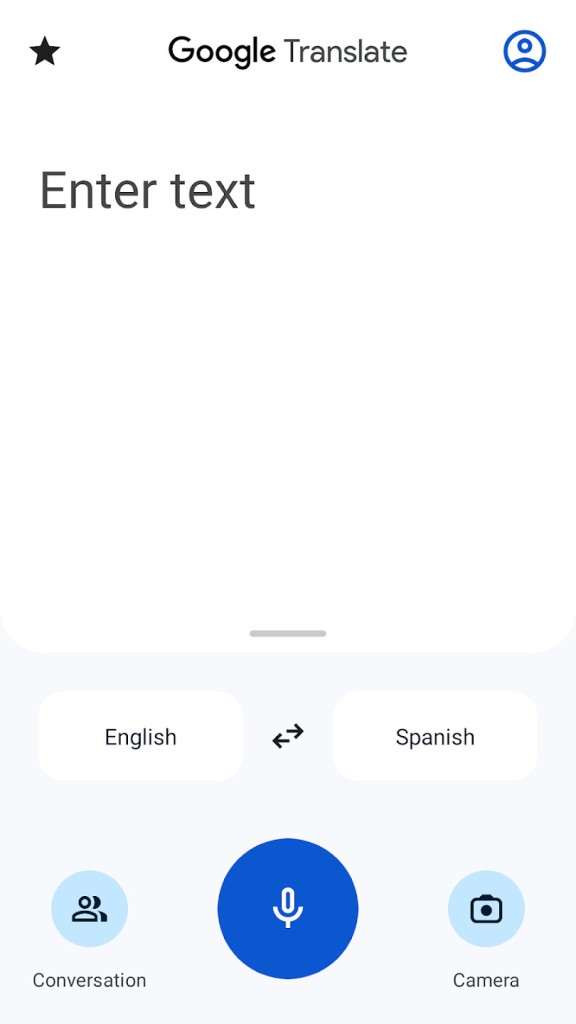
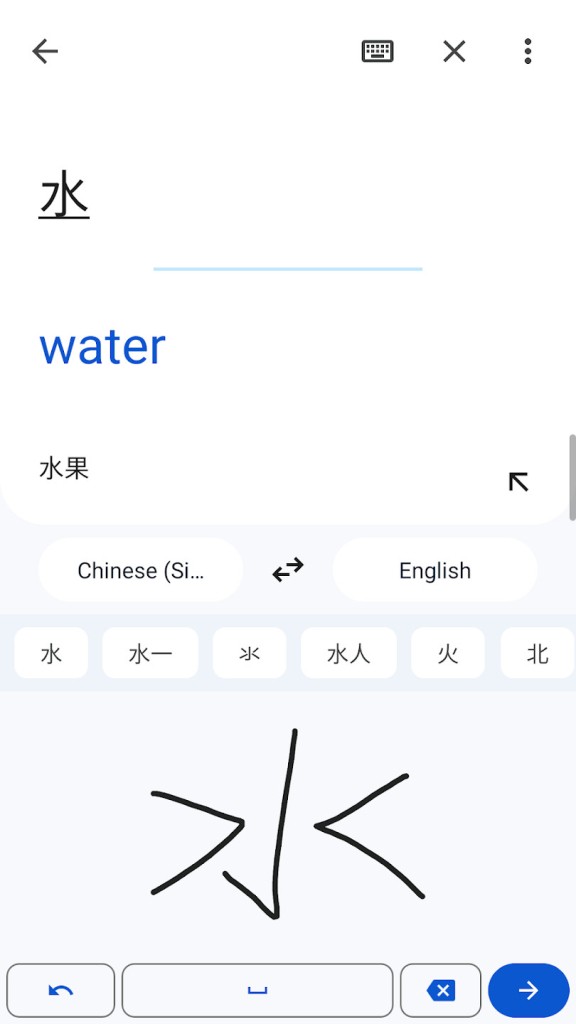
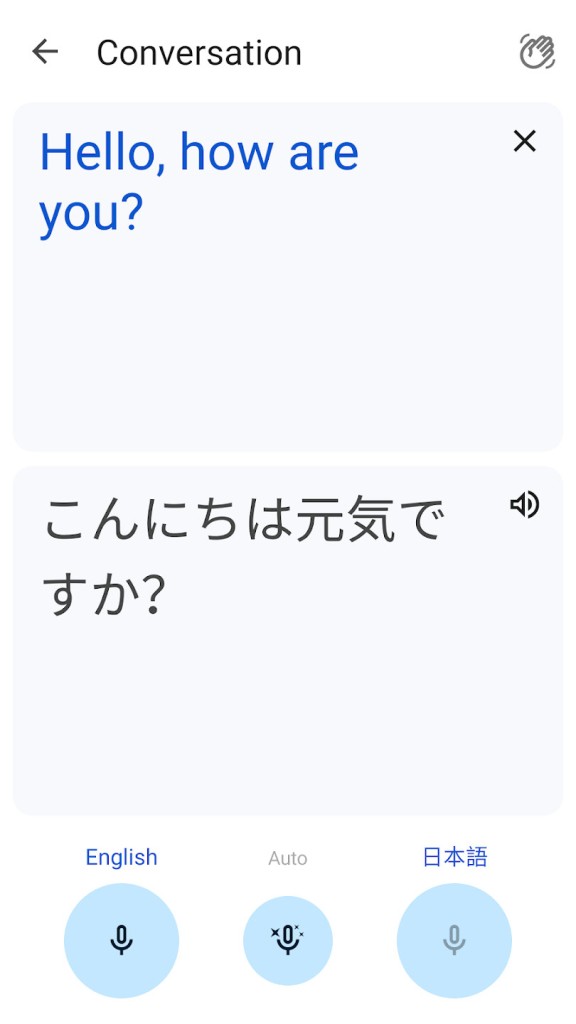
Google Translate is a practical translation tool for anyone who regularly works with different languages. Whether you're traveling abroad, studying a new language, or communicating with someone who speaks a different language, it gives you several ways to understand and translate content. You can type or paste text, speak into your device, write characters by hand, or use your camera to translate text in photos. This flexibility helps when typing isn't convenient, such as when reading signs, menus, or printed documents.
Developed by Google, Google Translate is available through a web browser and dedicated mobile apps. You can use it to translate individual words, longer passages, and websites, or ask it to help you with spoken conversations. For example, you can request that it act as a Spanish interpreter or find out how to say a greeting in Swedish. Its straightforward interface makes common translation tasks accessible without requiring much technical knowledge.
What Are the Key Features of Google Translate?
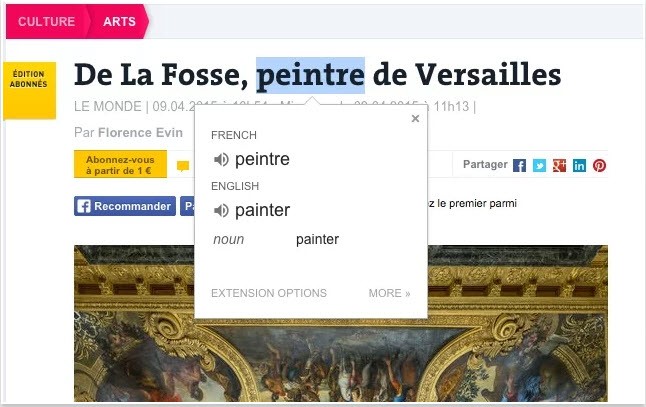
Google Translate supports more than 200 languages, giving you a broad range of options for translating text and communicating with people around the world. You can enter words, sentences, or longer passages manually and select the languages you want to translate between. This makes it useful for everything from checking the meaning of an unfamiliar phrase to understanding longer pieces of written content.
Text isn't the only format it can handle. You can also use speech input to translate spoken words, which is helpful when you need to communicate verbally or don't know how to spell something in another language. Handwriting input provides another option, allowing you to draw characters on a compatible device rather than type them. The camera translation feature is particularly useful when you're traveling or dealing with printed material. You can use your phone to translate text in photos, helping you understand signs, menus, labels, and other written information. This can save time when copying unfamiliar characters into a translation box isn't practical.
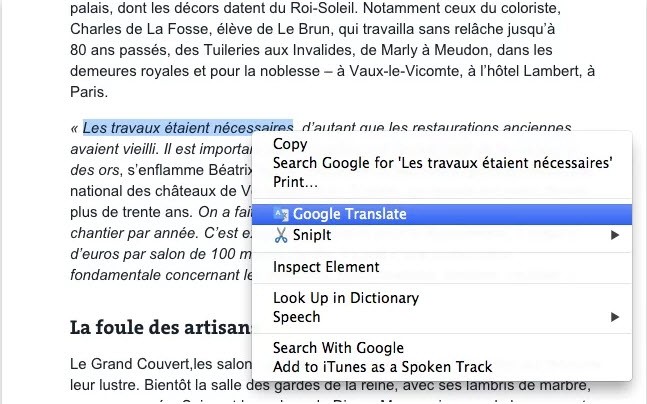
Google Translate also supports website translation. You can enter a website address to view its content in another language, making it easier to navigate foreign-language websites and find information from international sources. You can access these features through the browser version or the mobile app, depending on your device and what you're trying to translate.
Is Google Translate Free to Use?
Google Translate is free to use through its website and mobile apps. You can translate text, speech, photos, and other supported content without purchasing a subscription. Some features may depend on your device, language pair, or internet connection, but the core translation service is available without a paid license.
Which Platforms Support Google Translate?
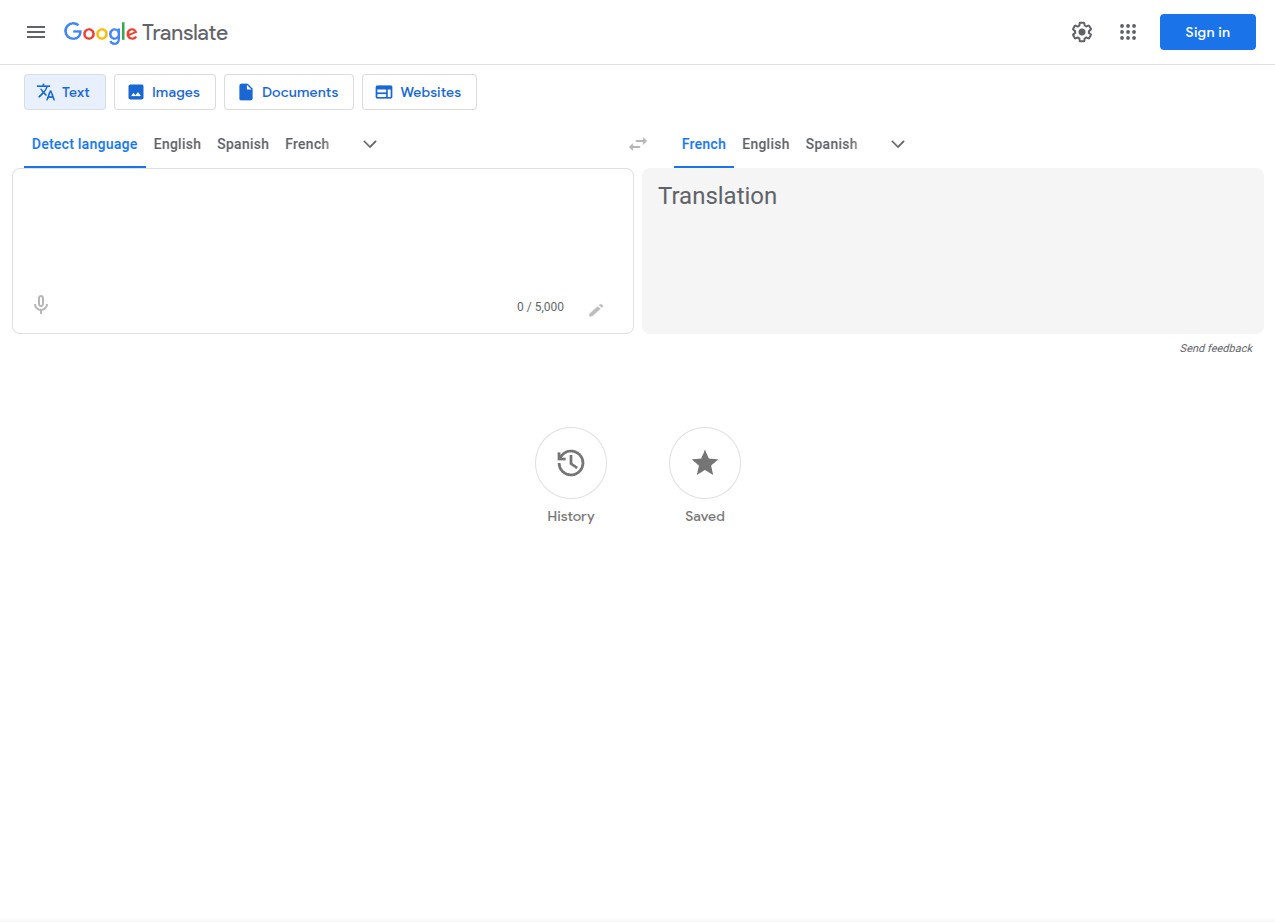
You can use Google Translate on desktop computers through its web version, which is accessible from a browser. The service supports text and website translation without requiring you to install a dedicated desktop application. Simply visit the Google Translate website and enter the content you want to translate.
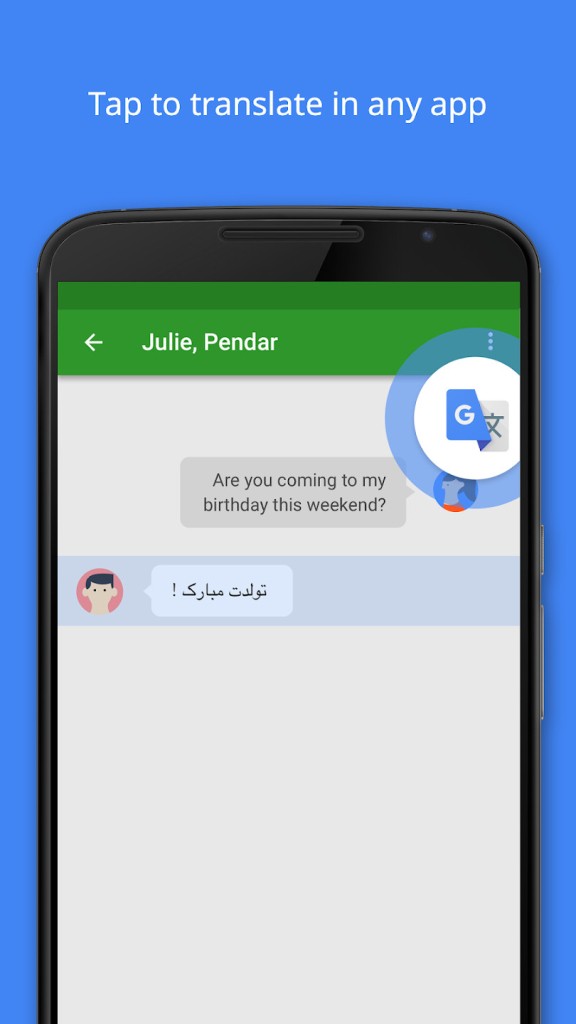
Google Translate is also available as a mobile app for Android phones and tablets, as well as iPhones and iPads. The mobile version gives you access to translation features such as text, speech, handwriting, and photo translation, depending on your device and the language selected. This makes it a convenient option when you need translations while away from your computer.
What Are the Best Alternatives to Google Translate?
DeepL is a translation service worth considering if you want another option for translating written content. It supports text and document translation, with a focus on producing natural-sounding results. Its interface is simple: select your source and target languages, enter the text, and review the translation. DeepL also offers paid plans with additional features, making it an option for users who need more advanced translation tools. You can try it through the DeepL Translator.
Microsoft Bing Translator is another browser-based alternative. It lets you translate text between supported languages and provides a straightforward way to understand foreign-language content. If you already use Microsoft's services, it may also fit naturally into your existing workflow. You can access the tool directly through Microsoft Bing Translator.
SYSTRAN Translate offers translation tools for individuals and businesses, with options designed for more specialized translation needs. Its products include features for translating text and documents, making it relevant if you regularly work with multilingual content. SYSTRAN also provides professional solutions for organizations that need translation capabilities as part of their workflows. You can explore its options on the SYSTRAN Translate website.