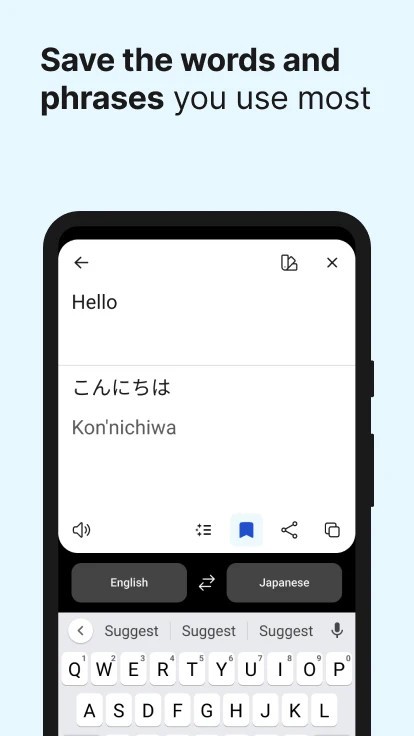
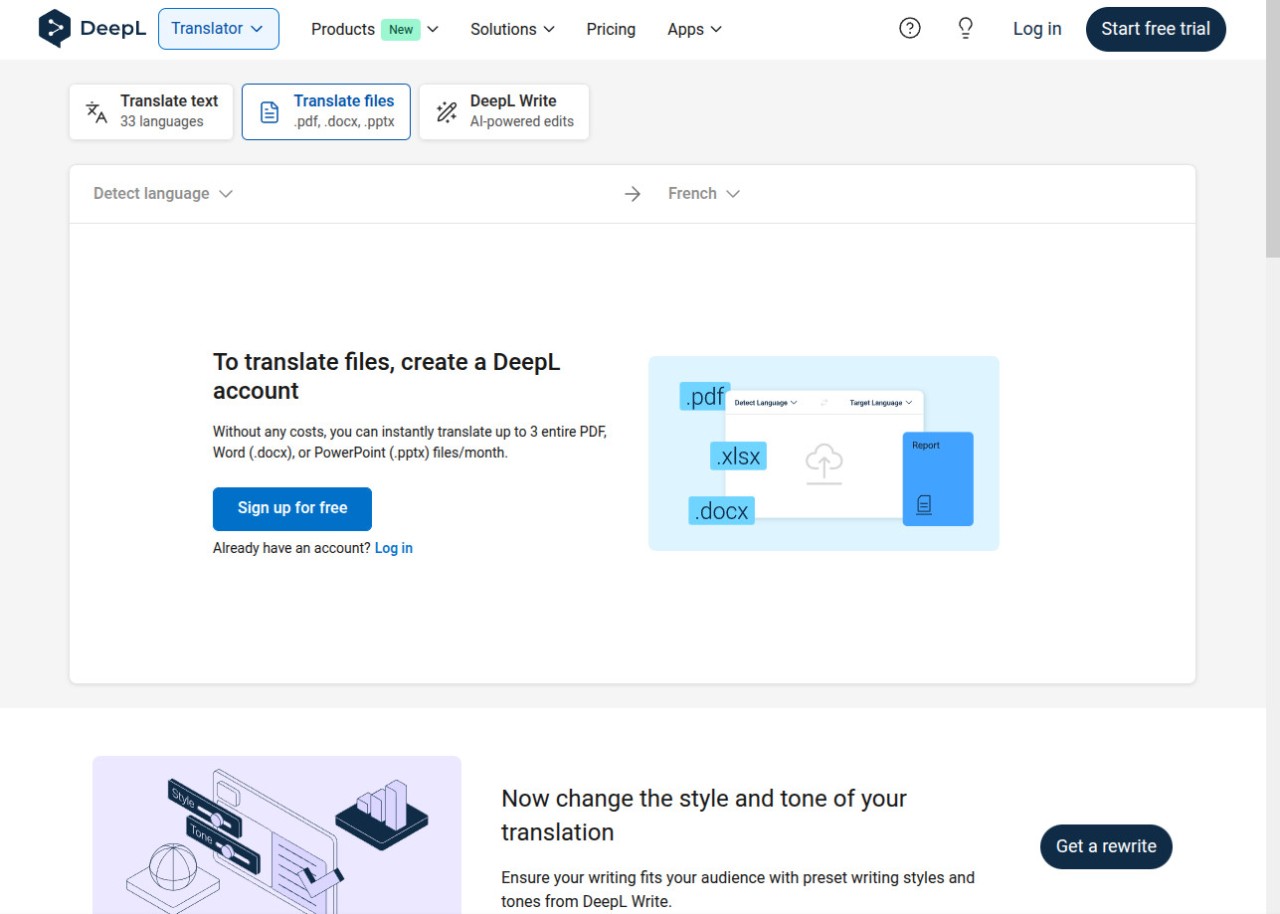
DeepL is a machine translation service with a strong reputation for producing translations that actually sound human. Founded in Germany in 2017, the platform grew out of the Linguee translation database and uses proprietary neural network architecture to generate results that consistently outperform most competing services in blind accuracy tests, particularly with European languages. Whether you're translating a quick email, a business contract, or an entire PowerPoint presentation, DeepL delivers a level of fluency that makes the output feel natural rather than machine-generated.
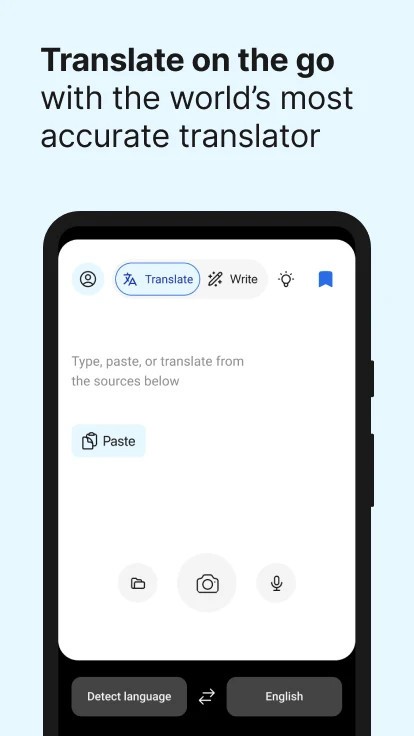
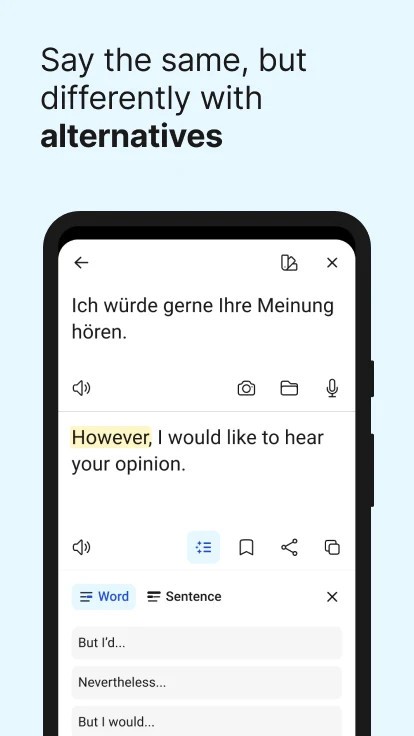
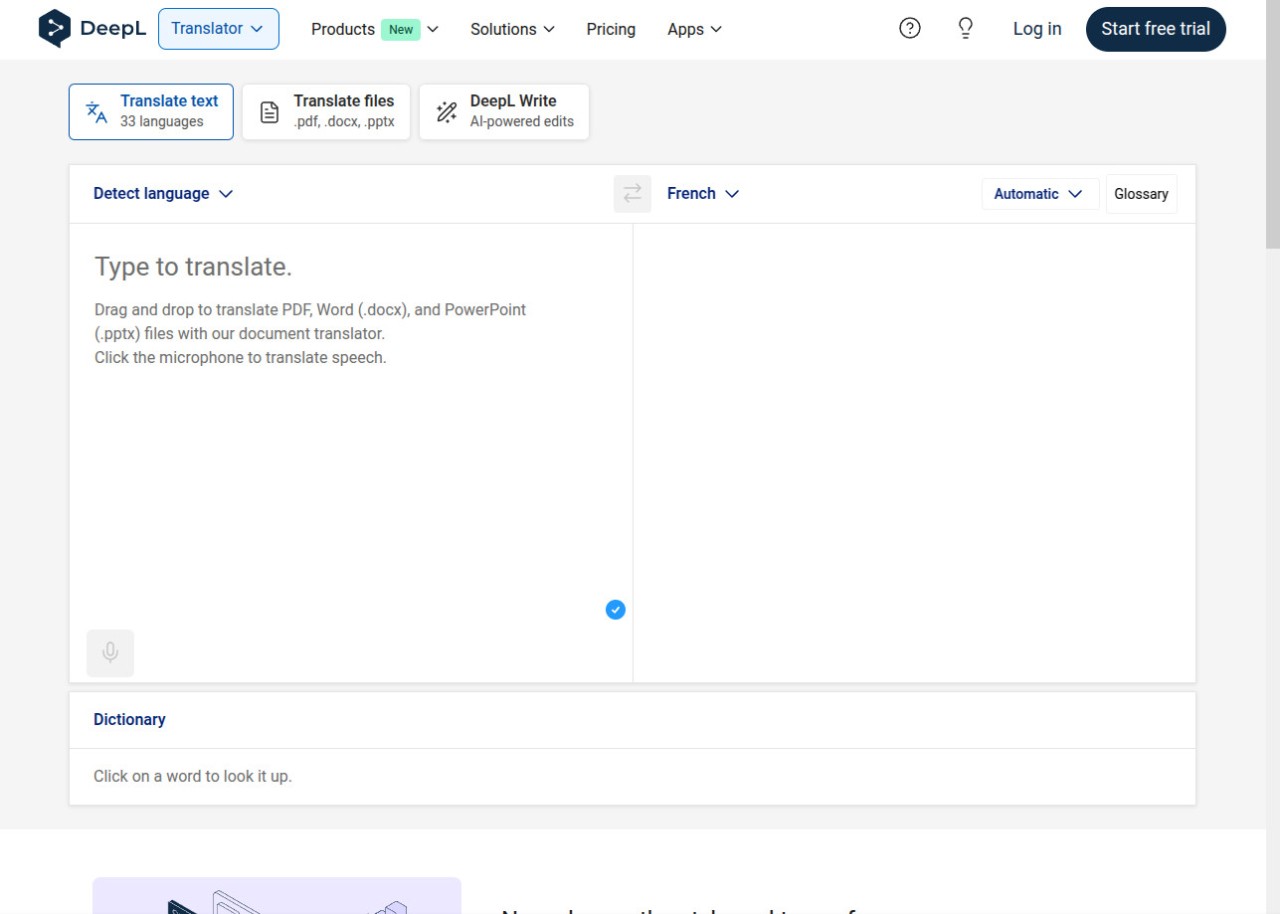
The DeepL interface is clean and minimal. You paste text on the left, your translation appears on the right, and clicking on any individual word in the output gives you alternative phrasing options. That alternative phrasing feature is one of the things that sets DeepL apart, because it lets you fine-tune wording without leaving the tool. Document translation is also built in, supporting PDF, DOCX, and PPTX files with formatting preserved in the output. For anyone who regularly works across languages, whether professionally or personally, DeepL makes the process fast and surprisingly polished.
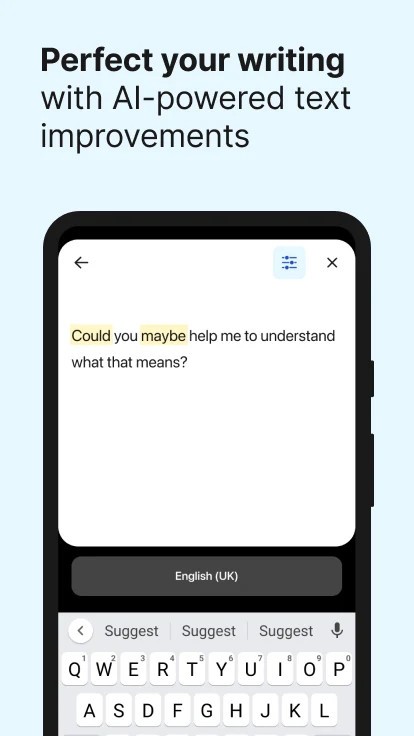
Beyond the web translator, DeepL has expanded into a broader language AI platform. DeepL Write offers AI-powered writing assistance for improving monolingual text, and DeepL Voice handles real-time speech translation for meetings and conversations. The company now serves over 200,000 business customers, including a significant portion of the Fortune 500.
What Are the Key Features of DeepL?
Translation quality is DeepL's headline feature. The neural engine does a great job of grasping context, handling idiomatic expressions, and producing output that reads naturally in the target language. Professional translators frequently use DeepL as a starting point for drafts, and many report that DeepL requires fewer corrections than other machine translation tools.
The alternatives feature deserves special mention. When you click a translated word or phrase, DeepL shows you other ways to express the same idea, letting you pick the option that best fits your tone or context. You can also choose between formal and informal registers for languages that distinguish between the two, like German or French (a small detail that makes a real difference in professional communication).
Document translation preserves the original layout of your files. Upload a Word document, PDF, or PowerPoint file, and DeepL returns a translated version with the formatting, graphs, and images intact. The free version limits the number of document translations per month, but the feature itself works well across all tiers.
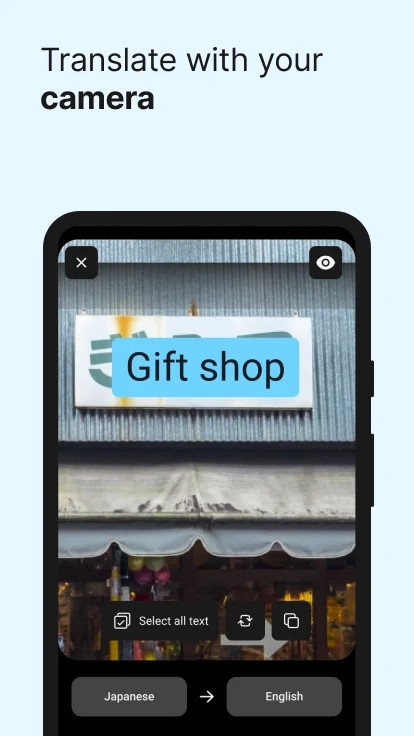
DeepL integrates directly into the tools most people already use. Browser extensions for Chrome, Edge, and Firefox let you translate text on any webpage without switching tabs. Desktop apps for Windows and macOS are available to download and offer system-wide shortcuts that translate selected text from any application. Mobile apps for iOS and Android include camera translation for real-time text recognition. Plugins for Microsoft Word, Outlook, and PowerPoint bring translation directly into the Office workflow. Glossary support on paid plans lets you define specific terminology that should always be translated a certain way, a valuable feature for maintaining consistency across business communications.
For developers, DeepL offers a REST API that can be integrated into custom applications, websites, and automated workflows. The API supports the same translation quality as the consumer-facing tools and is available across both free and paid tiers with different usage limits.
Is DeepL Free to Use?
DeepL offers a free version that gives you access to the core translation functionality. You can translate up to 1,500 characters per text entry, translate a limited number of documents per month, and use the web translator, desktop apps, and browser extensions at no cost. The free version does store submitted text to help improve DeepL's algorithms and is not recommended for confidential content.
Paid plans remove the character limits, increase document translation quotas, and add data security guarantees. Pro plans ensure your translated text is never stored or used for training purposes, a huge check box for business and legal content. Higher tiers add features like team management, glossary support, CAT tool integration, and enhanced API access. DeepL also offers a free API tier with a monthly character limit for developers who want to test the integration before committing to a paid plan.
Which Platforms Support DeepL?
DeepL is available across a wide range of platforms. The web translator works in any modern browser on Windows, macOS, and Linux. Desktop applications are available to download for both Windows and macOS, offering system-wide translation shortcuts that work from any application on your computer.
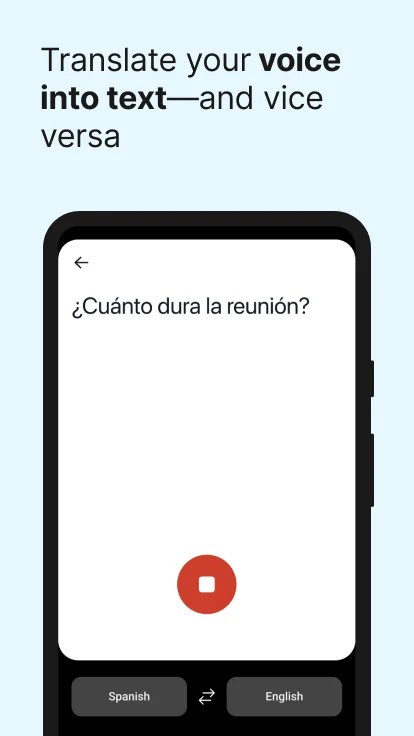
Mobile apps are available for iOS and Android, with features including camera-based text translation and speech translation. Browser extensions cover Chrome, Edge, and Firefox, and there are direct integrations with Microsoft 365 apps, including Word, Outlook, and PowerPoint, as well as Google Workspace tools like Gmail, Google Docs, and Google Slides. DeepL does require an internet connection for all translations and does not currently offer offline functionality.
What Are the Best Alternatives to DeepL?
SYSTRAN Translate is one of the oldest names in machine translation, with over 50 years of development. SYSTRAN supports 55+ languages and 150+ language pairs, and its Translate Pro service handles text, documents (Word, PDF, PowerPoint, Excel), and full web pages. What sets SYSTRAN apart is its industry-specific translation models for fields like legal, IT, and healthcare, plus the ability to create custom user dictionaries and translation memories. A free online translator is available for basic text translation, while the Pro plan offers a 14-day free trial with full functionality. SYSTRAN also provides on-premise and private cloud deployment options, making it a solid choice for organizations with strict data sovereignty requirements.
Google Translate remains the world’s most widely used translation service, supporting over 133 languages. Google Translate handles text, documents, websites, images, and live speech, and its mobile app includes offline language packs for situations without internet access. Google Translate is free for personal use and integrates with Gmail, Google Assistant, and other Google services. Translation quality has improved significantly since the switch to neural machine translation in 2016, though it still tends to produce less polished output than DeepL on European language pairs. For sheer language breadth and accessibility, Google Translate is hard to match.
Microsoft Bing Translator is a component within the broader Microsoft ecosystem, giving it an edge for anyone already working in Word, PowerPoint, Outlook, or Teams. Microsoft Bing Translator supports over 100 languages and is available as a web service, a mobile app with offline packs, and a direct integration within Microsoft 365 applications. The translation engine uses neural network technology and performs well for general-purpose translation tasks. For businesses already invested in the Microsoft stack, Bing Translator adds translation capability without requiring a separate tool or subscription.