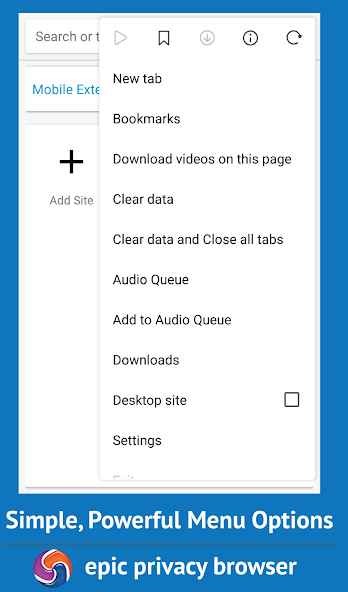
Epic Privacy Browser is built around a very clear idea. It takes a familiar Chromium-style browser and adds a privacy-first layer on top of it. It focuses on blocking ads, trackers, fingerprinting, cryptomining, and ultrasound signaling, while also pushing its built-in encrypted proxy as part of the package. It is not trying to be a general browser with privacy features added later. Privacy is the main point of the product.
That gives the browser a fairly specific role. If you want something that feels close to Chrome in the way it looks and works, but with more privacy tools, Epic fits. A lot of the appeal comes from that familiar base. You are not learning a very different way to browse. You are using a browser that feels recognizable, while the privacy layer does work in the background.
What Are the Key Features of Epic Privacy Browser?
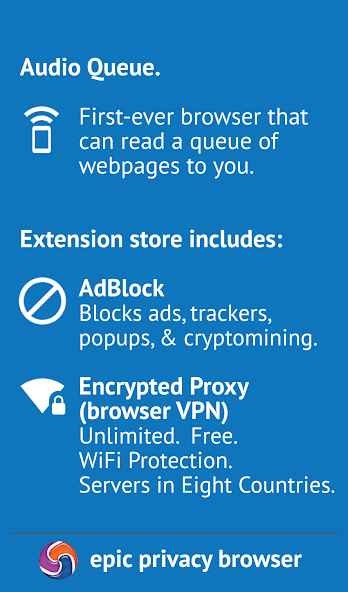
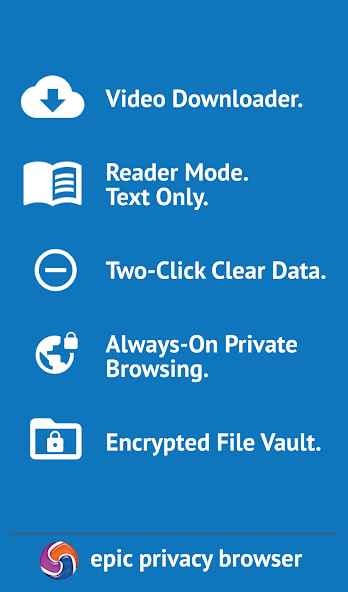
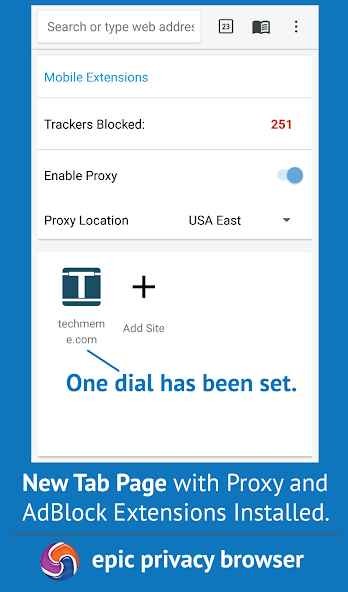
Epic’s main features are built around blocking and reducing tracking. It blocks ads, trackers, fingerprinting, cryptomining, and ultrasound signaling, and it also includes a built-in encrypted proxy. That gives the browser a fairly focused feature set. It is not packed with lots of side tools. Most of what it does comes back to privacy, cleaner browsing, and cutting down the amount of tracking that follows you around online.
That also shapes the way the browser feels in everyday use. The main job is still simple. You open it, browse as normal, and let the built-in protections handle a lot of the privacy work for you. That will make sense for people who want privacy features without spending time adding extensions or changing a long list of settings first.
Is Epic Privacy Browser Free to Use?
Yes, Epic Privacy Browser is free to use.
You download it and use the browser without needing to think about paid tiers first. For most people, the real choice is less about cost and more about whether they want a browser that puts privacy at the center of the experience.
Which Platforms Support Epic Privacy Browser?
Epic Privacy Browser is available on Windows, macOS, Android, and iPhone. The official Epic site offers downloads across desktop and mobile, which gives it broader platform support than some smaller privacy browsers.
That makes the platform story fairly easy to follow. You can use Epic on a computer or phone without being locked to one device type, and that helps it work as an everyday browser rather than something limited to one setup.
What Are the Best Alternatives to Epic Privacy Browser?
Brave is the closest alternative if you want another browser that puts privacy near the center of the experience. It blocks ads and trackers by default, and it comes with more built-in tools than Epic. Compared with Epic, Brave feels broader. It is still privacy-focused, but it also stretches into search, VPN, AI tools, and other parts of everyday browsing.
Tor Browser goes further in one direction. It is built around anonymity, and that shapes the whole browsing experience. Compared with Epic, it feels less like a standard browser with privacy features added in and more like a browser designed for stronger identity protection from the start. That gives it a more specific role.
Opera is the broader everyday option in this group. It includes privacy tools like ad blocking and VPN, but it is not built around privacy in the same focused way as Epic. Compared with Epic, Opera feels more like a general browser with a mix of convenience features, extra tools, and built-in services around the browsing experience.