µTorrent (aka uTorrent) has been around long enough that most people who have used torrent software have probably seen it before. It became popular because it is light, easy to install, and simple to run on a basic computer. And that still shapes how the software is presented now. Its main appeals still remain its small size, quick downloads, and easy access across different devices. Many users prefer it to BitTorrent.
Part of the reason it has stayed so recognizable is that it's stuck to one key focus. You open the app, add a torrent file or magnet link, and manage your downloads in one place. Even though in this aspect it has stayed the same, over time, µTorrent has evolved from a simple desktop application to meet its audience's evolving needs. The current site splits it into µTorrent Web, µTorrent Classic, and an Android app, so it feels more like a group of related tools than one single product.
What Are the Key Features of µTorrent?
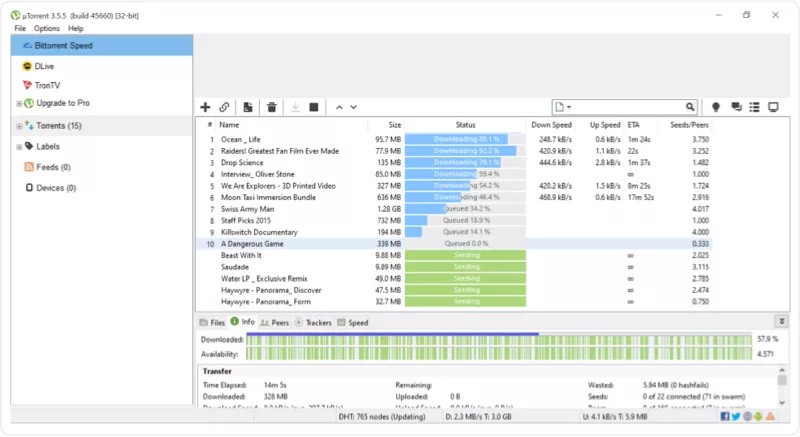
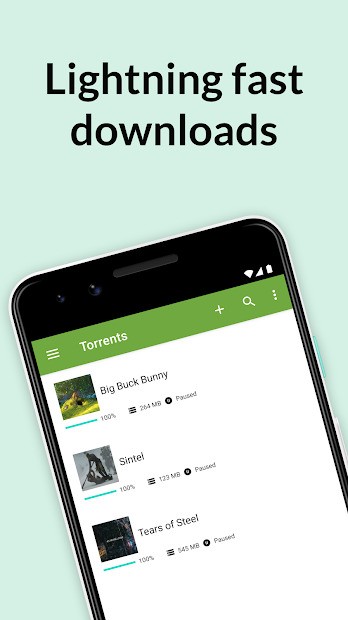
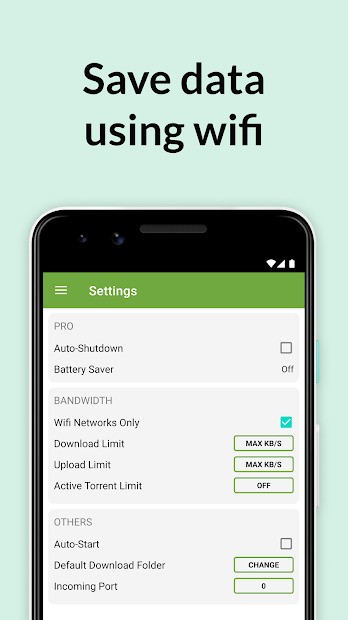
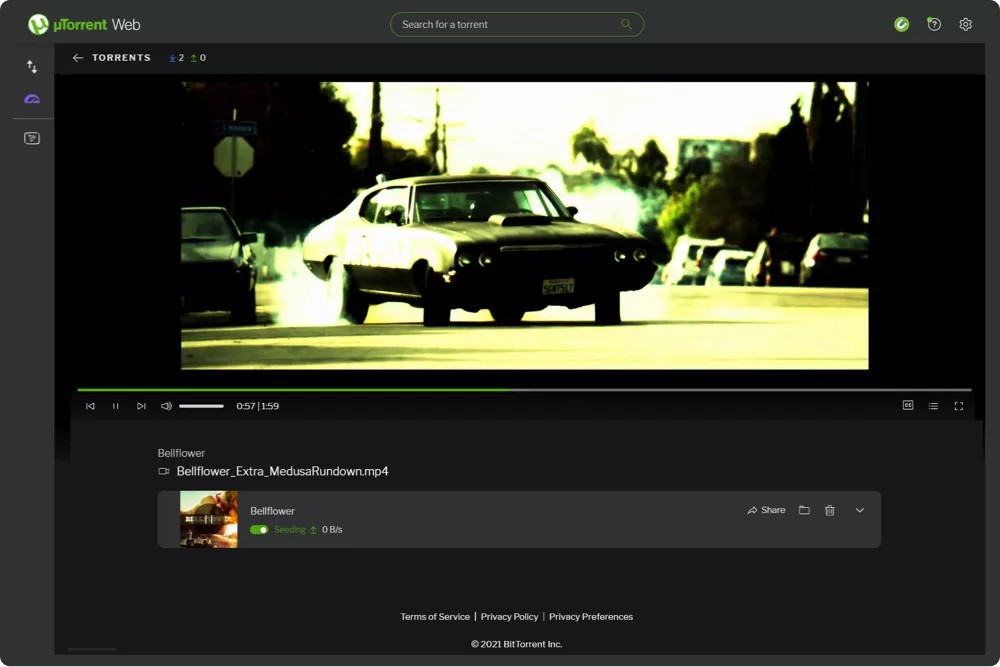
µTorrent is mainly built around downloading and managing torrents in a simple way. It has features like bulk torrent downloads, download scheduling, bandwidth controls, remote access, and streaming while a file is still downloading, depending on which version you are using. The Android app also focuses on handling larger files and managing multiple downloads on a phone.
That gives µTorrent a wider variety of functions than a very basic torrent client. It is not only for starting a download and leaving it in the background. It is also meant to help you control when downloads happen, how much bandwidth they use, and how files are handled once they are in progress. Some people will mainly care about the small install size and familiar layout. Others may be more interested in the web version or the mobile app.
Is µTorrent Free to Use?
µTorrent does have a free version, and that is still the version most people use. You can download free versions of µTorrent Web, µTorrent Classic, and the Android app. There is also a paid µTorrent Classic Pro version for Windows, which adds things like virus scanning, no ads, premium support, and a few extra media tools.
That means the free version still covers the main idea of the software. If you only want a torrent client for occasional downloads, that will probably be the version you care about most. The paid version is there for people who want some extra tools built in.
Which Platforms Support µTorrent?
The software offers many versions, but each is different from the other. µTorrent (uTorrent) supports Windows, Mac, and Android directly through its current main downloads and is available through a simple web browser.
You can download µTorrent Classic on Windows, Windows Beta, Mac, and Linux. µTorrent Web is available on Windows and Mac. There is also a mobile µTorrent version, which is only available on Android.
That gives it a fairly broad reach, but the experience is not the same everywhere. At this point, µTorrent feels more like a family of torrent tools than one single app with the same setup on every device.
What Are the Best Alternatives to µTorrent?
qBittorrent is the closest alternative. It's a free software alternative to µTorrent. It has a familiar layout and covers the main torrent features people expect, but it does so without the same commercial feel. If you want something that stays close to the classic desktop torrent client model, qBittorrent is usually the first place people look.
Transmission goes in a simpler direction. It describes itself as a fast, easy, and free BitTorrent client, and that is a good summary of how it feels. Compared with µTorrent, it is more stripped back. It is less about extra layers and more about keeping torrenting straightforward.
Deluge is the more flexible option here. It is a lightweight, cross-platform BitTorrent client, and its plugin system gives it a bit more room to grow depending on how you want to use it. Compared with µTorrent, it feels more open-ended and a little less fixed in how the software is shaped.