BitTorrent is the original torrent client, and after years on the market, it remains one of the most widely used tools for downloading and sharing files over the peer-to-peer BitTorrent protocol. Rather than pulling a file from a single server, BitTorrent breaks downloads into small pieces sourced from multiple users simultaneously. This speeds up transfers and distributes the load across the network. The result? A faster, more efficient way to transfer large files like software packages, media libraries, and datasets.
The client comes in two flavors. BitTorrent Classic is a traditional desktop application built for Windows, offering advanced features like bulk downloading, download scheduling, RSS feed automation, and remote access through BitTorrent Remote. BitTorrent Web, however, runs inside your browser and lets you stream torrent files while they download, skipping the wait for full completion. Both versions support magnet links, file prioritization, and bandwidth controls, allowing you to manage your connection without letting downloads consume your whole network.
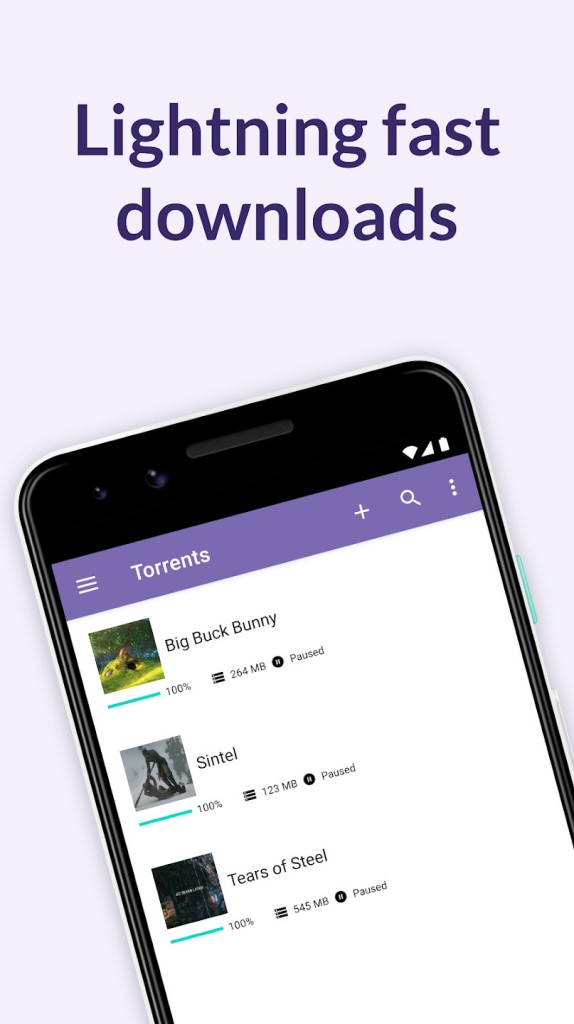
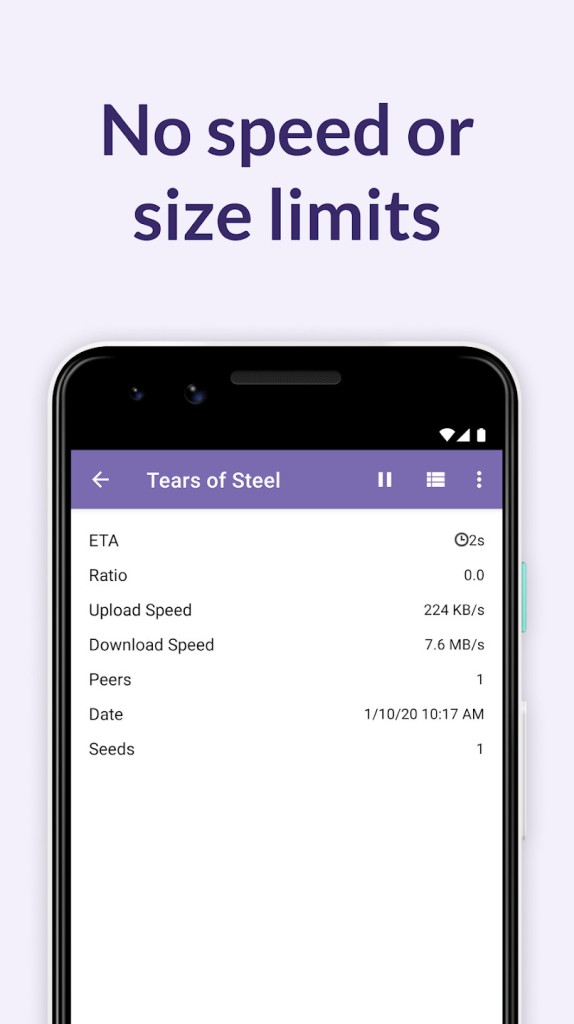
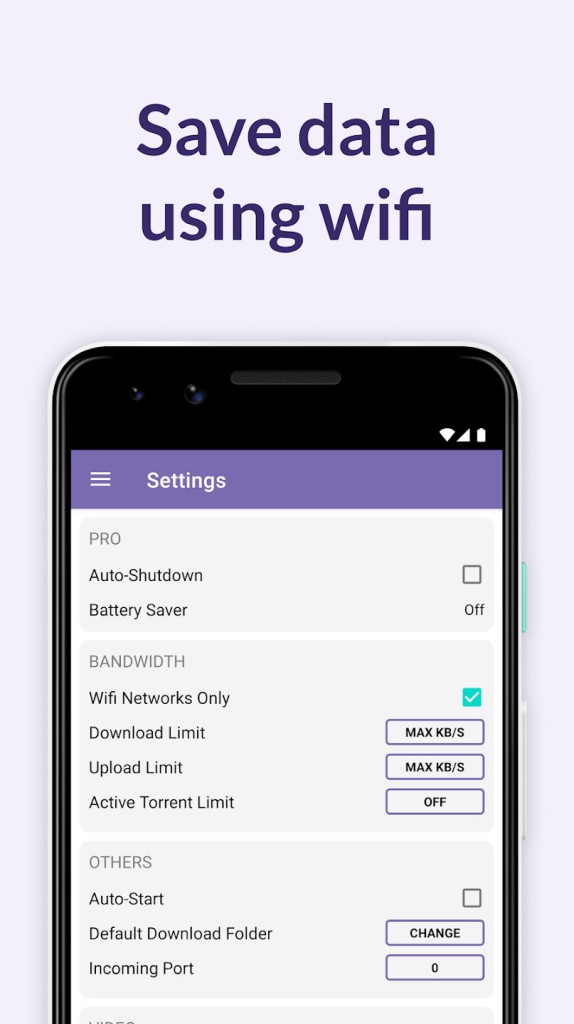
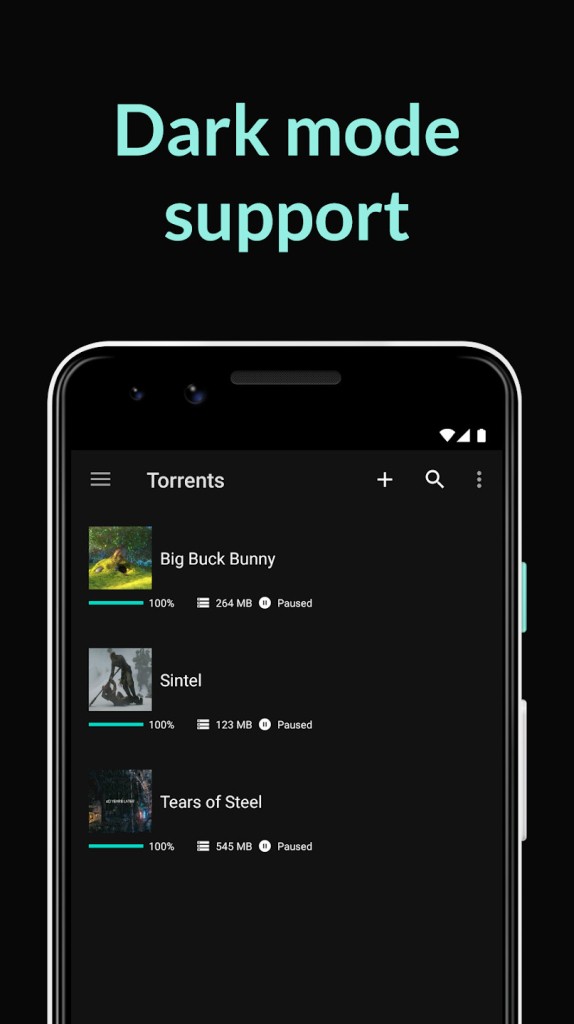
BitTorrent also has an Android app for mobile torrenting, so you can download on the go. The interface across all versions is clean and intuitive, with drag-and-drop support and a layout that helps you keep things organized even when you're juggling multiple torrents at once.
What Are the Key Features of BitTorrent?
BitTorrent Classic is designed for users who want total control over their torrenting experience. You can queue up dozens of downloads at once and prioritize specific files within a torrent so the content you need most finishes first. Bandwidth allocation settings let you set upload and download speed limits, helpful if you want to keep browsing and streaming while torrents run in the background.
The scheduling feature is super useful in shared households or offices. You can set downloads to run during off-peak hours when bandwidth demand is lower, significantly speeding up transfers. RSS feed support takes automation a step further by letting you subscribe to feeds and automatically download new content as it appears, without any manual intervention.
BitTorrent Remote adds another layer of convenience. You can manage your desktop torrents from a web browser or through the BitTorrent Android app, starting, pausing, or stopping downloads on your PC from anywhere. For anyone who likes to queue up downloads while away from their computer, this is a valuable feature.
BitTorrent Web takes a different approach by running entirely within your browser. Instead of waiting for a download to finish, you can stream video and audio content as the pieces arrive. BitTorrent is a simpler setup with fewer configuration options, but that simplicity is the point. If you just want to grab a file quickly and start watching or listening right away, BitTorrent Web handles it without the overhead of a full desktop application.
Is BitTorrent Free to Use?
BitTorrent offers a free version of both its Classic and Web clients that covers all the core torrenting functionality. You can download, upload, and manage torrents without paying anything.
The free version includes advertisements. If you want to remove them, the Ad-Free tier is available for an annual fee. Stepping up to Pro also adds integrated virus and malware scanning for downloaded files, giving you extra security when dealing with torrents from unfamiliar sources. The Pro + VPN tier bundles everything from the Pro plan with a CyberGhost VPN subscription covering up to five devices, adding a layer of privacy to your torrenting activity.
Which Platforms Support BitTorrent?
BitTorrent Classic runs on Windows and is compatible with a range of versions. BitTorrent Web runs in your browser on both Windows and macOS, though it's worth noting that the Classic desktop client for macOS has been discontinued for versions beyond macOS Catalina 10.15. The Web version is the recommended option for Mac users going forward.
On mobile, BitTorrent has an Android app that mirrors the core functionality of the desktop clients. Like all torrent clients, there is no iOS version available, since Apple does not allow torrenting apps in the App Store. BitTorrent does not currently offer a Linux client, which may be a drawback for users on that platform.
What Are the Best Alternatives to BitTorrent?
BitTorrent is a solid and well-established client, but depending on your priorities, other torrent applications may be a better fit. Three common alternatives are µTorrent, qBittorrent, and Transmission.
µTorrent (uTorrent) shares the same parent company as BitTorrent, and the two clients are very similar in terms of features and interface. µTorrent has historically been known for its tiny footprint and fast performance. Like BitTorrent, it offers free and paid tiers, with the Pro versions adding virus scanning and ad removal. It's available on Windows, Android, and as a web-based client. The main difference between µTorrent and BitTorrent is largely branding and minor interface preferences, so if you like one, you'll likely feel at home with the other.
qBittorrent is an open-source, ad-free alternative that has gained a strong following among users who want a clean torrenting experience without paid upgrades or bundled software. qBittorrent includes a built-in search engine that lets you find torrents directly from the client, along with RSS feed support and advanced download filters. qBittorrent runs on Windows, macOS, Linux, and FreeBSD, giving it the widest platform coverage of any client on this list. It lacks an Android app, but for desktop users who value transparency, privacy, and a no-nonsense interface, qBittorrent is hard to beat.
Transmission is a lightweight, open-source client that's especially popular with macOS and Linux users. It was designed to feel native on every platform it runs on, and on the Mac in particular, its interface fits right into the operating system's design language. Transmission uses very few system resources, making it ideal for older machines, laptops, or home servers. There are no ads, no paid tiers, and no bundled software. It focuses purely on efficient, private torrenting with a clean interface and sensible defaults. If you want a torrent client that just works without asking anything of you, Transmission is one of the best options around.