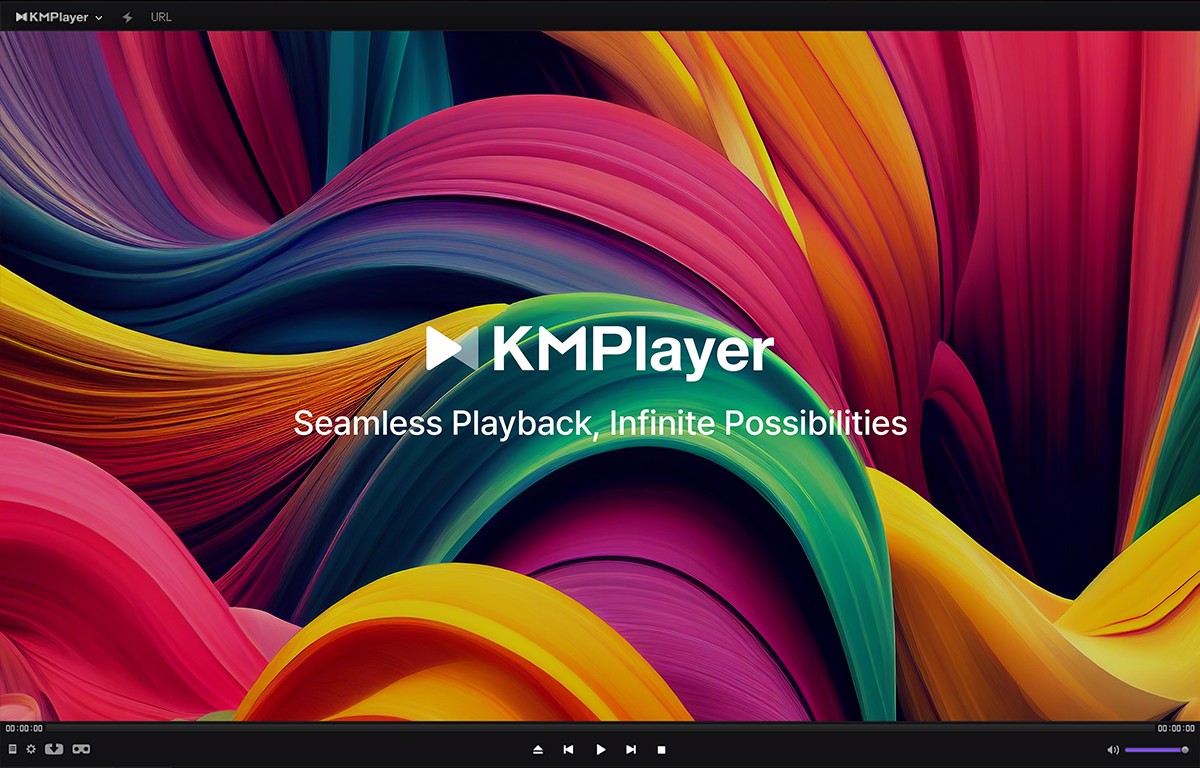
KMPlayer is a multimedia player that has been around since 2002, built by Korean developer Pandora TV and now maintained under the KMP Media banner. Over two decades of development have turned KMPlayer into a versatile playback tool that covers just about every media format you might encounter. Whether you have a library of MKV files, a stack of old AVIs, or high-resolution 4K content, KMPlayer can handle everything without asking you to install extra codec packs or third-party plugins.
What sets KMPlayer apart from the default media players bundled with most operating systems is the range of capabilities. Beyond playing files, KMPlayer offers hardware-accelerated video rendering, 3D and VR playback, detailed subtitle controls, and the ability to capture screenshots or export clips as GIFs. The player comes in both 32-bit and 64-bit versions for Windows, with the 64-bit edition optimized for high-end machines that need to push 8K or 60FPS content without stuttering. On the mobile side, Android and iOS apps bring the same broad format support to phones and tablets, making it a good option for anyone who wants one player across all their devices.
What Are the Key Features of KMPlayer?
KMPlayer's format support is the first thing most people notice. It plays AVI, MP4, MKV, FLV, MOV, WEBM, MPEG, 3GP, OGM, WMV, and dozens of other container formats natively. Audio format coverage is equally deep, spanning MP3, FLAC, AAC, OGG, WMA, WAV, and more. You rarely need to think about compatibility because KMPlayer ships with built-in codecs for nearly everything, including newer standards like HEVC (H.265), H.264, and VP9.
High-resolution playback is another strong point. KMPlayer supports content up to 8K resolution and 60 frames per second, using hardware acceleration to keep CPU usage low even on older machines. If your PC can handle it, the player delivers smooth, crisp visuals without dragging down system performance. For anyone with a collection of 4K or UHD content, that kind of efficiency matters.
Subtitle handling goes well beyond the basics. You can load external subtitle files in formats like SRT, ASS, SMI, and SUB, then adjust their size, color, position, and timing right from the player. If subtitles are slightly out of sync with the audio, KMPlayer lets you fix that on the fly rather than hunting for a better file. Anyone who watches foreign-language movies or shows regularly will appreciate how much control the player gives you over subtitle presentation.
The player also supports 3D video playback, VR content, and DVD and Blu-ray disc playback with menu support. You can stream content from URLs, including YouTube videos, by pasting a link directly into the player. Network playback options cover SMB, FTP, and UPnP protocols, so accessing media stored on a local network drive or NAS takes just a few clicks. A built-in equalizer lets you shape audio output to your taste, and playback speed controls let you slow down or speed up content from 0.25x to 4x. Screen capture tools round things out, letting you grab still images or record sections of video and export them as GIF files.
Is KMPlayer Free to Use?
KMPlayer is free to download and use on all platforms. The desktop version for Windows does display advertisements during use, which is the tradeoff for getting a full-featured player at no cost. None of the core playback features are locked behind a paywall, so you get the complete experience without spending anything.
On the mobile side, the Android app offers an optional premium tier that adds extra tools like a built-in video trimmer, GIF creation, an MP3 converter, and the ability to play content while it downloads. A free trial period is available before any charges apply. The iOS version keeps things simpler and does not currently offer the same premium upgrade path. Regardless of which version you use, the essential playback, subtitle, and format support features are all accessible for free.
Which Platforms Support KMPlayer?
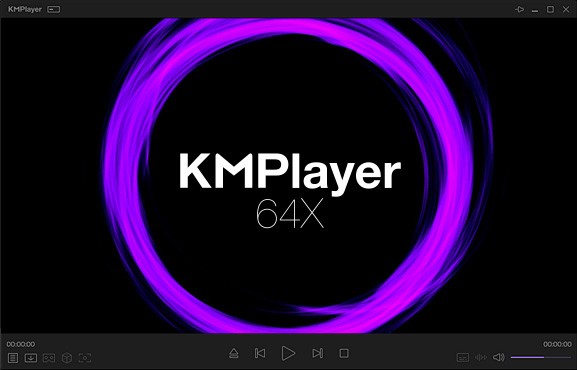
KMPlayer is available on Windows, Android, and iOS. The Windows version is the most feature-rich, with both 32-bit and 64-bit editions available. System requirements are modest: the recommended setup is Windows 10 or 11 with DirectX 9 or higher and about 150MB of free disk space, though the player can run on systems as old as Windows Vista. The 64-bit version (KMPlayer 64X) is the better choice for modern PCs, especially if you plan to play high-resolution content.
Android and iOS apps are available through the Google Play Store and Apple App Store, respectively. The mobile apps support the same broad range of formats as the desktop version, along with features like Wi-Fi file transfer between your phone and PC. But also cloud storage integration with services like Dropbox and OneDrive, and network streaming via SMB and FTP. The interface adapts well to touchscreens, with gesture controls for volume, brightness, and seeking.
A macOS version does exist, but it has not received active development in several years and remains in an early alpha state. Mac users looking for a reliable media player with similar capabilities would be better served by one of the alternatives listed below.
What Are the Best Alternatives to KMPlayer?
Kodi takes a fundamentally different approach to media playback. Rather than functioning as a simple file player, Kodi operates as a full home theater system that organizes your entire media library with artwork, metadata, and categories. You can browse movies by genre, actor, or year, set up live TV recording with compatible hardware, and extend functionality through a massive catalog of community-built add-ons. Kodi runs on Windows, macOS, Linux, Android, iOS, and tvOS, and it is completely free and open source. If you want to build a centralized entertainment hub rather than just open and play individual files, Kodi is designed for exactly that purpose.
MPC-HC (Media Player Classic - Home Cinema) sits at the opposite end of the spectrum. It is an extremely lightweight, open-source player for Windows that focuses on doing one thing well: playing your files quickly and reliably with minimal system resources. The interface looks deliberately old-school, echoing the classic Windows Media Player design, but underneath that simple exterior sits a capable engine with support for HDR video, hardware-accelerated playback, and automatic subtitle searching. MPC-HC runs smoothly even on aging hardware, and because it is completely free with no ads, spyware, or tracking, it appeals to users who want a clean, no-nonsense download experience. If your priority is fast, efficient playback without any extra complexity, MPC-HC is hard to beat.
VLC Media Player is probably the most widely recognized free media player in the world, and it earns that reputation through sheer reliability. VLC plays virtually every audio and video format without requiring additional codec installations, streams content directly from URLs, and runs on Windows, macOS, Linux, Android, iOS, and several other platforms. It is open source, completely free, and carries no advertisements or tracking. VLC also supports Chromecast output, 360-degree video, and HDR playback, with continuous updates from an active development community. For anyone who wants a dependable player that works the same way everywhere and never asks for money, VLC remains the standard that other players are measured against.