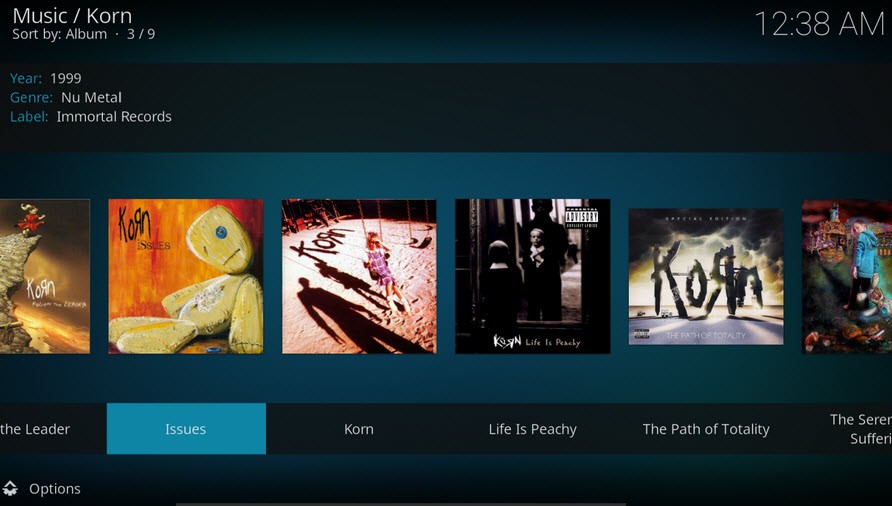
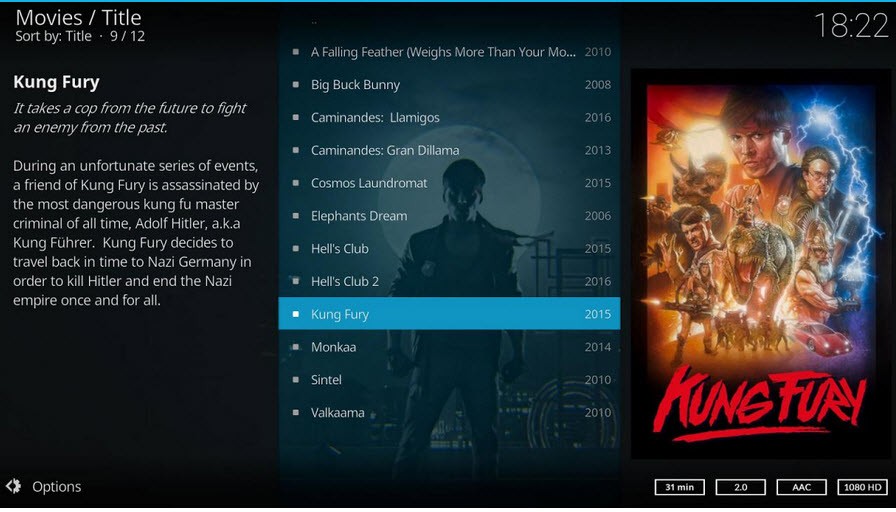
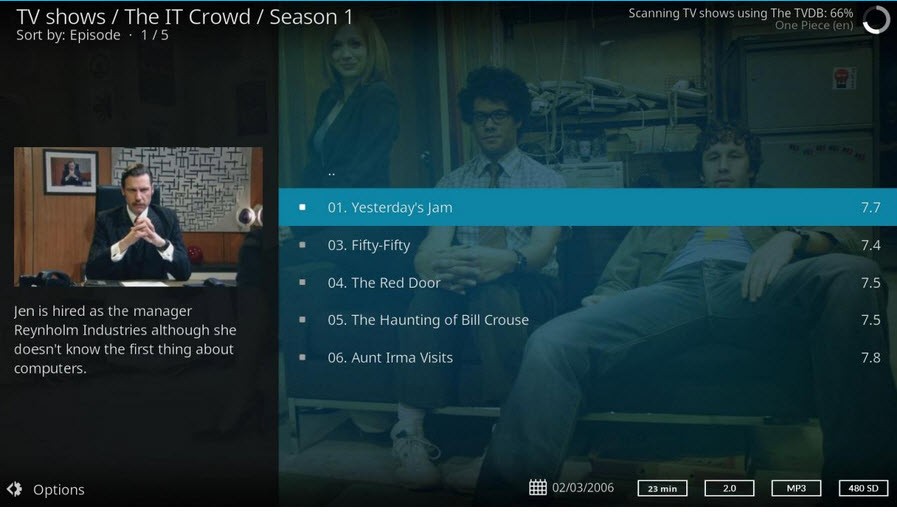
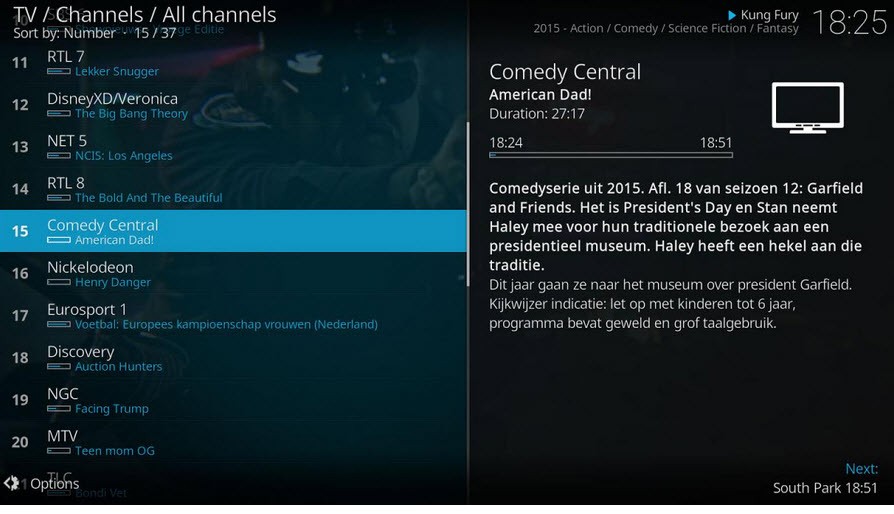
Kodi is a digital media center for all of your media, from films and TV series to music and podcasts. The platform doesn’t have any built-in content of its own, but it will house all the content that you have access to. With its help, you can access everything in one place. Kodi is a free platform for media organization and playback.
In it, you can store media from local storage and the internet. Your personal library can be organized with movie posters and synopses. Take it one step further and customize the background or take advantage of additional features through plugins.
Do keep in mind that Kodi does not offer any content or streaming service subscriptions.
What Are the Key Features of Kodi?
Kodi is your personal digital library that is completely free and open-source. While the platform is free, it does not come loaded with any content, so you will have to source all the media yourself. Kodi can hold media acquired through network shares, local storage, or the internet. That includes movies, TV series, podcasts, music, and photos.
Kodi is not picky when it comes to formats; you can use it to organize and view most types of video and audio files. That includes CDs and DVDs, MP3, FLAC, WAV, and WMA. To keep your media organized, Kodi can automatically add cover art and descriptions, so you can find what you’re looking for at a glance.
You can also use Kodi as a digital photo album. Upload pictures from a trip into a library and create a slideshow to share with your friends and family.
Media playback through the internet is also available. That means that you can integrate all the streaming platforms you’re subscribed to into Kodi and keep them all in one place. Instead of going through the process of opening different streaming apps on your TV, you can access them all through the platform. Live TV viewing is also available.
You can customize your profile by using different skins and themes and make Kodi your own. That applies to the navigation and controls; Kodi allows for a user-friendly experience. The platform is compatible with a wide variety of remote controls.
As a bonus, you can access games through the app and enjoy them on a big screen.
Is Kodi Free to Use?
Yes, Kodi is a completely free and open-source platform. You can download and install it on the official website. No content is hidden behind a paywall, and there are no subscription fees that unlock additional features. However, it’s important to note that Kodi doesn’t offer any built-in movies, TV shows, or music. All the media have to come from other sources.
Which Platforms Support Kodi?
Kodi supports a wide variety of operating systems, including Android, iOS, Linux, Windows, macOS, tvOS, and webOS. Android support spans across Android TV and Fire TV.
What Are the Best Alternatives to Kodi?
While Kodi is an excellent solution for streaming media and organizing media libraries for free, there are other similar platforms you can try.
Plex (together with Plex Media Server) can turn any personal computer into a media library for streaming. You need to install the Plex Media Server on your device and the Plex app on your phone, tablet, game console, TV, or streaming box. The server then scans all of your media, including audio and video, and automatically adds cover art and descriptions to make browsing more intuitive. Connecting the app to the media server allows you to stream on any device over Wi-Fi.
Universal Media Server is a free platform through which you can stream video, audio, and images. With its help, you can view media on a variety of devices in your home. One of the app’s unique selling propositions is its ability to transcode formats to make them playable on different devices. UMS is available for Windows, Linux, and macOS. You can also stream through any modern web browser, as well as smart TVs, game consoles, smartphones, and tablets.
Stremio is a free platform for organizing a media library and streaming different types of media. In it, you can combine media from different channels and browse it in one interface. While Stremio doesn’t offer any media of its own, it connects to streaming platforms via add-ons and gives you access to their media libraries. You can stop watching on one device and pick up on another thanks to Stremio’s cross-device sync.