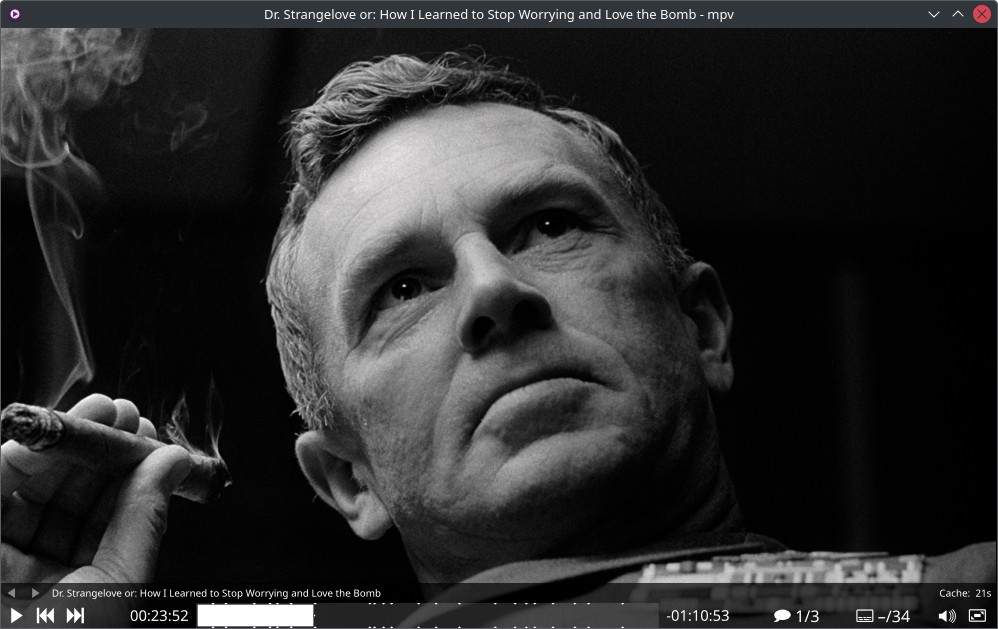
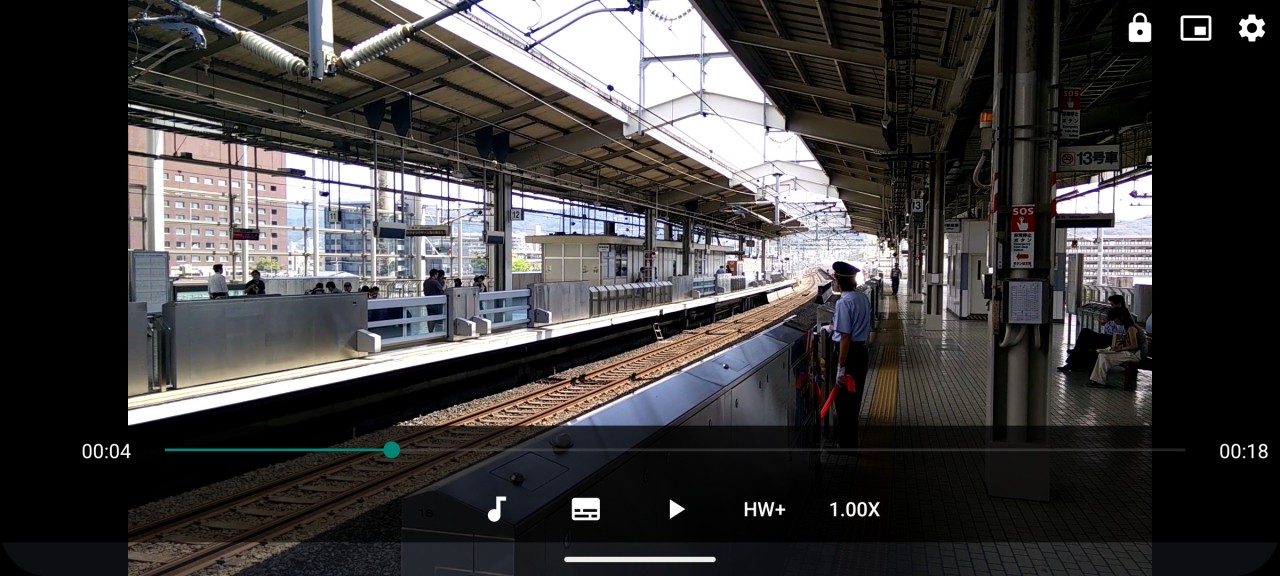
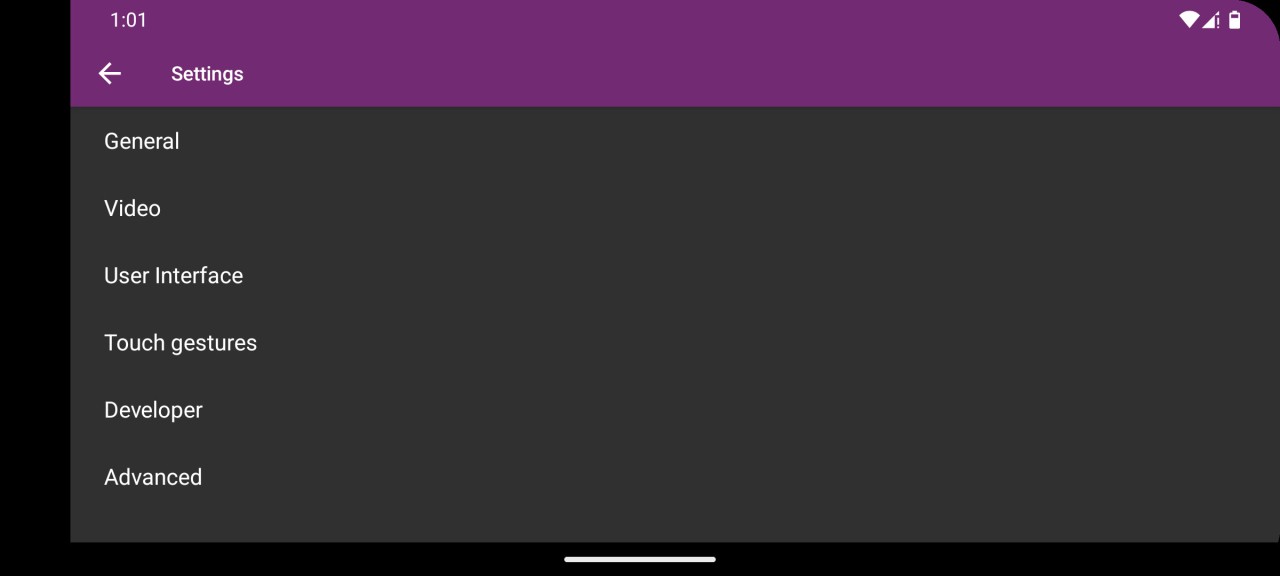
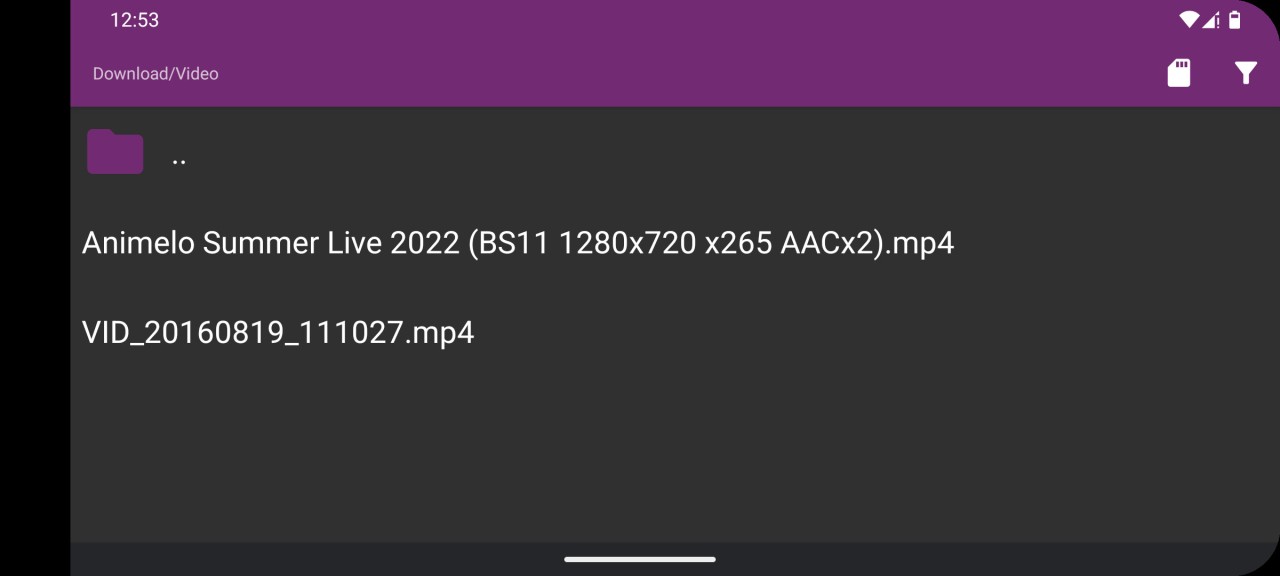
MPV Player is a media player built for simplicity. You open a video or audio file, play it, and the player stays out of the way. It is a free media player that supports a wide range of file formats, codecs, and subtitle types, while also offering advanced features like hardware decoding, high-quality video rendering, and scripting support. It is less about flashy interfaces and extra features, and more about reliable playback and technical flexibility.
MPV feels different from many media players. The project leans heavily into minimalism. There is no large traditional interface filled with menus and panels. Instead, MPV keeps things lightweight and focuses on the playback experience itself. The small on-screen controller handles basic controls, while more advanced users can customize the player through scripts and configuration files.
Part of what makes MPV popular is how much attention it gives to video quality. The project highlights support for OpenGL, Vulkan, and D3D11 video output, along with features like color management, HDR support, frame interpolation, and high-quality scaling algorithms. So while the player looks simple on the surface, there is a lot happening underneath.
Why Should I Download MPV Player?
The main reason to download MPV Player is that it focuses on playback first. The player supports a huge range of media formats and codecs, and it is designed to play files as smoothly as possible. Whether you are watching movies, playing local video files, or working with subtitles, MPV aims to handle the content without requiring extra codec packs or complicated setups.
It is built for people who want a lightweight media player that still offers a lot of power under the hood. It includes hardware-accelerated decoding, advanced video rendering, scripting support, and customization options that let users tailor the player to their needs.
The scripting side is also a big part of the appeal. MPV includes powerful scripting capabilities, and the community has created a large collection of user scripts that add new features and workflows. That means the player can stay basic if you want it to or become much more customized if you enjoy tweaking software.
At the same time, MPV never really stops feeling lightweight. Even with its advanced features, the focus rests on opening media quickly and playing it well. That is probably one of the reasons it has remained popular among more technical users for so long.
Is MPV Player Free?
Yes, MPV Player is free to use. The project is open source and available under free software licenses, which means users can download, use, modify, and distribute it without purchasing a subscription or license. You download the player, install it, and start using it without needing to think about paid tiers or feature restrictions first.
What Operating Systems Are Compatible with MPV Player?
MPV Player is available on Windows, macOS, Linux, and several other platforms through community builds and ports. The project is designed to work across desktop operating systems and can also be integrated into other applications through its API.
MPV is not tied to one operating system, and its cross-platform approach has been part of the project from the start. Whether you use Windows at home, Linux for development work, or macOS on a laptop, the player is available.
The project is also widely used behind the scenes in other software. Because MPV can be embedded into applications, many media tools and projects use its playback engine without users necessarily realizing it.
What Are the Best Alternatives to MPV Player?
KMPlayer is probably the closest alternative if you want another media player that supports a wide range of formats and playback options. It includes support for video, audio, subtitles, and high-resolution content, but it feels more traditional in its presentation. Compared with MPV, KMPlayer puts more emphasis on a full graphical interface and built-in controls, while MPV stays much more minimalist.
VLC is the best-known option in this group. It has built a reputation around broad format support, cross-platform compatibility, streaming features, and reliability. Compared with MPV, VLC feels more like an all-purpose media toolkit. MPV is often the lighter and more streamlined experience, while VLC offers a larger collection of built-in tools and settings.
MPC-HC takes things in a slightly different direction. It is a lightweight Windows media player that focuses on local playback and a familiar desktop interface. Compared with MPV, MPC-HC feels more traditional and immediately approachable, while MPV leans further into customization, scripting, and advanced playback controls for users who want more flexibility.