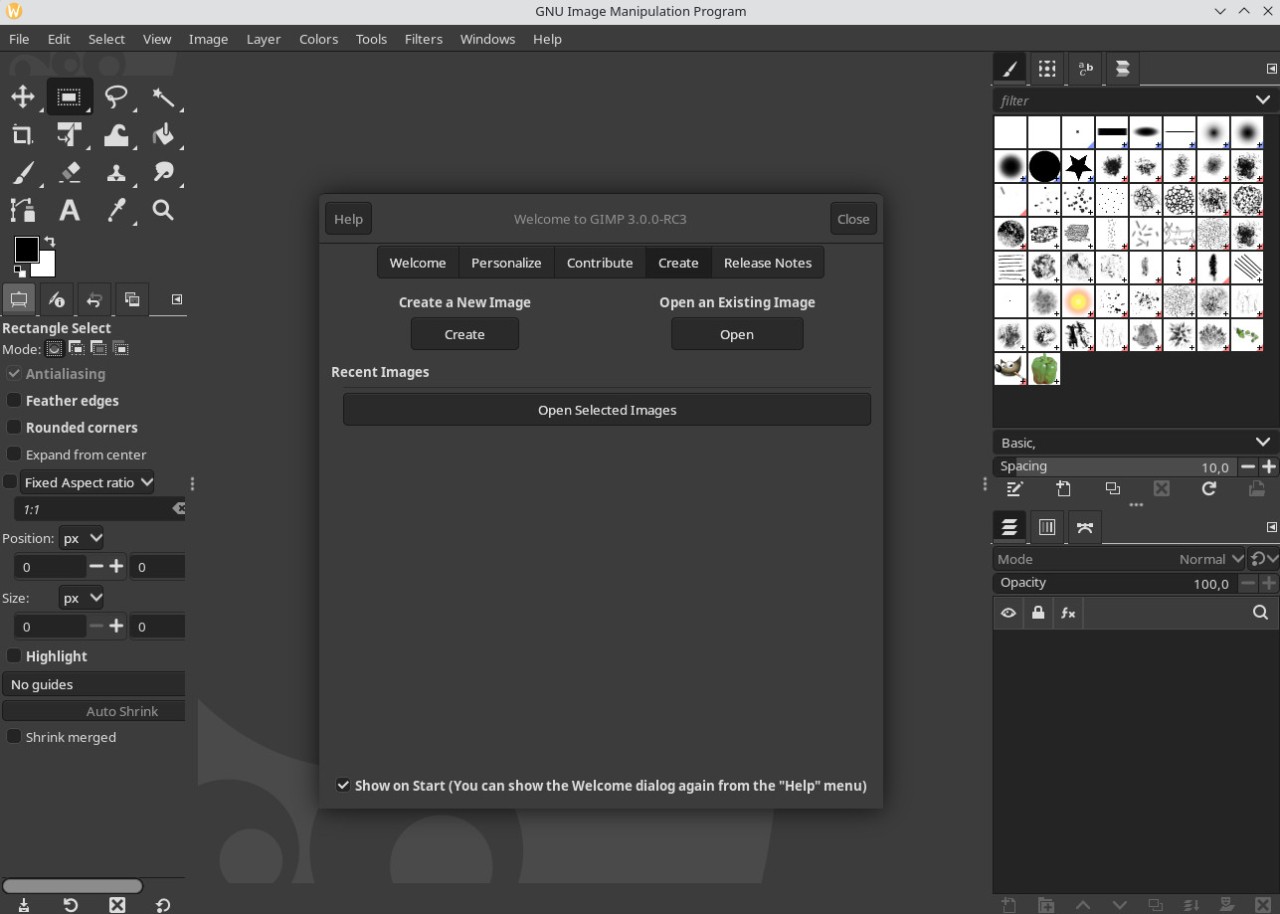
Launched in 1995 by two American developers, GIMP is an image and photo editing program. GIMP is actually an acronym for General Image Manipulation Program. Originally, the tool was designed exclusively for Linux systems, but it quickly expanded to other operating systems such as Windows and macOS.
Today, GIMP is positioned as the free and open-source alternative to the well-known Adobe Photoshop CC. It’s worth noting that GIMP’s interface draws heavily on that of Adobe (which is a leader in the field of image editing), and it also offers a wide range of tools, although the open-source software does not include any AI modules.
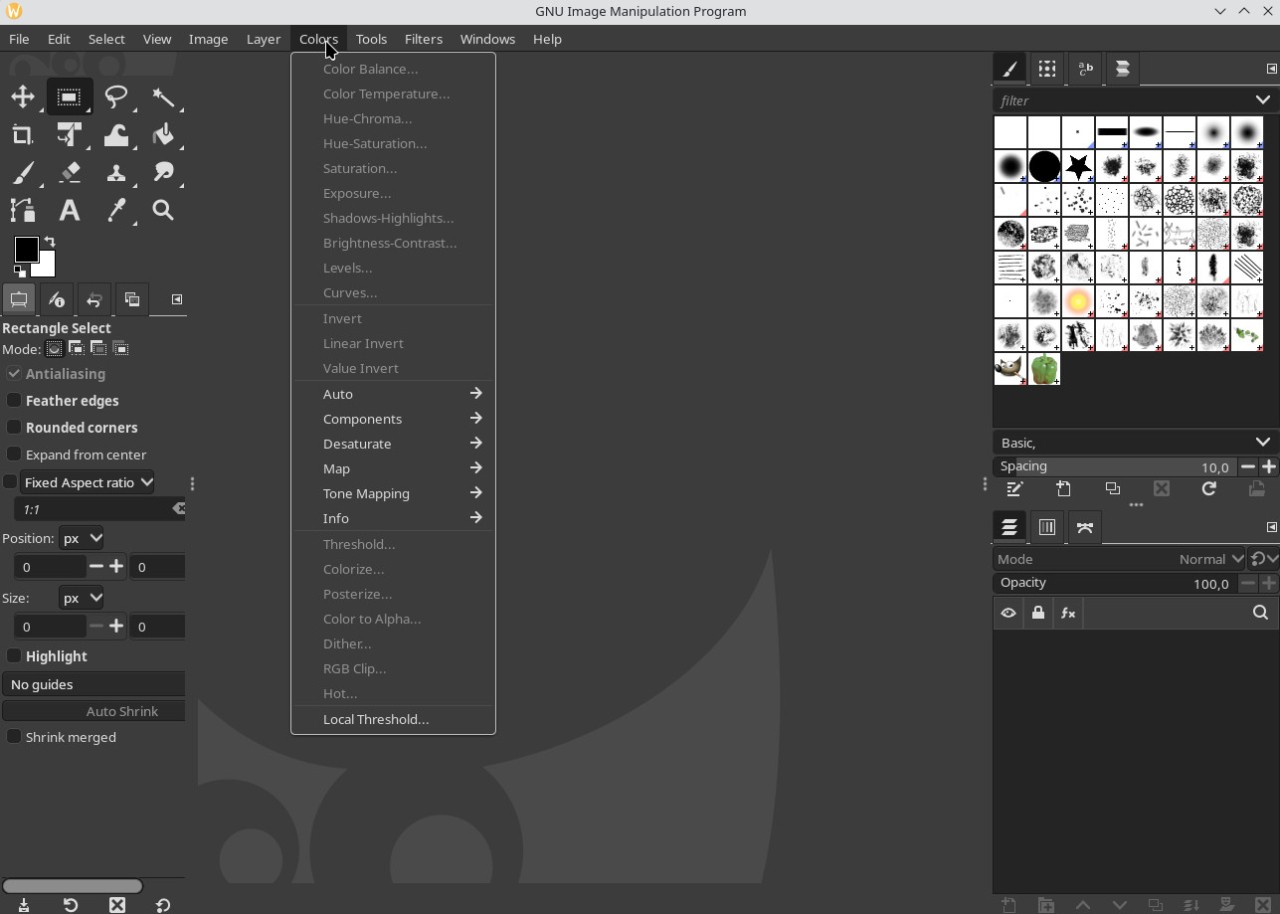
Specifically, GIMP offers a large workspace that lets you zoom in and out on your image or photo while you’re editing it. There’s also a toolbar on the left side of the screen, as well as additional tools on the right. Another notable feature is the dark mode, which allows you to work in a darker environment—a nice touch.
In terms of features, GIMP includes a layer manager similar to the one in Adobe Photoshop. It allows you to edit elements separately using different overlapping layers rather than editing the entire image. You can easily find and view all your edits. Additionally, over 160 filters and effects are available, so you can edit your images however you like.
GIMP has several million users, all of whom recognize its mascot, Wilber, and appreciate its advanced features.
What Are the Key Features of Gimp?
Using GIMP is similar to using any other photo editing software, such as Photoshop. However, the software features a unique interface that allows you to detach each tool into a small separate window or keep them in the main window. While it may not be the easiest for a beginner to get the hang of, experienced users will find their usual tools right where they expect them. There are, however, numerous resources available online and in bookstores to help non-experts get up to speed with the software.
The software features a non-destructive linked-layers system that allows you to edit an image without destroying the original elements, much like dynamic objects in Photoshop. GIMP also offers vector layers with fill and stroke settings that you can easily adjust. The MyPaint brushes have also been improved. They now respond to zooming, allowing for more precise drawing.
Among the software’s other advantages, note that GIMP supports many image formats, including JPG, PNG, PDF, BMP, TIFF, GIF, ICO, and EPS. It also works with Photoshop’s PSD format. GIMP’s default format is XCF. To save your files in a different format, you’ll need to export them.
It should be noted, however, that support for RAW files (photo files) is not built-in. There are two solutions. The first is to use a plug-in that will help the software recognize the format. The second is to use external RAW file processing software to process the file before saving it in a format recognized by GIMP.
GIMP offers the ability to use different color spaces such as RGB, CMYK, and HSV, as well as numerous plugins that you can install to enhance the software’s functionality. These are developed and made available by the community, which is both large and active. Some plugins may require a fee.
The software offers a wide range of features, from the most basic to the most advanced: selection, cropping, alignment, painting with customizable brushes, image transformation, patterns and styles, adding text, and more. The same goes for tools designed to adjust color, including saturation, contrast, and more.
More generally, GIMP doesn’t skimp on advanced features. Among these is a script manager (supporting Perl, Python, and others) that allows you to automate certain tasks to make changes to multiple files at once. Of course, this feature is most appealing to users who already have some familiarity with the software, but you can certainly use online tutorials to learn how to do it.
Is Gimp Free to Use?
You can download GIMP and use it at no cost and with no restrictions, simply because this image-editing software is completely free and open-source. Some plugins may ask for a payment.
Which Platforms Support Gimp?
You can download GIMP onto the computer of your choice using our direct links. The software is compatible with Windows 10/11, macOS 11 Big Sur or later, and Linux (Debian 13 or a newer distribution).
However, there is no GIMP mobile app compatible with smartphones and tablets. There is also no online service accessible via a web browser, as is sometimes the case with other software.
What Are the Best Alternatives to Gimp?
GIMP is an excellent image and photo editing program. Although it is free and open-source, it doesn't skimp on the features most valued by users or on a number of advanced options. For this reason, it is perfectly suited for a large segment of the population. However, there are alternatives to this tool.
The must-have tool in the field of photo editing is, of course, Adobe Photoshop. To date, it is THE go-to photo editing software in all professional circles. It is clearly the number one choice in its category across the communications, marketing, design, and media sectors, among others. Unlike GIMP, it requires a paid subscription to Adobe Creative Cloud, which also gives you access to the brand’s other tools, such as Illustrator, After Effects, and more. It includes Adobe Firefly, the AI-powered image generation and editing tool. Note that the iOS and Android versions of Photoshop are available for free.
Like GIMP, Affinity Photo features a very clean interface with a large workspace and several tools located on the left side of the screen. This allows you to edit images however you like. Finally, keep in mind that all of these programs have numerous online tutorials that can help you get started with the basic features. Affinity Photo is now part of Affinity by Canva. Since its acquisition by Canva, Affinity has been completely free. You can download it for Windows and macOS, and a mobile version will be available soon.
Finally, if you want to stick with free and open-source software but are more interested in creating and drawing than in photo editing, you might be interested in Krita. This drawing software is available for Windows, macOS, Linux, and even as an Android app. With Krita, you get an efficient workspace, a wide variety of brushes, filters, and colors, text tools, and a layer system for all your creations—as well as for photo editing.