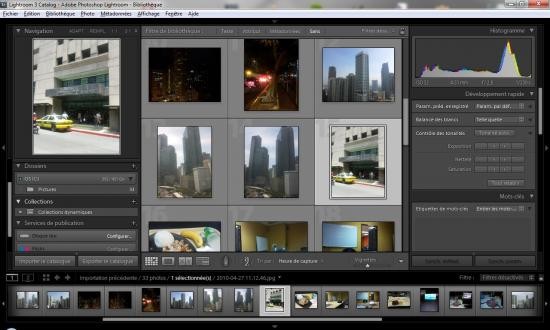
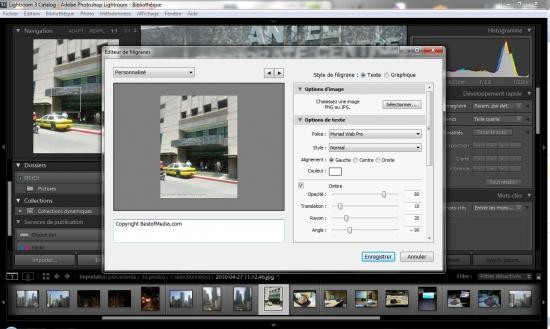
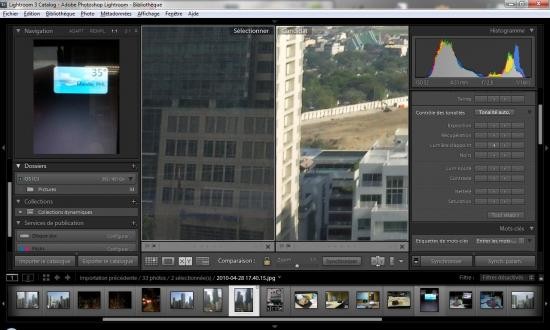
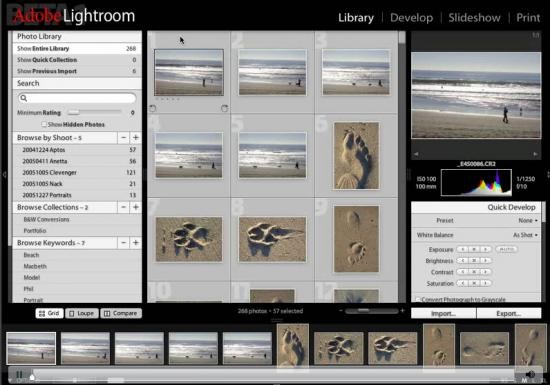
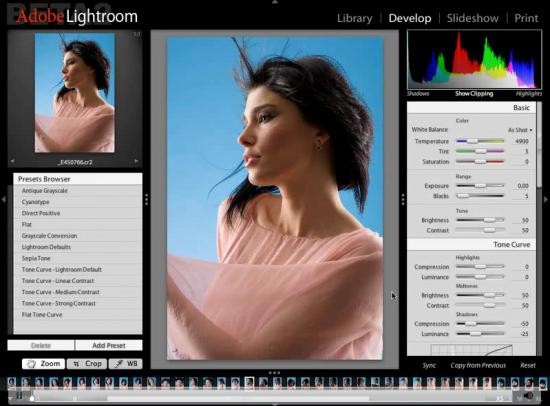
Adobe Photoshop Lightroom is a vital application in the Adobe Creative Cloud family. Often used in addition to Adobe Photoshop, Lightroom is the place to go for organizing images and making quick edits to them. While the editing options available are not nearly as detailed as in Photoshop, you can edit the metadata, organize images with the help of tags, and rate your works.
The ability to edit big batches of images makes this app unique. It can save you the time you would spend editing your pictures one by one. The app boasts non-destructive editing, meaning that the original file remains the same, so you can always revert to it if needed. Lightroom has a number of AI tools that can be helpful in automating your workflow.
The application can be accessed by a variety of means, through Windows and macOS, as well as iOS, Android, and iPadOS. Lightroom is a paid app with a 7-day free trial.
What Are the Key Features of Adobe Photoshop Lightroom?
What if there was an application that allowed you to preview, manage, and edit photos without damaging the original files or opening other editing programs? Adobe Photoshop Lightroom is that app. As part of the Adobe Creative Cloud, it integrates seamlessly with other Adobe applications. Its main features include the ability to organize and view images, edit and bulk edit images, and store photos in the cloud.
Let’s dive deeper into the key features of Adobe Photoshop Lightroom, starting with non-destructive editing. Unlike simpler editing programs, Lightroom doesn’t harm the original file, saving all of your edits as metadata. That ensures that all changes are reversible.
While Lightroom is not a full-fledged editing software like Photoshop, it allows users to make small edits with the help of AI. For instance, AI tools can automatically select the background of a photo or identify an object, remove or diminish noise, get rid of unnecessary objects and fill the remaining empty space. Other tools enable manual adjustments of color grading, white balance, and exposure, among other parameters.
Users can work on multiple images at the same time, thus saving lots of time and effort. If you’re working on a batch of photos for the same project, you can apply a preset to all the photos, ensuring they all have the same changes applied to them and end up looking cohesive.
All of your photos are stored in the cloud. You can find the photo you’re looking for using AI-powered search. Alternatively, add tags and star ratings to your photos, and locate them this way.
As a bonus, the app offers basic video editing capabilities.
Is Adobe Photoshop Lightroom Free to Use?
You can use the basic version of the Lightroom phone app on iOS and Android for free. You will need to pay a subscription to access all of its features. If you’d like to opt for the desktop app, you will need to purchase a subscription right away. There is a 7-day free trial that can help you determine whether or not Adobe Photoshop Lightroom is a useful platform for you.
Which Platforms Support Adobe Photoshop Lightroom?
Adobe Photoshop Lightroom is available on computers, mobile devices, and the web. The computer version is available on Windows and macOS computers; all you need is a modern GPU and at least 16 GB RAM.
If you’d like to use the app on your phone or tablet, you can download it on Windows 8.0 or newer, and iOS 17.0 or newer.
The online version of the platform can be accessed through a modern web browser.
What Are the Best Alternatives to Adobe Photoshop Lightroom?
Those looking for an alternative to Lightroom can find one in RawTherapee. Unlike the former, it is a free, open-source solution. It is also a full-fledged editor, which makes it a little bit more difficult to operate. Because it is not tailored to quick edits, the interface can appear a bit overwhelming at first. Its key features include noise reduction and image sharpening.
Darktable is another free and open-source solution that has similar features to Adobe Photoshop Lightroom. The platform allows you to make in-depth edits to your images, but it is harder to navigate and has a steep learning curve. This solution is suitable for Linux users and anyone who doesn’t want to purchase a subscription.
Users looking for a simpler solution will enjoy Luminar Neo. Luminar Neo caters to beginners and editors who prioritize speed. The tool is heavily AI-based, which can automate and speed up the editing process. Its organization system is not as sophisticated as Lightroom’s, but it will work just fine for small projects. To use Luminar, you need to make a one-time purchase.