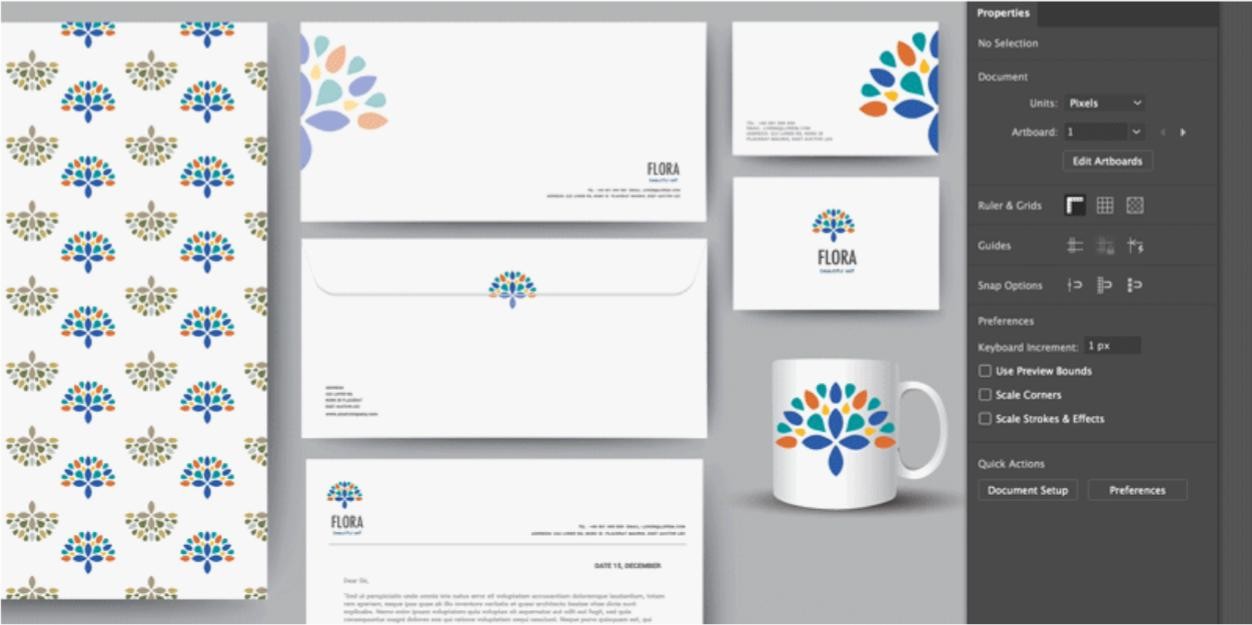
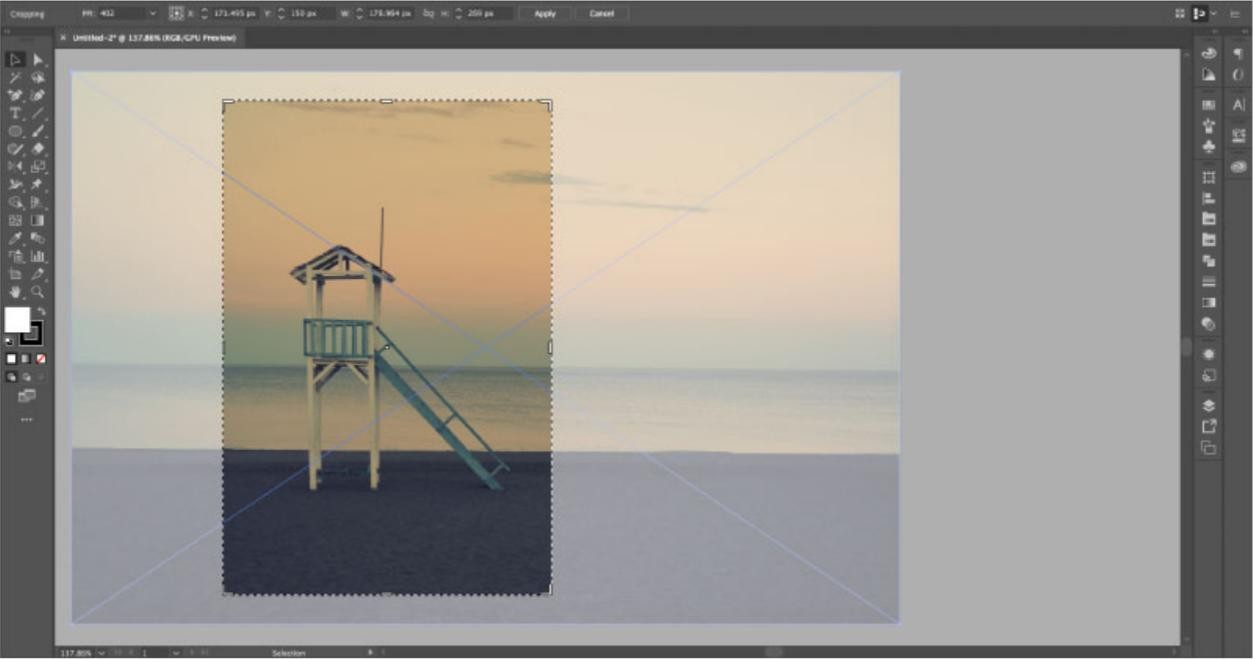
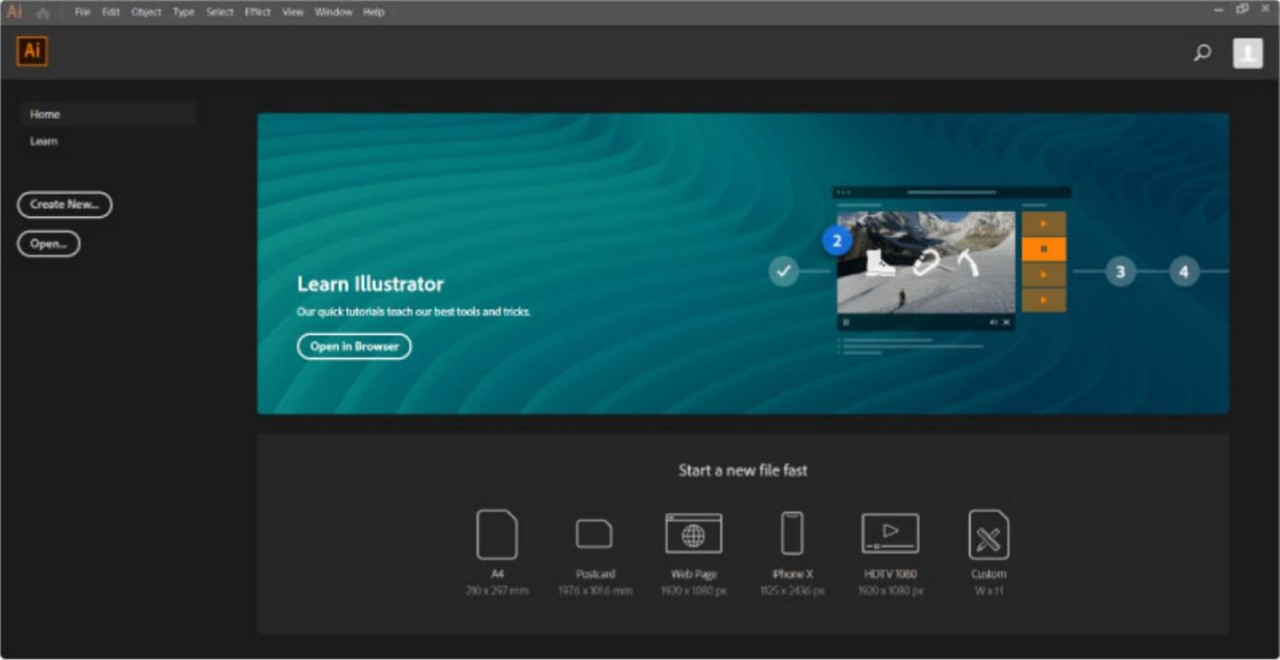
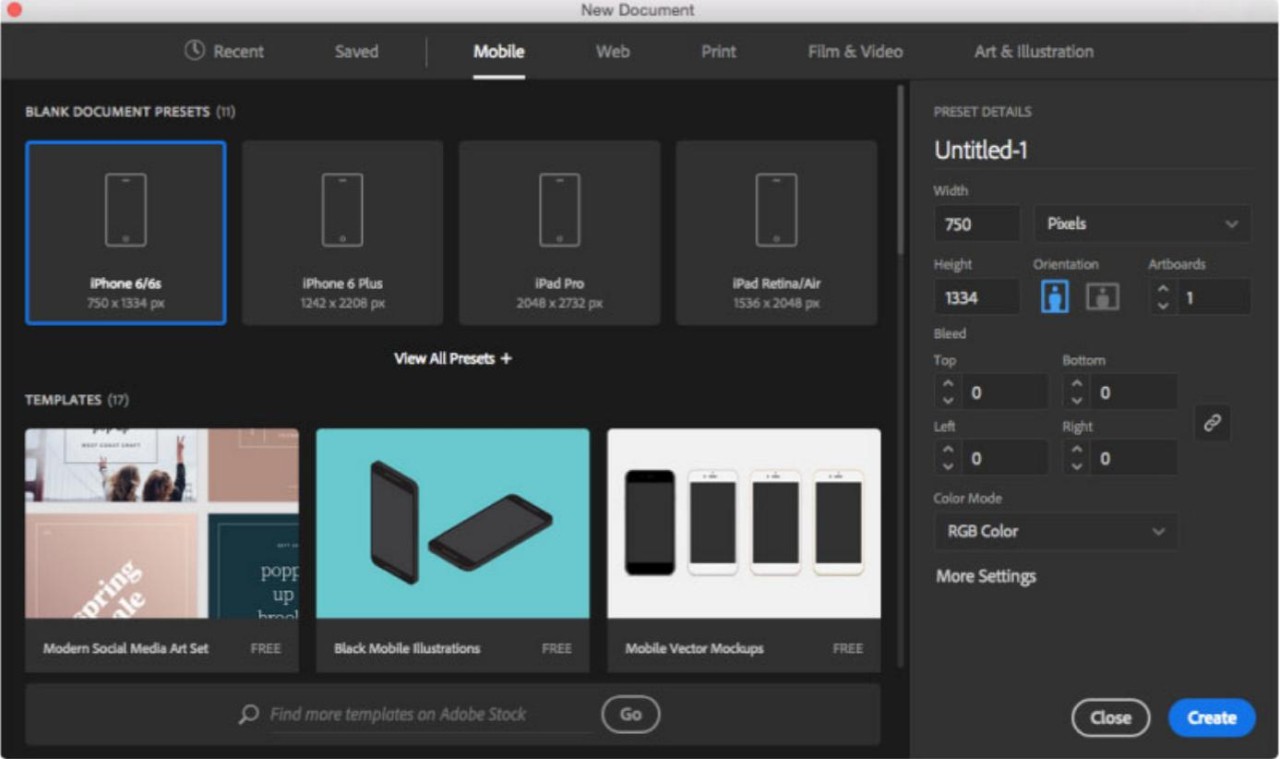
Adobe Illustrator is a vector-based program for creating digital art. Its vector-based nature enables the creation of precise visual outputs on Windows or macOS computers and iPads. The tools presented by the software let users create the sharpest visuals that can withstand any resolution. Its rich selection of instruments makes it easy to use.
Adobe Illustrator recently implemented generative AI to help users automate some processes, thanks to Firefly. You can generate visual elements through text prompts and save the time you’d spend creating them yourself. Advanced color, font, and pattern management tools allow you to come up with truly unique designs, just the way you like.
The tool integrates seamlessly with other tools in Adobe Creative Cloud. You can organize your content into different boards for easier browsing and management. The output can be exported into a wide variety of formats.
What Are the Key Features of Adobe Illustrator?
Anyone looking to create digital art can benefit from Adobe Illustrator. Illustrator is a vector-based program for creating visual outputs. It is often used by marketing professionals and digital artists to create logos and graphics.
The high-level tools offered by Illustrator ensure that any art you create is scalable and can be adjusted to any size while retaining its sharpness. The most prominent tools on offer are the Pen Tool and the Shape Builder Tool. The former allows users to draw and create, while the latter is used for shape management. You can also customize fonts to your liking and turn text into shapes with the help of Illustrator’s typography tools.
Adobe Illustrator makes working with colors easy, as you can find the exact colors you need and keep them in the palette to ensure cohesion within one project. If you want to turn existing graphics into elements for your project that you can edit, you can utilize the Image Trace tool. AI features let users create new elements with ease using text prompts. You can also benefit from automating simple tasks with AI.
Much like Adobe’s most famous software, Photoshop, Illustrator works with layers, allowing you to work on individual design elements separately and take steps back without compromising the entire project. Like all Adobe applications, Illustrator offers seamless Creative Cloud integration, allowing you to work on your art in different Adobe applications.
Working on multiple projects at the same time will not pose a problem with Adobe Illustrator’s smart organization capabilities.
Is Adobe Illustrator Free to Use?
Adobe Illustrator is a paid tool that requires a subscription. There is no free version of the tool, but you can test its full functionality for free for 7 days. If the subscription is not cancelled before the end of the free trial, it is renewed automatically.
Which Platforms Support Adobe Illustrator?
Adobe Illustrator is an application for macOS and Windows computers, as well as iPads. The system requirements for Windows are Windows 10 or 11. The system requirements for macOS are macOS Ventura 13, Sonoma, or Sequoia. Adobe recommends freeing up at least 16 GB of RAM and having a dedicated GPU for optimal performance.
If you want to use the app on an iPad, make sure it runs iPadOS 14 or later.
What Are the Best Alternatives to Adobe Illustrator?
Those searching for a free alternative to Adobe Illustrator can try Inkscape. It is a free and open-source tool for graphics creation. Because it is a free tool, its features are not as advanced. Nevertheless, it is perfectly suitable for beginners in the field of digital art and web design. If you’re not fully committed to using the tool every day or turning web design into a job, then Inkscape is the perfect starter tool. The application is quite lightweight and will not drain your computer’s resources. It has all the tools necessary to create simple designs.
Affinity by Canva is a simpler and more intuitive tool for graphics creation. It lacks the advanced tools for detailed work, but it has all the necessary features for marketing materials creations. Unlike Illustrator, Affinity offers a one-time purchase model, so you won’t have to pay for a subscription every month. It is a lightweight platform with a user-friendly interface that is faster than Illustrator and uses fewer computer resources.
Canva is a web platform that does not need to be downloaded and can be accessed from a computer, tablet, or mobile device. It is more suitable for users working on marketing materials rather than professional digital artists and web designers, as its element creation features are limited. Users can benefit from a large library of templates for different types of content, including newsletters, flyers, and Instagram posts. Canva is incredibly user-friendly, so it’s perfect for beginners and casual users.