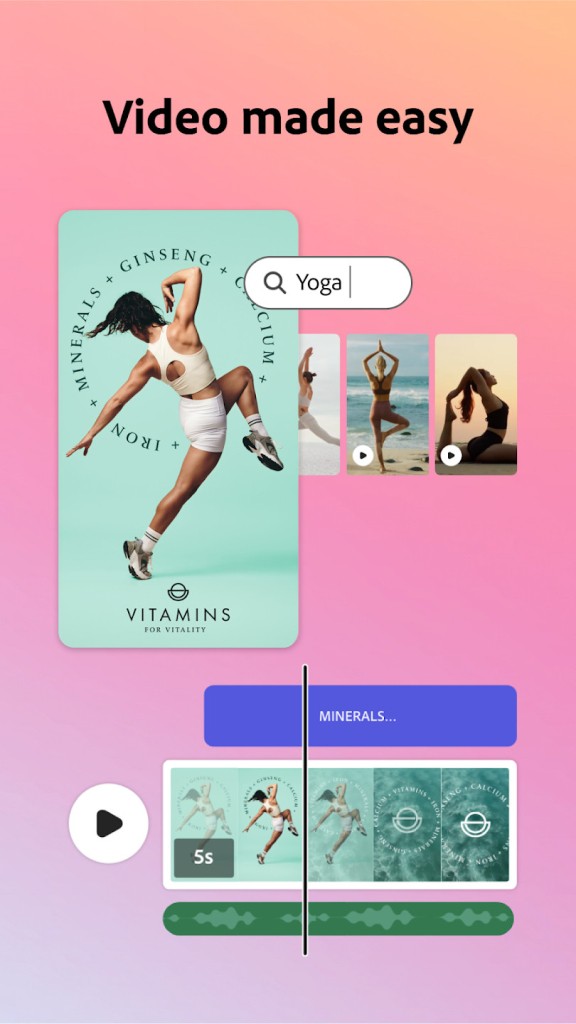
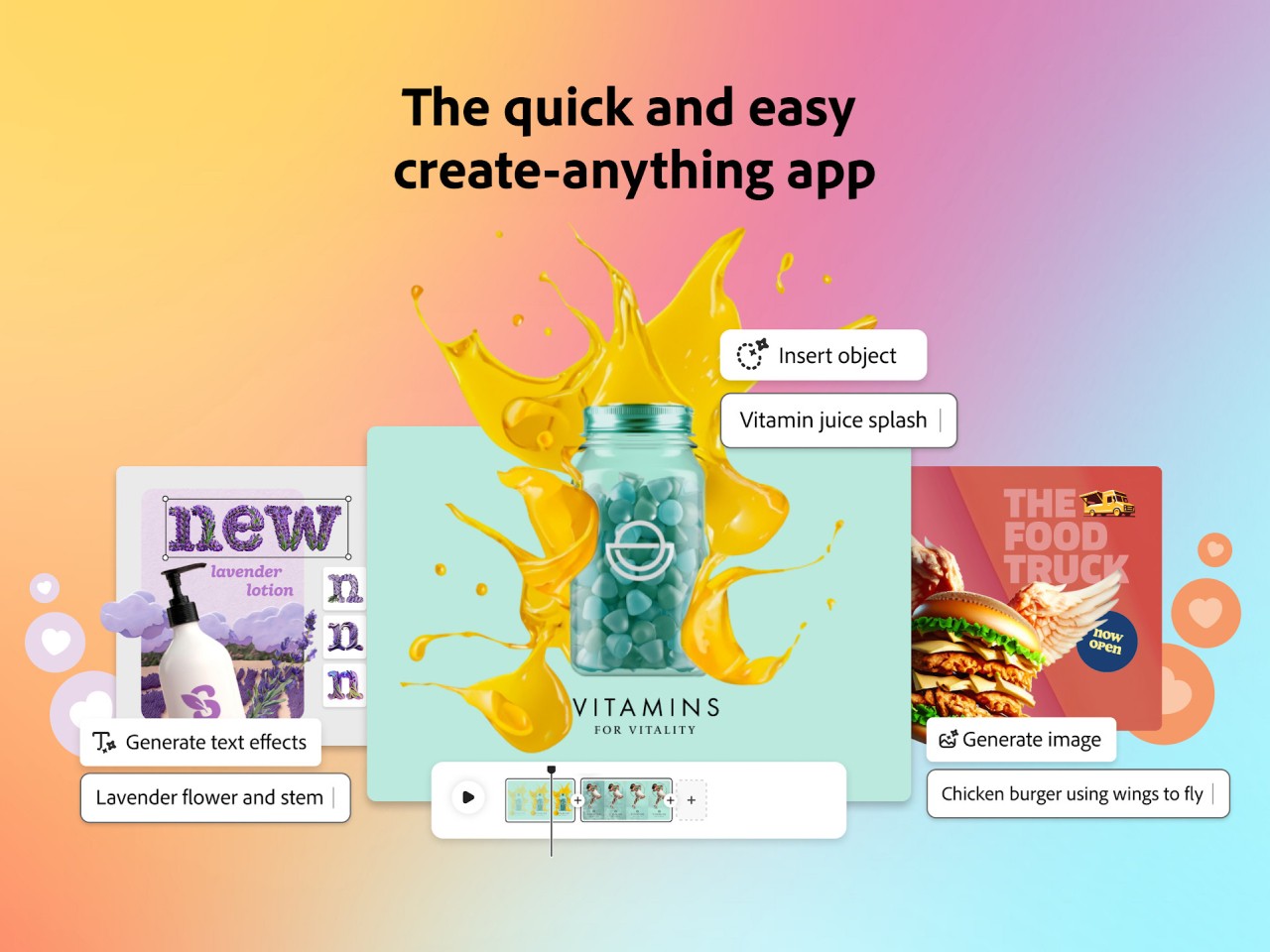
Adobe Express is a mobile application that is also accessible through a web browser. The purpose of the app is to offer a simplified version of the more advanced Adobe applications, thus inviting a larger user base. You can use Adobe Express for your graphic design needs. Its tools are sufficient for the creation of social media posts, flyers, and other simple marketing materials.
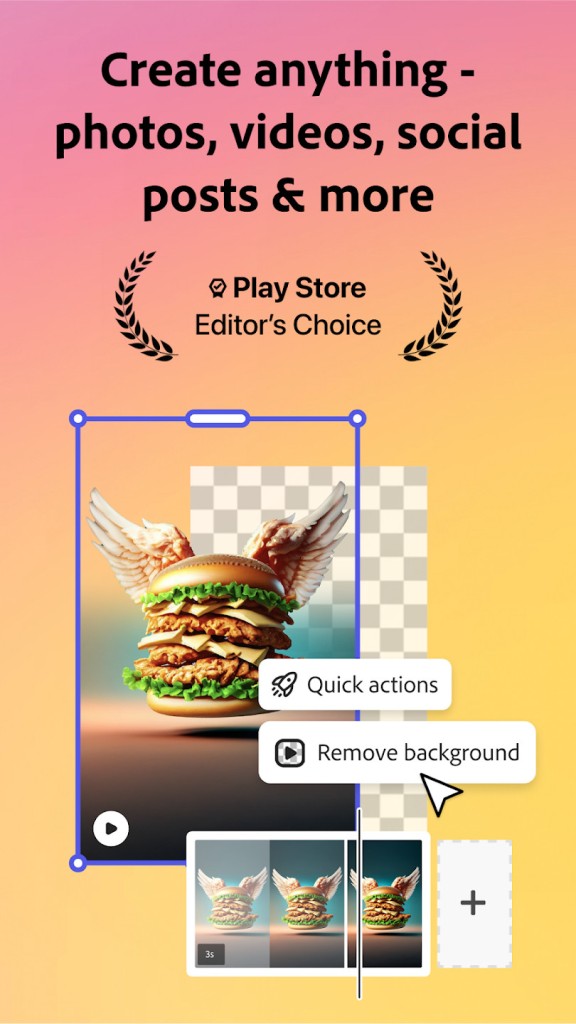
The design features of Adobe Express enable working with images, text, video clips, and even audio tracks. You can take advantage of Adobe’s premade templates to save time. The app also features simple editing tools such as background removal. Generative AI tools can be very helpful in creating new visual elements for your projects, speeding up the process.
The app’s friendly user interface makes it very easy to work with. Don’t expect a convoluted interface with complex features that are difficult to navigate. Instead, you will find an intuitive drag-and-drop interface that makes digital art and graphic design simple.
What Are the Key Features of Adobe Express?
Adobe Express is perfect for you if you don’t want to design your own marketing materials from scratch. The platform offers a number of handy templates and visual elements to make graphic design quick and easy. Unlike other Adobe programs, this one doesn’t have a steep learning curve. You can use it even if you have no experience with graphic design software.
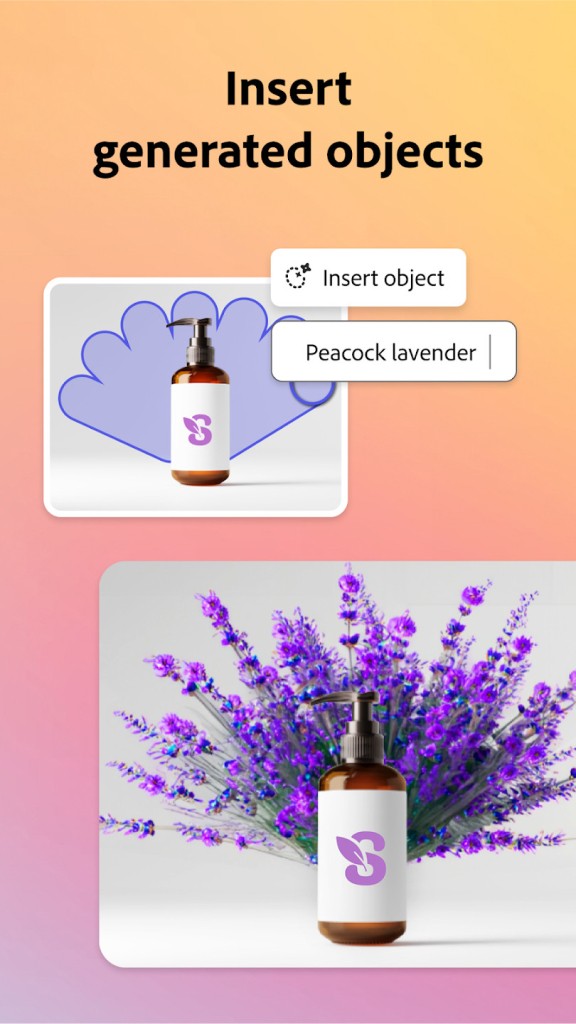
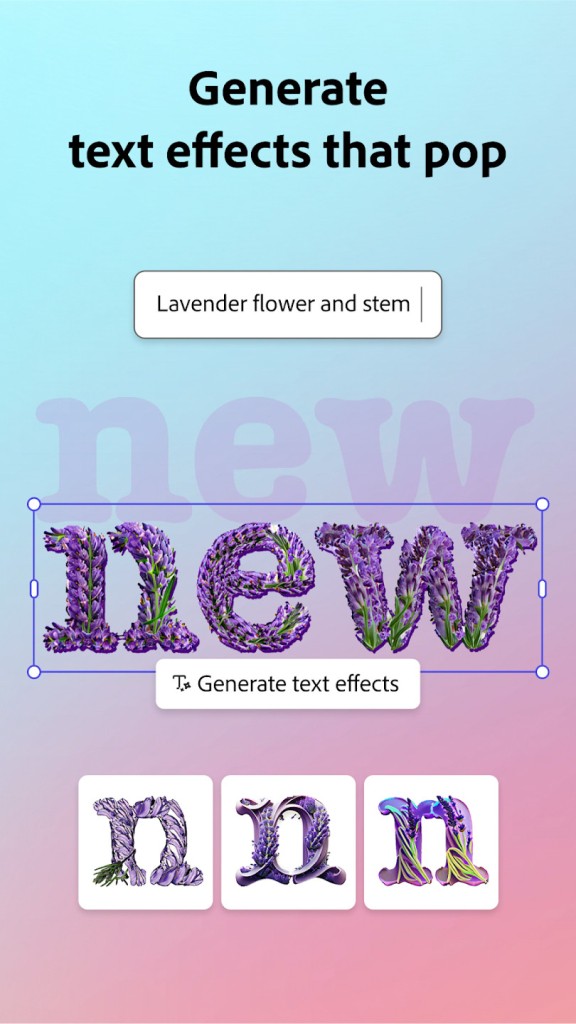
To make creation easier, Adobe Express introduced a number of generative AI tools. You can use them to create images or visual elements by typing what you’re looking for into a text box. AI can help you identify backgrounds and unnecessary elements, remove them, and fill them to make the image look unedited. Other features include automatically generated video captions.
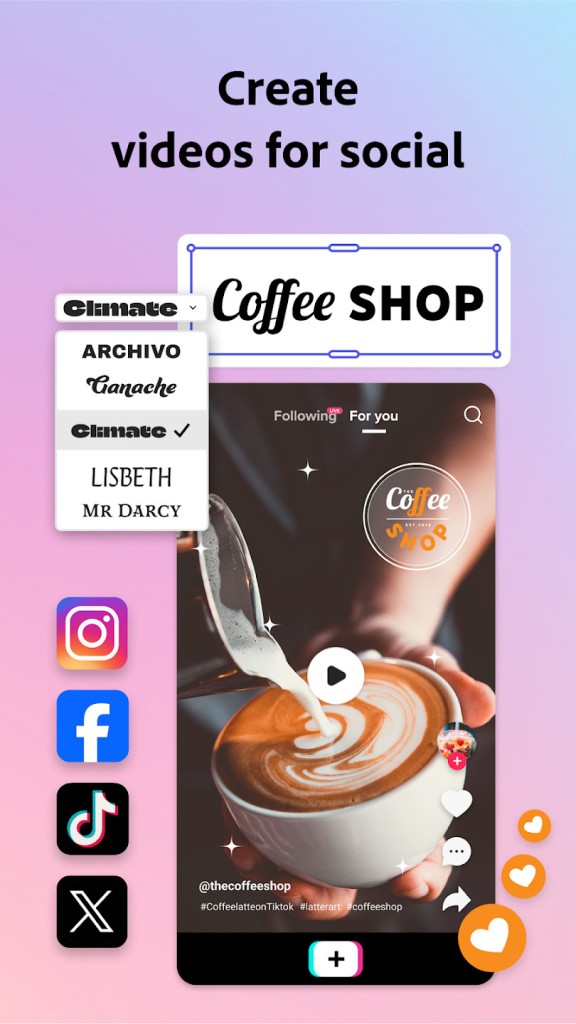
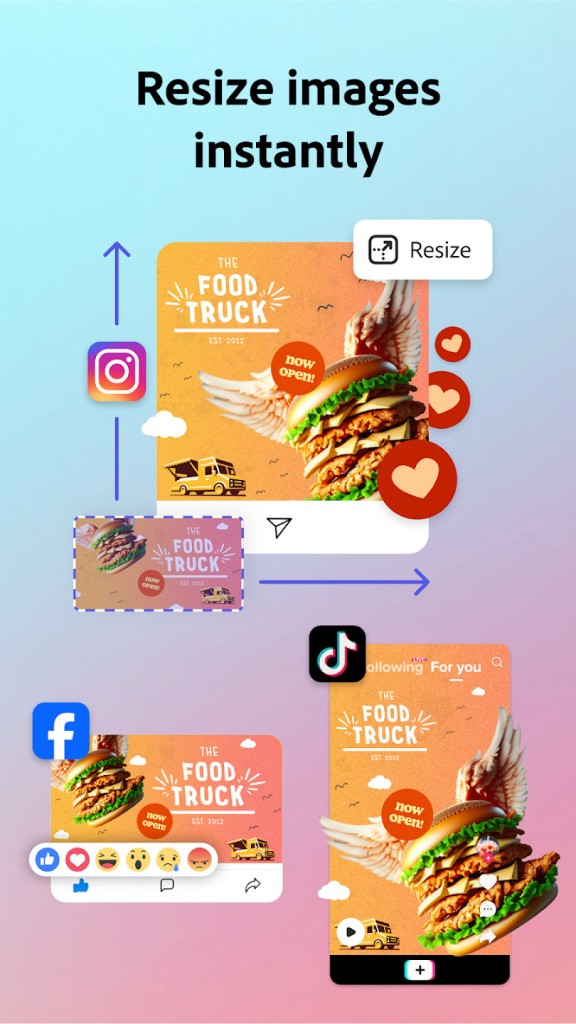
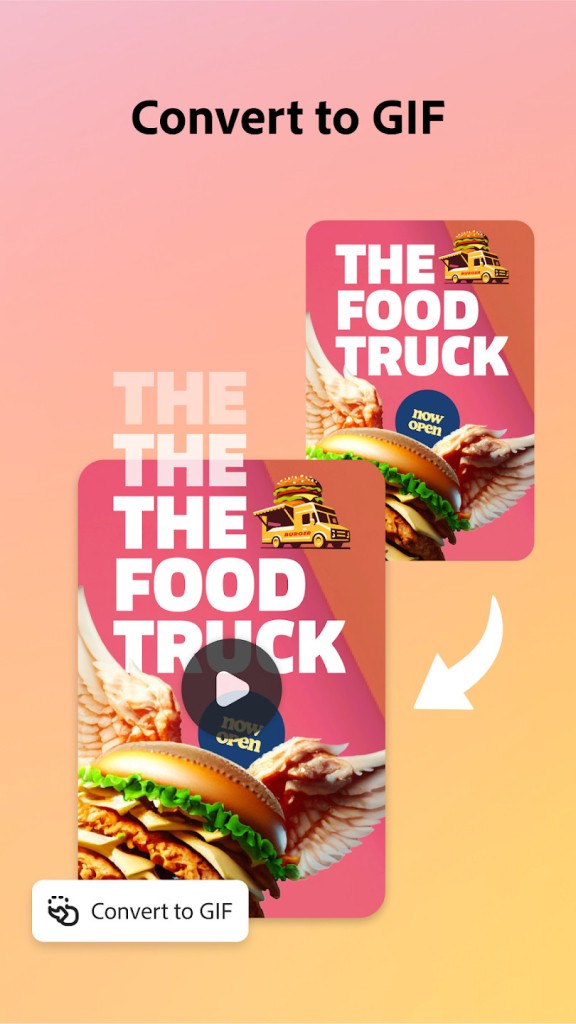
As the app is most commonly used to create social media posts, it also has content planning capabilities. Connect your Adobe Express account to Facebook, Instagram, or X, and schedule posts directly from there. Handy animation tools can bring your images to life and make your posts more interactive.
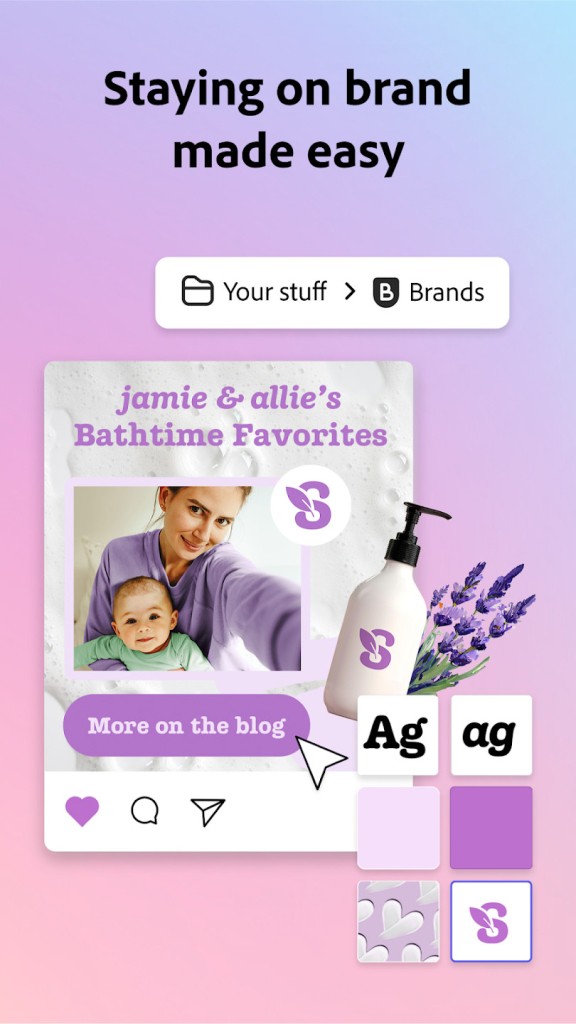
You can create your own brand library within the app, filled with useful visuals like your brand’s logo, colors, and fonts. Once that’s saved, you can implement these elements with a couple of clicks. There are over 20,000 fonts to choose from, and a rich collection of pictures and videos you can use for free.
Other features include collaborative work, Adobe Creative Cloud integration, and PDF editing capabilities.
Is Adobe Express Free to Use?
Adobe Express has a free version and a premium plan. The free version contains a number of basic editing features, templates and layouts, fonts, royalty-free images, and more.
The premium plan gives you access to more advanced features, exports without a watermark, and massive cloud storage. There is a monthly subscription payment associated with the premium tier.
Which Platforms Support Adobe Express?
Adobe Express is available for iOS and Android mobile devices. You will need iOS 18 or later for iPhones and iPads, and Android 10 or later for Android devices. Make sure your device has at least 3 GB of RAM.
You can also access Adobe Express via a web browser on your computer. Google Chrome, Safari, and Microsoft Edge all support Adobe Express.
What Are the Best Alternatives to Adobe Express?
The name Adobe has come to be associated with quality. However, there are other simple design apps you can explore that may fit your needs even better.
Affinity by Canva combines the features of vector graphics, photo editing, and AI into one simple interface. The program is often considered a suitable alternative to the Adobe Creative Cloud suite. Many people prefer it because of its large library of free features. The platform is often used to create logos and digital art, edit photos and images, and combine different elements into works of graphic design. The best thing about Affinity is that it’s free to use.
Microsoft Designer is Microsoft’s alternative to Adobe Express. The platform is largely AI-based, making it very quick and easy to use. You can take advantage of its AI features by creating images and graphics through text input. AI can also come in handy when you need to remove an object or change a background. The platform has a variety of templates that make graphic design a walk in the park. If you have a Microsoft account, you can take advantage of most of Designer’s features for free. Additional features are available at a cost.
Concepts functions as an infinite canvas that you can use to draw or sketch. Because each brush stroke creates a unique object, you can easily move and adjust them to create the artwork of your dreams. Many people use the app to create floor plans, make notes, and brainstorm. Finished designs can be exported in different formats. Most of its basic tools are free, while the more advanced tools require a subscription.