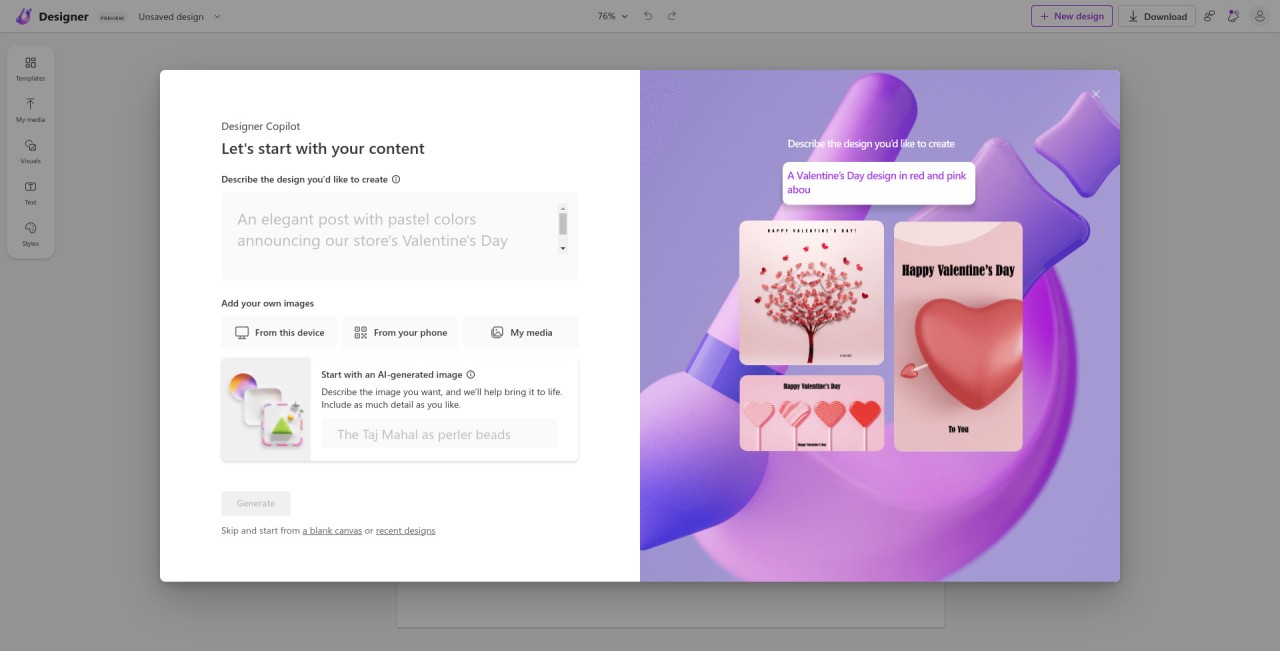
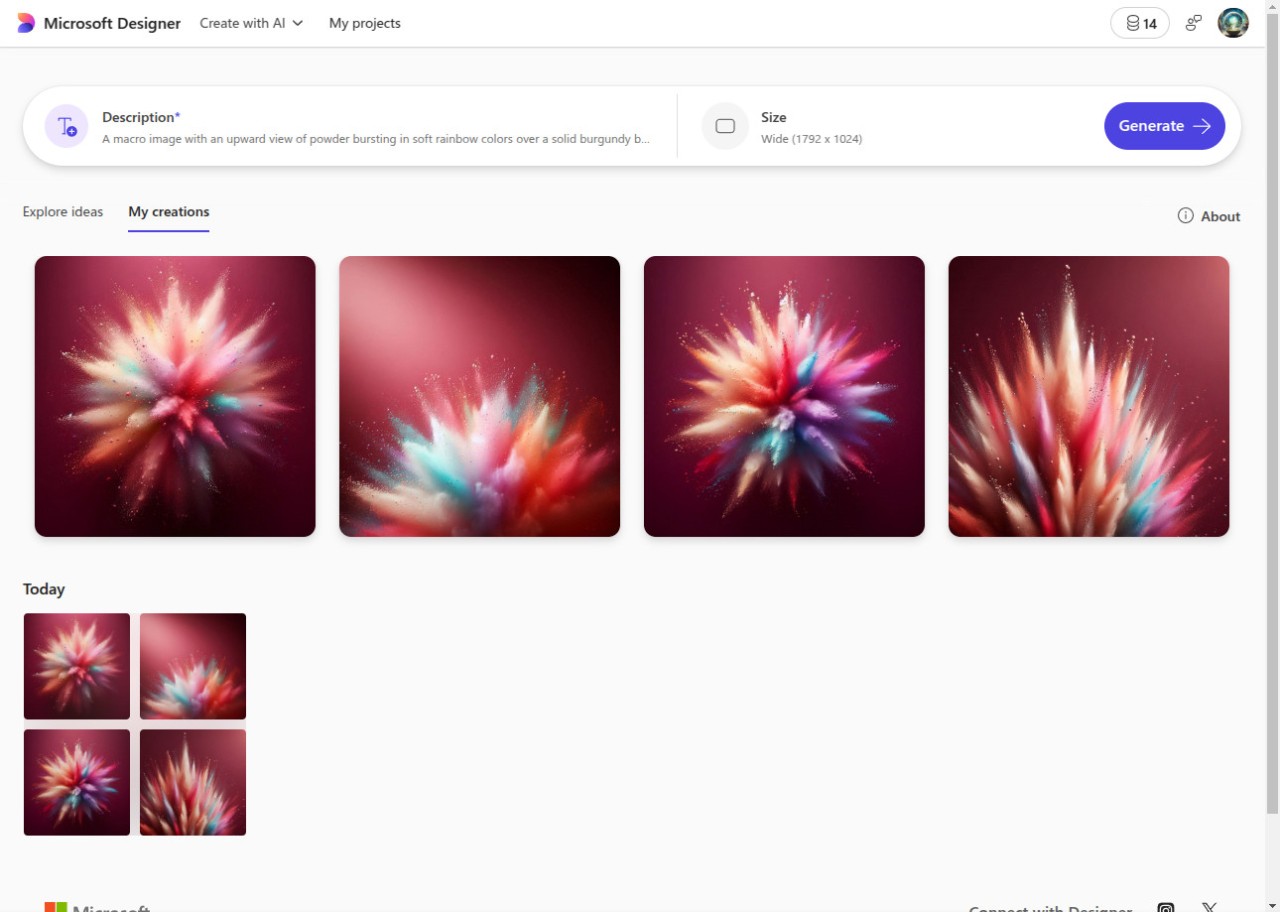
Microsoft Designer is the go-to solution for all graphic designers who need a little bit of help. If you have a great idea but don’t know how to execute it or simply don’t have the time, then Microsoft Designer will come in handy. The platform functions as an AI tool that can create the output you’re looking for using your text input.
You can start by generating an image using a text prompt. The platform will suggest additional elements to complete the visual, such as frames, fonts, layouts, and more. Take Designer’s advice or generate your own ideas. Other features allow you to edit images, change backgrounds, and create frames.
The platform is available as a mobile app or a web-based app. If you have Microsoft Office, you can take advantage of the tool integrated in individual Microsoft apps, allowing you to create digital art on the go.
What Are the Key Features of Microsoft Designer?
Microsoft Designer boasts a number of smart features that make digital art creation easy. Its AI image generator forms the basis of the platform. All you have to do is provide a written prompt, and AI will create the image you’re looking for. The same works for other visual elements: just describe them using text and let AI do the work. You can create whole templates, as well as individual design elements like text.
Creation is not the only thing Microsoft Designer is good for. You can use the app to edit your photos and other work. For instance, it can easily delete unnecessary elements from an image or help you change the background.
Many people use Microsoft Designer to create flyers, posters, social media posts, and other marketing visuals. If you have no time to waste, you can use the tool for smart layout and copywriting help. Feed Designer the information you want to include and watch it present that information in the required format. Those struggling to come up with catchy slogans and titles can let AI generate those texts for them.
Microsoft Office users can integrate Microsoft Designer into their daily workflow without additional downloads or installations. The tool is built into desktop apps like Word and PowerPoint, and can be used seamlessly within these apps.
Is Microsoft Designer Free to Use?
If you have a Microsoft account, you do not need to pay extra to use Microsoft Designer. Keep in mind that the free version of the tool is limited, so you may not be able to create as much as you’d like. To get more credits for AI creation, you need to subscribe to a paid plan.
Which Platforms Support Microsoft Designer?
You can access Microsoft Designer in a variety of ways. Download it on your computer or mobile device, access Designer through a web browser, or take advantage of its Microsoft 365 integration.
There is a native Microsoft Designer app for Windows 10 and 11 computers. The mobile app can be downloaded on Android and iOS mobile devices. The web application is accessible through any modern browser on Mac, Windows, and Chromebook computers.
If you use Microsoft programs like Word, PowerPoint, Teams, or Outlook, you can take advantage of the built-in Microsoft Designer tool and create directly in those apps.
What Are the Best Alternatives to Microsoft Designer?
If Microsoft Designer isn’t quite what you’re looking for and you’d like to explore other options with similar features, there are many to choose from.
Canva is a popular web platform for graphic design. Individuals and businesses use it to create posters, presentations, social media posts, flyers, menus, and more. The difference here is that Canva gives you a lot more space for customization and working with details. You can start with a ready-made template and change it to fit your style. Because you see what you’re going to be working with from the start, you can easily turn your vision into reality. There is a free version with a large variety of templates and design elements, and a paid version with advanced features. You will enjoy Canva if you like to work with templates but want to stay in control of the output.
Adobe InDesign is a tool often used for publications. It will come in handy if you want to design a book or magazine. Instead of working with a template, you start from scratch with a blank document. That allows you to customize every single element to your liking and make sure that the finished work turns out exactly how you wanted. Unlike Microsoft Designer, the tool is more suitable for professional graphic designers.
OpenArt is a platform for creating digital art rather than marketing materials. The tool uses AI to generate images and art. You get to experiment with different AI engines for distinct styles and outputs. OpenArt gives you more control over your art with more advanced prompting options. If your goal is to create marketing materials, you can download the work you created in OpenArt and put it into a different program to add other elements.