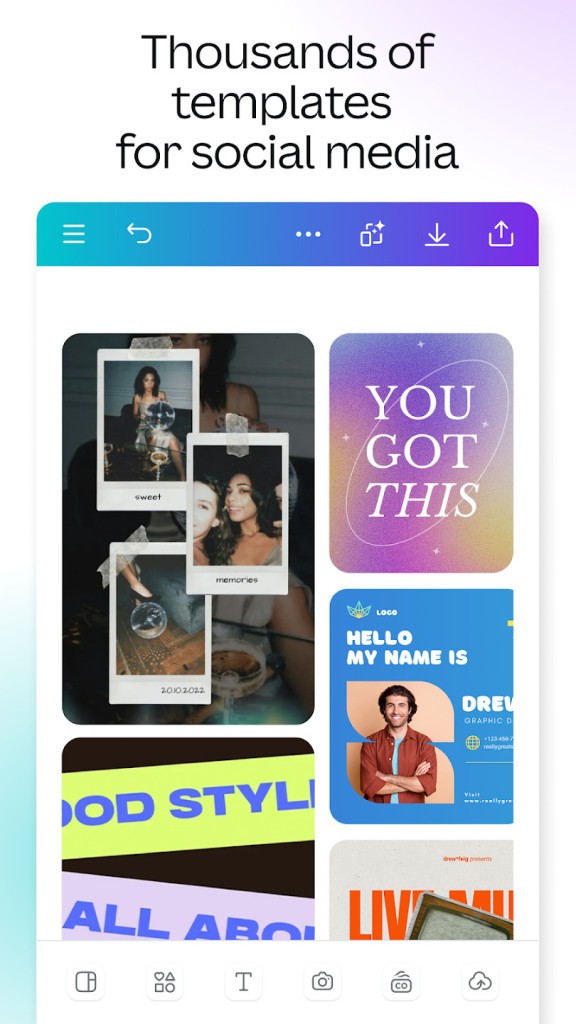
Canva is a free creation tool developed to be accessible to anyone. It works simply in your web browser or mobile app to help you create all the designs you need. The platform offers many templates for various occasions. Just pick one and start creating. Whether you are putting together a presentation, designing a social media post, editing a video, or creating a flyer, the process is understandable even if you have no designer background.
Canva feels different from other design software because it's not really aimed at professional designers. These types of software often come with a steep learning curve and a long list of tools to master. Canva takes a more guided and simple approach. Templates, drag-and-drop editing, stock assets, and built-in design suggestions help users move from idea to finished project much more quickly.
The platform has become incredibly broad. What started as a simple graphic design tool now covers presentations, videos, websites, whiteboards, documents, social media content, and AI-powered creative tools. That means many users can handle several projects without constantly switching between applications.
If you need advanced publishing controls or highly technical design workflows, Canva may feel simpler than more professional software. If your goal is to create polished content quickly, then this could be the platform for you.
What Are the Key Features of Canva?
The main feature of Canva is its drag-and-drop design editor. You can choose from a large library of templates and customize them with text, images, videos, graphics, and brand elements. And, of course, you can create anything with the generative AI tool.
The platform also includes tools for presentations, social media graphics, marketing materials, documents, infographics, resumes, websites, and video projects. Rather than forcing users to start with a blank canvas every time, Canva provides layouts and design suggestions that help speed up the creative process.
Another major part of the experience is collaboration. Multiple people can work on projects together, leave comments, share designs, and manage brand assets within the same workspace. This has helped make Canva popular with businesses, schools, nonprofits, and remote teams.
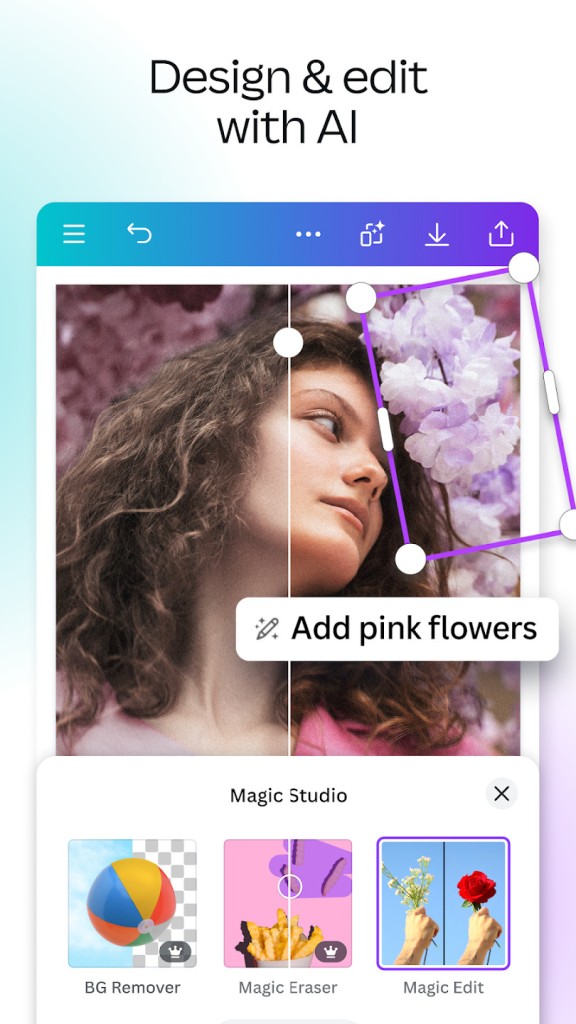
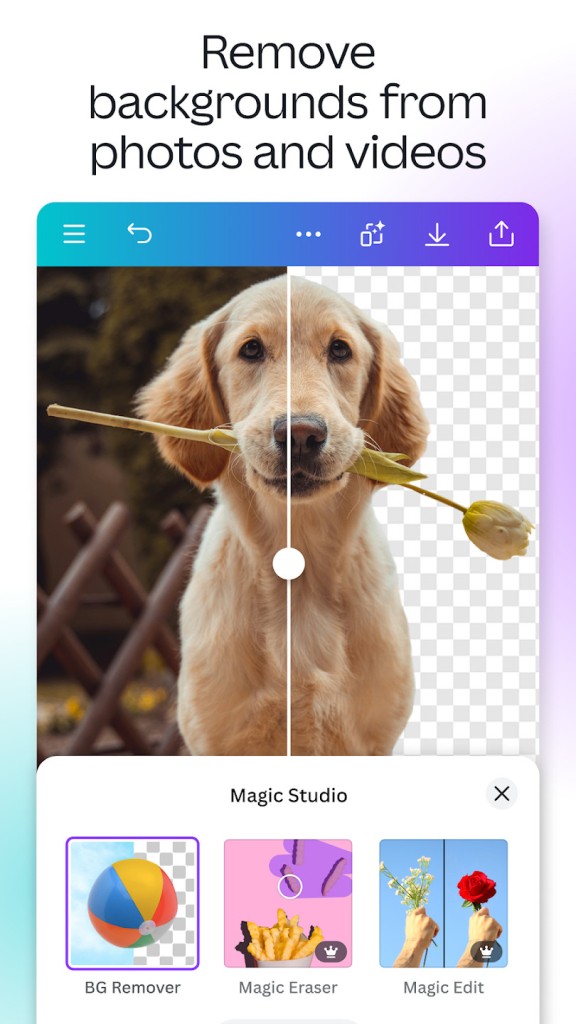
More recently, Canva has expanded into AI-powered features through tools such as Magic Studio. These features can help generate text, edit images, create designs, remove backgrounds, and automate repetitive tasks that would normally take longer to complete manually. The AI part gives you access to Canva AI but also ather AI models.
That gives Canva a fairly wide range of possibilities. Some people use it for occasional social media graphics. Others rely on it every day for presentations, marketing campaigns, educational materials, and business communications.
Is Canva Free to Use?
Yes, Canva offers a free version. The free plan includes access to the design editor, thousands of templates, stock assets, and collaboration features. For many casual users, the free version provides enough functionality to create presentations, social media content, posters, and other visual projects.
There is also a paid version called Canva Pro, along with plans designed for teams and organizations. These subscriptions unlock additional templates, premium stock content, advanced brand management tools, expanded storage, and more powerful AI features.
The free version covers everyday design needs, while the paid plans are aimed at users who create content regularly or need more advanced tools.
Which Platforms Support Canva?
Canva works on the web and can be used through most modern browsers. The platform is also available as a desktop application for Windows and Mac, allowing users to work outside the browser if they prefer. Mobile apps are available for both Android and iPhone, making it possible to create and edit projects on the go.
That flexibility is one of Canva's strengths. You might start a presentation on your laptop, make edits on your phone, and present the final version from another device without having to move files between systems.
What Are the Best Alternatives to Canva?
Adobe InDesign is the closest alternative if your focus is on professional publishing and print design. It offers far more control over layouts, typography, and publication workflows. Compared with Canva, however, it comes with a steeper learning curve and is aimed more at professional designers than casual users.
Microsoft Designer takes a similar accessibility-first approach. It uses templates and AI-powered tools to help users create graphics, social media content, and marketing materials quickly. Compared with Canva, it feels more tightly connected to Microsoft's ecosystem, while Canva offers a broader range of design categories and collaboration features.
Desygner sits somewhere between the two. Like Canva, it focuses on templates, drag-and-drop editing, and ease of use. Both platforms target users who want professional-looking results without spending months learning design software. Canva generally offers a larger ecosystem of templates, integrations, and creative tools, while Desygner focuses on keeping the design process straightforward and accessible.