Adobe Photoshop Express is a part of the Adobe Creative Cloud suite. The suite provides editing and creation tools for professional and individual use. Adobe Photoshop Express is a simpler and more beginner-friendly version of Adobe’s most popular tool - Photoshop.
Photoshop Express is a mobile and desktop app. Its main purpose is to give beginner and intermediate users access to Photoshop’s best tools on the go. Because it doesn’t carry all of Photoshop’s advanced features, it is easier to navigate for complete beginners and casual users. Tools like filters, stickers, collage templates, frames, and effects are perfect for everyone looking to retouch an image for social media. Simple AI tools like background replacement and object removal allow you to elevate your photo beyond the simple editing provided by free apps.
This tool is for you if you don’t appreciate the steep learning curve of Adobe Photoshop and would prefer to do all of your editing from the screen of your smartphone or tablet.
What Are the Key Features of Adobe Photoshop Express?
Adobe Photoshop Express shares some of its features with Photoshop, though it lacks most of the advanced tools. That is intentional, to give casual users a chance to edit their photos and videos with no stress or clutter in the form of professional features.
Some of the most commonly used features in Photoshop appear in Photoshop Express too, in the form of generative AI. You can select and remove unwanted objects from your photos with the help of AI within seconds. AI will fill the remaining blank space to ensure the image looks realistic and unedited.
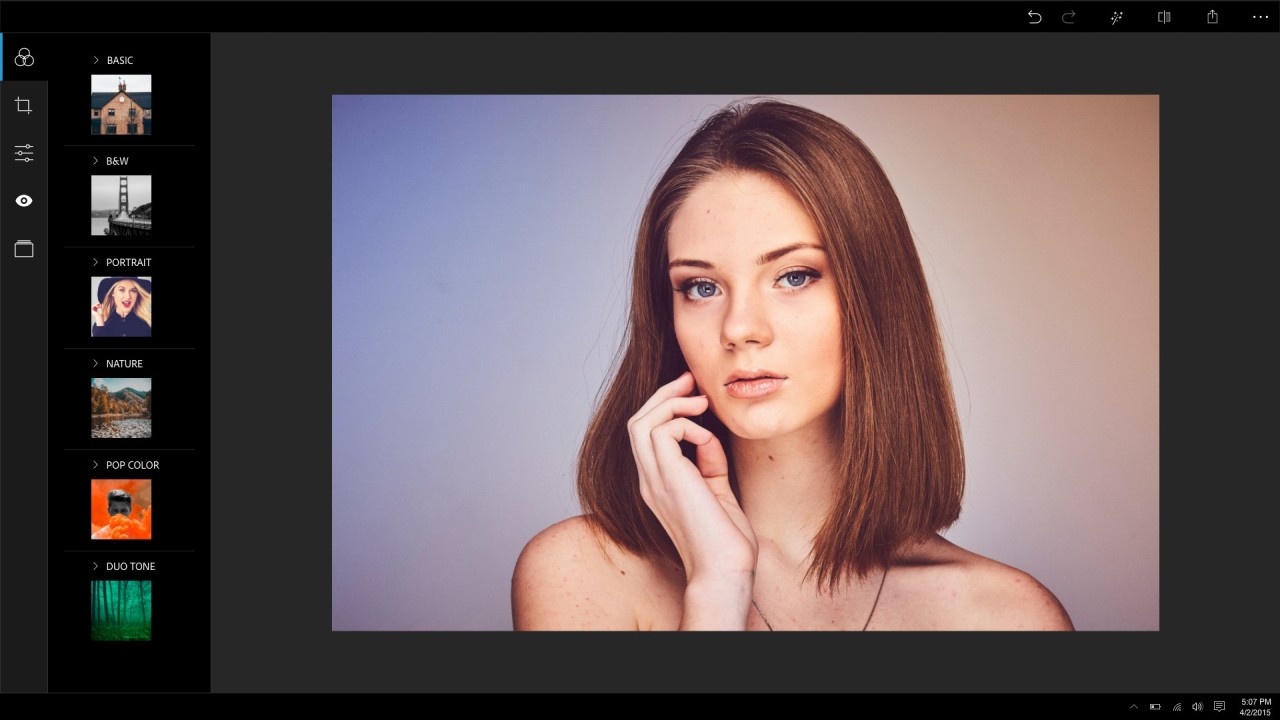
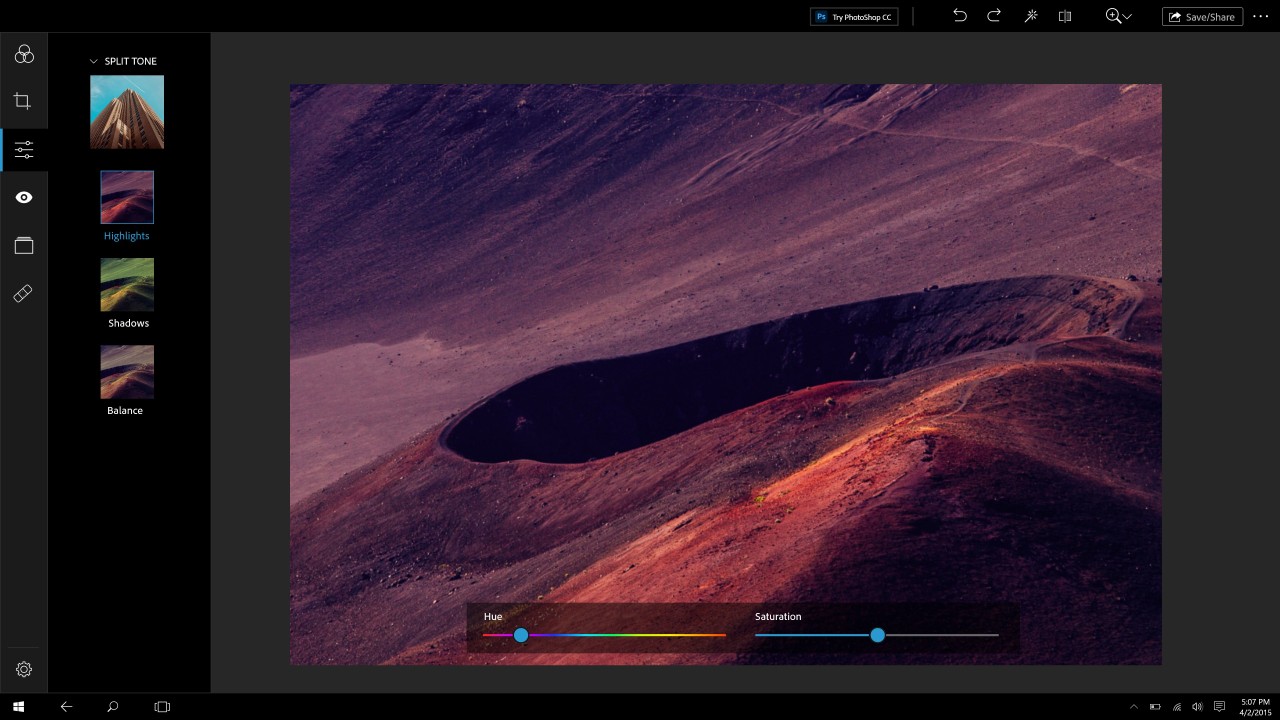
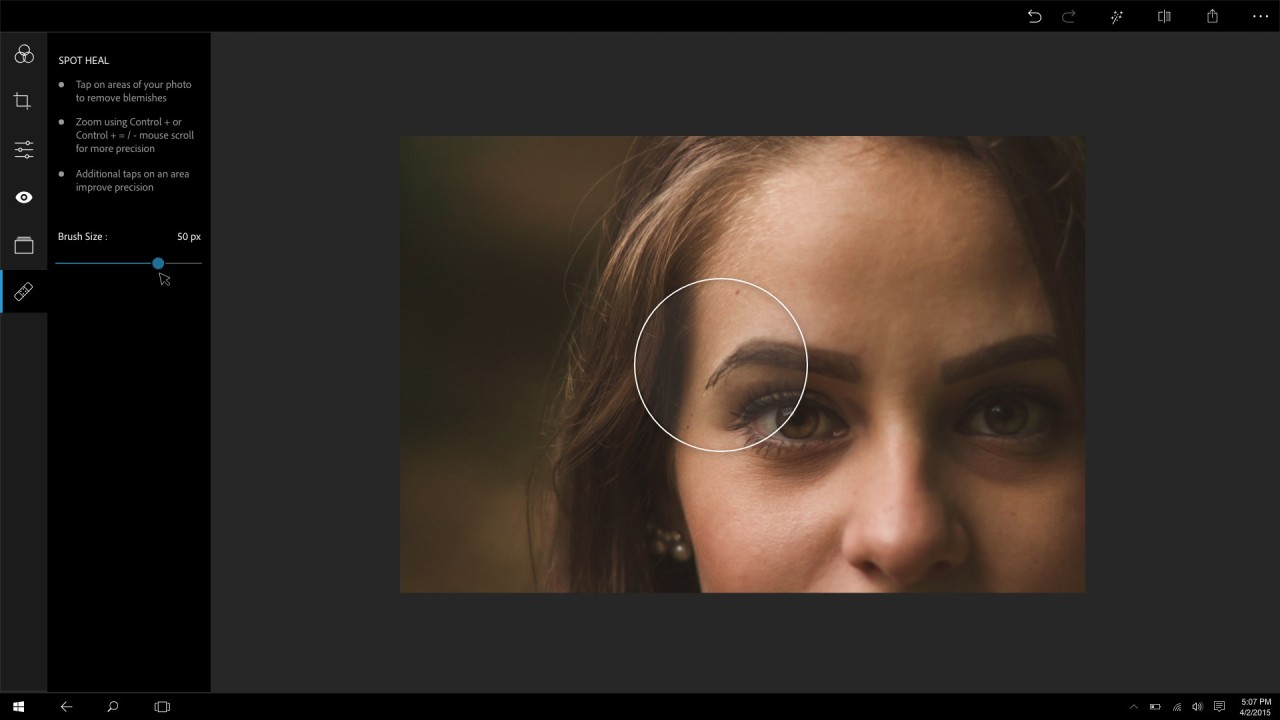
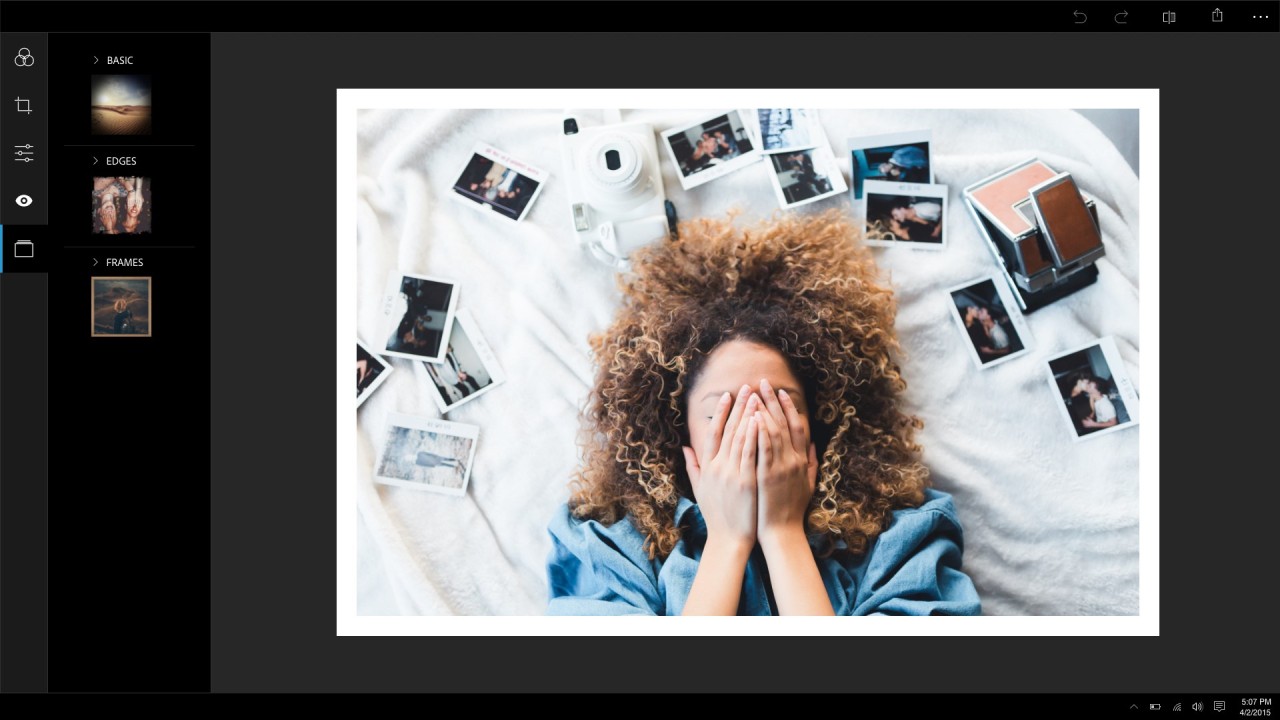
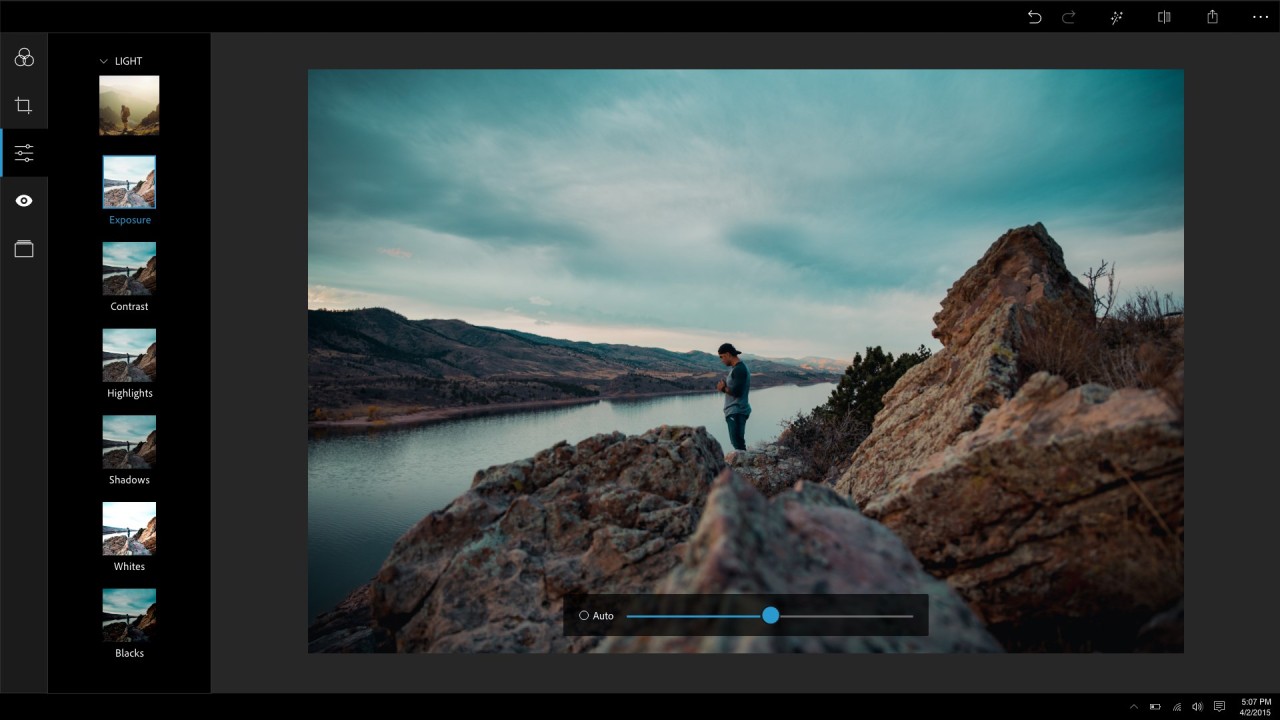
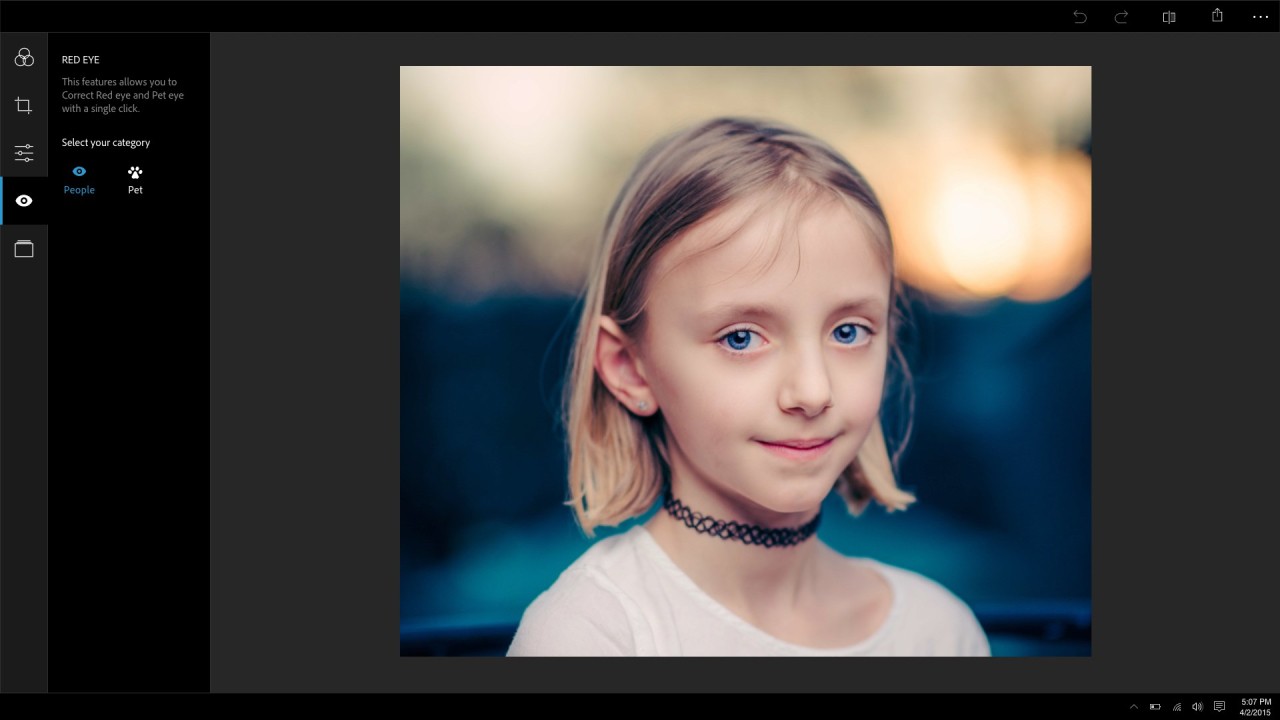
You can also change the way your images look using filters and effects. Choose from a variety of different presets that can add a vintage vibe to your photo, or turn it into a black and white image. Photoshop Express allows you to play with the texture too, and add a fun frame to your pictures. Those looking to implement a more hands-on approach can adjust the settings by hand. The settings include exposure, temperature, contrast, and highlights, among others. Zoom in on faces to remove redness and blemishes, and fix red eyes.
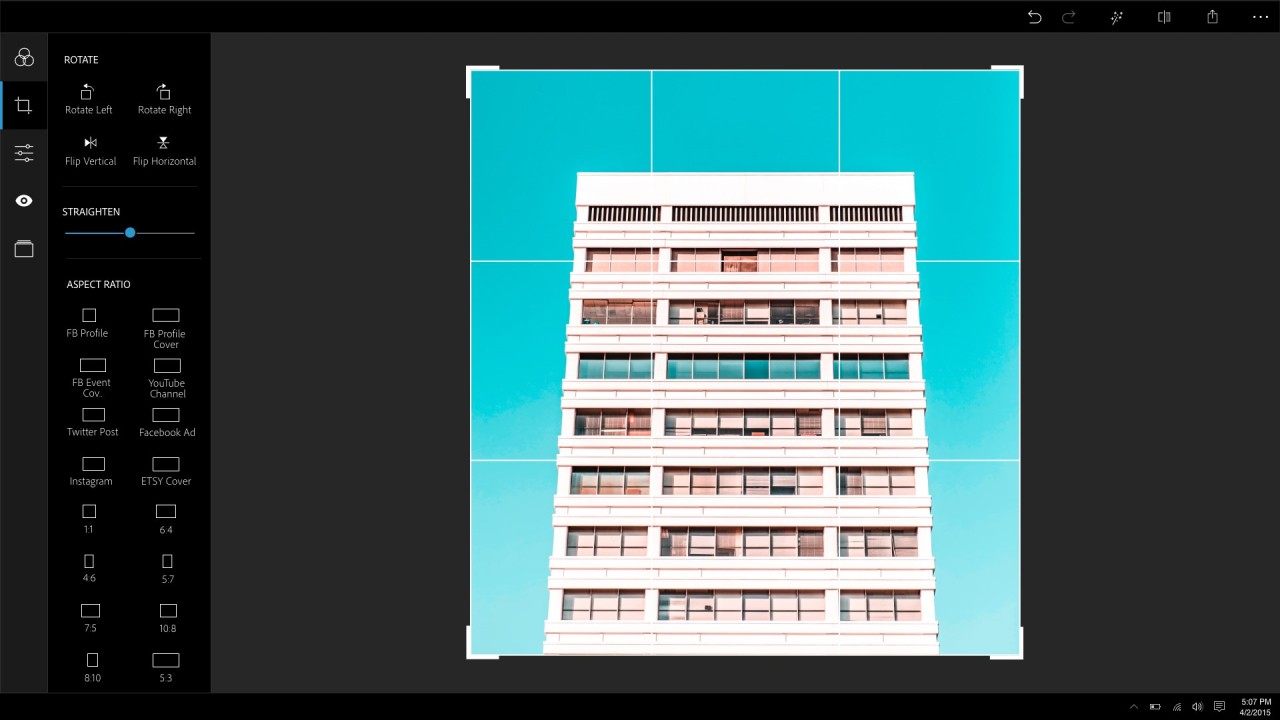
Looking at the broader picture, you can adjust the frame if it's skewed, crop your photo as necessary, and create a collage using a template.
Is Adobe Photoshop Express Free to Use?
Adobe Photoshop Express is a free app, so you can download and use it for free. However, some of the advanced features are locked behind a paywall. If you want to take advantage of the free version, you can gain access to some filters and effects, crop and straighten features, and some portrait corrections like blemish removal.
Which Platforms Support Adobe Photoshop Express?
Adobe Photoshop Express was developed as an application for mobile devices to enable quick photo and video edits. You can download it on your iOS or Android phone or tablet. It can also be accessed on Chromebooks through the Google Play Store and on Windows devices via the Microsoft Store.
What Are the Best Alternatives to Adobe Photoshop Express?
If Adobe Photoshop Express is not suitable for your needs, or you’re simply looking for a similar application to test, there are many to choose from.
Among the most famous mobile options is SnapSeed. One of its distinctive features is that it is entirely free, with no advanced features hidden behind a paywall. It has a minimalist interface with no distractions. With SnapSeed, you can make bigger and more detailed edits to your images, and take advantage of layers, lens blur, brushes, and other interesting tools. In other words, SnapSeed is the app for you if you want to conduct some more detailed work and don’t care about integration with Adobe Creative Cloud.
Those looking for a more advanced platform for photo editing can try GIMP—free desktop software for graphic design. GIMP can be compared to Adobe Photoshop in its scope of work and selection of tools. It is an all-encompassing photo editing program that can help you blend images together, create marketing materials, and apply detailed edits to portraits. The platform has a steep learning curve, so it will take some getting used to. At the same time, if an advanced photo editing desktop app is what you need, then Adobe Photoshop Express just won’t cut it and GIMP is the better option.
If you don’t want to download a phone or desktop app, you can use an online tool like Photopea. Photopea is a free web application that works in any modern browser. It has more advanced editing features than Photoshop Express, so you can use it for illustration and graphic design. Photopea has a steeper learning curve than Photoshop Express. Even though it’s not a full-fledged desktop app like Photoshop, it is similarly all-encompassing.
Another browser-based option is Pixlr. The platform has a free tier with a good selection of features and a paid tier with advanced features. It is a useful tool for graphic design and complex layer work, as well as photo editing. In addition to some advanced tools, Pixlr offers AI support in the form of generative AI, making it a convenient middle ground between Photoshop Express and Photoshop.