Adobe InDesign is built around a very clear idea. It takes publishing, layout, and typography tools and puts them into one structured desktop workflow. The software focuses on page layouts, text styling, image placement, print preparation, and multi-page document management, while also connecting closely with the wider Adobe Creative Cloud ecosystem. It is not trying to be a quick graphic editor or a simple drag-and-drop design app.
That gives InDesign a fairly specific role. If you work on magazines, reports, books, brochures, catalogs, or long documents where layout consistency matters, InDesign fits naturally into that kind of workflow. A lot of the appeal comes from the level of control it gives you. You are not just placing text and images on a page. You are building a full document structure that stays consistent across dozens or even hundreds of pages.
What Are the Key Features of Adobe InDesign?
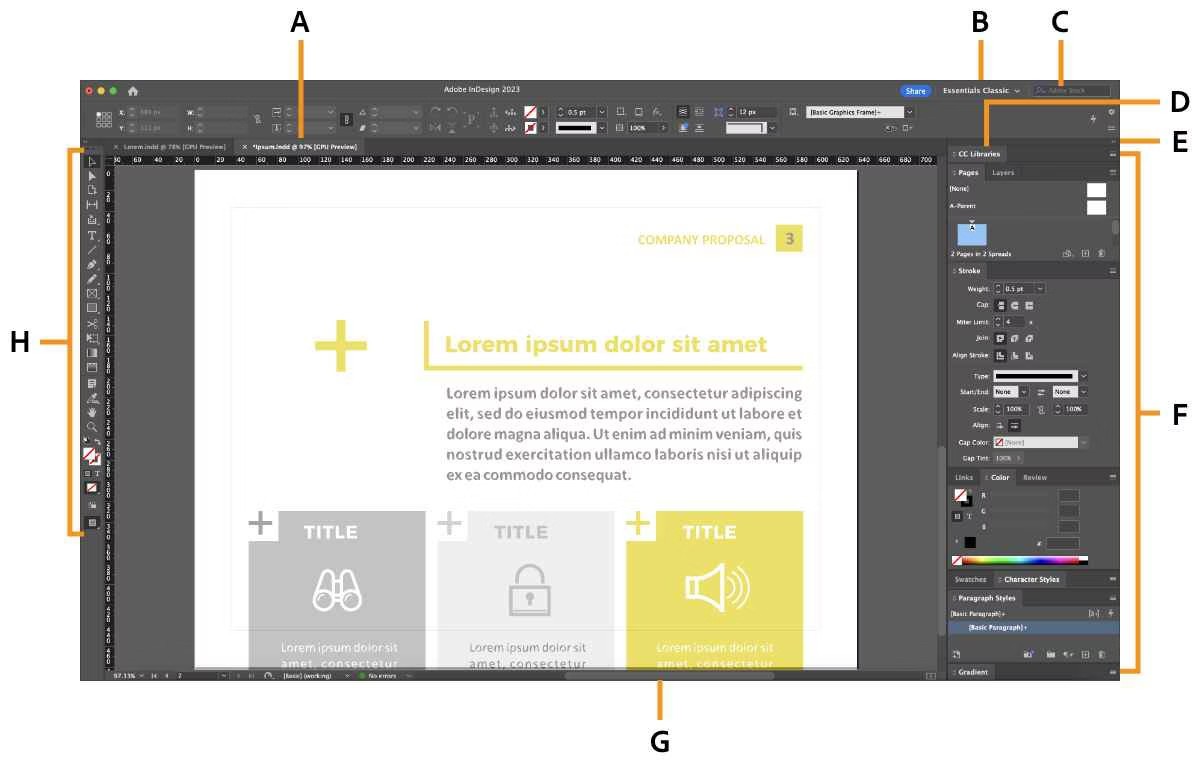
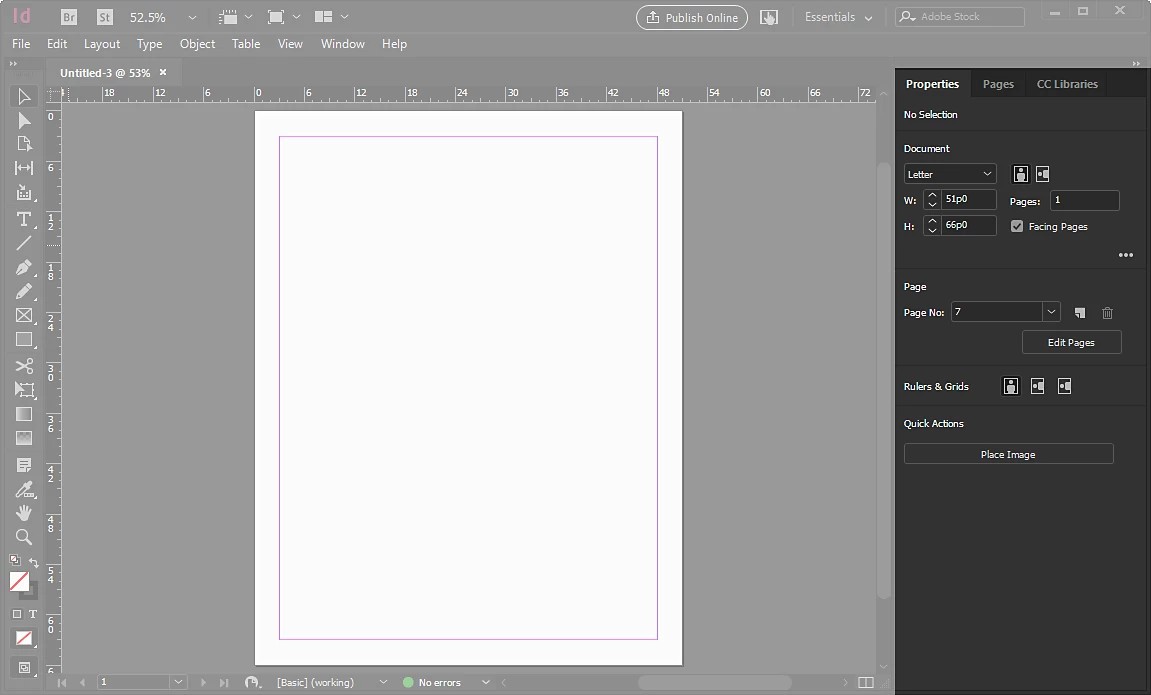
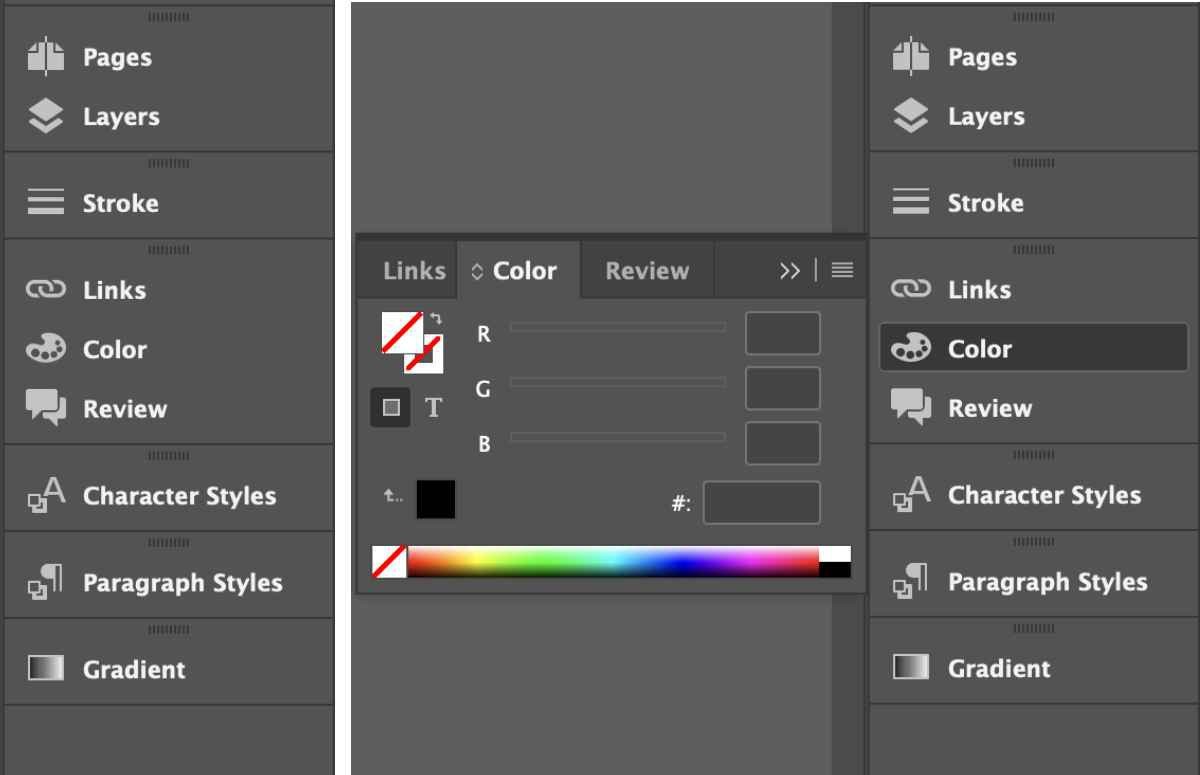
InDesign’s main features are built around layout and publishing control. It includes master pages, advanced typography tools, paragraph and character styles, grids, tables, linked assets, print-ready exports, and interactive digital publishing support. It also integrates directly with Adobe software like Photoshop and Illustrator.
That shapes the way the software feels in everyday use. The main job is still fairly straightforward. You create layouts, organize content, manage typography, and prepare documents for print or digital publishing. But compared with simpler design tools, InDesign puts much more attention on structure, precision, and consistency across larger projects.
That is really where the software makes the most sense. Once documents become more complex, the layout controls and publishing workflow start to matter much more than quick editing tools alone.
Is Adobe InDesign Free to Use?
No, Adobe InDesign is not free to use. It is part of Adobe Creative Cloud and works through a paid subscription model.
You install it through Adobe’s Creative Cloud system rather than buying it as a one-time purchase. For some people, that fits naturally into an existing Adobe workflow. For others, the subscription side is usually one of the main things compared against alternative publishing software.
Which Platforms Support Adobe InDesign?
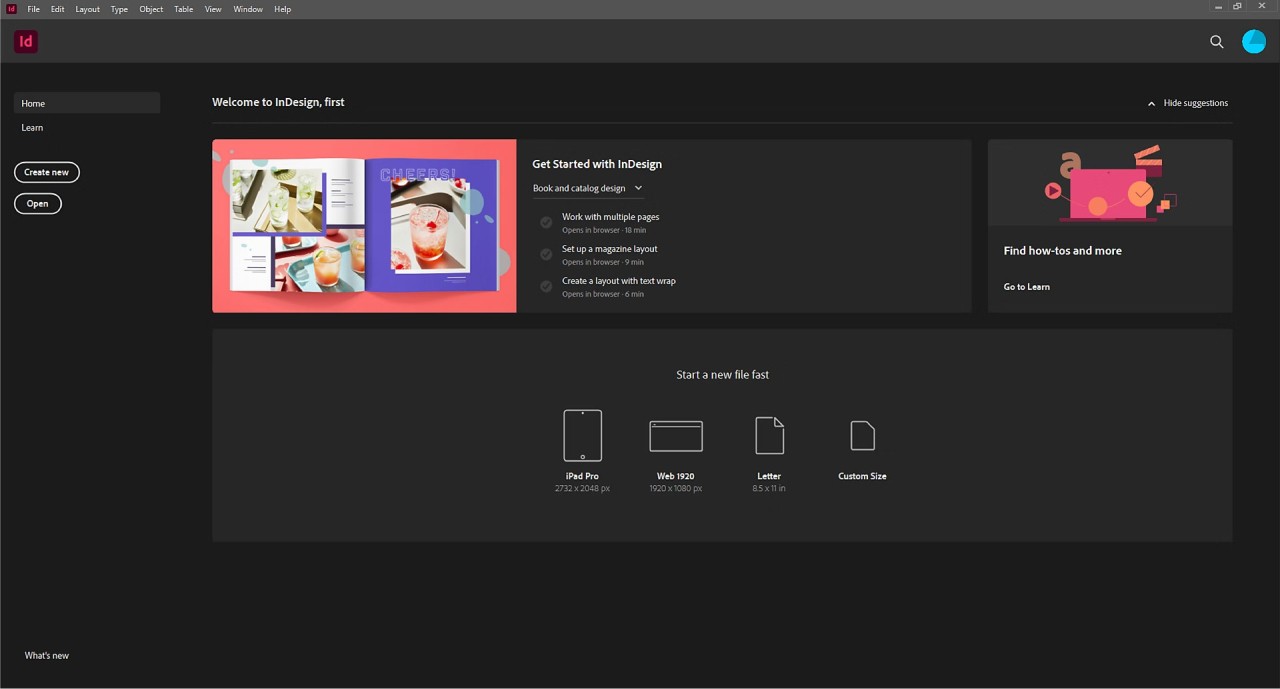
Adobe InDesign is available on Windows and macOS. InDesign is desktop publishing software first, and the whole experience is built around larger screen workflows, detailed layout work, and professional publishing rather than mobile editing.
What Are the Best Alternatives to Adobe InDesign?
Affinity Publisher (now included is the new Affinity by Canva) is the closest alternative if you want professional layout software without the Adobe subscription model. It focuses on page design, typography, print layouts, and publishing workflows in a way that feels familiar to many InDesign users. Compared with InDesign, Affinity Publisher feels more self-contained, while InDesign benefits from the larger Adobe ecosystem around it.
QuarkXPress goes further into traditional publishing workflows. It has a long history in desktop publishing, and that still shapes the way the software feels today. Compared with InDesign, it feels more specialized and more rooted in print publishing, while InDesign stretches more naturally into Creative Cloud collaboration and digital publishing tools.
Scribus is the lighter open-source option in this group. It includes tools for page layout, typography, and print preparation, but the overall experience feels simpler and less polished than commercial publishing software. Compared with InDesign, Scribus is much easier to approach from a cost perspective, while InDesign offers the broader workflow and publishing ecosystem many studios already work inside.