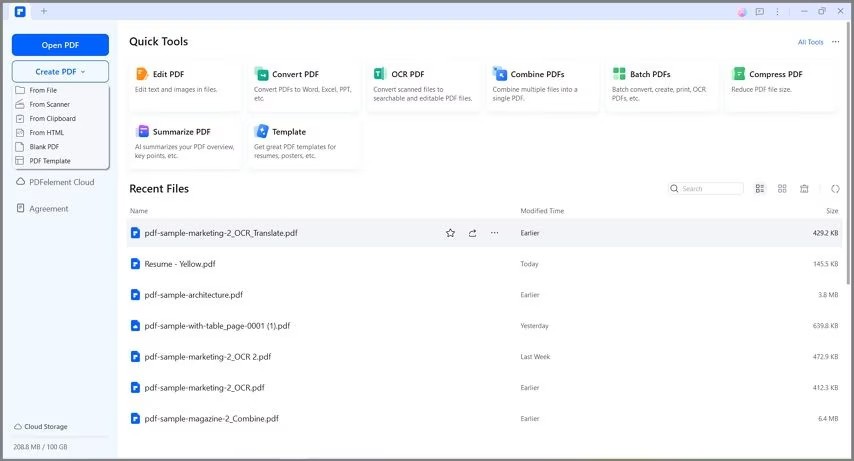
PDFelement is one of the web, desktop, and mobile PDF editors. It is supposed to be a one-stop solution to documents, meaning that you do not have to use other tools to convert, annotate, sign, and rearrange pages. At first glance, you feel like you are working on a Word document, but it can work with PDF formatting. It can be used when users require scanned documents, forms, receipts, or contracts, which they then wish to manipulate text or images within the file, rather than exporting the data to another application.
PDFelement is not just a simple editing tool. It has OCR to convert image text into selectable text, new document templates, artificial intelligence (AI) features that are capable of summarizing or rephrasing text, and cloud storage to transfer files across devices. It is not merely a viewer, but a workplace where PDFs can be edited, read, and shared in an unproblematic manner. It is appropriate for students, employees, or anyone who converts or amalgamates files regularly. The plan has some features that are restricted; thus, it is not a full-fledged editor, but it can be used to accomplish most of the everyday PDF tasks without any special technical configuration.
What Are the Key Features of PDFelement?
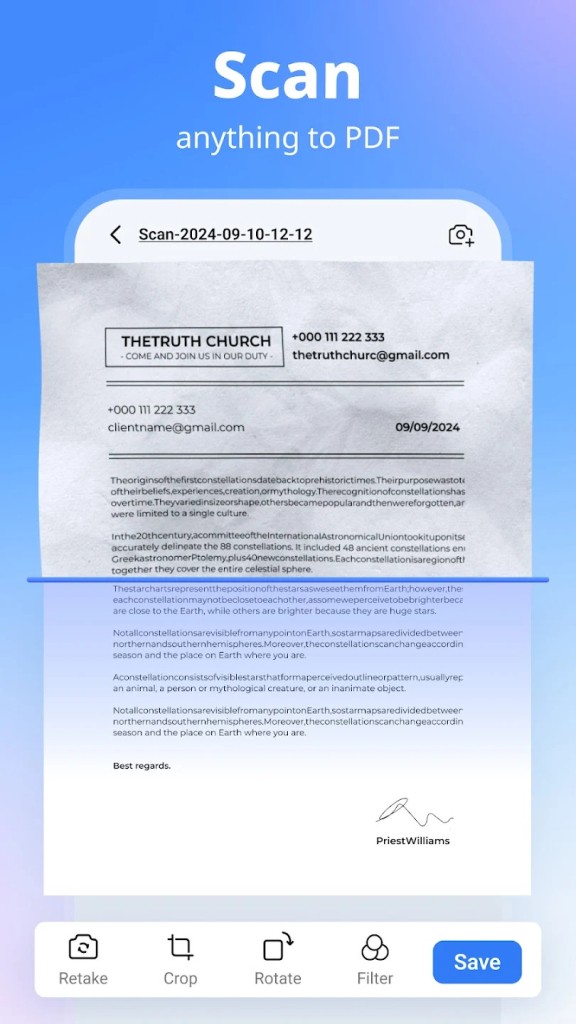
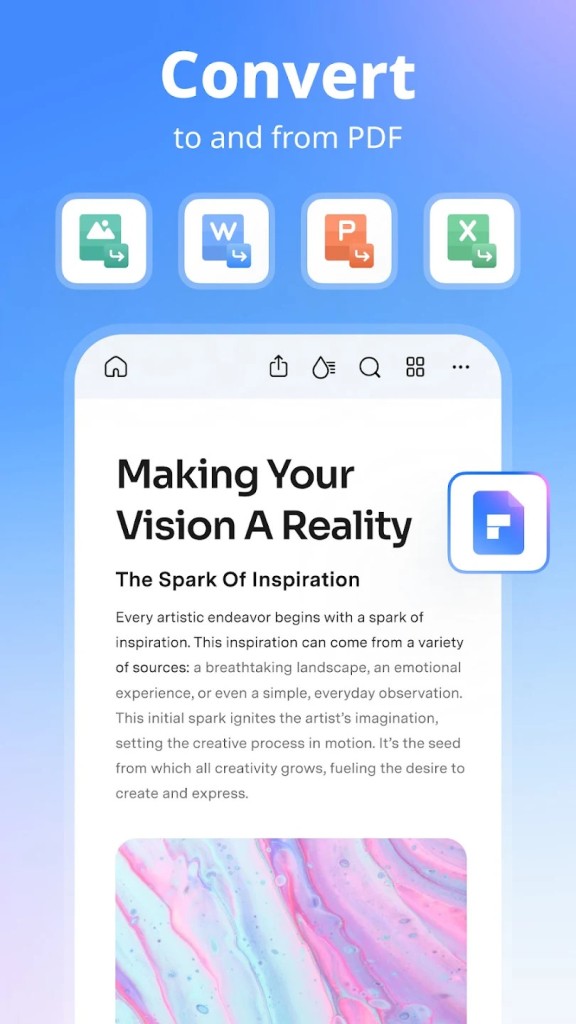
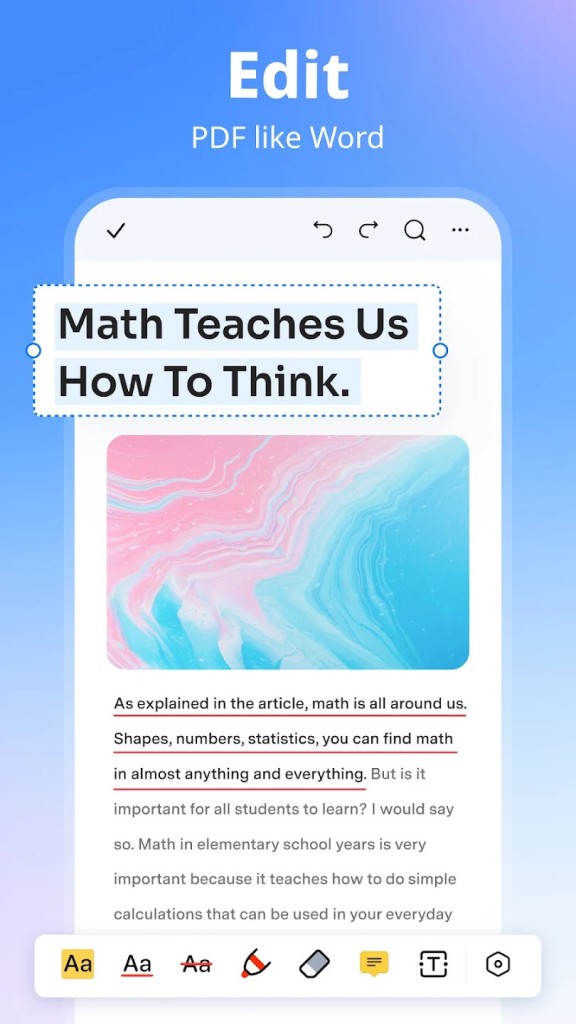
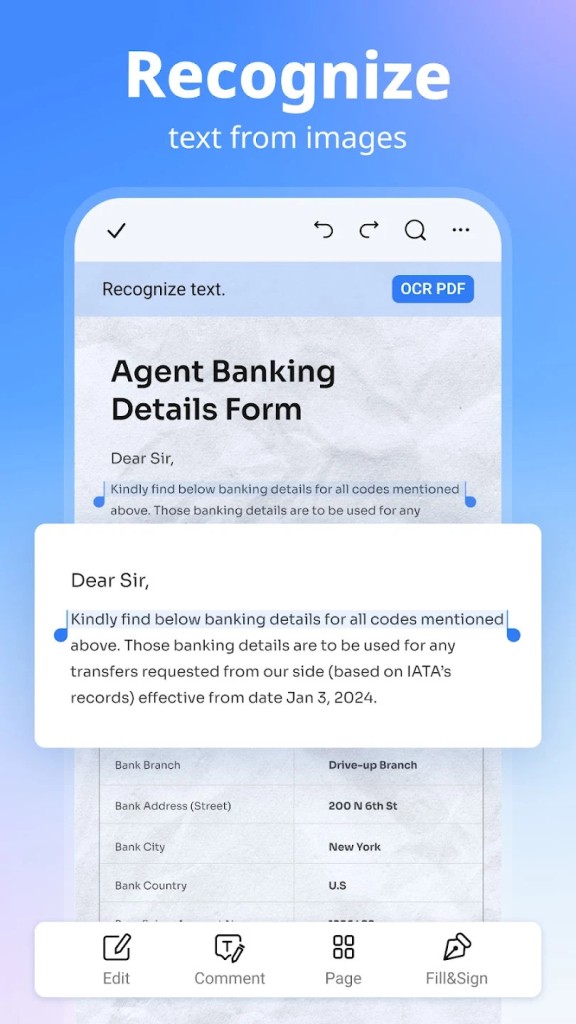
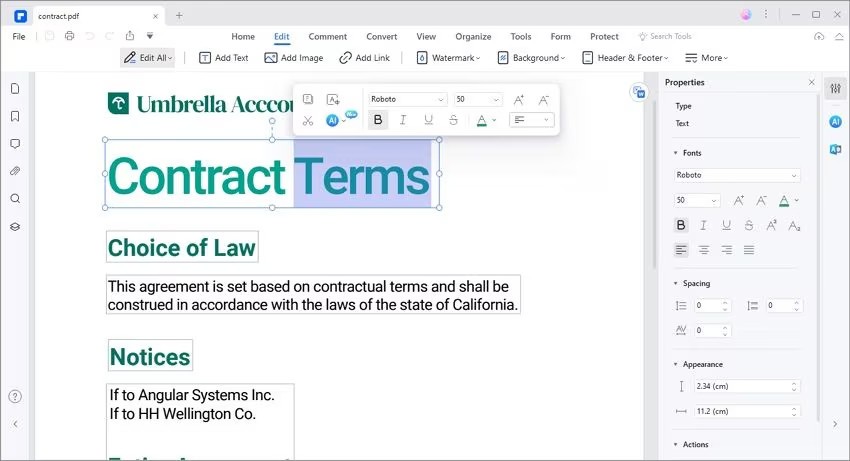
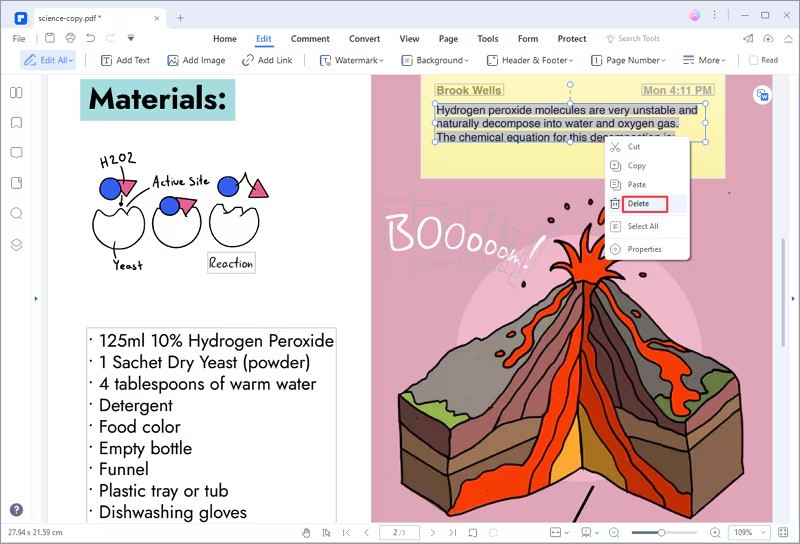
PDFelement provides numerous PDF functions that are aimed at manipulating PDFs. The way of editing the text within a PDF is like when working with a word processor: you can edit fonts, replace the blocks of text, replace pictures, resize them, rearrange them, and move other components. It can convert PDF to Word, Excel, image, or PowerPoint, and the other way around. In the case of scanned files, OCR will enable you to get the text and correct the document rather than typing all the information.
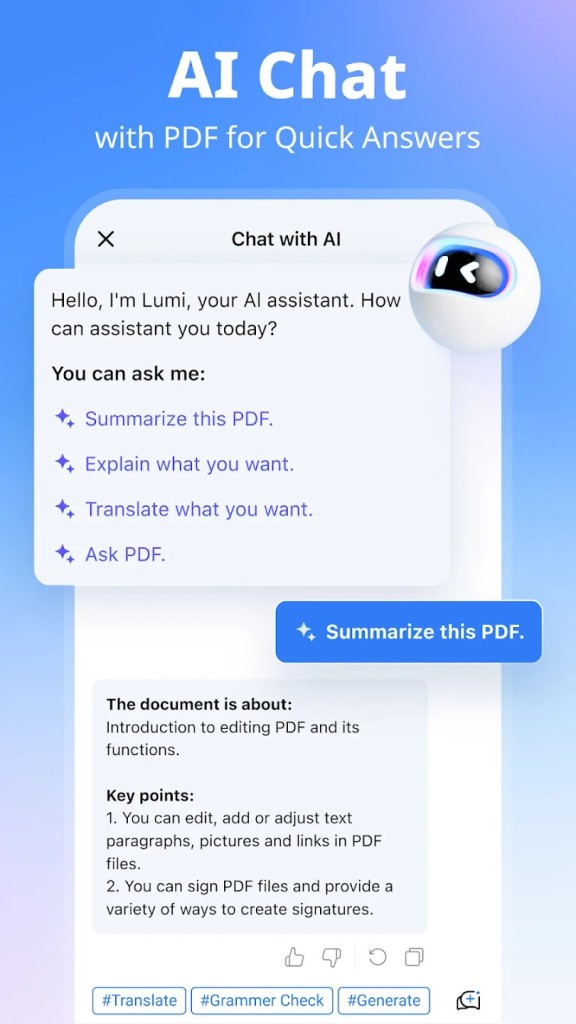
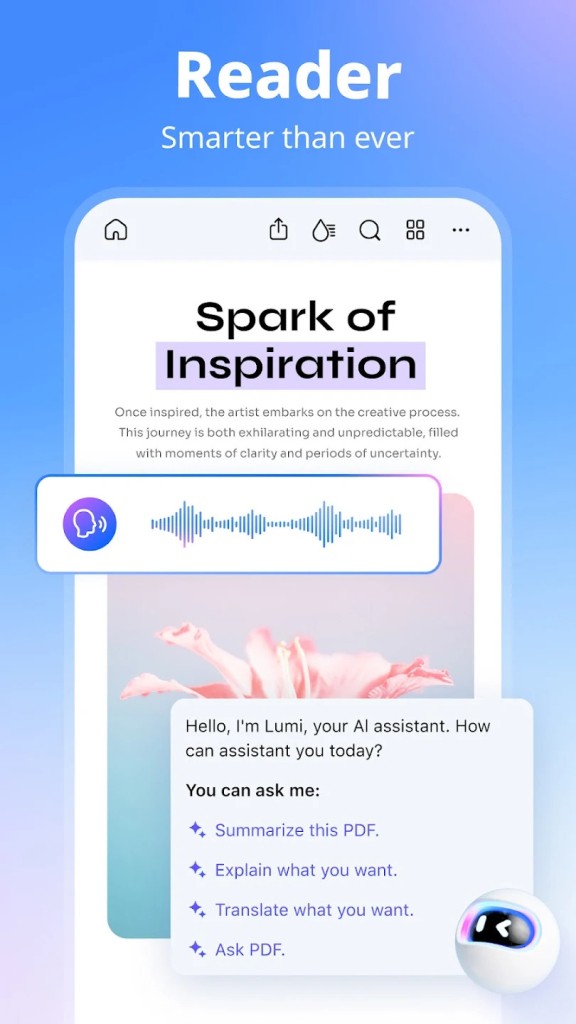
The use of AI tools became a significant aspect of PDFelement. Post a research paper and have the artificial intelligence summarize points of significance, paraphrase sentences to make them easier to understand, or respond to questions within the paper. The interaction is helpful whenever reading a large file is exhausting or time-consuming. Templates also save time when users have to generate forms, invoices, and worksheets regularly; they do not have to start with a blank sheet and can simply paste their material into a pre-existing layout.
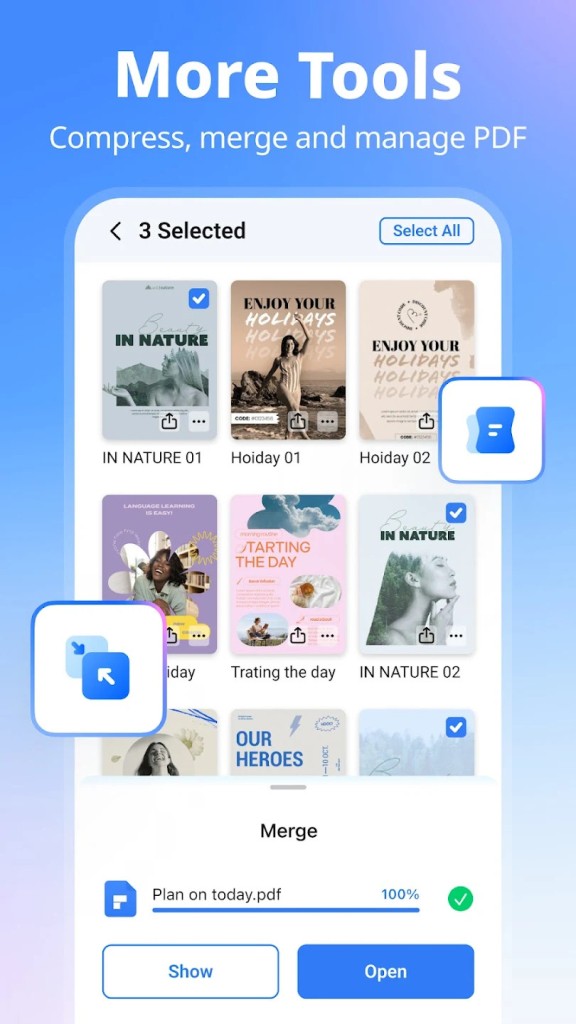
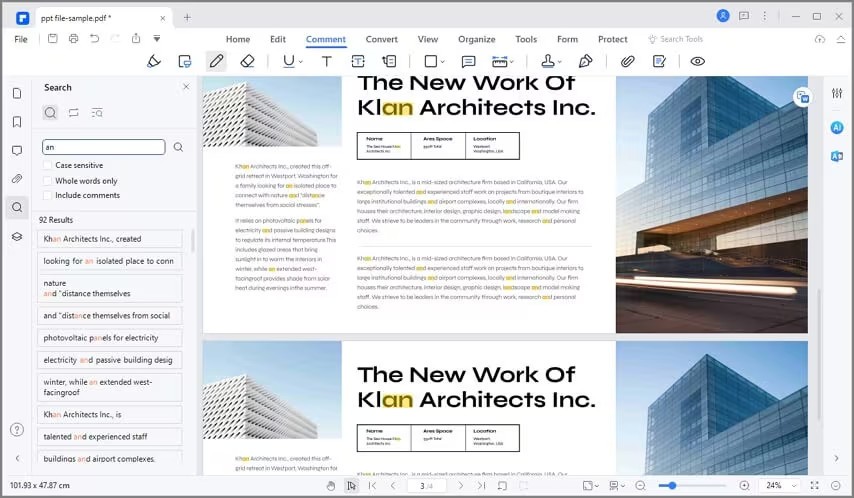
Basic management is also provided in PDFelement: merge two files, split one file into parts, compress files to make them smaller, rearrange or delete pages, crop the margins, and change the orientation. In reading, Liquid Mode is easier to read on a mobile device; in bookmarks, there is also the option to track long documents; commenting on documents can be done through highlighting and sticky notes; reading aloud contributes to accessibility. It is also capable of signing documents using digital signatures, fillable forms, or a stamping mark.
Is PDFelement Free to Use?
There is a free use of PDFelement with conditions. A significant number of features are free of charge, although their daily use is restricted. Editing, conversion, merging, and AI actions ultimately lead to a paid upgrade, provided that the user uses them regularly, and some features may have limits applied even under the free version. The free plan can be adequate for an occasional user, whereas subscription levels include heavy workflows and unlimited access to AI. The trial allows you to have a test run to determine whether it is worth paying.
Which Platforms Support PDFelement?
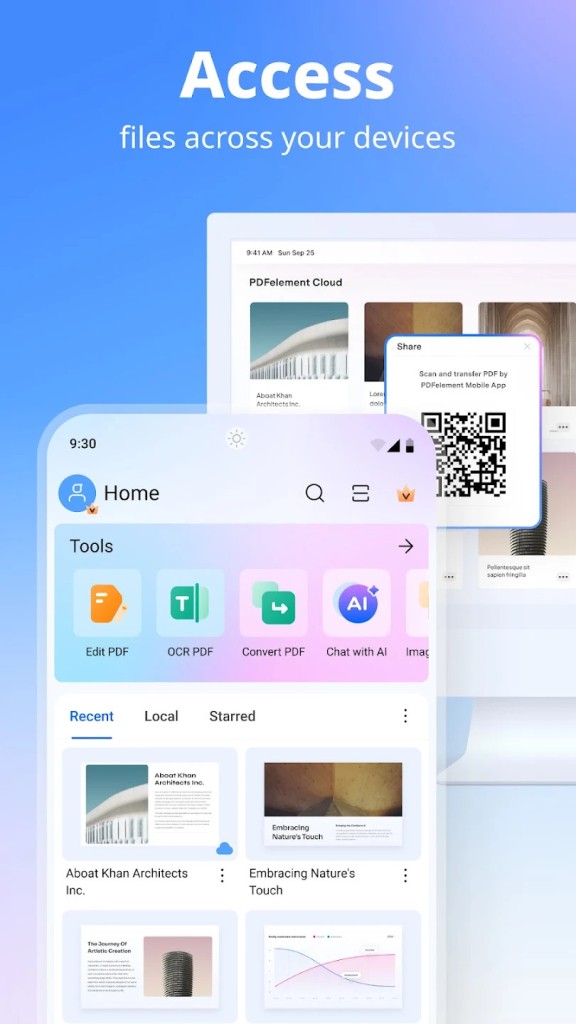
PDFelement is compatible with Windows, macOS, iOS, and Android, and you can even use a browser, which means that you can begin editing on a laptop and then leave and continue on a phone without changing applications. The desktop version has more editing and conversion features, whereas the mobile applications can perform fast scans or on-the-fly signature scans. Cloud sync stores files and allows accessing them on any device with an internet connection, although its full functionality is achieved only with the connection.
This web editor is user-friendly and does not need installations; it can be used in the browser, and OCR, summarization, and conversion can be done without software authorizations. On phones, receipts, or other small documents are scanned, and you can edit them later back at the desktop. In general, PDFelement is mobile for the user and does not require a high level of system requirements, although large OCRs run more efficiently on desktop computers.
What Are the Best Alternatives to PDFelement?
Adobe Acrobat Pro is the heavyweight in the PDF world. It has sophisticated editing, trusted OCR, powerful form-creation, digital signature support, redaction, and accessibility, and is profoundly integrated with the cloud. It is subscription-based and pricier than most of its substitutes, and, therefore, a user may use cheaper alternatives such as PDFelement to do the same work. Acrobat is still used in law, publishing, enterprise settings, and processes that need the highest level of accuracy and certification. Users often download Acrobat when they require top-tier accuracy and compliance tools.
PDF-XChange Editor is user-friendly. It favors OCR, annotations, page assembly, and numerous plugins without slowing down. Beginners may find the interface busy, whereas it is flexible and appreciated by people who have to work with scanned documents or long technical files. The free version opens numerous functions, but some editing outcomes might bear watermarks. It has a solid choice when it comes to people who value precision and elaborate personalization more than AI-related capabilities. People download PDF-XChange Editor when they need precision editing and don’t mind a technical layout.
Nitro PDF is productivity-oriented. It provides editing, conversion, signing, form-filling, and collaboration functions like PDFelement. Nitro also provides analytics and AI-assisted efficiency capabilities in business contexts, which can assist teams in managing the approval process, as well as monitoring the utilization of documents. The price is generally medium range, as opposed to Acrobat, and it is used by many offices as a compromise between functionality and price. Nitro serves customers with routine work in PDF-based applications, such as contracts, HR forms, and purchase orders, and customers who like a simple interface without unnecessary complexity. Many offices download Nitro PDF for its balanced price, workflow tools, and everyday document handling.