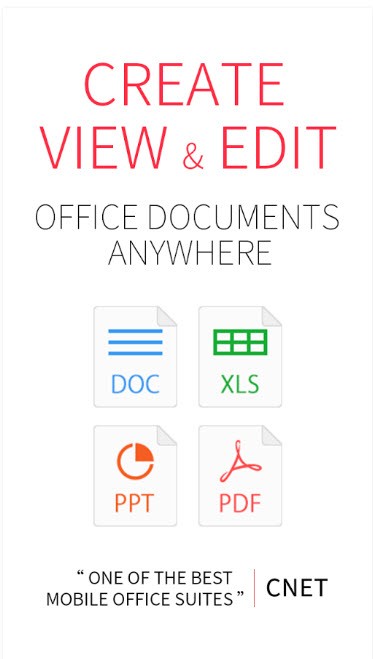
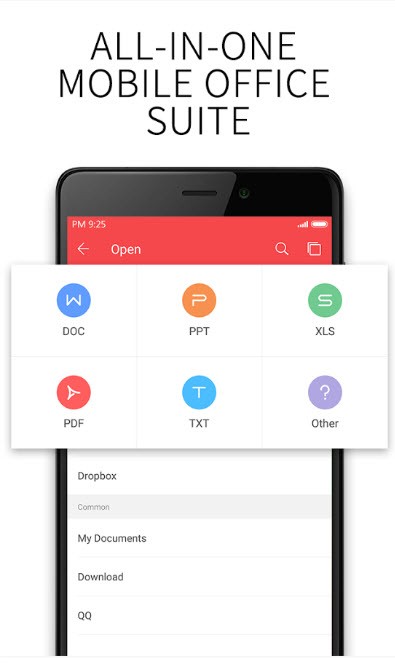
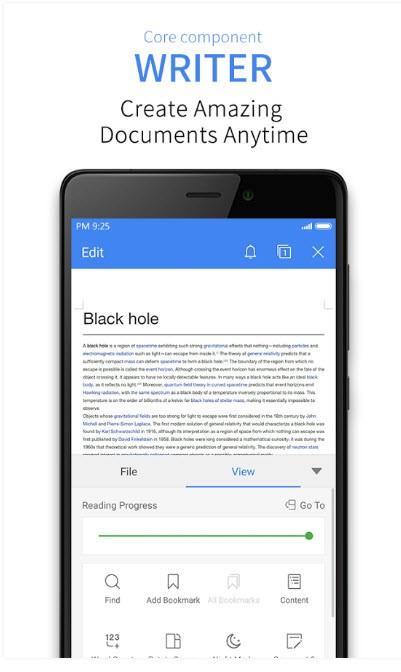
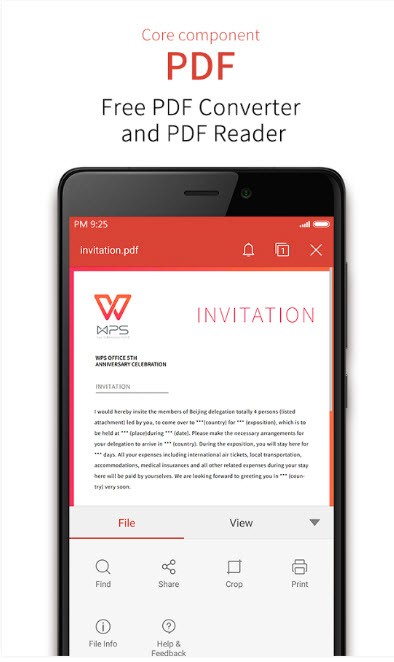
WPS Office is a complete office suite that combines a word processor, spreadsheet, slide, and PDF management. It is selected by the users when they require a lightweight option that can accommodate both their mobile phones and computers without being bulky. It supports DOCX, XLSX, PPTX, and PDF files, and therefore, you can write, present, edit, or sign PDFs using the same interface. It is used by a large audience: students, remote workers, and people who want to manage documents effectively.
WPS has recently added built-in AI capabilities. You can summarize or rewrite text, chat with PDFs, or extract data within scanned images, without having to leave the editor, using OCR. This software is linked to the cloud, and therefore, your files accompany you both on the phone and on the desktop. WPS is focused on convenience, unlike full features; hence, it is simple to use by users who favor a light suite. It is also pretty comprehensive in terms of daily tasks, but not on the same level as the enterprise.
What Are the Key Features of WPS Office?
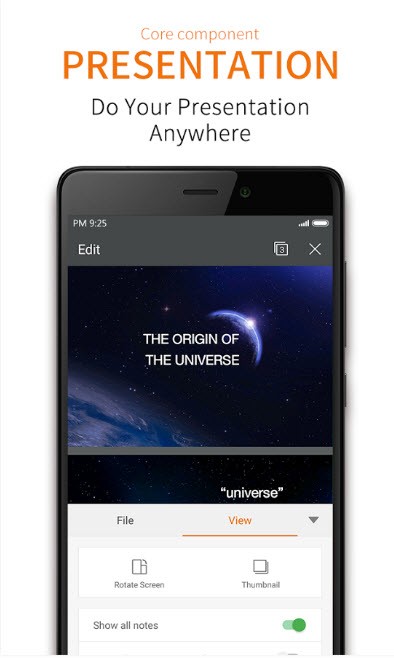
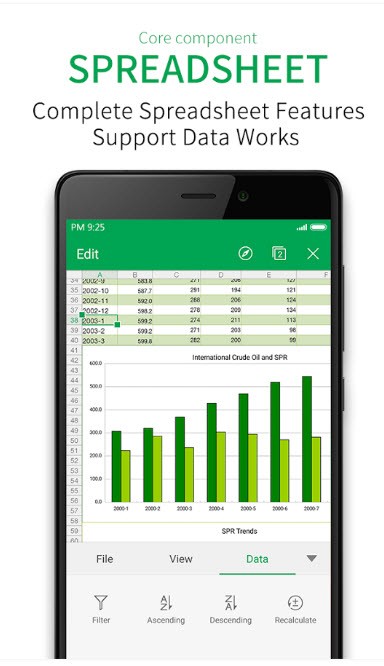
WPS Office is an environment that includes numerous functions. The word processor is similar to the Microsoft Word application: one can type essays, reports, and resumes and edit fonts, layout, headings, and styles. The spreadsheet tool is compatible with calculations, formulas, sorting, charts, and budget layout. In the case of presentations, it is possible to create slides using transitions, media, and style features. The best thing is that the three instruments coexist in one application, instead of being individual programs.
Management of PDF is an advantage. WPS can open and read PDFs, annotate them, merge or split them, and convert them to Word, Excel, images, or back to PDF. Scanning converts paper documents into digital files, whereas OCR enables the extraction of text from pictures or scanned photographs. This feature is very useful to users who get scanned forms or receipts and do not need to type in the information once again.
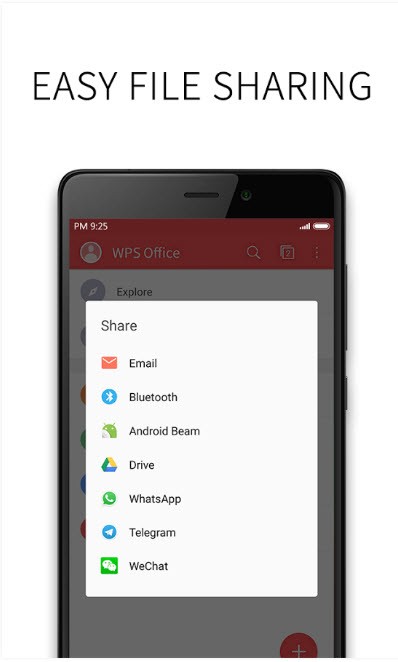
WPS AI helps to reduce the workload by summarizing the files, answering questions on a PDF, and creating and rewriting the text to make it understandable. There are templates such as document templates, invoices, CV templates, and presentation templates. Cloud sync offers 1 GB of free space, which can be used to share files with various devices. File sharing can be through links, email, or messaging software. It is not the most advanced editor of complex macros, but it is generally fine for general office tasks.
Is WPS Office Free to Use?
The basic functions, such as PDF tools, editing, and creating documents, are, indeed, free of charge to anyone. Certain more sophisticated features or an increased use of AI are upgraded with fees. The free version is appropriate for light loads: students, those who occasionally read PDF files, or those who write simple documents. Subscription plans are supported by heavier editing, batch conversion, or unlimited AI functionality. A trial period allows you to explore all the features before you make the upgrade decision.
Which Platforms Support WPS Office?
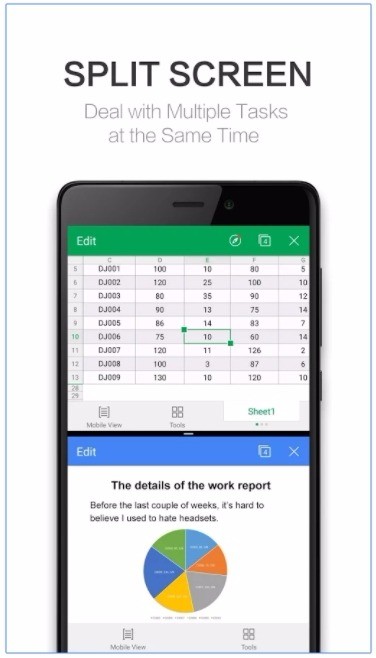
WPS Office is compatible with Windows, macOS, Linux, Android, and iOS. Its primary advantage is its mobility: a document initiated on a desktop can be resumed on a phone, particularly when being synced in the cloud. The Android version is famous as it allows editing, scanning, converting PDF files, presentation slides, and spreadsheets on the phone screen. This is the best option when the remote worker or the student cannot use the computer and is forced to stay on the phone.
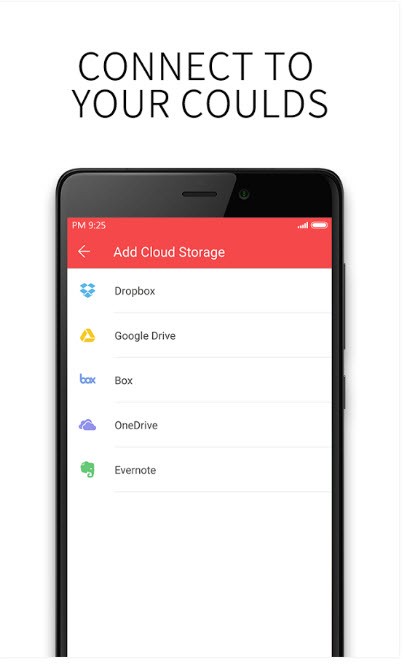
WPS is lighter on desktop and can be likened to heavy suites. The files open fast, and it is unnecessary to use other applications to switch between the tabs of documents, sheets, and slides. The web editor enables you to operate within a browser, without installing software, which is handy on common machines or at work, where only installations are allowed. Saving the files in WPS Cloud or third-party storage platforms such as Google Drive, Dropbox, and OneDrive implies that you can access them anywhere.
It uses small system resources; hence, it is preferable for older devices. Cross-device access is the most useful feature to users who work on a PC and a mobile device every day.
What Are the Best Alternatives to WPS Office?
Microsoft Office is still the standard in the workplace in most places. The default formats in business, education, and government are usually Word, Excel, and PowerPoint. It provides robust Excel, powerful formatting, robust Teams, and co-editing in real-time in Office 365. It is, however, subscription-based and more difficult to install. Microsoft might be better suited to users who require advanced formulas, Outlook integration, or enterprise-level document management, and may seem superfluous to casual users. Many users still download Microsoft Office because it remains the most widely-recognized standard.
Libreoffice is a free, open-source package consisting of Writer, Calc, Impress, and so on. It is not subscribed to and operates offline by default and retains long-term access. It can open and save Microsoft formats, although certain formatting differences may be observed. LibreOffice will suit individuals who require on-premises control, open-source stability, and unlocked premium capabilities. It does not have AI and is good for desktop writing, spreadsheets, and simple presentations. People often download LibreOffice when they want a free suite without locked features.
Google Workspace is not software-first but rather cloud-first. Its documents, spreadsheets, and presentations are web-based, and one of its best features is real-time collaboration. The same file can be edited by several users, and the changes will be automatically stored on Drive. It works best with remote teams, Chromebooks, or mixed-device classrooms. The primary weakness is that an internet connection is required, and the formatting selections are lightweight compared to desktop applications. However, it is very convenient for users who share files regularly, take notes together, or exchange gadgets. There are also AIs, such as summarization and intelligent recommendations. Many choose to download Google apps for offline mobile access even if most work happens online.