LibreOffice is an open-source office suite maintained by The Document Foundation. It covers the full range of everyday office tasks: writing documents, building spreadsheets, creating presentations, drawing diagrams, handling calculations, and managing databases. No single company owns it, and no subscription is required to use it. It grew out of the OpenOffice project but has since developed independently and moved well beyond its origins.
What draws people to LibreOffice is its commitment to software freedom. Users can read, modify, share, and adapt the software however they need, without being bound by corporate licensing restrictions. That makes it particularly appealing to anyone who wants long-term, unencumbered access to their own files without depending on proprietary formats or vendor decisions.
LibreOffice is a community-driven project, built and maintained by contributors from around the world rather than a corporate development team. Whether you are a student, a freelancer, or someone who simply wants a capable office suite without commercial strings attached, LibreOffice delivers a full set of tools that respects both your wallet and your document freedom.
What Are the Key Features of LibreOffice?
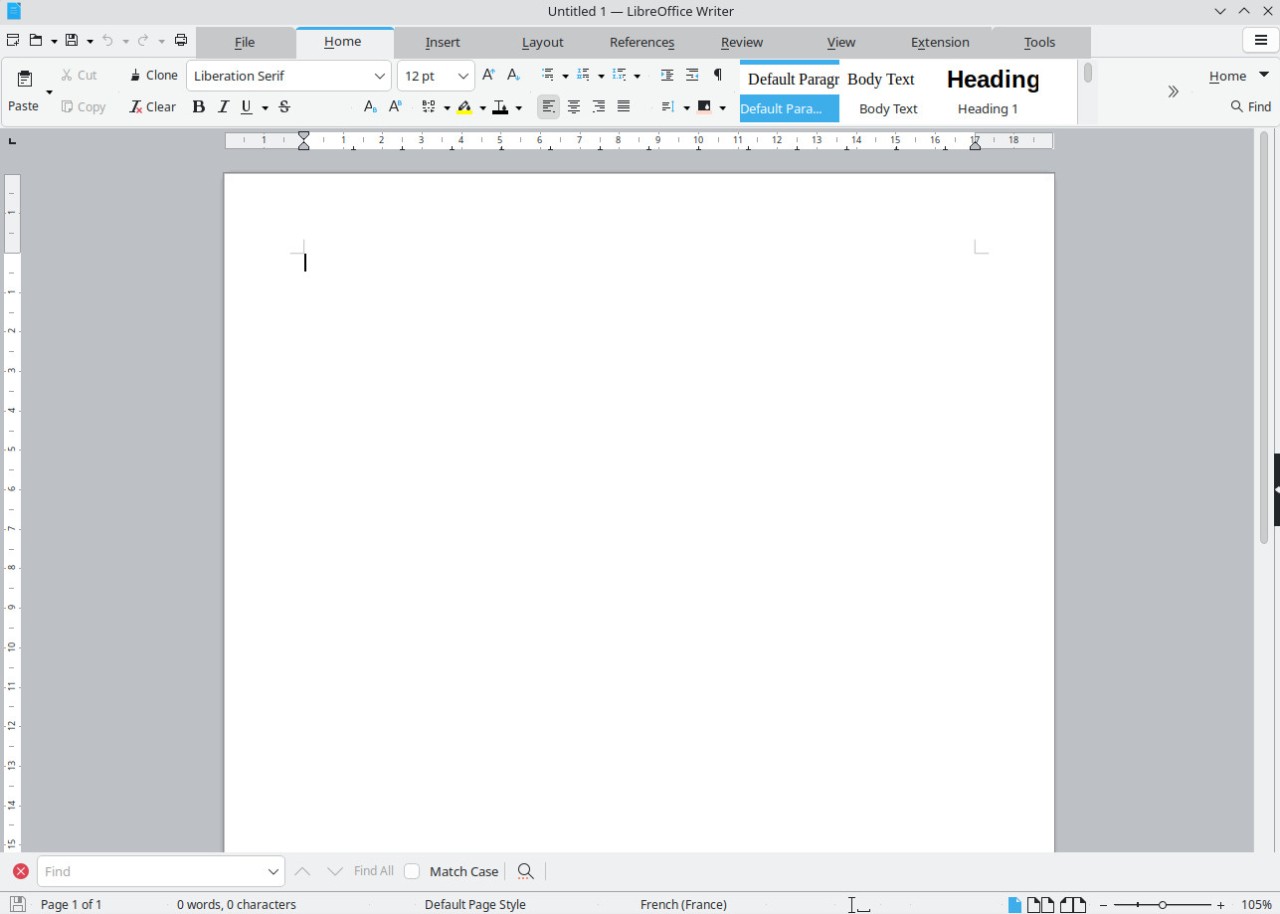
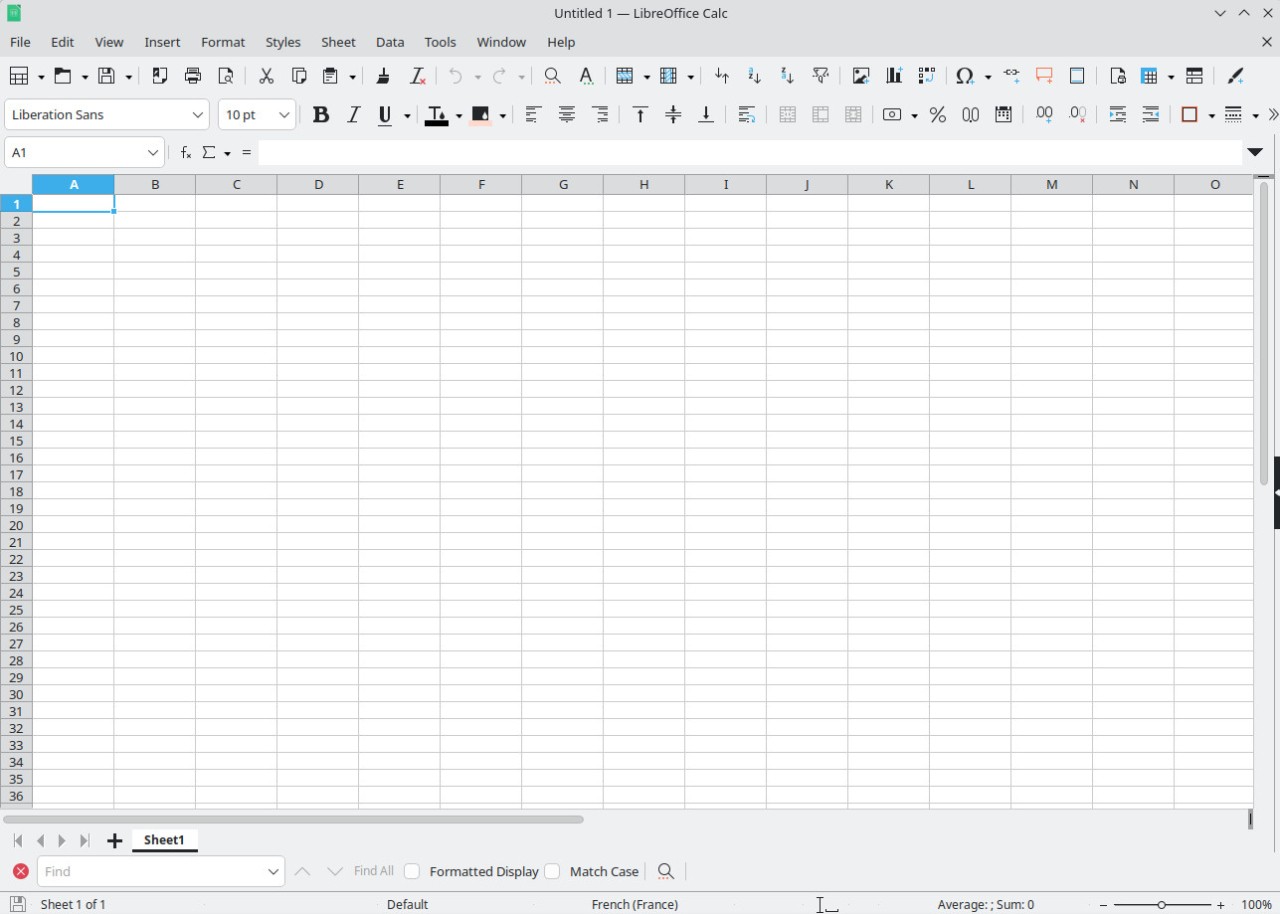
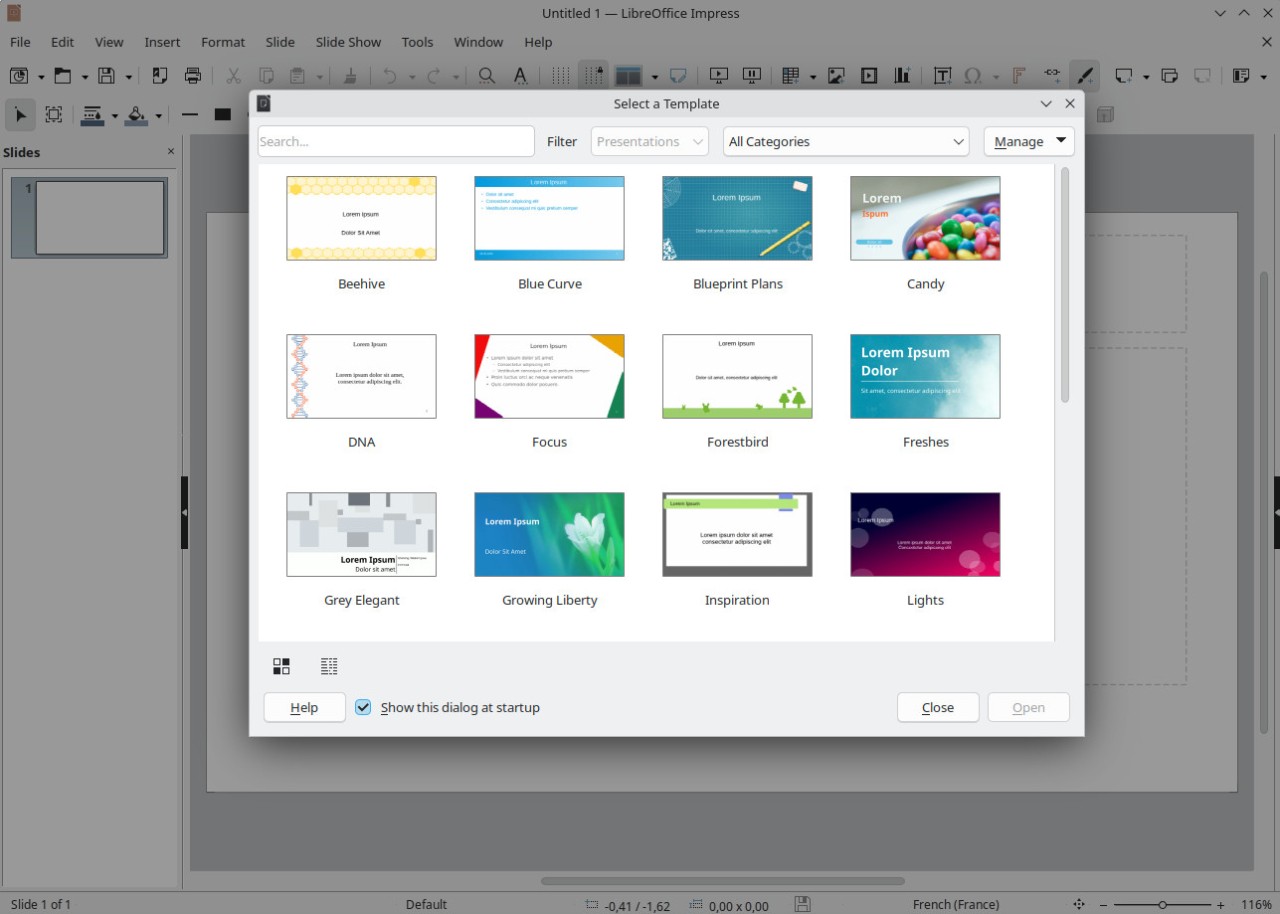
LibreOffice ships as a single package containing several dedicated applications, each built for a specific type of work. Writer is a full-featured word processor suited to everything from short letters to long-form documents and books. Calc handles spreadsheets, including formulas, charts, and complex data tables. Impress creates slideshows and presentation decks in the same way as other mainstream presentation tools. Draw covers diagrams and basic graphic layouts, Base provides lightweight database management, and Math lets users build formatted mathematical expressions visually.
File compatibility is broad across the suite. LibreOffice can open and save Microsoft Office formats, including .docx, .xlsx, and .pptx, which covers most day-to-day file exchange needs. Complex formatting can sometimes shift when moving files between platforms, but general compatibility holds up well. The suite's native format is Open Document Format, using extensions like .odt, .ods, and .odp. These are open standards designed for long-term accessibility across different software and vendors.
Language support is another area where LibreOffice performs well. Because the project is community-led, volunteers contribute translations across a wide range of languages, and that number continues to grow. Development happens openly, with contributions coming from users rather than a closed internal team. The build process, licensing, and update cycle are all fully transparent, with nothing hidden behind paywalls or proprietary gates. The purpose is simple: give people the tools to write, calculate, design, and analyze without locking them into a fixed commercial system.
Is LibreOffice Free to Use?
LibreOffice is entirely free. There are no subscription fees, no trials that expire, no locked features, and no activation requirements. Users can legally download, install, share, and modify the software. Donations help support ongoing development, but paying is never required to access any part of the suite. "Free" here carries a dual meaning: free of charge and free from distributor control, in line with the broader principles of software freedom.
Which Platforms Support LibreOffice?
LibreOffice runs on all major desktop operating systems, making it a practical replacement for commercial office suites across different environments. It supports Windows, macOS, and Linux, with each platform receiving regular updates from contributors. The official download page offers 64-bit builds for Windows x86_64 and Aarch64, Linux in deb and rpm formats, and macOS on both Intel and Apple Silicon. Linux users will often find LibreOffice already installed through their distribution. Windows and macOS users need to download it manually.
Mobile support is limited, available mainly through ports and viewer apps, and the suite is primarily designed for desktop use. Unlike cloud-based tools such as Google Docs, LibreOffice is an offline application, though it can open files saved in compatible formats. Portable builds can also be run directly from a USB drive without a full system installation, depending on the specific build used.
Because LibreOffice saves files in open formats, documents remain accessible even without the software installed, as long as they have been saved in widely supported file types. That kind of long-term independence matters to users who want their documents to remain readable years from now, regardless of what proprietary vendors choose to do with their formats.
What Are the Best Alternatives to LibreOffice?
Microsoft Office is the most widely used office suite and remains the standard in most workplaces and educational institutions. It includes Word, Excel, PowerPoint, Outlook, and additional tools depending on the plan. Its biggest advantage is format compatibility: the vast majority of organizations exchange .docx and .xlsx files, which makes collaboration straightforward, particularly when documents involve complex layouts, macros, or enterprise features. Microsoft has also built cloud tools like OneDrive and Teams directly into the suite. Most plans operate on a subscription model, which puts some users off over time. Those who prefer to own their software outright may find LibreOffice a better fit. That said, for polished interfaces, dedicated support, and deep formatting integration, Microsoft Office remains the benchmark for professional environments. Many users download Microsoft Office specifically for its compatibility and support in business settings.
WPS Office appeals to users who want a visually modern interface and strong compatibility with Microsoft file formats. The layout closely resembles traditional office software, which makes it easy to adapt to. Writer, Spreadsheets, and Presentations are all presented in a single tabbed interface, which some users find more convenient than opening applications separately. A free version is available with ads, and a paid tier removes those restrictions. WPS is also lighter on system resources, which makes it a better fit for older or lower-powered hardware. It is not open source, and users who prefer transparent, community-driven software may find that a drawback compared to LibreOffice. People often download WPS Office for its lightweight performance and familiar layout.
Google Workspace takes a different approach as a cloud-based suite rather than a desktop application. Docs, Sheets, and Slides all run in a browser and save automatically to the cloud, making file sharing immediate. Real-time collaboration is its standout feature, allowing multiple users to edit a single document simultaneously, something LibreOffice can only replicate through external add-ons or third-party platforms. Personal users get free access through a Google account, while business teams subscribe to a paid tier. Google Workspace suits teams that prioritize live co-editing, cloud storage, and cross-device access. LibreOffice, by contrast, keeps users independent and free from vendor lock-in. Teams often download files locally for offline use while continuing to use Google Workspace for active collaboration.