Phone Link on Windows and Link to Windows on Android and iOS are companion apps that work together to keep your phone and PC connected. The link lets you read messages, view missed calls, and act on notifications from your computer without ever picking up your phone.
Microsoft built this for people who regularly use both devices at once and want everything within reach from a single screen. Your PC becomes the central point for managing conversations, monitoring notifications, transferring files, and even interacting with mobile apps, all without unlocking your phone.
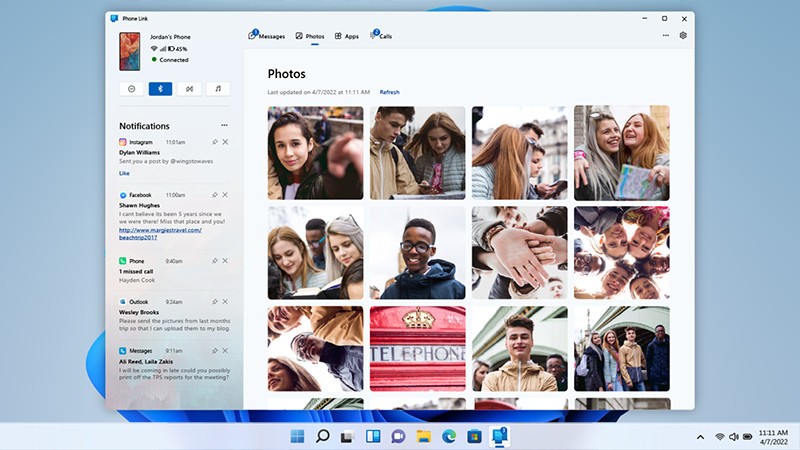
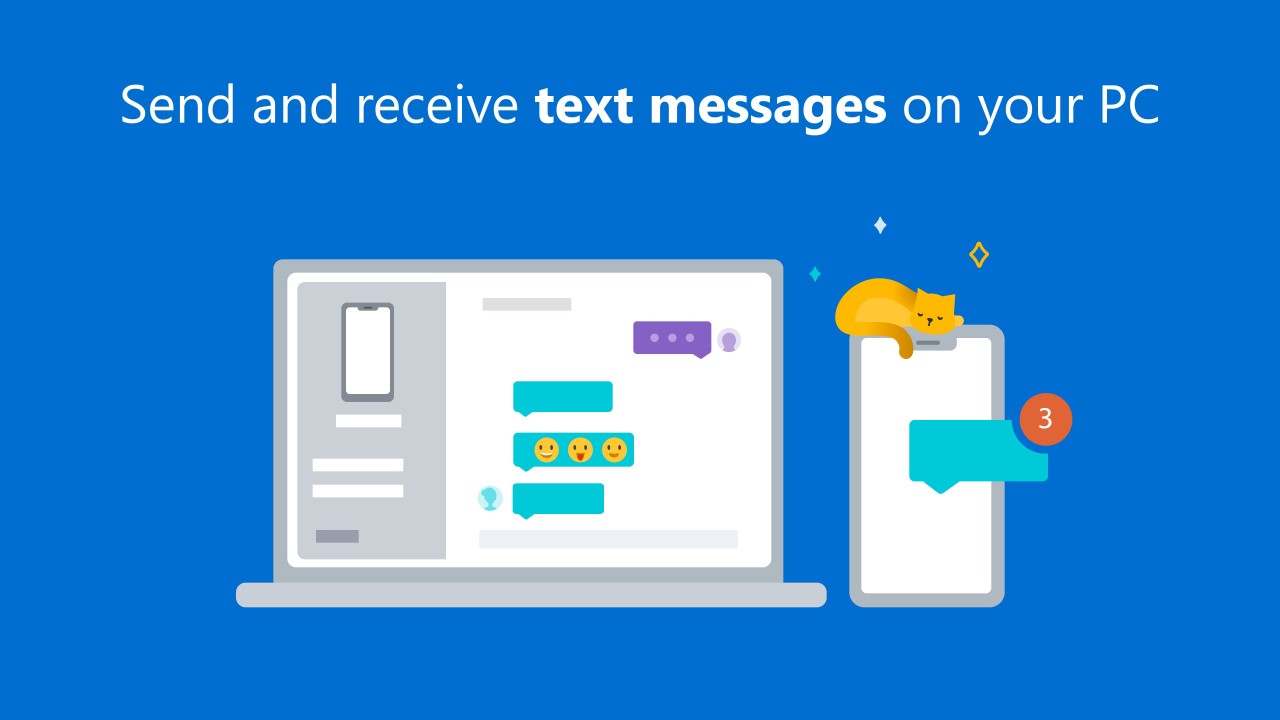
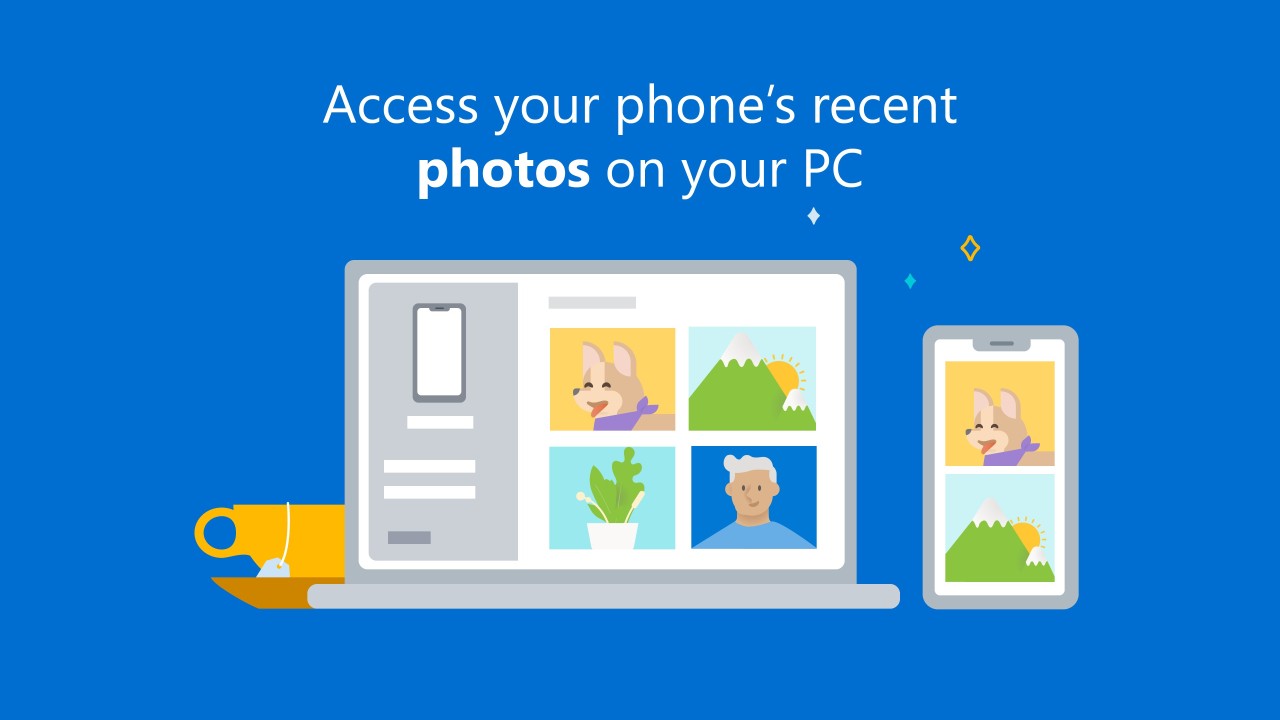
Once the two devices are paired, the connection acts like an extension of your phone running alongside your desktop. Text messages appear on your screen so you can reply and carry on working without breaking focus. New photos show up automatically, ready to drag into an email, a folder, or an editing app without needing a cable or sending files to yourself.
Certain Android devices, including models from Samsung, Microsoft Duo, and some HONOR phones, unlock additional capabilities such as app mirroring, screen viewing, and wireless file drag-and-drop between the two devices. iOS support brings most of the same core functionality to iPhone users as well.
What Are the Key Features of Phone Link / Link to Windows?
The feature set is built around tasks that normally require your phone but are faster and more comfortable on a PC. Messaging is the clearest example: rather than typing replies on a small screen or unlocking your phone constantly, you respond using your full keyboard. For anyone who messages frequently while working, that shift alone changes how the day flows.
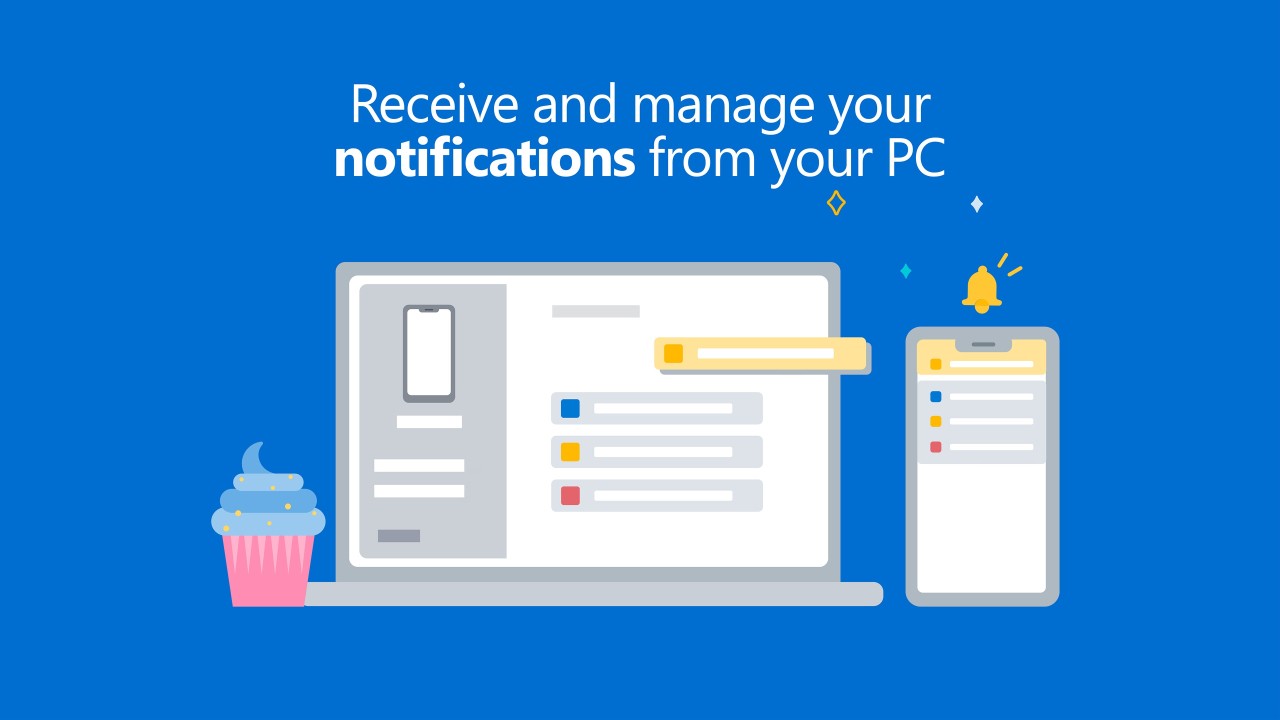
Notifications work the same way. They surface on your computer screen, and you can dismiss, act on, or ignore them without touching your phone. Photo access is another practical gain: new images from your phone appear in Phone Link automatically, and moving them to your computer is as simple as a drag.
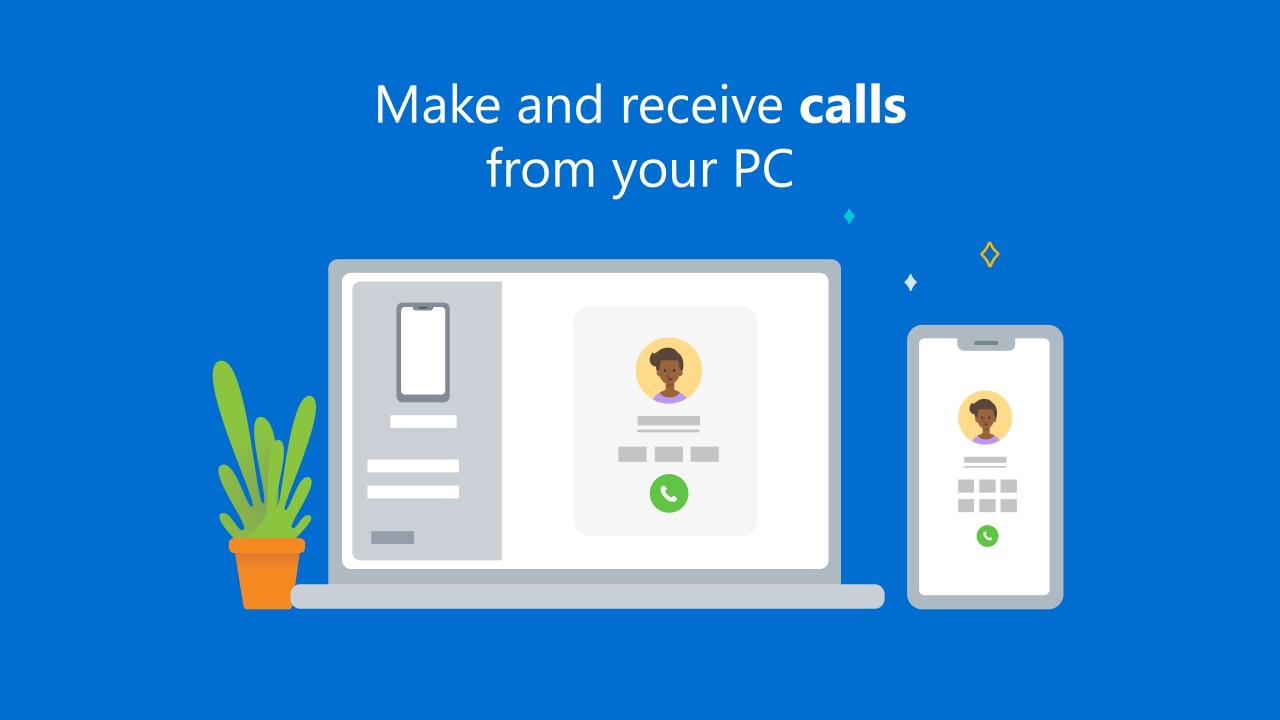
Call support lets you answer or make calls from your PC if Bluetooth is available, which is useful when your phone is in another room, or your hands are otherwise occupied.
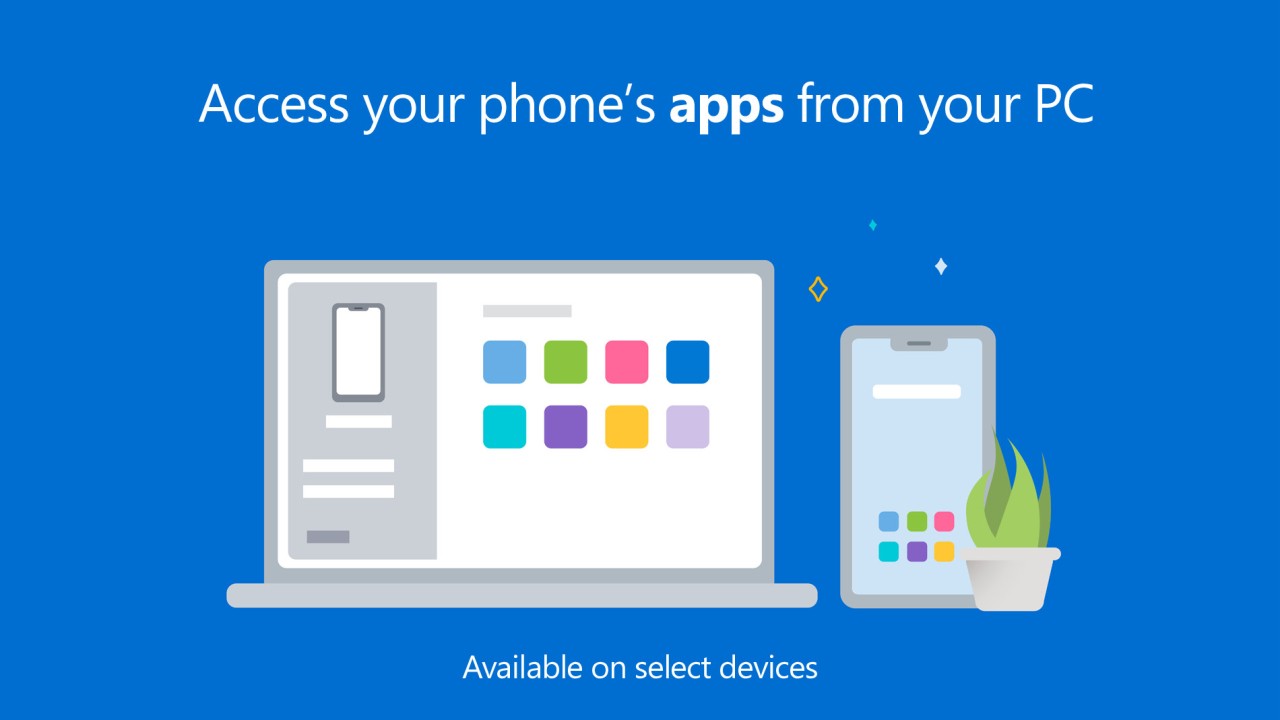
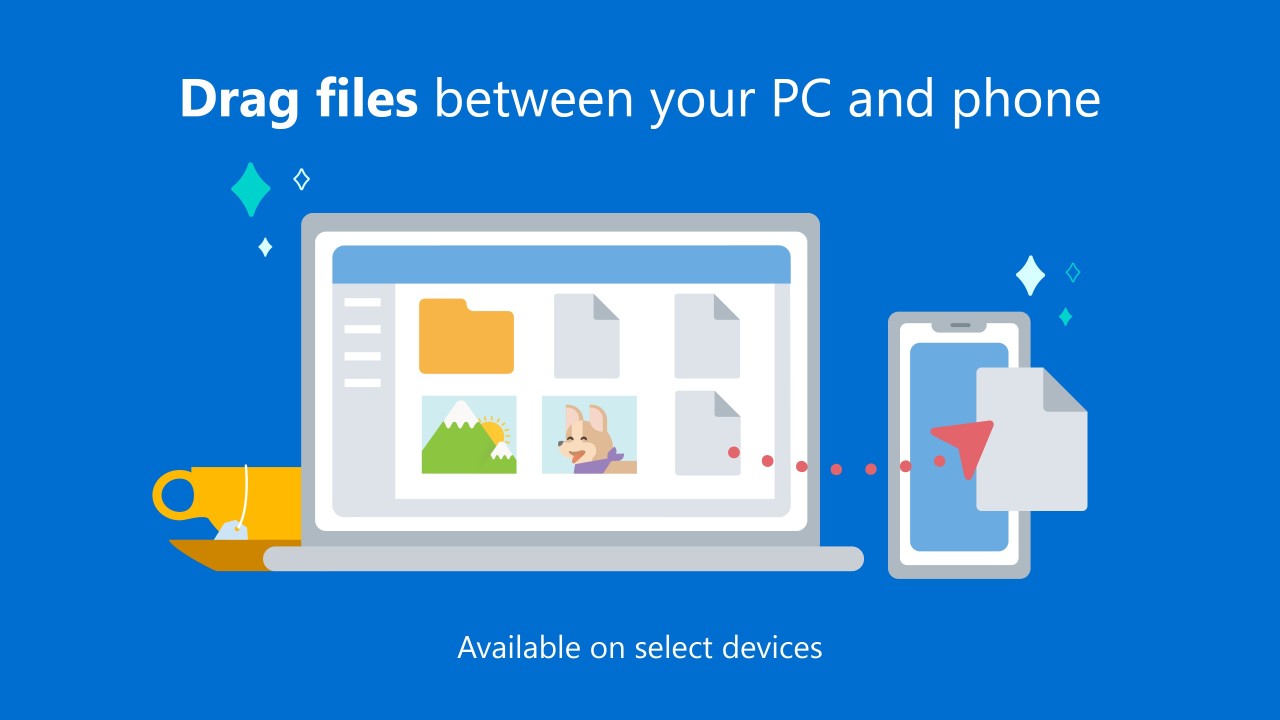
On supported Android devices, the feature set expands further. Mobile apps can be opened in a window on the PC and used like any other desktop program. Some devices support running multiple apps simultaneously. Screen mirroring lets you see and control your phone directly from the computer. Cross-device clipboard sharing means you can copy something on one device and paste it on the other without any workaround. Wireless drag-and-drop lets you move files between your desktop and your phone in either direction with a single gesture.
Is Phone Link / Link to Windows Free to Use?
Yes, both apps are completely free. Every feature, from basic messaging to the more advanced mirroring tools, is available at no cost. There are no subscriptions, in-app purchases, or licenses required as long as your devices meet the compatibility requirements. You just install the app on your phone and link it to your Windows PC.
Which Platforms Support Phone Link / Link to Windows?
Phone Link runs on Windows 10 and Windows 11. Some features depend on hardware or software conditions, such as Bluetooth for call handling, or a minimum amount of RAM for streaming multiple apps. Most current Windows machines handle the core features without issue, though older hardware may be limited when it comes to screen mirroring or app streaming. On Windows 11, the app comes pre-installed.
On the phone side, Link to Windows works primarily with Android. For certain Samsung, HONOR, and Microsoft Duo devices, the app is built into the system interface, which makes the pairing smoother and enables more advanced features. iOS support has been added, and most of the core features now work when linking an iPhone to a Windows PC. Microsoft has put effort into bringing the iOS experience close to parity with Android.
A few capabilities have hardware requirements. Streaming multiple apps simultaneously requires at least 8 GB of RAM on the PC and Android 11 or later on the phone. Screen mirroring and file drag-and-drop are limited to specific phone models. For everyday use cases, including messages, notifications, and photo access, all Android devices are supported.
What Are the Best Alternatives to Phone Link / Link to Windows?
Vysor is a screen-mirroring tool focused on giving you a live, full visual copy of your phone on your computer. Rather than integrating individual features like Phone Link does, Vysor simply displays your phone screen exactly as it appears and lets you control it using your keyboard and mouse. You can open apps, type into fields, navigate menus, and even play mobile games from your desktop. Developers use it regularly for app testing, since it puts the full mobile interface on a larger screen without a physical device swap. Vysor runs on Windows, macOS, Linux, and in Chrome as a browser extension, which gives it a wider cross-platform reach. It does not offer the system-level integration of Phone Link, but for direct real-time control and visual mirroring, it is difficult to beat. Many people download Vysor first when they need straightforward phone control on a bigger screen without a complex configuration process.
KDE Connect originated as a Linux project and is now available on Windows and macOS as well. It creates a two-way communication channel between your Android phone and PC over Wi-Fi, enabling lightweight but practical cross-device interaction. You can share notifications, send files, sync clipboard content, and control various functions remotely. KDE Connect does not mirror your screen or replicate apps, but it handles the everyday connection tasks well: replying to messages, sending links, browsing phone files from the PC, and using your phone as a remote control or touchpad. Being open source makes it popular with users who want transparency and customization, and it remains accessible enough for anyone who just requires basic integration without heavy software. Users often download KDE Connect when they want reliable wireless device syncing without anything resource-intensive running in the background.
Intel Unison was another option in this space, but Intel discontinued the service, and it is no longer available.