NoxPlayer (Nox App Player) is a dedicated Android emulator that lets you enjoy Google’s mobile operating system on your PC. With this program, you can run Android on your computer and, at the same time, enjoy Android apps on your desktop.
NoxPlayer is based on the Android kernel and offers extensive compatibility with Windows and macOS. Unlike most other solutions, NoxPlayer natively integrates the Google Play Store, allowing you to search for and install Android apps directly within the emulator.
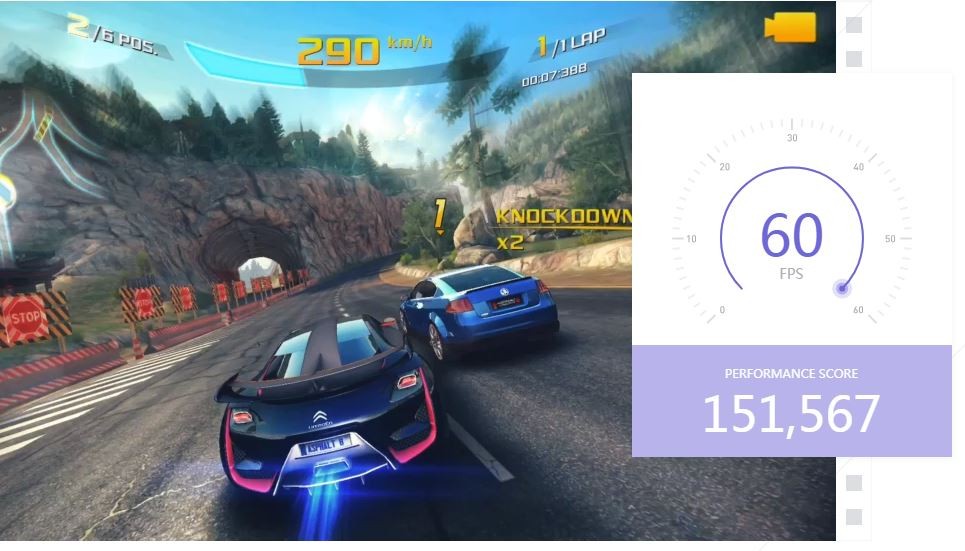
Developed by BigNox, the emulator is primarily aimed at gamers, with features designed to replicate the mobile experience effectively on a computer screen using a keyboard and mouse.
What Are the Key Features of NoxPlayer?
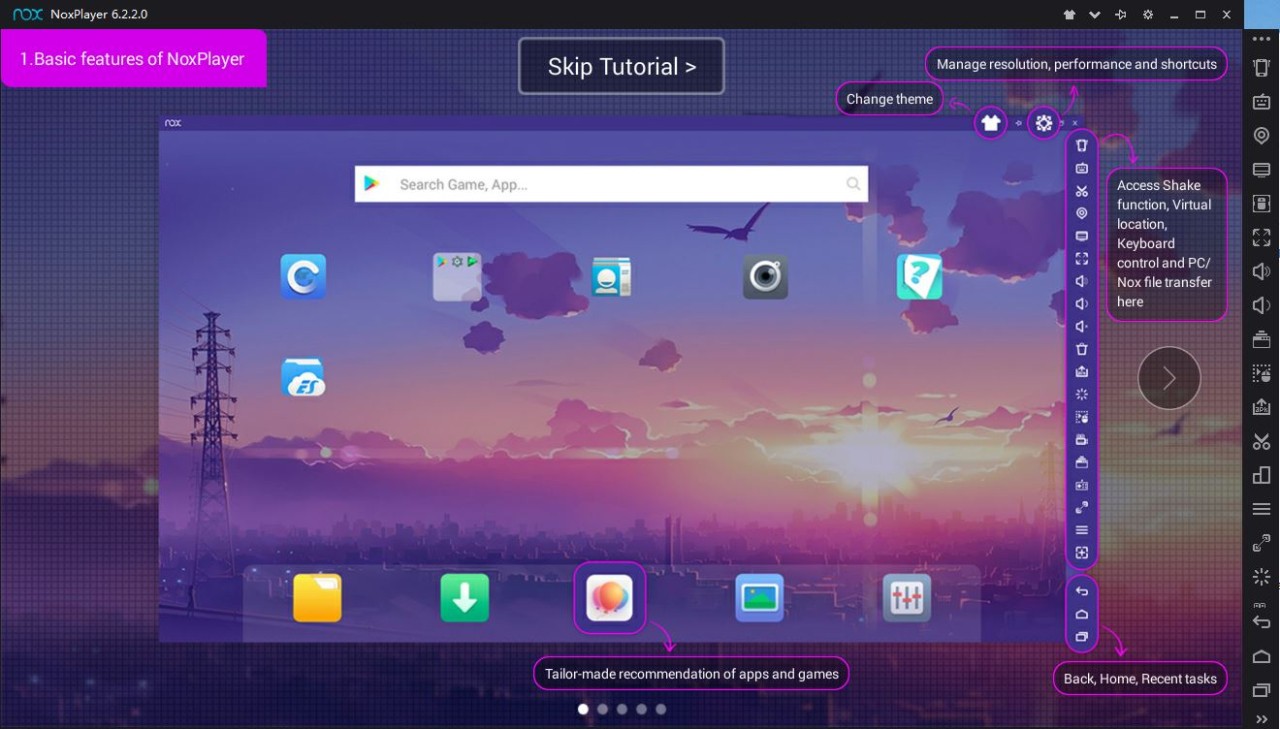
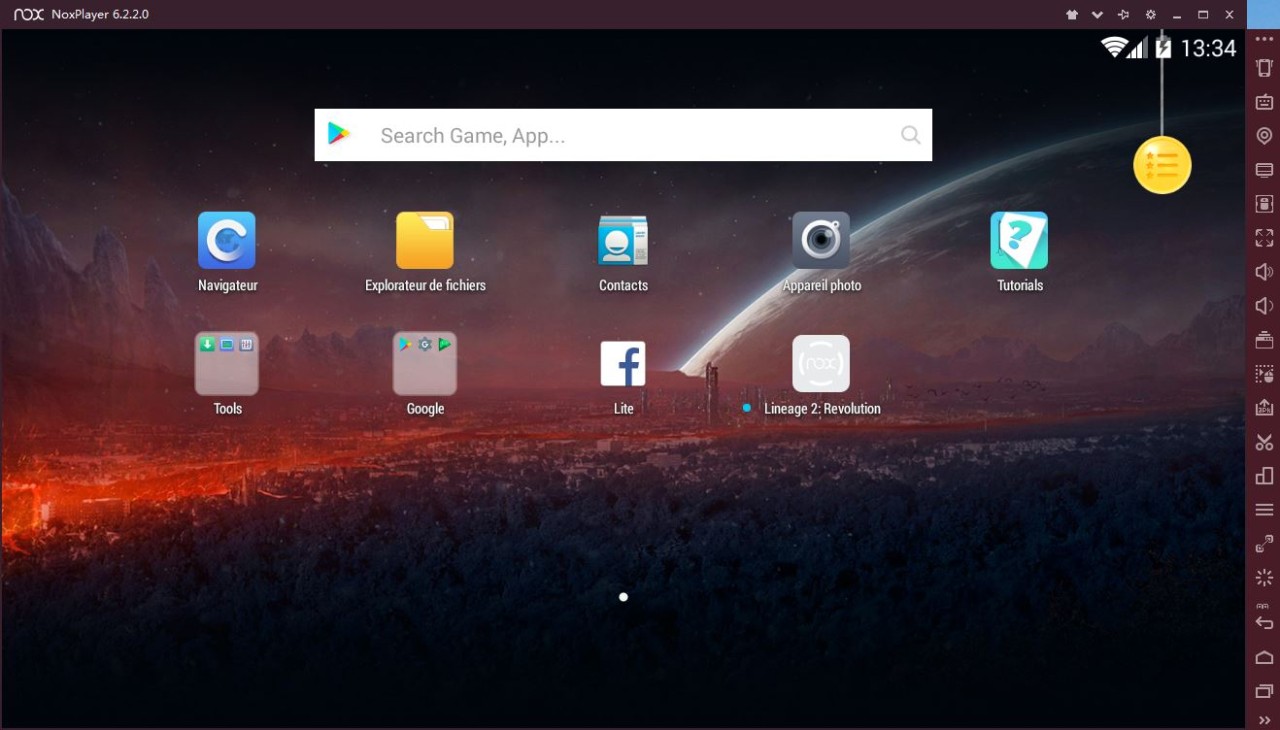
NoxPlayer is very easy to install and requires no special technical knowledge to use or configure. The Android environment loads automatically and displays the Android home screen on your computer’s screen, just as if it were a dedicated mobile device.
The app also features an APK manager, so you can easily import APK files from your PC to the Android virtual machine. Finally, while NoxPlayer launches in landscape mode—just like on a tablet—you can easily switch to a mobile-style display through the software’s settings.
Keyboard mapping is one of the most useful features for gaming: each key on the keyboard or each mouse button can be assigned to a specific in-game action, which is a great alternative to a touchscreen for games that require precision. A macro recorder also lets you record a sequence of repetitive actions and replay them automatically, which is handy for tasks that come up frequently in a game or app.
NoxPlayer also supports multi-instance mode: multiple instances of the software can run simultaneously on the same computer, each functioning as an independent Android device. This allows you to manage multiple game accounts at the same time or test different configurations without having to close one session to open another.
In the software options, you can change the screen orientation (horizontal or vertical), display a virtual keyboard, or even change the model of the emulated mobile device. This is useful when certain apps require a specific hardware configuration.
Also note that you need a Google account to use the Google Play Store and download games and apps.
Is NoxPlayer Free to Use?
You can download NoxPlayer for free; there is no paid version, and no features are locked behind a subscription. However, the emulator is supported by ads that appear in certain parts of the interface—a common model for this type of software. Some games are also preinstalled to encourage you to play and make in-app purchases.
Which Platforms Support NoxPlayer?
You can download NoxPlayer for Windows and macOS onto your PC. The software runs on recent versions of Windows—from Windows 7 to Windows 11—in both 32-bit and 64-bit versions, as well as on macOS version 10.12 and later.
Installation is straightforward: after downloading the file from the developer’s website, simply follow the on-screen instructions, then wait for the Android environment to load when you launch it for the first time—a process that may take a few minutes depending on your computer’s configuration.
What Are the Best Alternatives to NoxPlayer?
BlueStacks remains one of the best-known Android emulators, functioning similarly to NoxPlayer: it features a built-in Google Play Store, support for multiple accounts via multi-instance mode, and key mapping for games. The interface highlights a library of popular games accessible directly from the home screen, making it easy to discover new compatible titles.
LDPlayer takes an approach quite similar to NoxPlayer, featuring an emulator designed primarily for gaming, customizable keyboard mapping, and support for multiple simultaneous instances. The software emphasizes performance optimization for resource-intensive games, with graphics settings that can be adjusted based on the computer’s configuration.
Memu Play rounds out this list with an emulator that’s also geared toward gaming, capable of running multiple versions of Android depending on the compatibility requirements of the app being used. The software also offers a macro recorder and fine-grained management of resources allocated to each instance, which is well-suited for a computer running multiple Android sessions simultaneously.