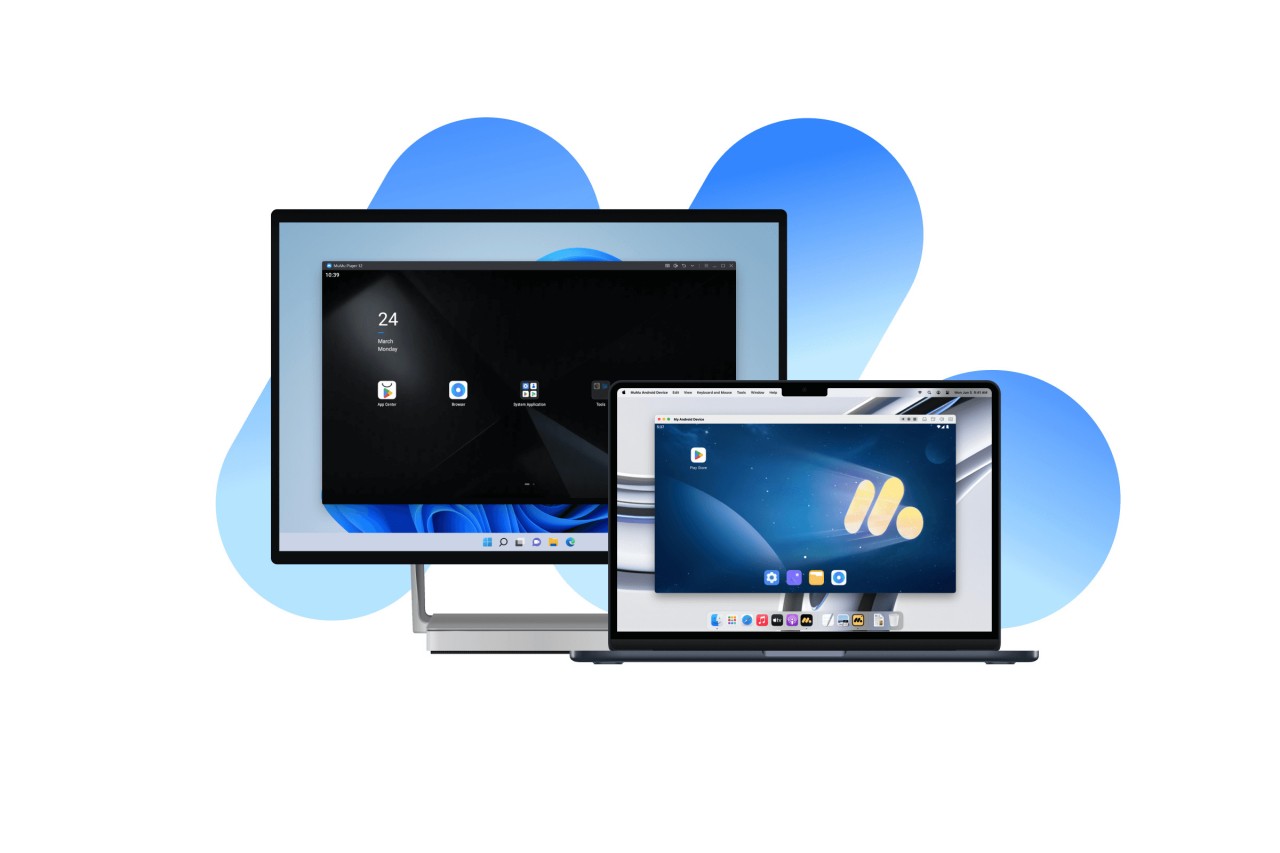
Mumuplayer is a Windows PC based Android emulator. It enables you to offer desktop usage to mobile applications and gaming, with a keyboard and a mouse, rather than the smaller phone screen. The emulator will build a virtual Android device within your computer. Once it has been launched, log in to Google Play (optional) and download apps as on a phone.
Gamers prefer Mumuplayer since most of the titles are better played using a keyboard and mouse. Competitive participants have a bigger display, quicker reaction time, and accuracy than touchscreen tapping. The emulator is fast with hardware acceleration and a virtualization technology (VT), optional (which the motherboard may support,) to reduce lag.
Storage demands are low. Mumuplayer does not need huge files and does not entail complex configuration. It runs on affordable hardware; however, with VT and a respectable graphics card, it becomes a more comfortable experience. The emulator is aimed primarily at gamers who desire more performance, customization, and freedom, in comparison to phones.
What Are the Key Features of Mumuplayer?
Mumuplayer gives the Android apps a PC-like experience. One of them is the keyboard and mouse mapping. Once a game is opened, you can use a function key to display or conceal the overlay that allows you to give touch actions to keyboard keys. The drag-and-drop is available wherein virtual buttons are placed, and thus, you do not need to configure each input each time.
Another focus is performance improvement. The emulator has a frame-interpolation or high-frequency mode. Although a mobile game may be built to run at 60fps, it is possible to increase the frame rate, which will produce a more fluid gaming experience in Mumuplayer. This is important when it comes to fast action games; a higher frame rate provides better motion and more natural aiming.
The emulator also allows a shared-folder location to be configured, allowing screenshots, videos, or files created within the emulator to be saved in a particular PC folder. This can be of use in capturing gameplay or in transferring files very fast between Android and Windows.
Mumuplayer favors the use of VT in the BIOS. When it is turned on, the emulator is faster and less laggy. The emulator provides easy guidelines on how to activate VT among users who are not conversant with virtualization. It also admits multi-instance, thus allowing more than a single emulator window to be running simultaneously. It is convenient for playing various games or operating a number of accounts.
All these aspects are to bring Android applications to the PC without ruining the light and simple atmosphere.
Is Mumuplayer Free to Use?
Yes. Mumuplayer is open-source; it does not require any payment to install or use daily. No sublevels or unlocks. You can download, execute applications, customize controls, and adjust performances without being compelled to acquire anything. Optional offers can exist, although the basic emulator is free of charge.
Which Platforms Support Mumuplayer?
Mumuplayer is a Windows-based computer. It works with Windows 7 or higher, and therefore, machines of lower versions can use it, provided they have the minimum requirements. It needs a processor with virtualization technology (VT) capability (preferably a quad-core processor or higher). Intel i5 or similar AMD processors are usually sufficient. A genuine graphics card is required with DirectX 11 or OpenGL 4.x support, and the GTX950-type or above is suggested for smooth performance. One requires at least 4 GB of RAM and several gigabytes of free disk space to install applications.
Although Mumuplayer is a Windows-oriented software, it is not officially supported on macOS. Other users make workarounds using virtual machines or non-supported builds, but the emulator is best suited to Windows. The Windows specialization enables it to provide maximum FPS, keyboard functionality, and cross-platform unrestricted access to a shared folder.
Upon installation, Mumuplayer will act as an Android tablet or phone. You have the Android interface on your desktop, and you have to use the keyboard and the mouse to operate it. Users can open numerous applications, switch among them, and play games without a cell phone.
What Are the Best Alternatives to Mumuplayer?
One of the most popular ones is called Gameloop, particularly among competitive mobile shooters. It is concerned with network performance, and it has built-in server-intensive game optimizations. Gameloop is easy to operate and usually has automatic settings in control of popular titles. It suits the players who desire to have maximum stability in a particular game without numerous options during configuration. It is, however, not as versatile as running a wide variety of Android apps.
Another popular emulator is BlueStacks. It does not value pure gaming as much as it values compatibility of apps and easy user experience. BlueStacks has numerous features and options, such as multiple versions of Android and the multitasking mode. It is suitable for users who desire to operate games and other social applications and productivity tools. The disadvantage is that it might be resource-intensive to the system, and devices with lower RAM might have slower booting times or lag occasionally.
NoxPlayer has another approach, which is to give the user a lot of customization and root accessibility. It will be of interest to the users who would like to customize the Android world or experiment with applications in a customizable system. NoxPlayer features multi-instances, script recording, and direct APK installation, and this feature makes it appealing to power users. In comparison to Mumuplayer, the performance of NoxPlayer is largely reliant on the hardware and configuration of the user and would usually need increased fine-tuning.