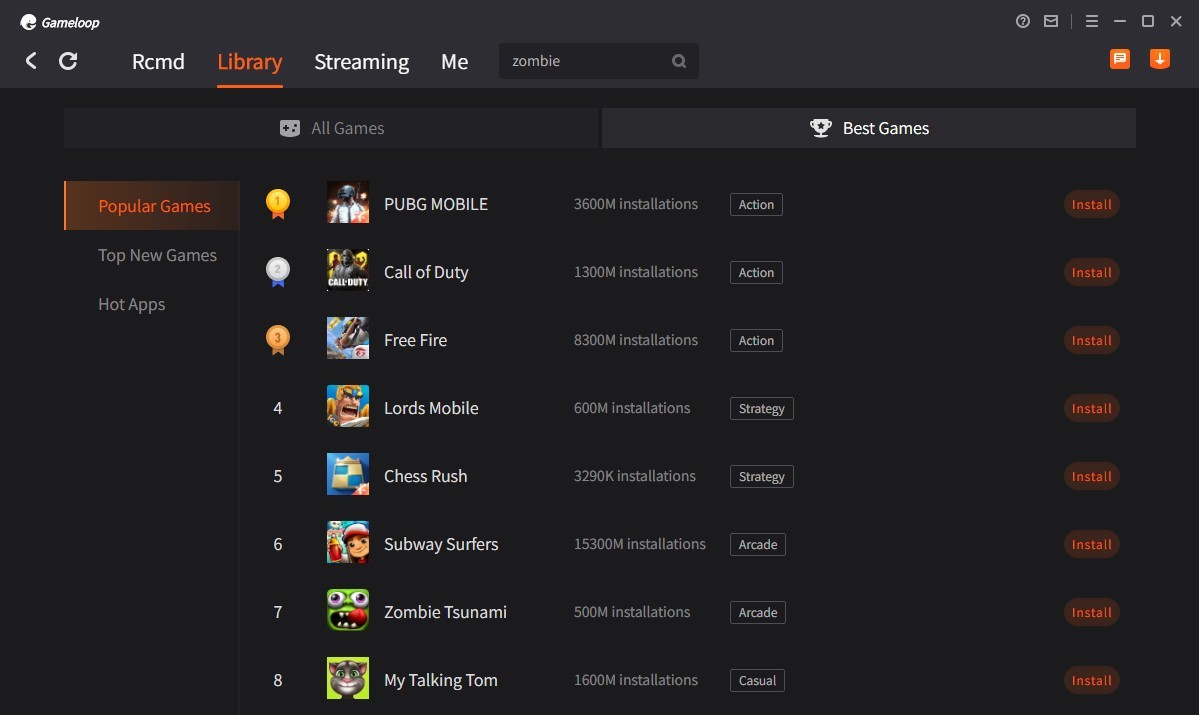
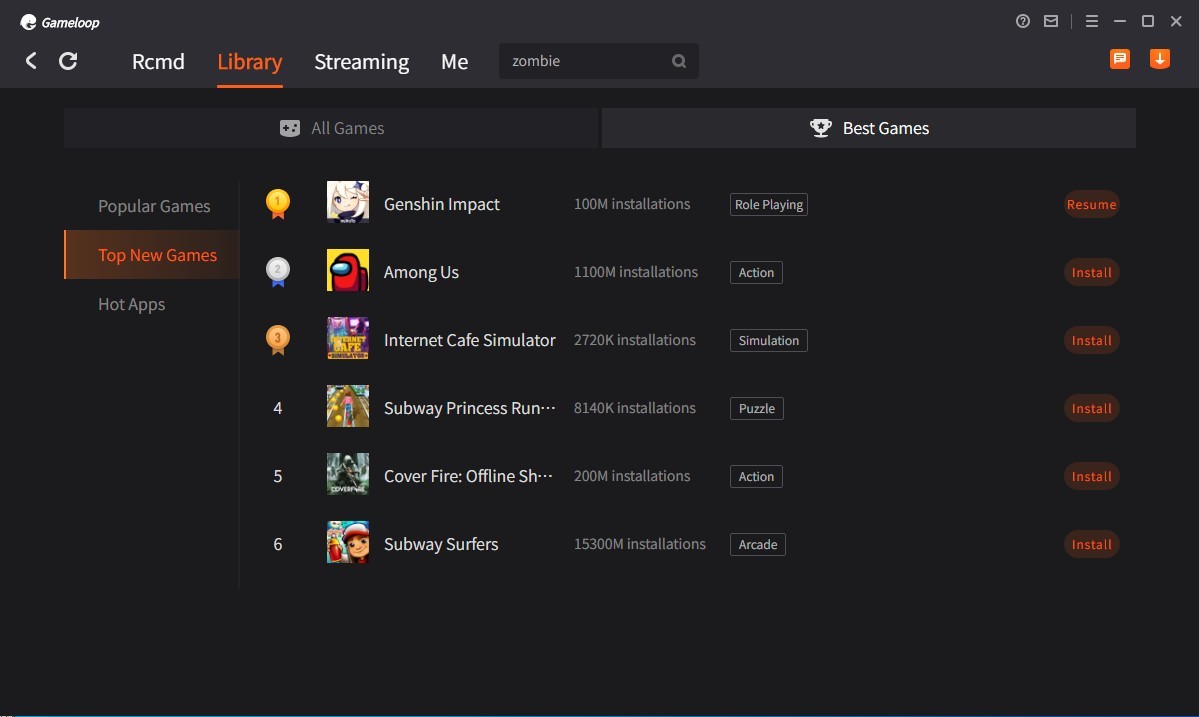
GameLoop is an Android emulator based on Windows, and its primary features concern gaming rather than emulating a real‑life phone on your computer. Once installed, you are presented with a home screen that looks like a launcher and are immediately introduced to popular mobile games in shooter, racer, and Battle Royale genres.
The app was developed in the Tencent ecosystem, so it performs well with Tencent hits, like PUBG Mobile and Call of Duty: Mobile. Its features include mouse‑and‑keyboard controls, a bigger display, and recommended PC performance settings; there is no need to look for APKs or customize the app yourself.
GameLoop isn’t really meant for general‑purpose use. The emulator is too small to run productivity applications or developer trial applications. It’s perfect for users who just want to play.
As with all emulators, performance highly depends on your hardware: CPU, GPU, RAM, and virtualization. Some users may enjoy the flexibility of general emulators, while others like the simplicity of GameLoop for playing. It’s a trade‑off that helps mobile games feel more like desktop games, with fewer hoops to jump through, and a simpler, plug‑and‑play vibe.
What Are the Key Features of GameLoop?
Preconfigured control mapping is its base characteristic. Ready‑made WASD movement, mouse aiming, firing, and utility keys are supported in the games. You can also modify bindings as you see fit, but you are not required to start from zero, reducing the amount of friction for newbies.
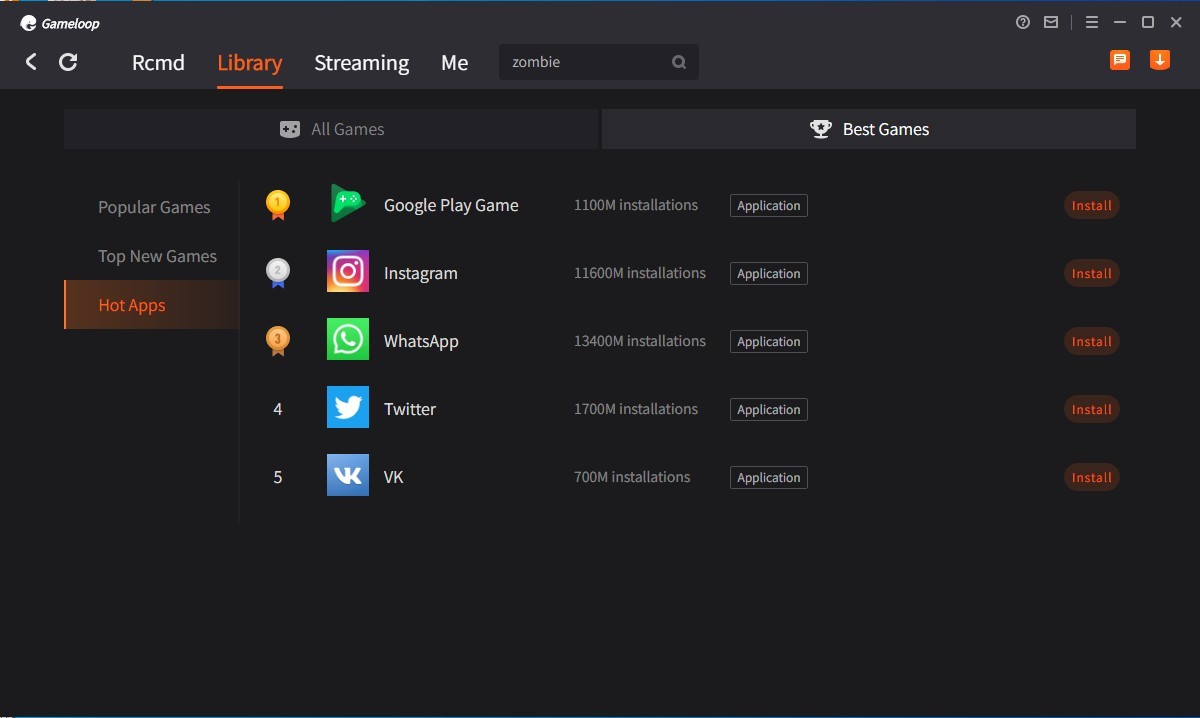
One of the key parts of the app is the launcher, which works more like a PC game hub than a phone‑style screen. You browse, download, update, and even launch games in one location, saving time on searching for compatible versions or going through stores.
Among the performance controls are resolution and FPS limits, render modes, and DPI scaling. If your setup’s not that strong, drop the settings to keep things stable. If it’s powerful, crank them up for smoother frames. Network acceleration layer helps to mitigate spikes, but it’s not a panacea to reduce latency in online matches.
Featured games are typically prioritized during updates. GameLoop tends to update regularly after a featured title patch, which means that there are fewer problems with compatibility following major updates to games.
There are a few things to keep in mind. As with any emulator, it uses up more resources than native PC games. Make sure that you have the latest drivers for your graphics cards and turn on hardware virtualization (VT) to achieve optimal performance. The Android side is not very functional when it comes to non‑gaming tasks since the app is gaming‑oriented. In short, it offers less room to tinker, but more speed for players.
Is GameLoop Free to Use?
Yes. GameLoop is available for free, and you can download and use it without any purchases or subscriptions. Advertisements and marketing of games may appear within the launcher, yet basic features, which include installing, launching, control mapping, and graphics modification, are free. You can play games solo and make in-app purchases if you wish, but the emulator stays free for mobile gaming on Windows.
Which Platforms Support GameLoop?
GameLoop is a Windows-only program. Windows is its main environment, and there are no native releases for macOS or Linux. Mac and Linux users need to use a different emulator. GameLoop works on Windows 7, 8.1, 10, and 11, but runs best on a modern setup.
Hardware requirements vary. The minimum requirements will enable the use of the launcher for lighter games, but more intensive scenes will overload the system. A decent setup now means at least 8 GB RAM, a midrange GPU, an SSD if possible, and virtualization turned on in BIOS. With virtualization on, games that were rough might run smoother.
GameLoop is easy to set up. Download the installer, run it, select a game, and play. There is no need to sideload APKs unless you want to; supported titles are automatically fetched by the launcher. Always keep drivers up to date and shut down background applications that consume CPU/GPU to prevent frame drops. GameLoop does not provide a complete Android desktop with Google Play Services and an extensive app testing package. It does the trick for users who want a gaming-focused platform on Windows.
What Are the Best Alternatives to GameLoop?
BlueStacks wants to do everything. It executes games smoothly and provides a more complete Android experience, with the ability to use a Google account to sign in, access the Play Store and its various applications, macro tools, multiple‑instance control, and more ways to tweak your device profile. It is larger than GameLoop on older PCs, but it’s less flexible. BlueStacks can support you if you want to play a game, automate work, or test a non‑gaming application. Downsides include a bigger install size, more tweaking, and some setup time before it runs just right.
NoxPlayer is neither a pure lean gaming launcher nor an entire Android package. It is used to popularize multi‑instance sessions and settings with fine-grained helicopter controls without exposing users to a host of toggle options. Multi-account users and streamers utilize it to operate multiple windows simultaneously and program simple tasks. It is not based on Tencent, nor does it stick to one game catalog. NoxPlayer is a good option for more flexibility without being too heavy on your system. As with any emulator, you will probably have to spend some time adjusting graphics and inputs.
MSI App Player is simply BlueStacks on MSI hardware, but it can also be used on other PCs. MSI users get pre‑set profiles and decent defaults that work well from the start. The interface is simple, gaming presets are sensible, and the stability is good with mainstream titles. MSI App Player, in comparison to GameLoop, is not confined to the ecosystem of one publisher and is instead pursuing a consistent PC‑first comfort. It offers a more appealing click, install, and play experience, and accommodates additional Android usage. It shares its advantages and disadvantages with BlueStacks: extra breadth, moderate bloat, and consistent updates.