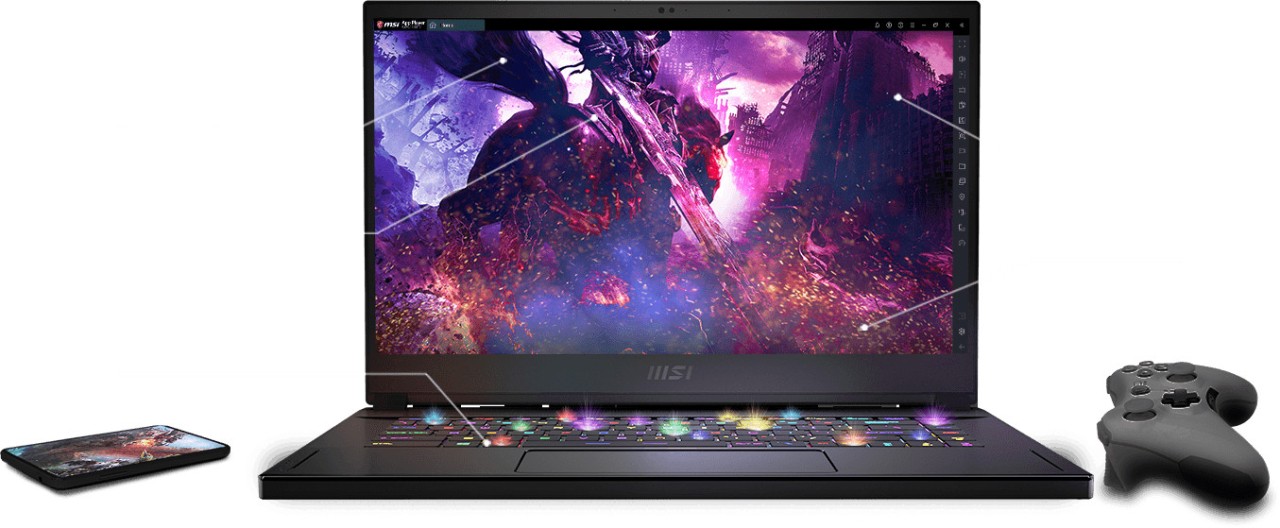
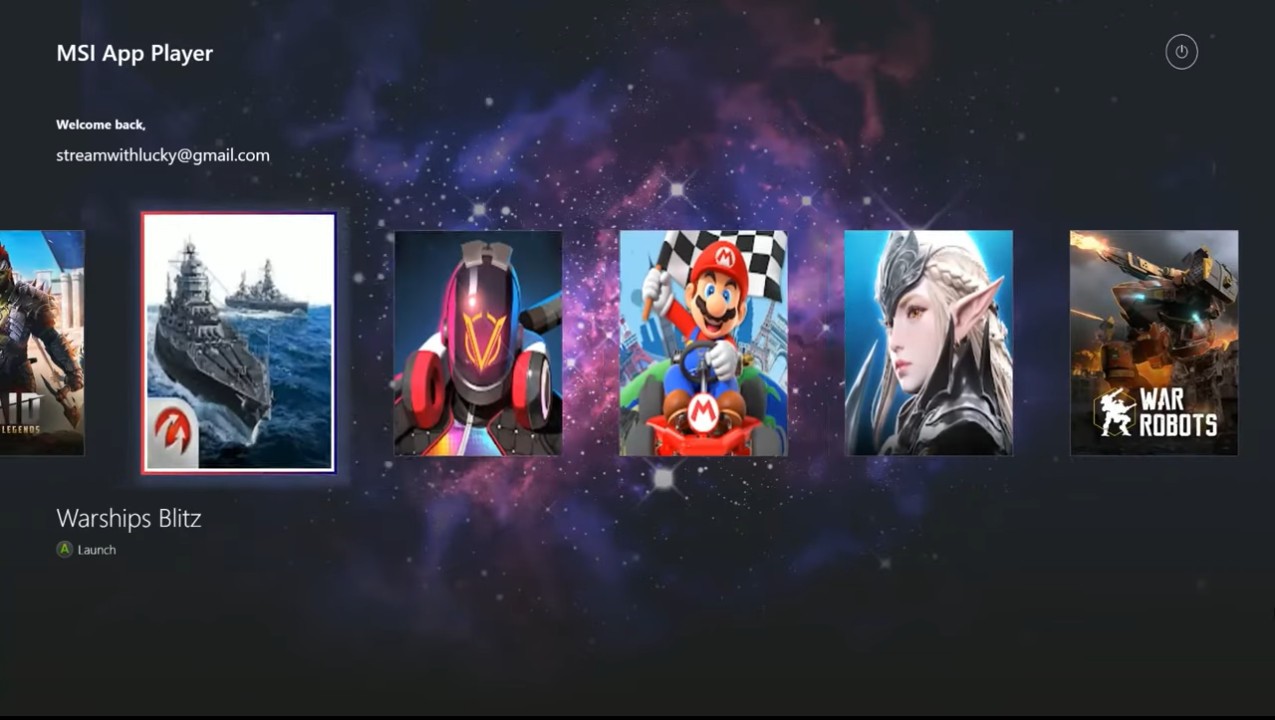
MSI App Player is an Android emulator developed by BlueStacks. Simply put, it allows you to use mobile apps and Android games on a Windows PC or an MSI handheld device.
MSI App Player, unlike the generic emulators, targets gamers who want to take mobile games to the next level, which most phones cannot handle. It taps into the strong hardware that gaming laptops and desktops already have: high‑performance processors, full graphics cards, and better cooling systems.
This hardware concentration renders the gaming experience smoother, quicker, and more stable. The emulator isn’t just a copy of a phone setup; it improves it, so players can run big titles with fewer lags and more control. Since it is based on BlueStacks technology, it retains a similar emulator format, but incorporates the hardware integrations of MSI to unlock features that most other emulators do not have.
It is particularly convenient for gamers who like sitting at a desk with a monitor and a controller or keyboard, rather than a phone in their hands. It turns mobile gaming into a PC‑style experience, which matters a lot in shooters, racing, and RPGs, where reaction speed and smooth visuals make all the difference.
What Are the Key Features of MSI App Player?
High performance is one of its main features. The emulator puts the raw power of the PC to the task of playing games with very high frame rates. With the right setup, it can hit up to 240 FPS - a value even flagship phones rarely reach. Camera movements, swipes, and rapid motion all become more believable and reactive. In addition to offering incredible speed, the emulator doesn’t make your computer overheat and lead to decreased frame rates, even during lengthy sessions.
Another useful feature is cloud or local play. Don’t want to install a massive game? You can just play it through the cloud instead. This saves storage and time, and enables easy switching between games without having to wait to download or update them.
Multi‑instance mode allows you to open multiple games simultaneously or play the same game using multiple accounts. Many players grind in online games and like keeping several windows open; MSI App Player handles that smoothly without much lag. Performance may be adjusted to various levels as required in each instance.
The emulator also supports controller input through a special Console Mode. You will be able to relax and use your controller to enjoy mobile games like it was a console title. On a bigger screen, it replicates a real gaming experience, but without a console. MSI‑exclusive touches like game‑based keyboard lighting and advanced graphics tweaks make games feel more like full PC games rather than phone games on a computer screen.
Is MSI App Player Free to Use?
Yes. The MSI App Player is entirely free to use and download. You do not need to subscribe or pay a fee to use its features. It can be installed and used immediately. The only payments involved are for in‑game purchases, just like on a normal phone. The application is intended for MSI hardware, although it can also be used with non‑MSI systems, provided they fit the requirements.
Which Platforms Support MSI App Player?
MSI App Player is a game application that works on Windows PCs and MSI handheld gaming devices. It supports MSI gaming laptops and desktops that include added perks like RGB keyboard effects, higher frame rates, and smoother graphics.
It is, however, not specific to MSI. The emulator can run on any competent Windows machine, but it might lack all the additional functionality. Its basic capabilities, such as Android games, multi‑instances, controller integration, and high frame rates, remain effective. It does not support macOS or Linux, and thus users on such platforms have to change to other emulators.
You don’t always need to install games locally to use the app. Cloud gaming is also an option, provided you have a good internet connection, so you do not need to fill up your storage to play. This flexibility allows you to have a PC gaming experience with your mobile favorites.
What Are the Best Alternatives to MSI App Player?
Bluestacks is the most famous Android emulator on the market. MSI App Player is based on BlueStacks, so the two are comparable. The only distinction is that BlueStacks is compatible with a wider variety of systems. It is optimized for casual users and gamers, and it can map keyboards, support multiple instances, and be used on mid‑range hardware. It is compatible with different apps, and it updates automatically. It does not have MSI‑exclusive features such as keyboard lighting.
Another well‑known emulator is Gameloop, also known as the official place for big shooters on Android. It is supported by game publishers and optimized for titles such as PUBG Mobile and Call of Duty: Mobile. It is open‑source and easy to install. The tool focuses on providing action games with a stable FPS. It is game‑centric; hence, it might not be suitable for users who want to operate diverse Android applications. It is compatible with most Windows PCs, including those without high‑end specifications.
NoxPlayer is a trusted emulator for Windows and macOS users. It has a clean interface, is customizable, and allows its players to adjust numerous technical settings. This gives great control to players who like to fine‑tune performance down to the smallest detail. It enables controllers, keyboard mapping, and recording of macro actions to repeat actions in RPGs or idle games. Although it cannot compete with the raw FPS of MSI App Player on gaming laptops, it is versatile, light, and does not depend on a particular brand of hardware, and so can be a great alternative to a user not in the MSI ecosystem.