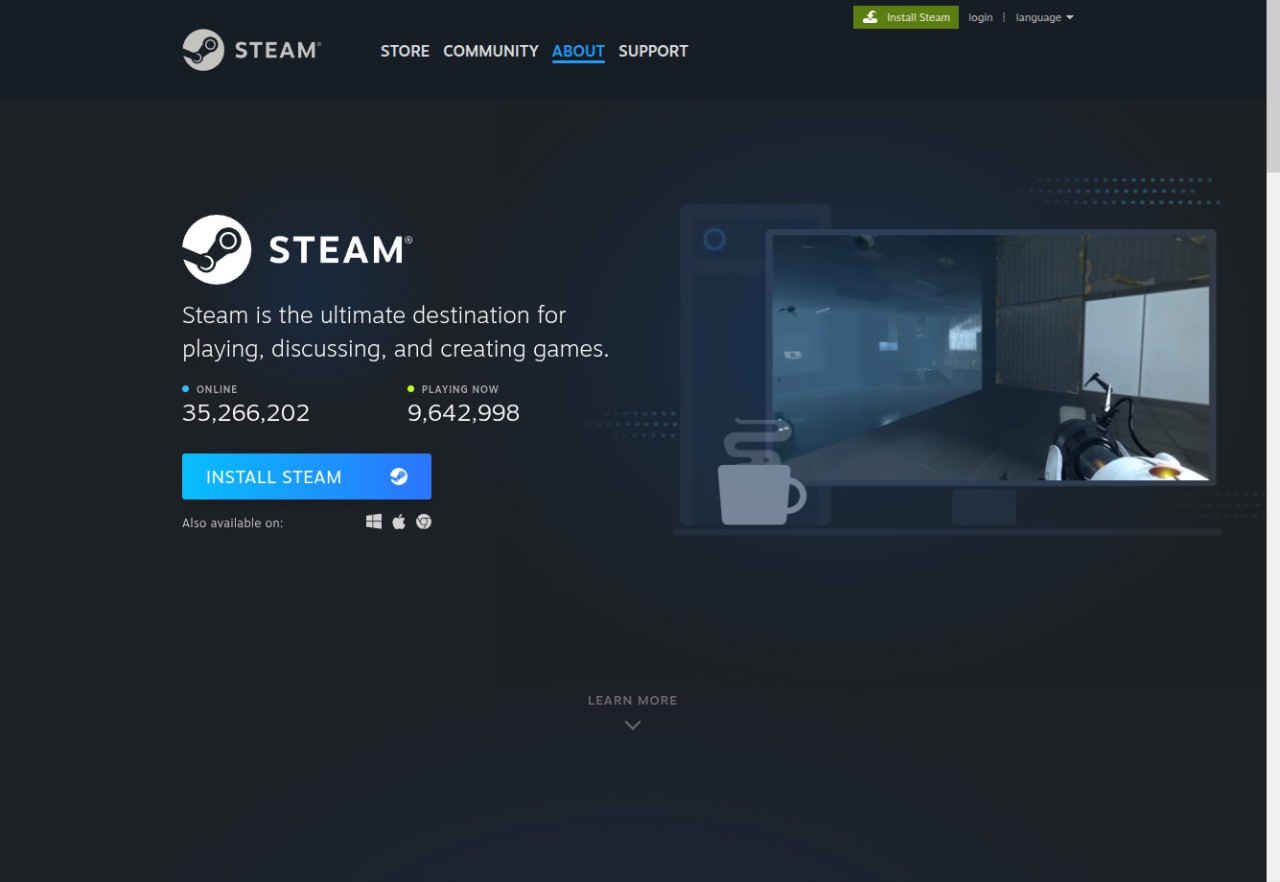
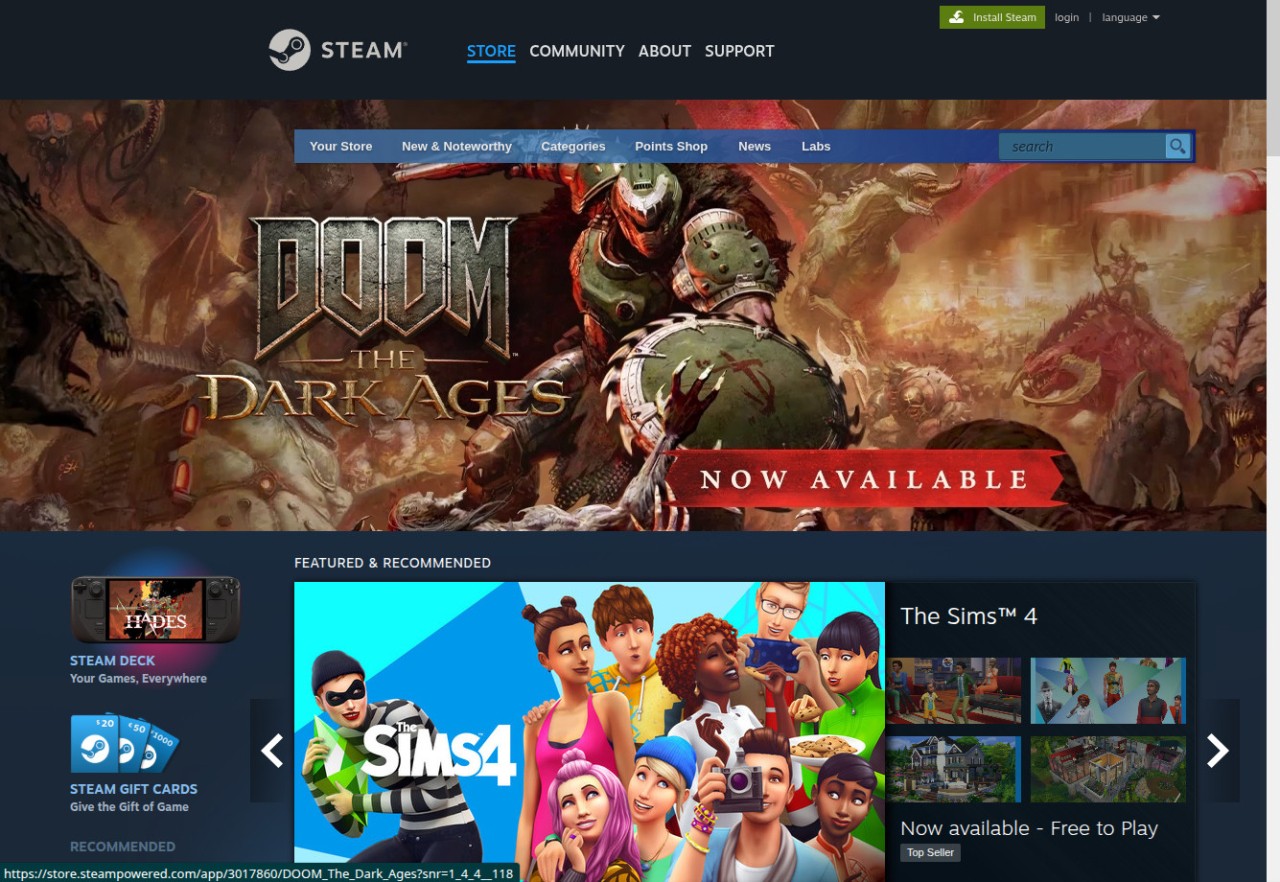
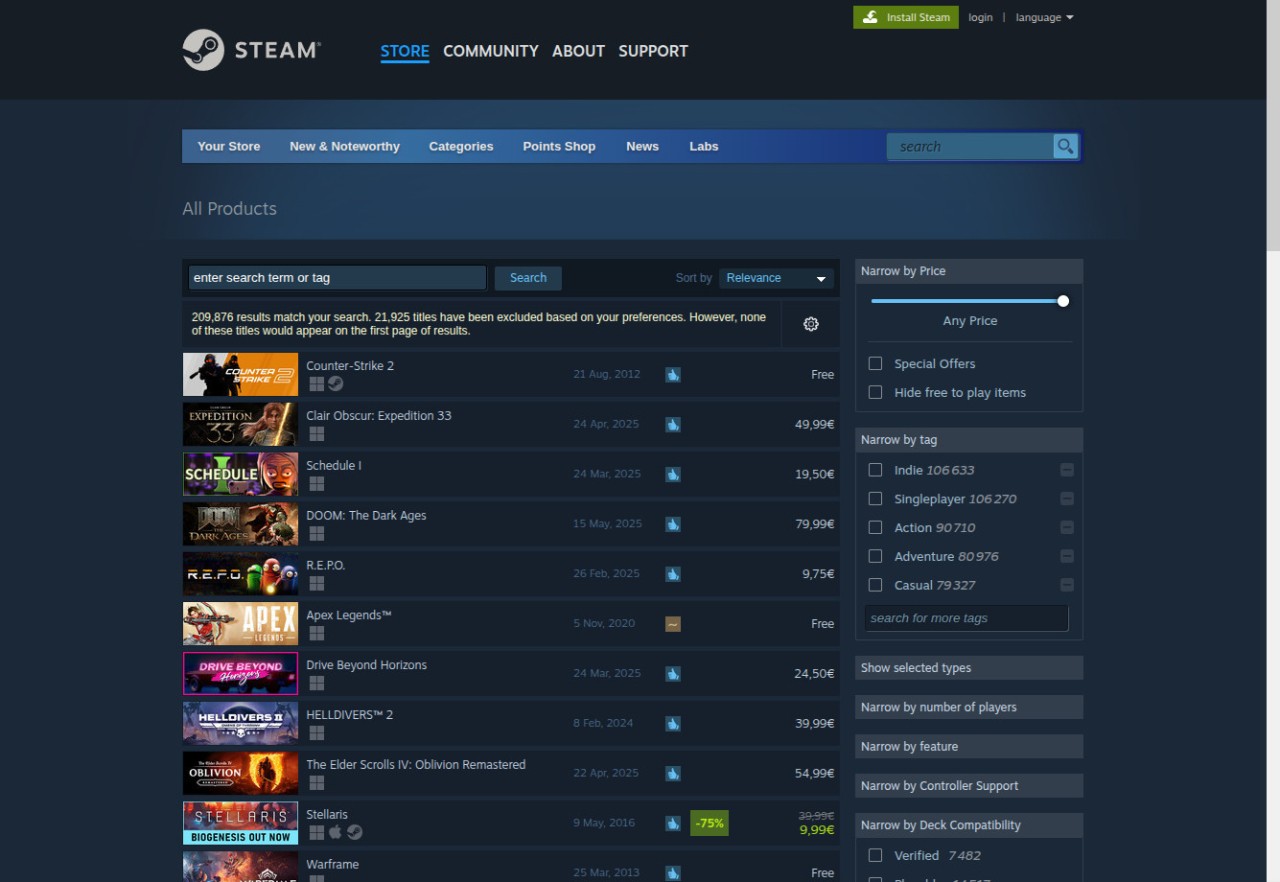
Steam began as a system for automatic game updates, but it has since grown into a massive ecosystem. It is the central hub for millions of people today to play, purchase, and organize PC games. Steam is the first thing that comes to mind when people think of PC gaming.
The platform offers tens of thousands of games across various genres, including AAA, indie, and experimental titles. On Steam, when you purchase a game, it is associated with your account. You can install or uninstall it as you wish. Steam provides automatic updates, patches, and library organization.
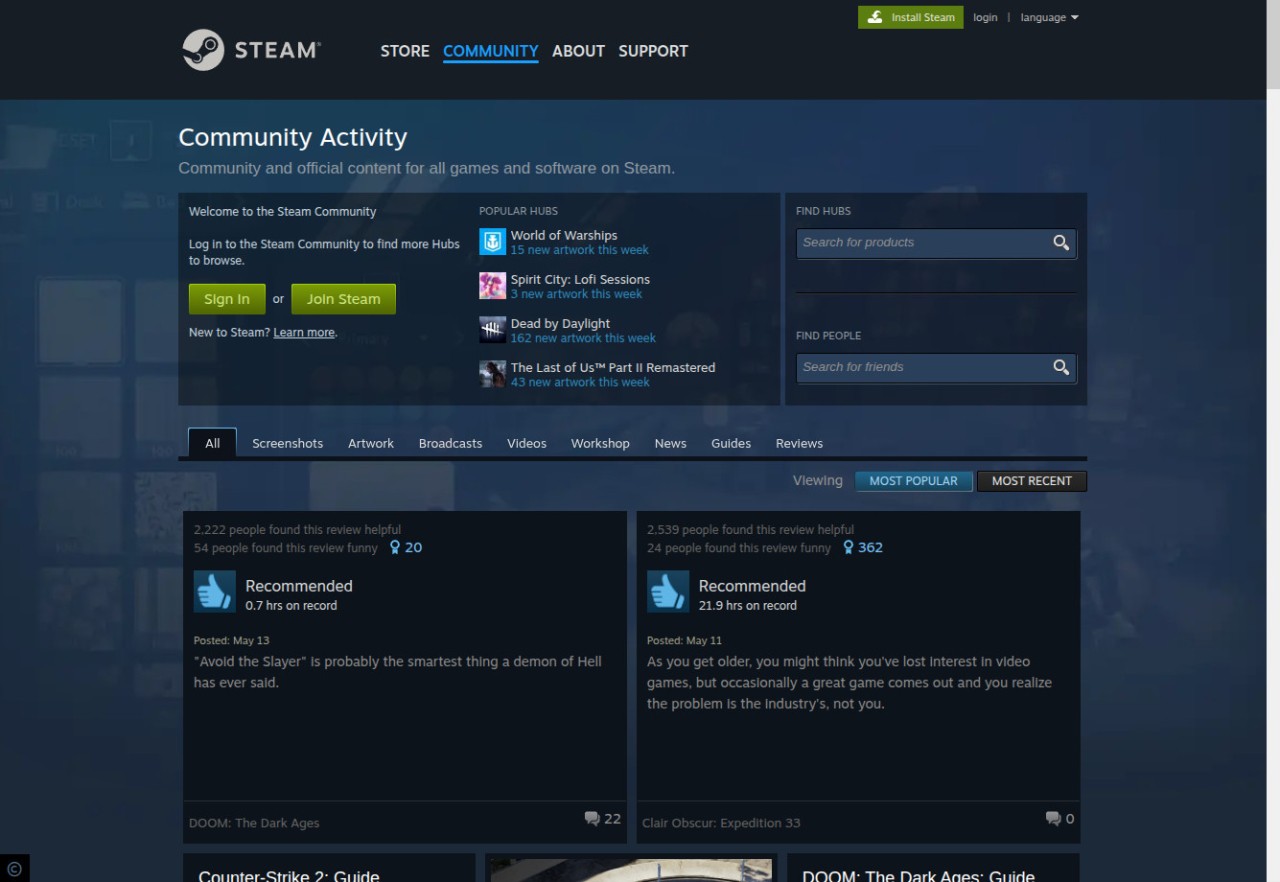
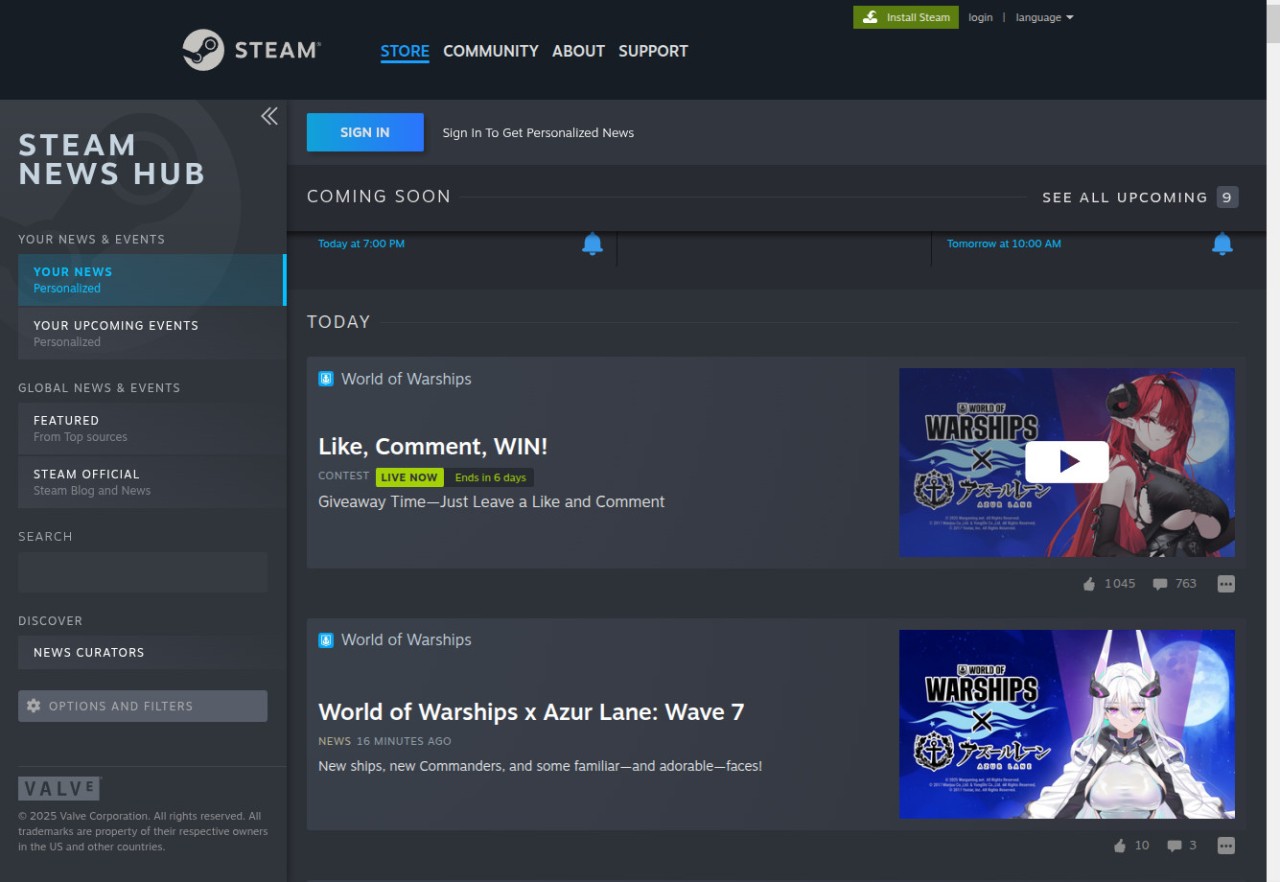
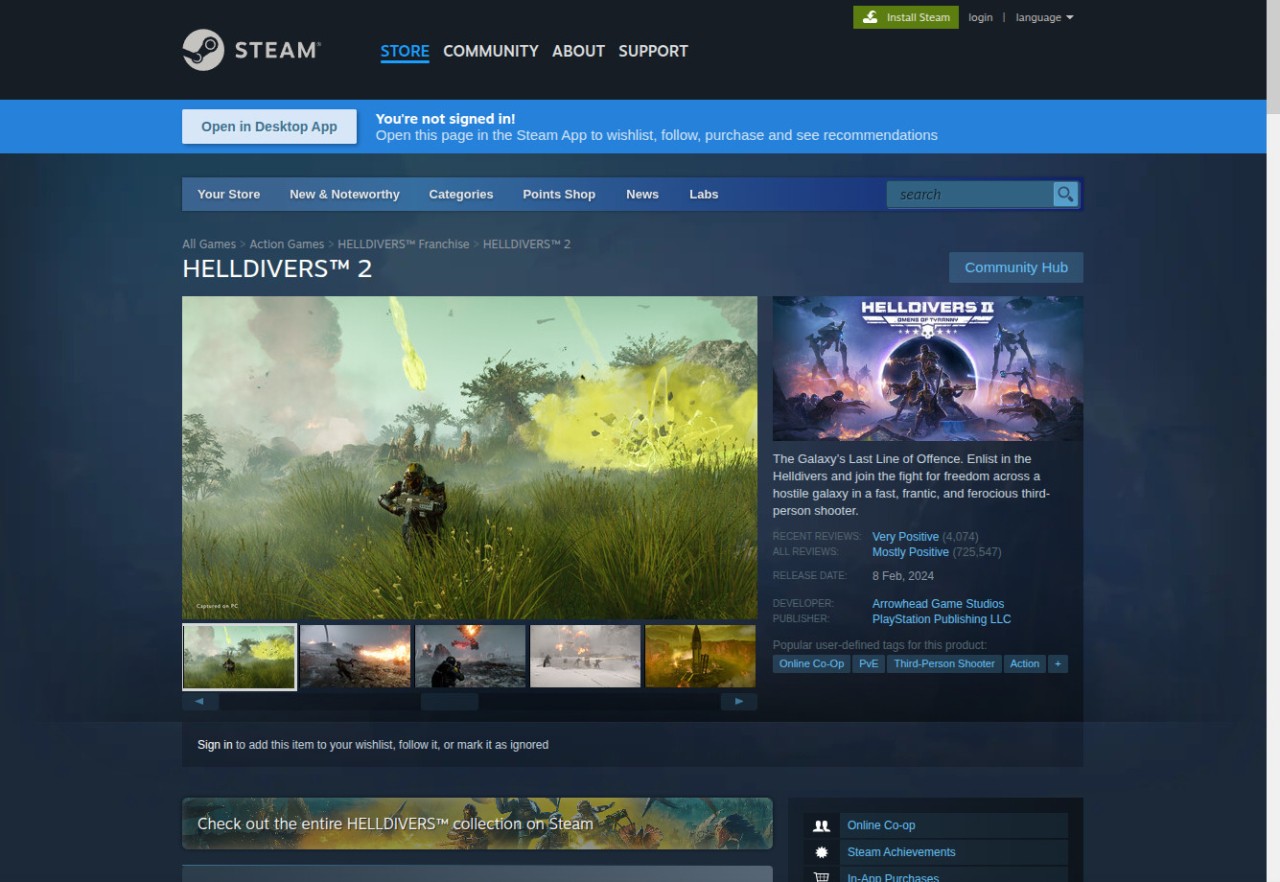
Steam is not just a store; it’s also a community space. Each game has its own page with forums, guides, screenshots, news, live streams, and player discussions. These hubs are used by players to discuss strategies, problem-solving, or experience. The creators make posts and talk to fans on the same platform.
Over the years, Steam started supporting streaming, modding, VR, and even hardware like the Valve Index and Steam Deck. It is among the few sites where buying a game can tie you into a larger system of tools and people.
What Are the Key Features of Steam?
The most prominent one is the storefront. Games are sold to users in a massive collection. Thereafter, Steam automatically installs and updates games, and the players do not have to look for patches.
Beyond this basic use, Steam has layers of features that make it more than just a store.
Social and community tools matter. Steam Chat lets players chat (text or voice) while playing. Without leaving the application, you can create group chats, share screenshots, GIFs, links, and other media. Community groups and clans allow people to gather around certain games or interests.
Game Hubs provide a one-stop shop for a title. Gamers do not have to visit multiple websites to find screenshots, videos, news, updates, guides, and forum posts. This retains the whole process within a single platform.
Steam Workshop makes mod management easier. You do not need to manually transfer files; just click on subscribe, and the mod will install itself. This has mainstreamed user-generated content.
Using Steam Broadcast, users can stream games to friends or admirers without additional software. Early Access allows players to purchase incomplete games, test them, and track their progress.
Steam supports most payment methods, currencies, and languages, making it usable across the globe. Its hardware (such as the Steam Deck) provides gamers with a portable means of accessing their library, and VR users can start right into their game of choice.
Is Steam Free to Use?
Yes. Steam is free to download and use. There is no charge to open an account, shop around the store, become a member, or download the client. Games or content of your choice can be paid products. But you will also find free-to-play games, free demos, and pre-testing builds available. There are no forced subscription charges.
Which Platforms Support Steam?
Steam is compatible with Windows, macOS, and Linux. Install the client, log in, and access your library on any compatible system. Cross-platform sync and cloud saves retain your progress on your account. Some games are only available for Windows.
You can also download the Steam mobile app on iOS and Android. You can’t play games on it, but you can chat, browse the store, buy games, redeem keys, and get notifications. This keeps users in touch with each other.
The Steam Deck is a handheld gaming device that runs a custom Linux operating system and gives you full access to your Steam library. It’s basically a mini PC built to run Steam games on the go.
Steam also works with a wide range of controllers, including PlayStation, Xbox, Nintendo, and others, giving users more control options. VR headsets, such as Valve’s Index, can be used directly with Steam. The platform also evolves to better support actual gameplay, rather than confining people to a single device.
What Are the Best Alternatives to Steam?
EA App (aka Origin) focuses on EA games like Battlefield, FIFA, and The Sims. It is more streamlined than Steam, without an extensive modding community and a large store portfolio. It is the best at giving direct access to EA games. EA Play, a subscription service, is an online library that provides a constantly changing collection of EA titles for a single monthly subscription fee. It suits players who primarily play EA games or like a subscription approach to games instead of purchasing them.
Rockstar Games Launcher is specialized and localized. It does not have mod workshops or giant forums because it is built around Rockstar's library, namely Grand Theft Auto and Red Dead Redemption. It provides an easy method to download, update, and manage Rockstar Games, cloud stores, and connections to Rockstar multibase player services. It suits players loyal to Rockstar titles who don’t need a wide platform around them.
Epic Games Store is a direct competitor of Steam. It also has a more streamlined and simplified layout, which does not depend on forums or community hubs. Free games are regularly given away so players can build a library with minimal expenditure. Epic has also been getting exclusive deals, and as such, some games get released there first. Epic is preferable to developers due to the higher revenue proportion compared to Steam. It does not have the rich feature set that Steam does, but it has become a solid, well-supported platform with a faithful user base.