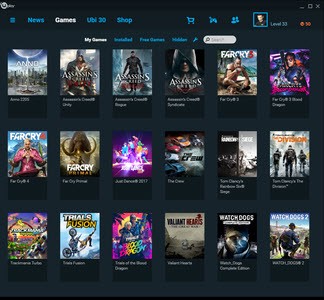
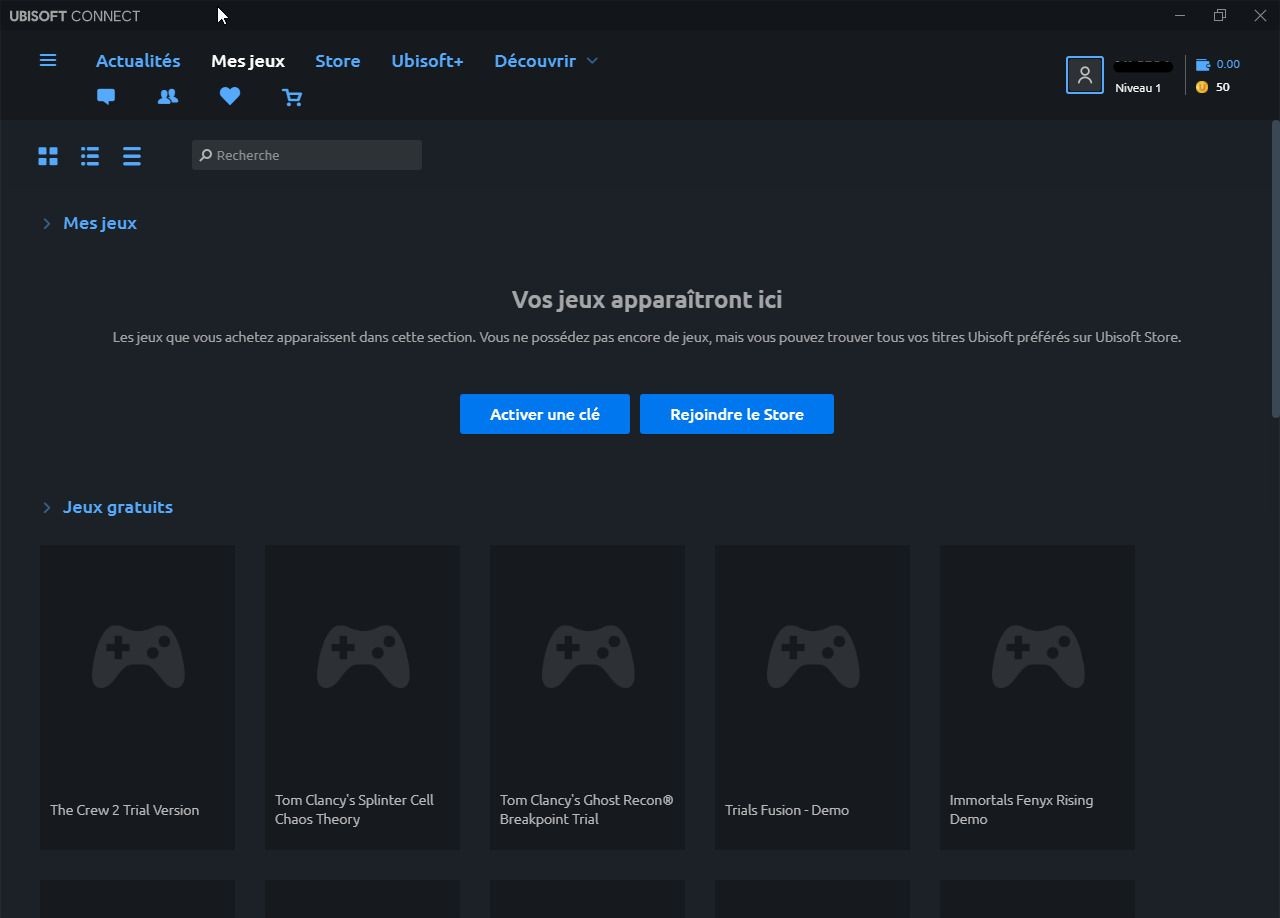
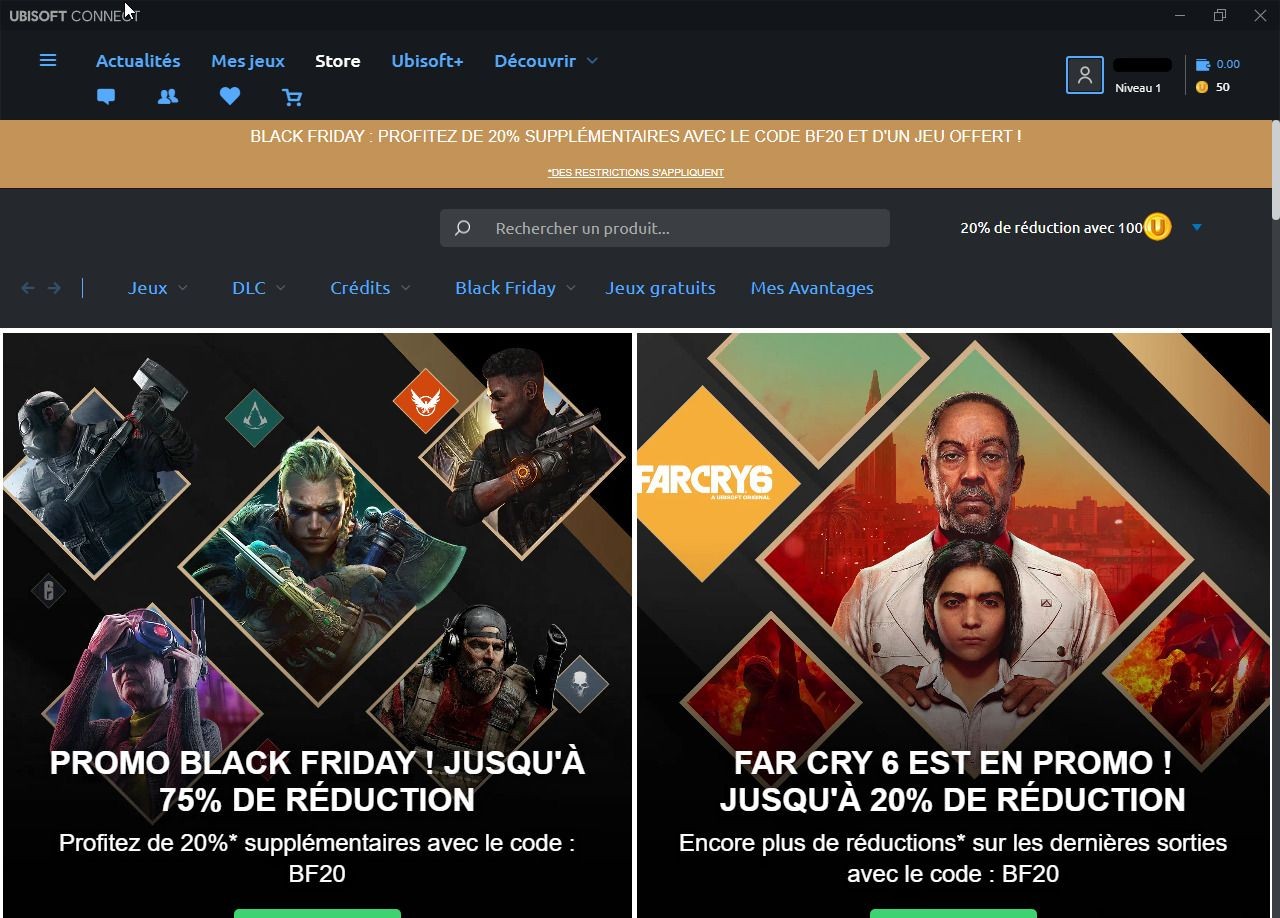
Ubisoft Connect, also known as UPlay, is the one-stop shop of Ubisoft to administer games, rewards, friends, and account transparency across all platforms. The desktop application is eminent, but the service operates on console, personal computer, cloud gaming, and mobile. Sign in using your Ubisoft account, and all game information, progress, unlocks, achievements, Units, and rewards will remain connected. With a title that allows cross-progression, you will retain your progress even when you change devices.
It originated as a simple launcher but was extended to a complete network. Gamers are able to view their library, organize their installed games, add friends, earn rewards, and track statistics of their supported games. Ubisoft Connect aims to remove barriers between platforms so that you can be connected to your games no matter where you play. It is also connecting your Ubisoft purchases, free trials, and Ubisoft subscription with a single login. Instead of having to use various applications, Ubisoft connects them into one interface.
Ubisoft Connect is only available for download on Windows computers, but is linked to any Ubisoft game, even on gaming consoles.
What Are the Key Features of Ubisoft Connect – UPlay?
One of them is the cross-platform player network. You can chat with friends on any device, share what you are playing in games, and invite friends to play with you in supported games. Cross-platform games allow you to form squads without any limitations. Cross progression is also noteworthy; in the same way that saves and unlocks travel with you across console and PC, it must have cross progression enabled.
The other significant element is the rewards system. Your level of profile, as well as in-game activities, earns you Units as you play Ubisoft games. In most titles, units may be traded in place of cosmetics or small bonuses, or may be used to have a 20% discount on purchases on the Ubisoft Store. This leads to a continuous flow of progression; what you can do in one game can be useful in another.
The desktop application is a launcher and library on PC. It allows you to download, update, and read about new releases, redeem codes, and learn about free weekends or access to beta. You can add Steam friends and get recommendations by being personalized according to what you play. The desktop version has the most content due to the fact that it is used to control installs, game files, and organization.
News, statistics, cross-play, and community activity are also offered to players in a variety of titles. In certain games, Ubisoft Connect provides game progression summation, match history, or seasonal updates. Although this differs depending on the game, other more popular franchises, such as Assassin’s Creed, Far Cry, Rainbow 6, and The Division, offer more profound account integrations that link your statistics to the app.
Is Ubisoft Connect – UPlay Free to Use?
Yes, Ubisoft Connect is free to download and use. It is only required to have a free Ubisoft account. The app does not require any subscription or payments to access your already purchased games. The basic service, which includes a connection feature, rewards, chat, progression, and cross-platform, is free. You’ll only need to purchase games or subscribe to Ubisoft+ if you want.
Which Platforms Support Ubisoft Connect – UPlay?
You can download Ubisoft Connect for Windows. The present desktop version is where the Ubisoft games are installed and managed on the PC. It is the most comprehensive one since it manages downloads, patches, sorting of libraries, and DLCs.
Ubisoft games bought on consoles, PlayStation, and Xbox contain Ubisoft Connect. When you start a title, it connects your account and synchronizes progress, rewards, and statistics. Friend lists, Units, challenges, and in-game rewards operate within the console versions.
Ubisoft Connect also supports cloud solutions such as Amazon Luna, NVIDIA GeForce Now, and Xbox Cloud Gaming, assuming the service carries Ubisoft games. You can also advance with your Ubisoft account when you are playing on the cloud. Concisely, you can use Connect as long as you can play a Ubisoft game or use the application on a device.
What Are the Best Alternatives to Ubisoft Connect – UPlay?
Electronic Arts has its main PC gaming platform within the EA App, which used to be called Origin. It is a launcher, store, and profile center for EA titles. When subscribing, you can scroll your library, download and upgrade games, and enjoy the benefits of a EA Play subscription. The application also has achievements, social functionality, a list of friends, and cross-platform connections to EA titles, which are supported by the app. Although it does not feature the non-EA games, it brings together all the activities related to your EA account across the PC platform, and at times, the consoles. It is similar to Ubisoft Connect, and it revolves around the catalog of EA. Some players also download extra launcher tools to keep track of updates or manage accounts across different platforms.
GOG Galaxy is a cross-platform launcher that collects together all your game collections regardless of your point of purchase. It will unite Steam, Epic, EA App, Ubisoft Connect, and Xbox, PlayStation, etc, which means you will be able to view all your games in one interface. GOG Galaxy is a free service without a subscription, but it has cloud saves, an achievement system, and in-game statistics. It is a decent alternative since the users do not have to use several launchers, but one that is central. Although it does not offer its own reward program, such as Ubisoft Connect, cross-platform management has become one of its strongest features. If you're exploring these ecosystems, you can download basic setup guides to understand how each launcher organizes your library.
The biggest PC game platform is Steam. It provides access to stores, community, and achievement, the Steam Workshop, where mods are created, and cloud saves, as well as a library of massive proportions. Steam does not emphasize cross-platform consoles like Ubisoft Connect; however, it offers a lot of features: friend lists, chat, groups, Remote Play, family sharing, and a robust content creation community. It is a formidable competitor to PC players because of its library structure, regular sales, and huge user base. Many users prefer to download quick FAQs or support notes so they can avoid confusion while switching between services.