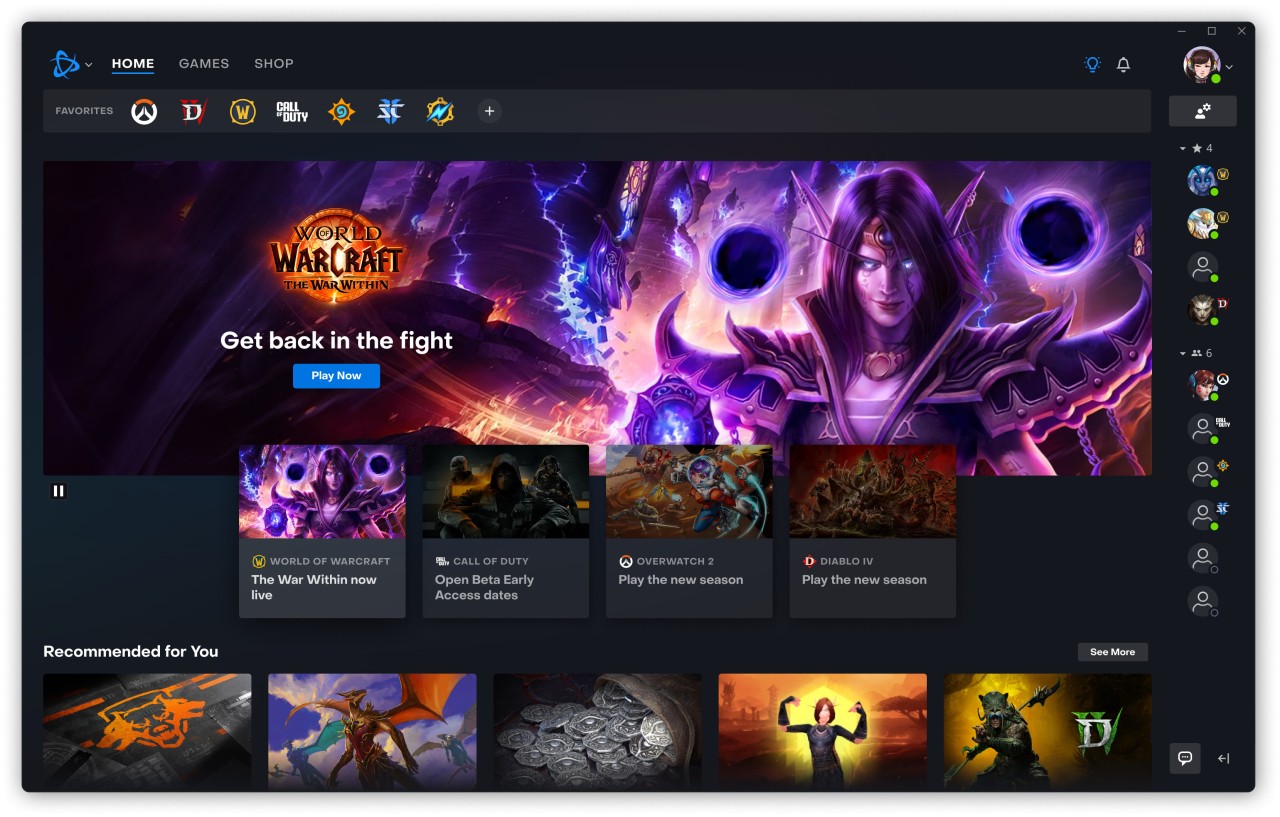
Battle.net is a game launcher developed by Blizzard Entertainment and currently used by Blizzard and Activision. When players wish to install titles such as Overwatch, Diablo 4, World of Warcraft, Hearthstone, or Call of Duty: Warzone, they tend to install Battle.net as these games would not work without it.
The launcher is the hub of Blizzard and Activision, hosting their games. Once it is installed, you log into your account and access any of the purchased or free games. Everything about those games can be downloaded, updated, patched, and controlled there. The launcher takes care of all that automatically, instead of having to go out of its way to update itself manually.
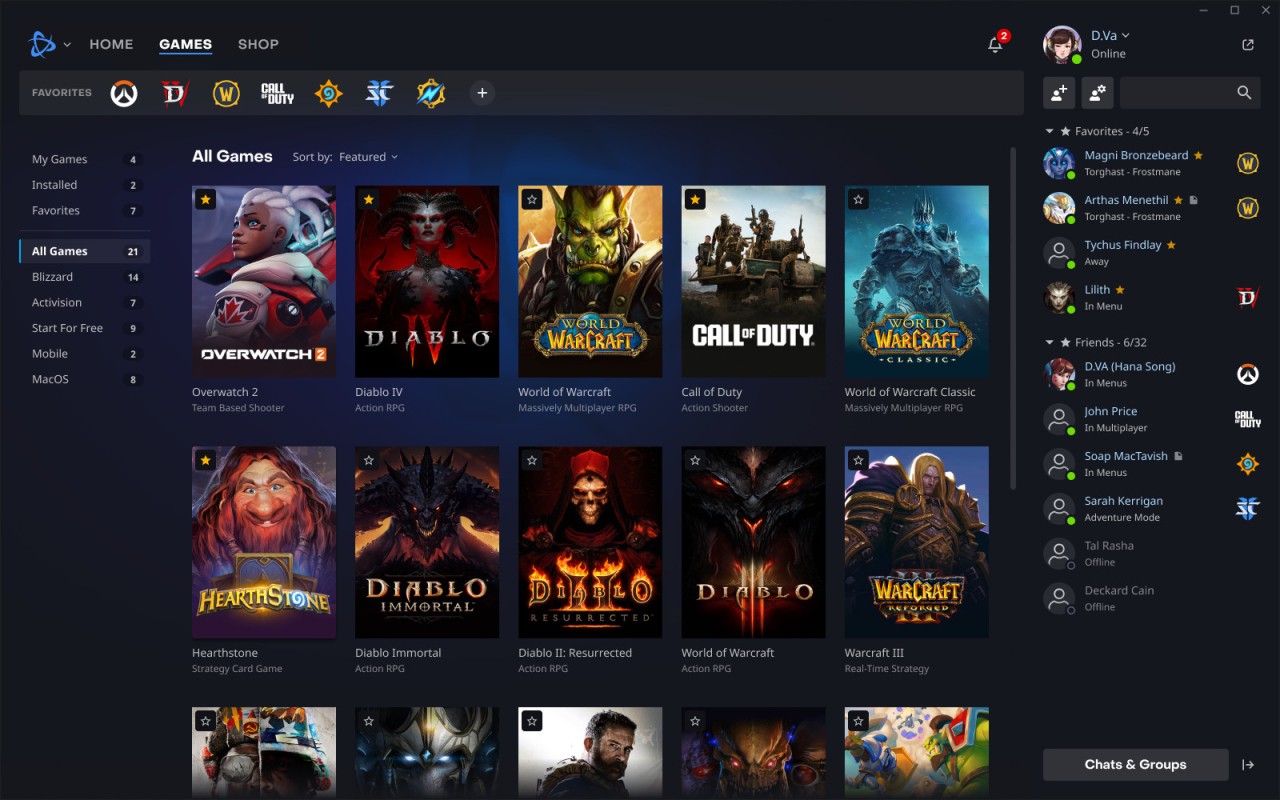
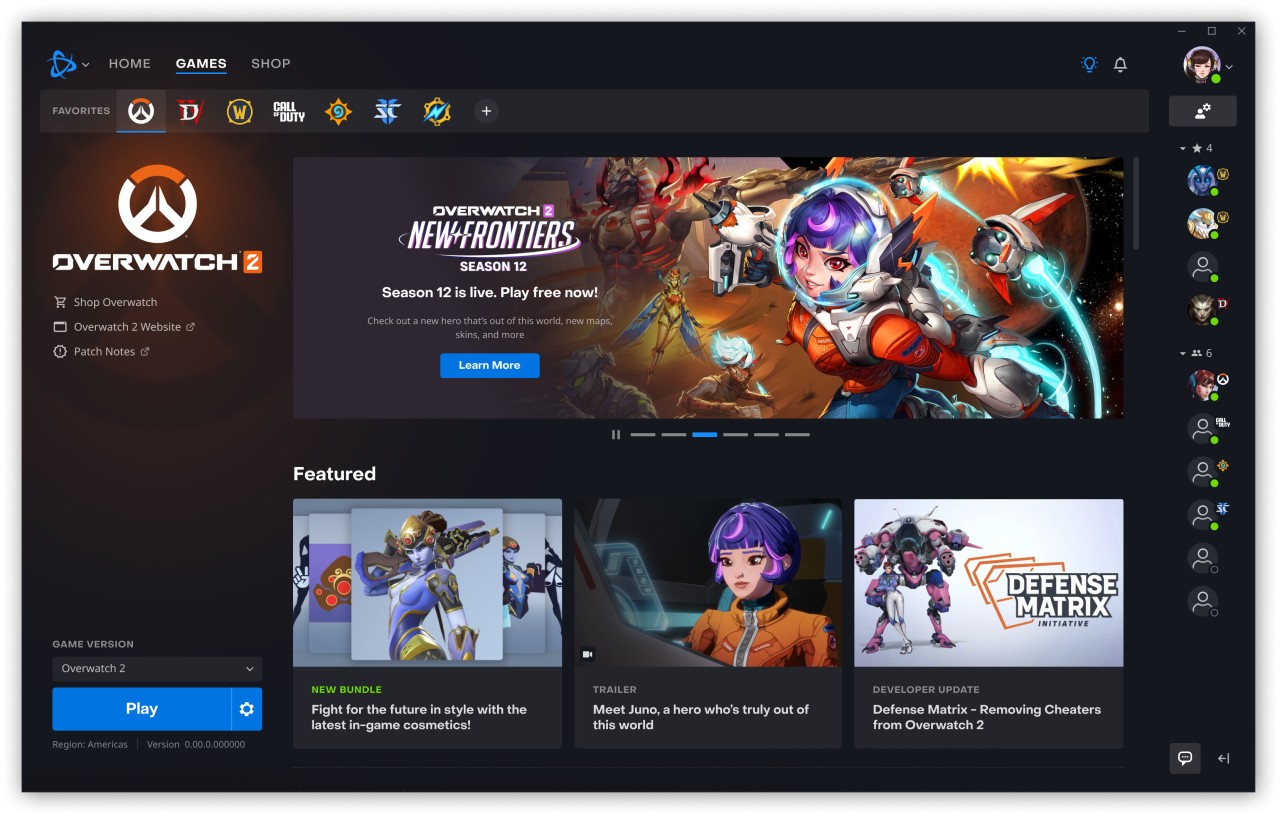
Games are shown on the left-hand side of the interface, and news, the store, and promotions are distributed in the central part of the interface. It is not as big a marketplace as Steam is since it only hosts Blizzard or Activision games. The app also links your performance, purchases, and achievements in one account that enables you to continue where you left off on any device.
People are not choosing Battle.net; they require it due to the need for games produced by Blizzard and Activision. You play one of their games, and Battle.net is a regular among you, with or without your permission.
What Are the Key Features of Battle.net?
Battle.net was created primarily to release games and maintain them. In case a game is updated or patched, Battle.net automatically begins the download, which no longer requires searching the Internet to find patch files. The games are also stored at a single location in the launcher. Choose the games you want, press the Play button, and there it goes, the app does everything it needs in the background.
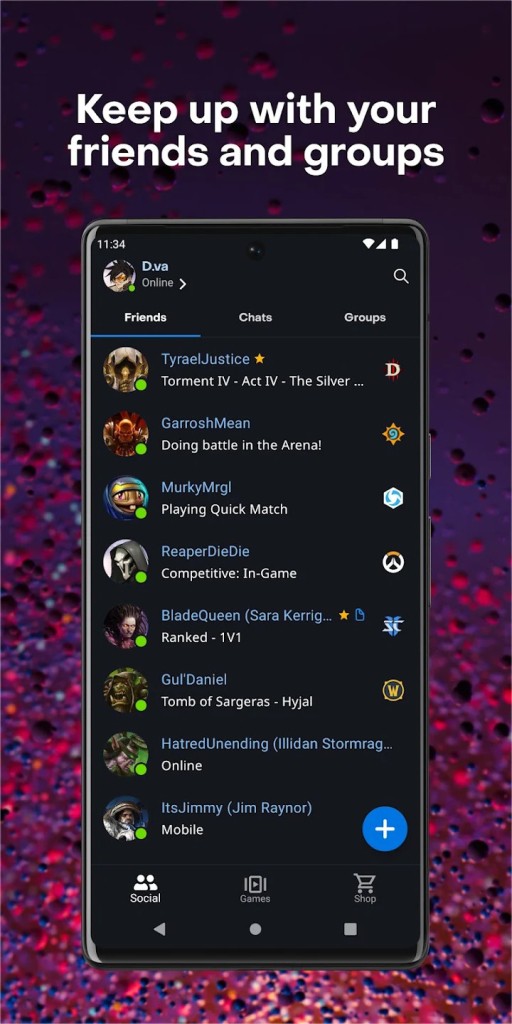
The launcher is provided with social features. You can send messages to friends, view what they are playing, join voice chats, or add friends by searching their BattleTag. Discord is still a voice chat option preferred by many players, and thus, the voice feature in the Battle.net is optional, particularly when a user uses a variety of games not within the Blizzard ecosystem.
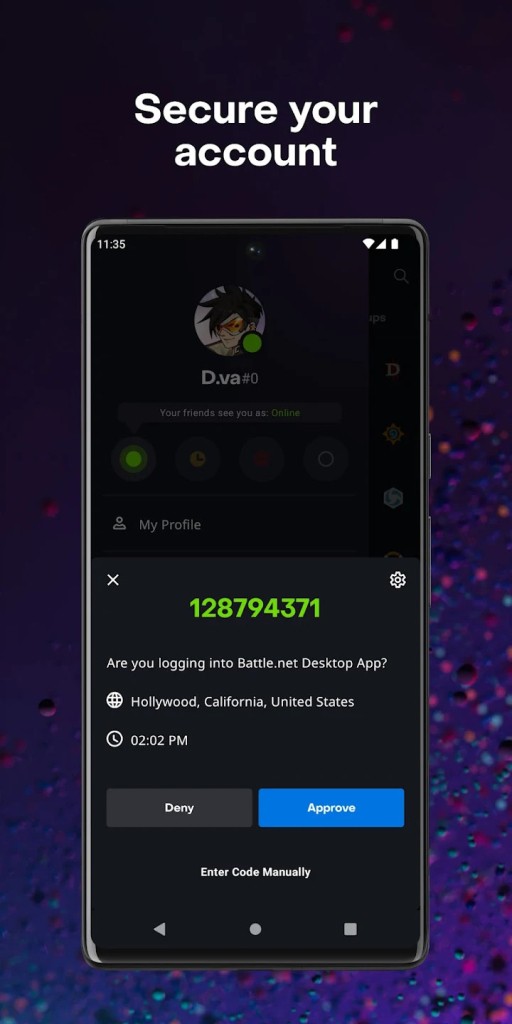
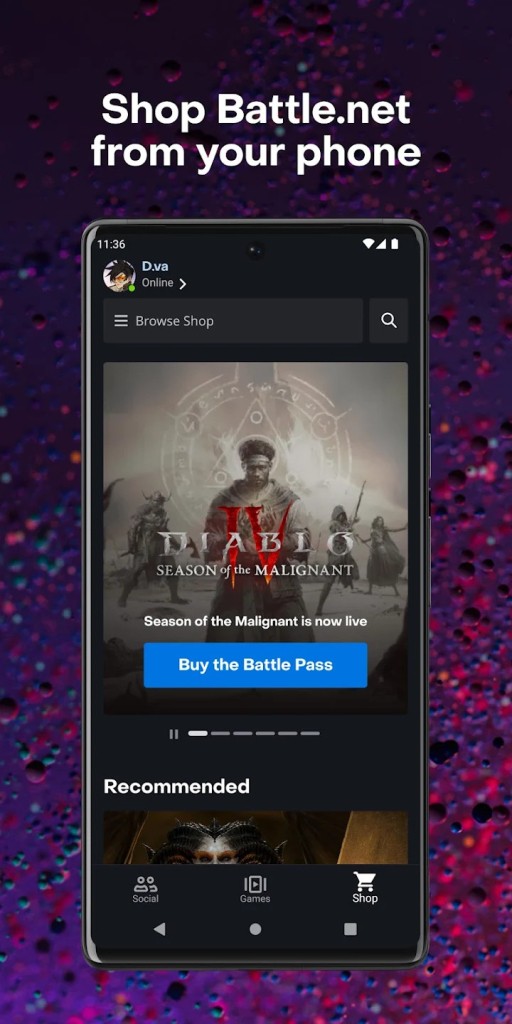
It has a store within Battle.net that allows purchases of games, expansions, add-ons, and in-game items. The design focuses on what has been released recently or on deals, therefore the store takes up a lot space at times than what you already own. Other security features are also provided, including optional two-factor authentication.
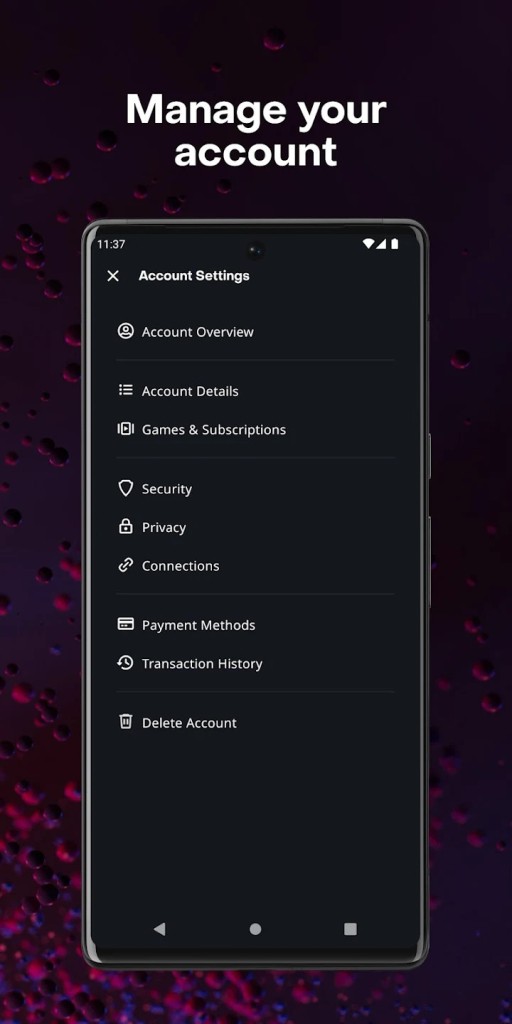
Your phone could also be linked to the mobile application to enable approval of sign-ins, and this safeguards your gameplay and purchases in case someone attempts to use your account. Battle.net keeps you informed of patch notes, new trailers, future events or promotions as well.
Is Battle.net Free to Use?
Yes, Battle.net is free of charge. You pay not to access the launcher. Some games available on Battle.net are also free, such as Overwatch 2 and Call of Duty: Warzone. Other titles need to be purchased or subscribed to. In simple terms, the launcher is free. You only pay the amount for the games or other content you want to purchase.
Which Platforms Support Battle.net?
Battle.net is compatible with Windows and Mac. When you install it on either a PC or a Mac, you can log in, download games, update them, and even start playing them right in the app. MacOS has lost some of its recent games, particularly larger games such as Call of Duty, which is more Windows-friendly. The launcher itself is functional on both platforms, but the availability of the games is determined by the given title.
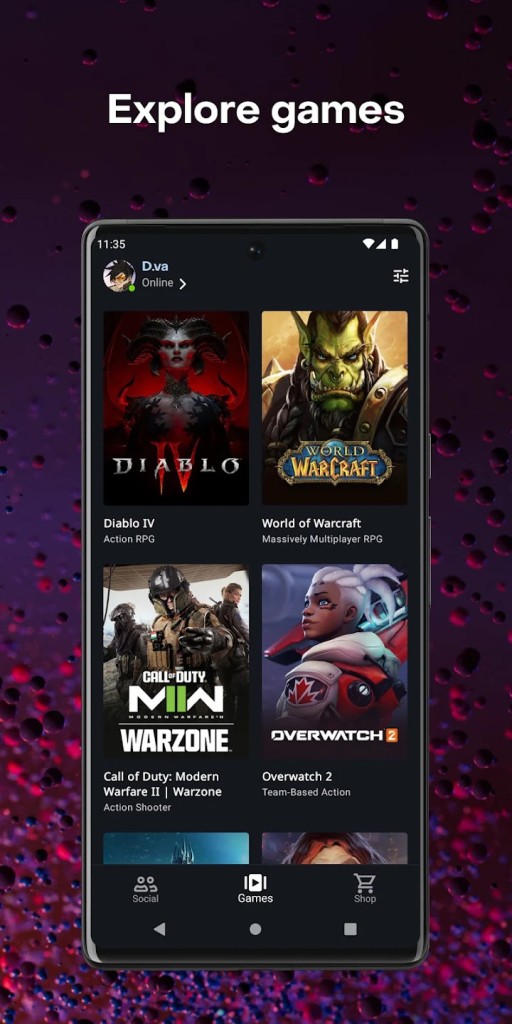
It also has a Battle.net mobile Android and iOS version. The mobile version does not represent a game launcher. You are not able to play or install games on your phone. Rather, it acts as a companion app. You may also use it to read news, shop, control your security profiles, as well as talk to friends using messaging. When two-factor authentication is provided, the mobile app will be involved in the process of logging in.
Battle.net is no longer a launcher on game consoles like PlayStation or Xbox. The account connection remains to have your progress connected, yet you install and run games through the interface of the console. The PC and Mac launchers are primarily Battle.net. The mobile app is not a substitute but an assistant, and consoles are based on the connection via the account without the use of the launcher interface.
What Are the Best Alternatives to Battle.net?
The most popular alternative is Steam since it has a huge collection of games. It does not belong to a single publisher. Steam supports community reviews, user profiles, cloud saving, achievements, and an enormous modding community. The reason people refer to it as the one that contains it all when it comes to gaming is that it does not require any extra effort to find new games. It allows you to organize your library as you wish. Steam does not specialize in a given line of a particular company, but instead it serves the entire gaming community; therefore, you can roam and see what is of interest to you. Steam is the better choice for a person desiring flexibility and freedom in their game choice.
GOG Galaxy is concentrated on the freedom of control in the digital world. Most of the games at GOG are DRM-free, and, therefore, you may download them and install them on your computer and continue using them without being forced to open the launcher and log in every time. The app is capable of connecting to other launchers like Steam or Epic, and all this would be under a single roof. GOG Galaxy is more reminiscent of a personal collection of games in which you choose to add and manage, as opposed to an attempt to shop in a store that wants to sell you something. GOG Galaxy is less restrictive compared to those who do not like forced launchers, monthly subscriptions, or need constant authentication when playing games.
Epic Games Launcher is a platform that is also famous because it provides a free game each week. It is also preoccupied with newer titles and exclusive releases. The interface is more straightforward than most launchers and gets to the point. You open it, choose a game, and download it. There are social features; however, they are not the priority. Epic targets free gamers, and those who want exclusives available on none of the Steam games in the first place. It does not have all the community features that Steam offers; however, its free weekly games shone through.