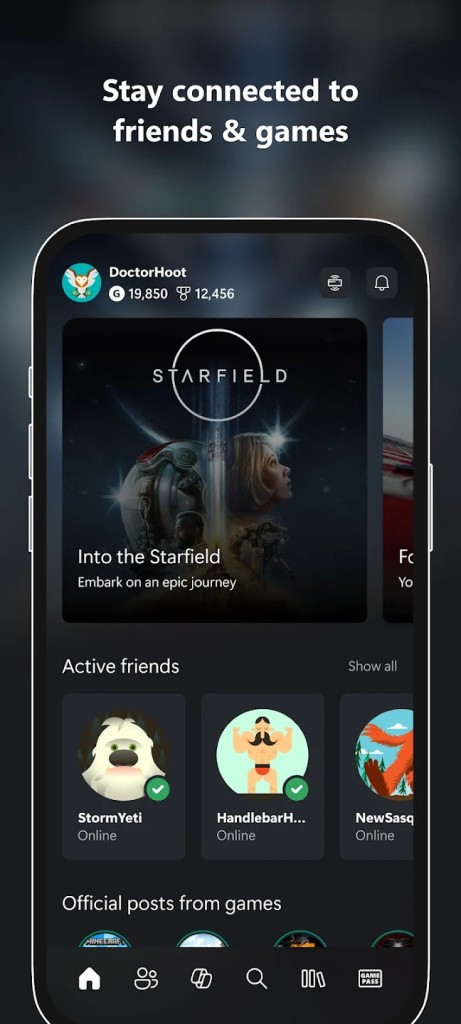
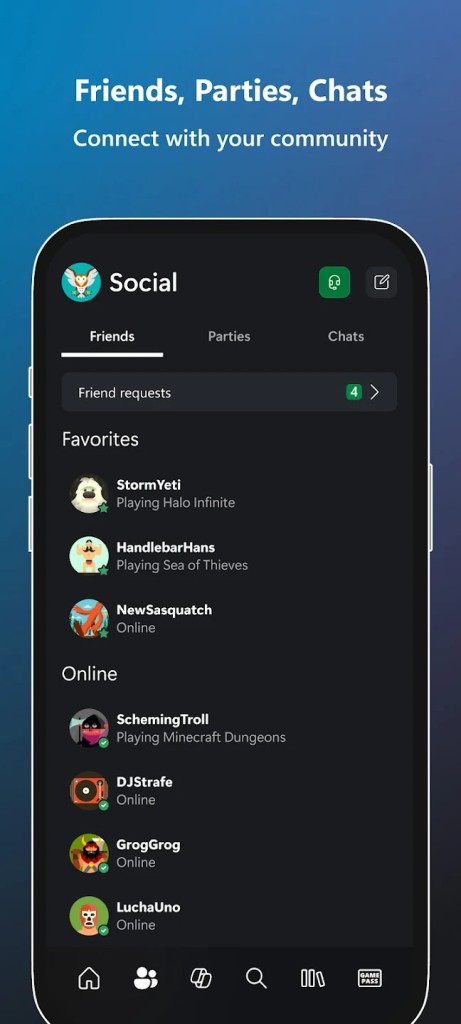
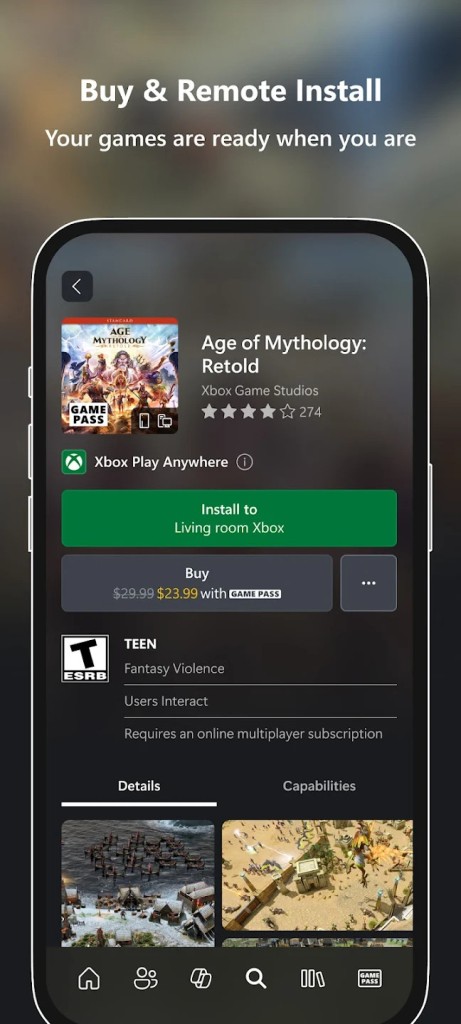
Xbox, the creation of Microsoft, is no longer just a gaming console but a broader ecosystem. Instead of making people choose between console and PC, Xbox allows gamers to use any device they want to have. One can begin a game with an Xbox console in the living room, then move to a laptop and continue on a phone with cloud streaming. It is more of a platform than a one-unit device, and this is what Microsoft refers to as play anywhere. Simply put, you do not need to be glued to a single location, display, or device.
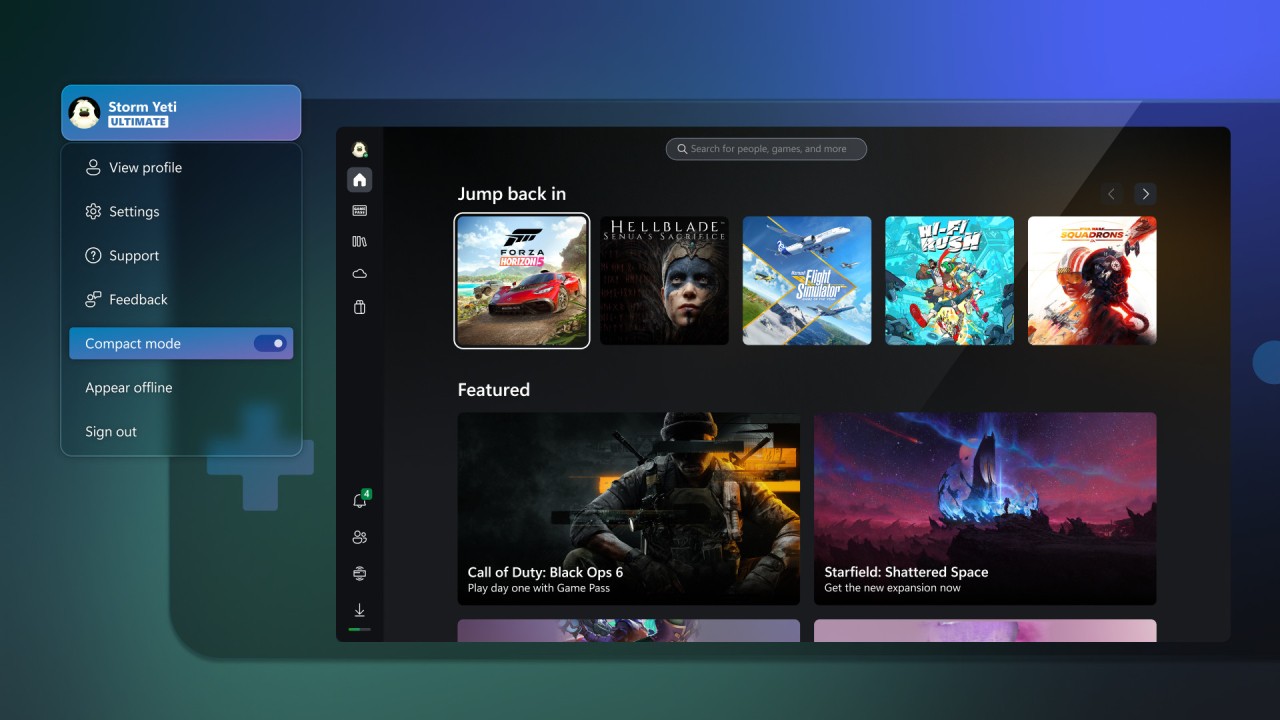
The interface of the Xbox is simple. Browse games, download, or stream, and your progress is reflected across devices. Xbox Game Pass is a subscription platform providing unlimited access to an ever-evolving library of games with new releases and Microsoft's first-party titles. Game Pass is the heart of the experience, in case you do not want to purchase separate games or are not sure where to begin.
Concisely, the physical console is no longer the defining quality of Xbox. It is now a console-based, Windows PC, tablet, smart TV, and phone-based gaming service that attempts to smooth out the device interface.
What Are the Key Features of Xbox?
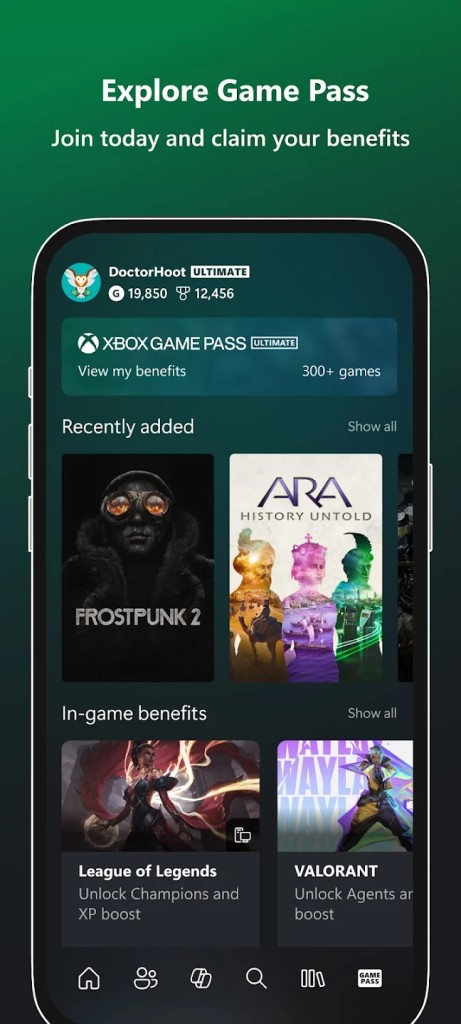
The most prominent feature is Game Pass today. The service makes access to the games a subscription rather than a purchase. A user logs in, navigates a library, presses play, and he is in the game. Any purchase is not obligatory, and there is no need to purchase all titles individually.
The choice is not fixed, and new games are added every month, and a few eventually drop from the catalog. Due to such a rotation, it resembles more of a streaming service than a conventional store. Microsoft Studios tends to release first-party games on the service the day they are published.
The Xbox Cloud Gaming allows you to play without any game downloads. The name is operated on the remote hardware of Microsoft, and the gamer is allowed the video feed just like a movie stream. This enables the use of console games on mobile handsets or on outdated PCs that could not support high-performance games. Depending on the device, the system is accessed through a browser or the Xbox app, and does not need console ownership, only the subscription.
Another feature is cross-save progress. Play a game on a console, carry it over to a PC, and complete it on a tablet without missing any progress. Cross-play refers to the possibility of players on other devices having the chance to play together.
Xbox aims to be more of a gaming hub that keeps the users within an ecosystem and not simply a console with physical discs.
Is Xbox Free to Use?
Xbox is not free. The console has multiplayer capabilities that will require a subscription, and the Game Pass library or Xbox Cloud Gaming will also need Game Pass Ultimate. It has some free-to-play games that support multiplayer functionality and require no payment, but in order to access the Xbox Cloud Gaming or the Game Pass library, one needs to subscribe. Game Pass Ultimate is specifically associated with the cloud component and wide access to the libraries.
Which Platforms Support Xbox?
Xbox does not bind with one device only. The main point is that it is possible to play on various platforms. The most apparent one is the Xbox console, where it is possible to download and store games on the local drive. Windows PCs also use Xbox in the form of the Xbox app, where one can either download games or stream via the cloud.
It becomes larger than hardware in streaming. Xbox Cloud Gaming allows playing on devices, phones, and even Smart TVs. An Android or iOS mobile device can be connected via the browser or the Xbox app (depending on the country and the extent of service rollout). Cloud streaming is done by the Xbox app on Windows. The Xbox app is native and does not require a console on intelligent televisions such as Samsung models.
The state of the controller is elastic. Numerous people operate an Xbox controller; however, third-party controllers can also operate on the majority of the devices. Touch controls are also available on phones, but this is game-dependent. A good connection will ensure the process runs smoothly, and a bad connection will damage the gameplay since all will rely on the network.
What Are the Best Alternatives to Xbox?
The most powerful competitor of Xbox in cloud gaming is GeForce Now. The largest variant is the game ownership model. Xbox has a subscription library, which works on a rental basis. GeForce Now does not offer you the games; you select the games that you have on other sources, on Steam or GOG, or the Epic Store, and GeForce Now is going to stream them, using the powerful NVIDIA hardware. This will appeal to those who already have huge digital libraries and do not desire a system of rotation of content via subscription. GeForce Now is streaming the games you already have on your hand, whereas Xbox has a rotating library, which you access in the interim.
Another cloud gaming service is Amazon Luna, though it takes a different approach to the idea. Luna has subscriptions, which are mini-subscriptions. A subscriber is able to subscribe to a particular bundle rather than the whole service. Prime members receive rotating games free of charge. There is also an option to use a phone as a controller, Luna, which is a convenient option in case of casual play in the living room. The disadvantage of Luna is that it is a smaller library, and to have unlimited access to premium content, one has to pay subscription fees regularly. Luna suits informal gamers who do not care about game possession and only prefer to have access on TV.
PlayStation Plus is cloud streaming with another focus. Based on the level of subscription, users will be able to stream PlayStation games to a PC without the console. The library also contains older PlayStation games, such as games that were initially released on the PS3, providing the service with a nostalgic feel. It remains dependent on the level of subscription. As opposed to Xbox or GeForce Now, customers are not allowed to carry their own game library. The service merely streams games in the PlayStation subscription library.