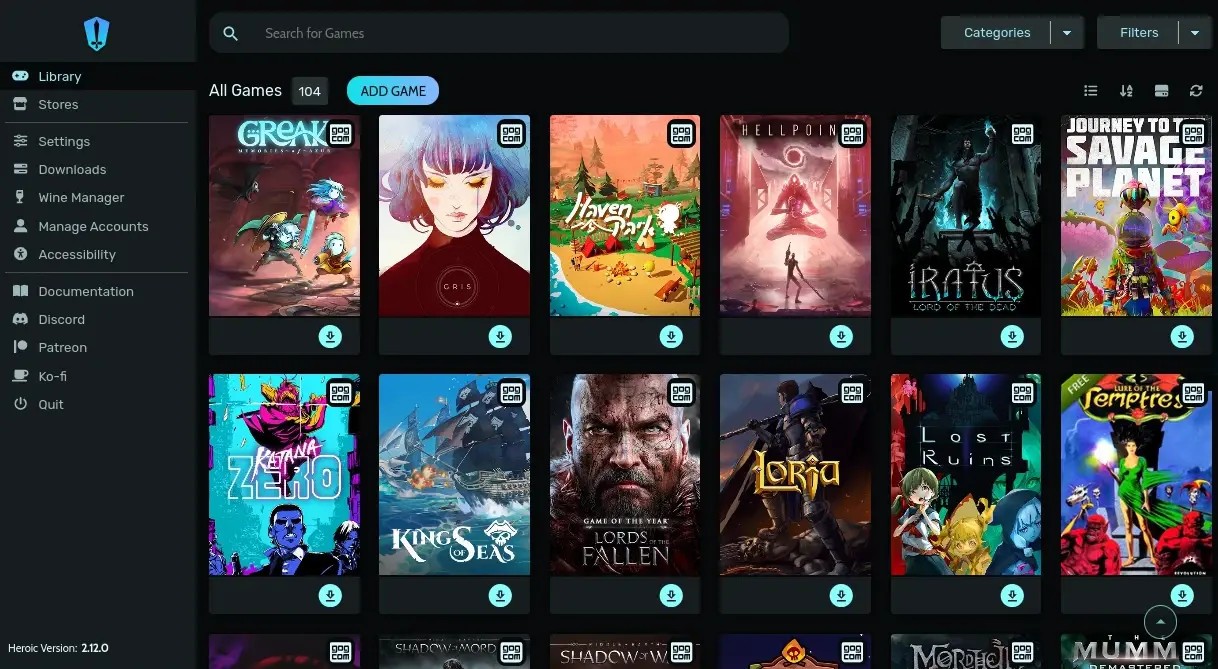
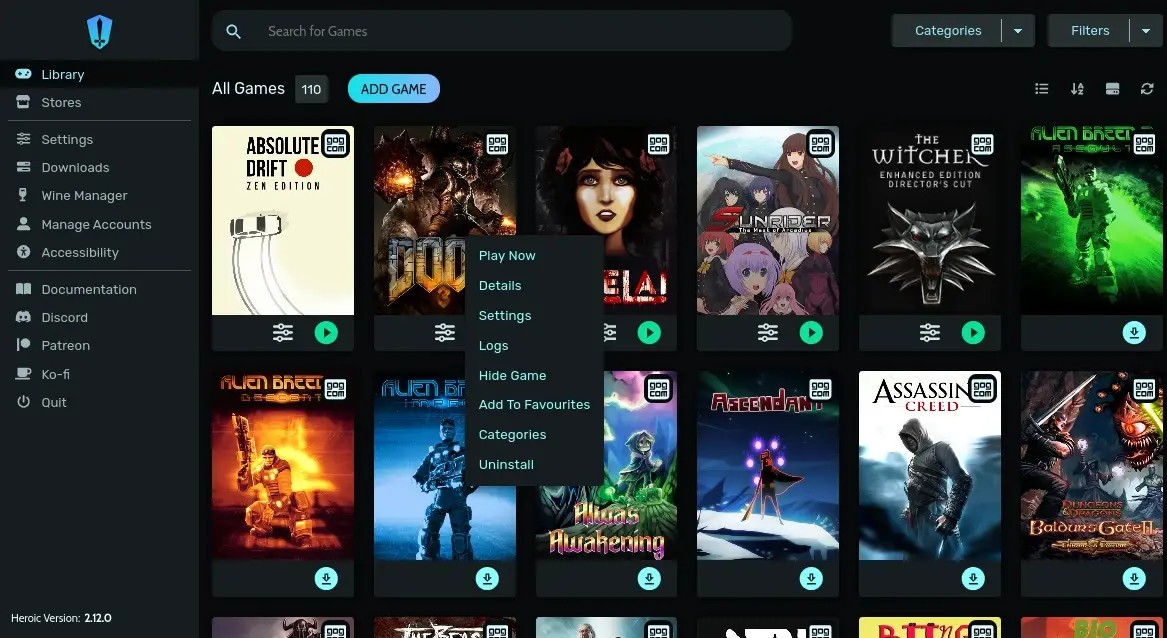
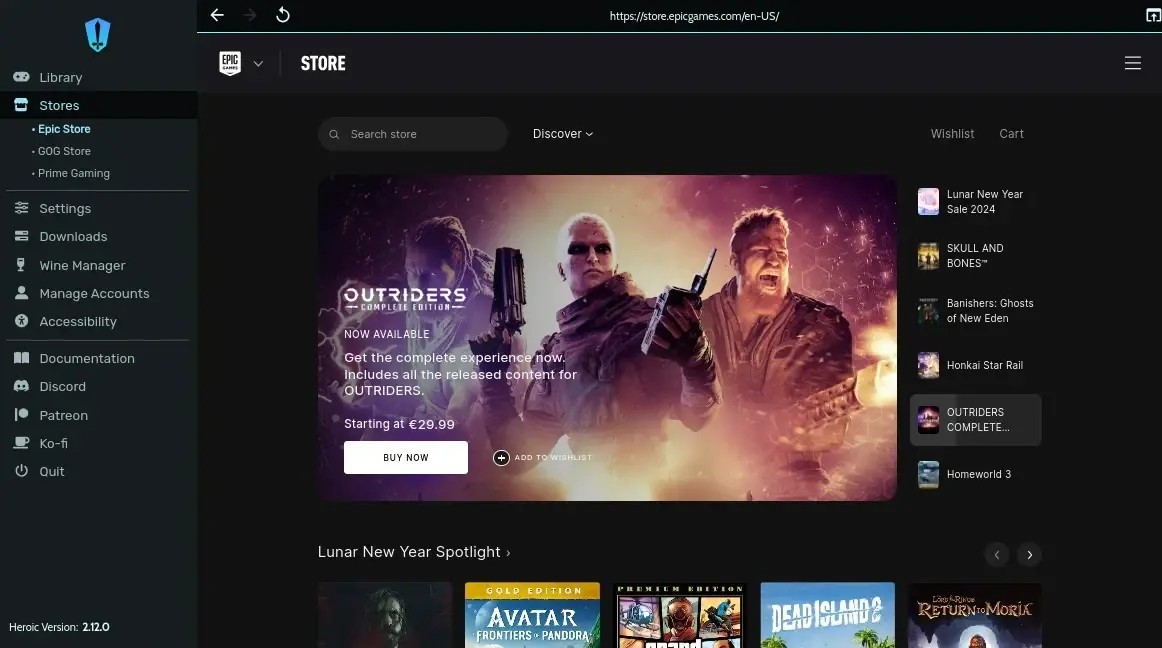
Heroic Games Launcher is an open-source application that packages games on several digital platforms into one interface. Instead of having to install individual launchers like Epic Games Launcher or GOG Galaxy each time you wish to install or play a game, Heroic can show all your games in a single app and allow you to install, update, and run games directly within the application.
This leads users to use it when they want to install or play a game where the official launchers are either incompatible or unreliable, or on Linux and macOS. Heroic links to your store accounts and communicates your game information with a secure token, leaving game passwords out of the application.
Heroic is not a social networking site; it does not have friends or success stories. It merely aims at offering a proper solution to owners of games to start them. Its key feature is the possibility to run Windows games on either Linux or macOS using Wine, Proton, or Crossover. These compatibility layers map Windows game calls in such a way that they can be run on the host system.
Heroic eliminates the necessity of downloading a build of Wine manually and adjusting settings; most of the setup is done automatically by the app. It provides total control and does not require users to operate the terminal and customize every setting manually. The project is not privately held, and the source code is at liberty, thus transparent development.
What Are the Key Features of Heroic Games Launcher?
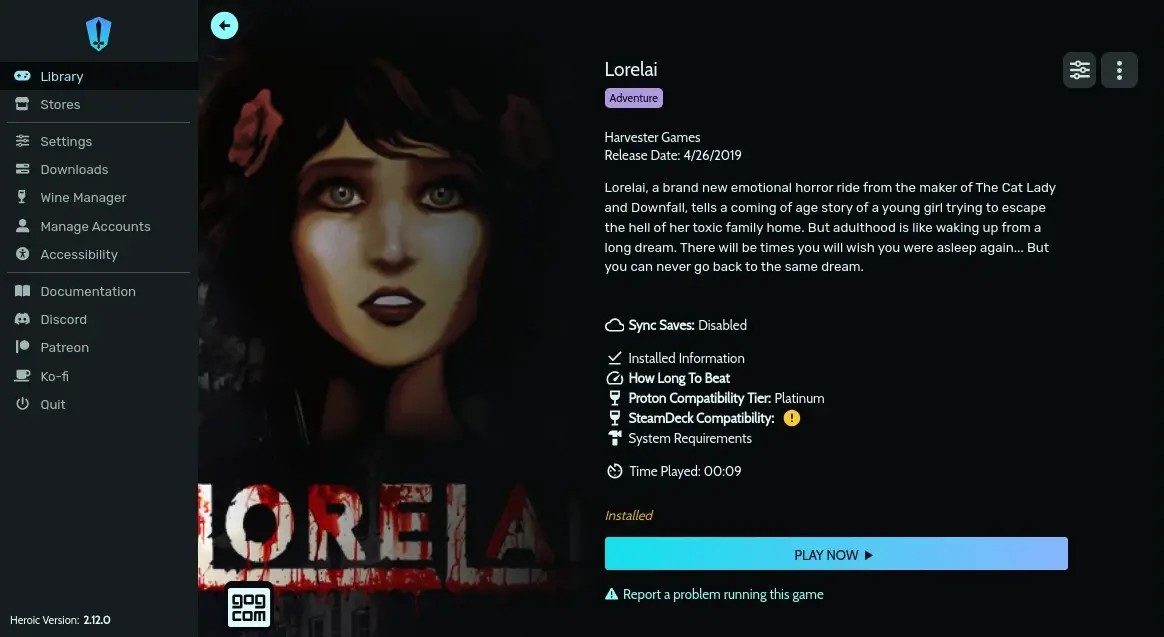
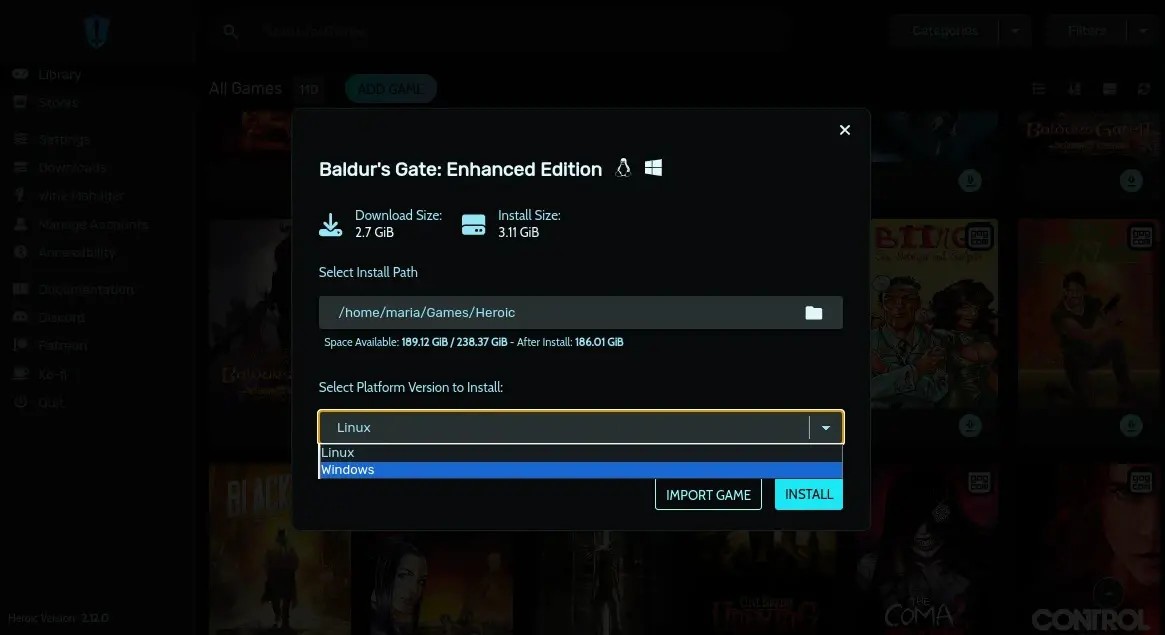
Heroic puts in place a direct connection with Epic Games and GOG. The launcher loads up as you sign in and presents you with your titles and rapid information such as the size of installation, publisher, and playtime. You have the option of installing a game, moving it, uninstalling it, or confirming and repairing a corrupted installation. Provided that a game is already installed with another launcher or on a different drive than Heroic can import it to avoid the redownloading of files.
Heroic has theming options to alter the appearance of the interface in case the default theme does not fit you. The black Dracula theme is particularly famous as it is not too eye-catching. The launcher also has a download queue that allows starting a game and adding another to the queue. When one download is finished, Heroic automatically initiates the next download and maintains a very well-organized interface with everything so to speak in place that you never need to keep track of it.
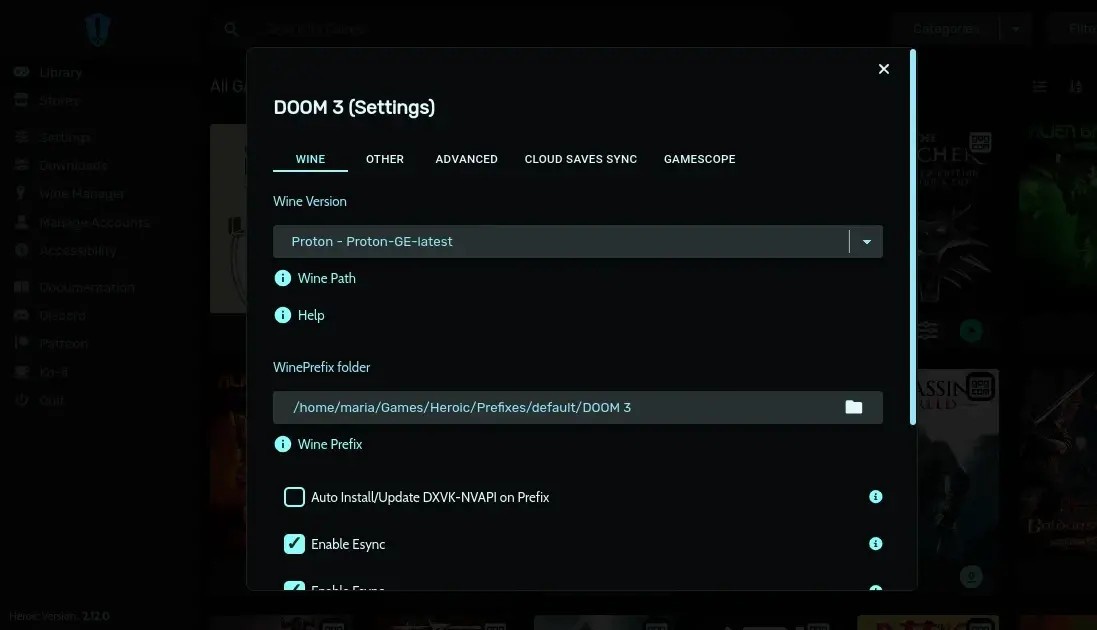
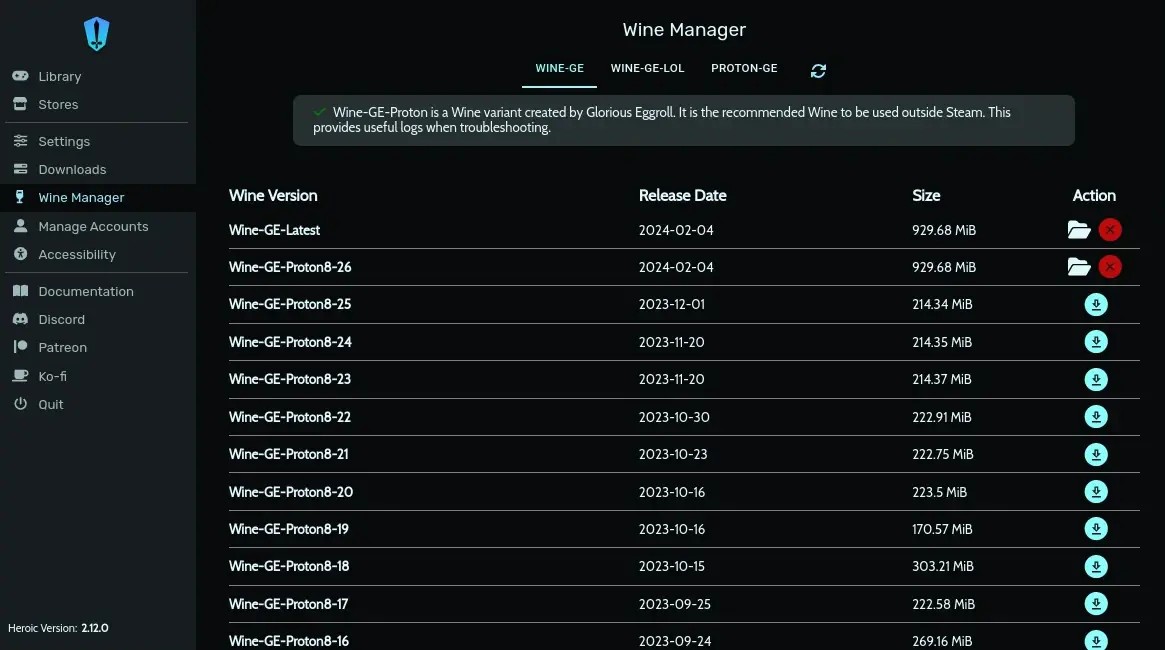
Wine Manager is one of the main technical characteristics. On Linux, it is possible to directly download different versions of Wine or Proton releases without having to find them online using Heroic. The different versions of the games can be labeled as Wine or Proton, and this is beneficial as certain games are better on a specific release. The Wine Settings window allows you to make DXVK, VKD3D, and FSR available to you- your tools that optimize the performance and look of Windows games. Crossover may also be used by macOS users. Should there be an installer for a game, Heroic offers a button to run one by hand.
Heroic will also sync game progress to the cloud when it has the option, hence you can continue where you left off on different devices. It also allows you to add non-store games to your library: just navigate into your file system and choose an executable, and Heroic adds it
Is Heroic Free to Use?
Heroic is completely free. No paid levels, subscriptions, upgrades, or secret paywalls. The code is published under the GNU GPL v3 license, and anyone can download the code, modify it, fork it, and redistribute it provided they do not violate the conditions of the license. The supporters of the project have the option of contributing to the development voluntarily via Patreon, Ko-fi, or GitHub Sponsors.
Which Platforms Support Heroic Games Launcher?
You can download Herois Games launcher on Linux, macOS, Windows, and Steam Deck. On Linux, it can be installed through Flatpak, or as .deb, AppImage, or Arch, Fedora, Ubuntu, and other repository packages. The launcher is compatible with Wine and Proton, enabling Windows games to be run on Linux, and the Steam Runtime can be used to run games with missing libraries or dependencies (such as clearing a quarantine flag before launching). macOS users can run native macOS games or run Windows games through Wine or Crossover.
Heroic is also an optional substitute to the official Epic Games Launcher or GOG Galaxy on Windows, a full installer and a portable version of the launcher that can be unzipped and executed without being installed. It is well supported in Steam, with Heroic showing up in the SteamOS software center and users being able to add games installed via Steam in the menu so they appear alongside Steam purchases in the Gaming mode.
What Are the Best Alternatives to Heroic Games Launcher?
Another established alternative is Steam, which works differently. Steam manages buying products, downloading, cloud data storage, the achievement system, network playing, and social interactions. Proton is also bundled on Linux and is automatically applied when starting titles in Windows. Steam is not expected to run Epic or GOG games, and hence, in case the majority of your library is on Steam, it is the easiest option. Nonetheless, to players who purchase games across various storefronts, Steam is not able to consolidate them in the same line as Heroic does.
The official Epic store client is Epic Games Launcher. It provides the ability to shop on the store in its entirety, cloud-storing on compatible titles, and seasonal free games, and is compatible with Windows, Android, and iOS. It is normally not supported by Linux users due to being resource-consuming and failure to integrate with Proton as Heroic does. It has a decent store interface in Windows, which is controlled by Epic Launcher, but other Linux and Steam Deck users should use Heroic instead.
GOG Galaxy aims to bring together platforms in terms of game libraries. You can join Steam, Epic, Xbox, Origin, and many others, and thus you can see all games in one place. In contrast to Heroic, Galaxy does not focus on the release of Windows games to Linux or macOS; it is a Windows application with successes, connection to the clouds, and connection to multi-platform accounts. Galaxy is a good option when you only need one app to view all the titles, although the original launchers are still used to launch a majority of the titles. Heroic, on the other hand, is constructed based on actually playing the games and not merely watching them.