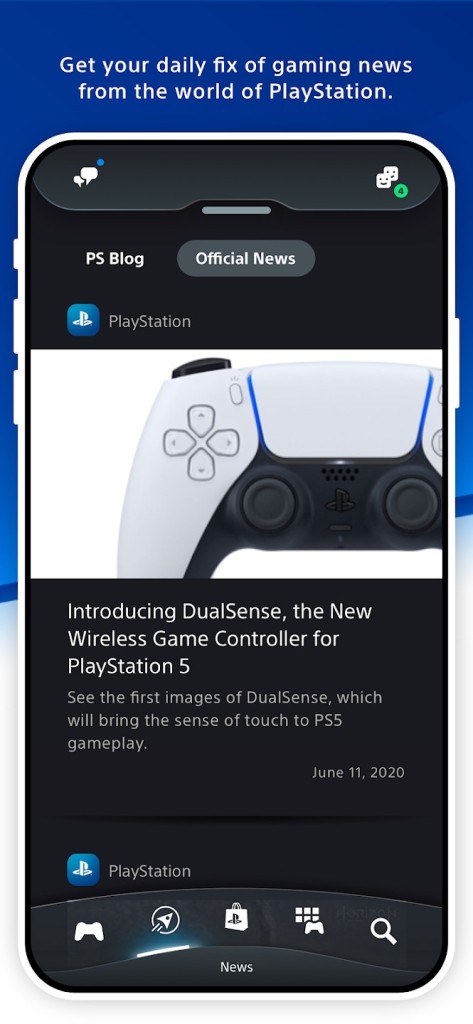
PlayStation App is Sony's official mobile companion for the PlayStation ecosystem, available for Android and iOS. It lets you manage your PS4 or PS5 from your phone when you are away from the console. Rather than a gaming platform, the app serves as a remote control and social hub, surfacing console activity and player information directly on your mobile screen.
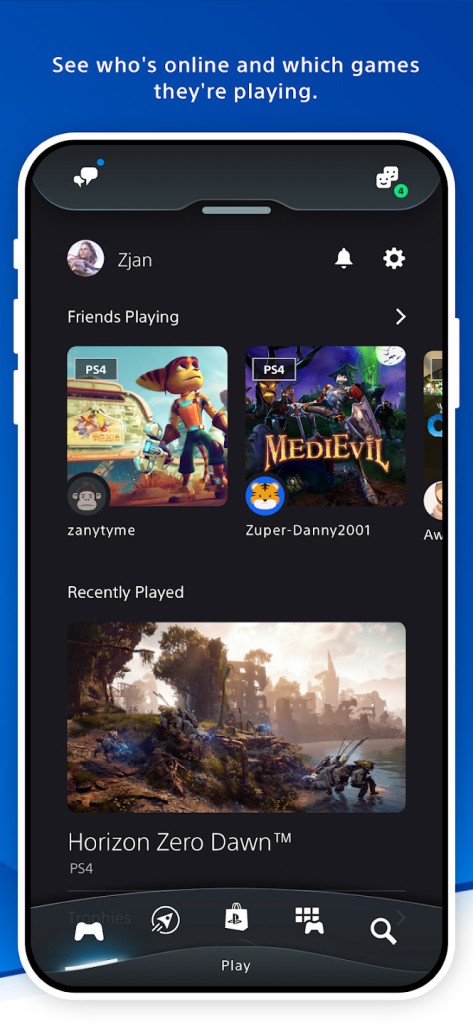
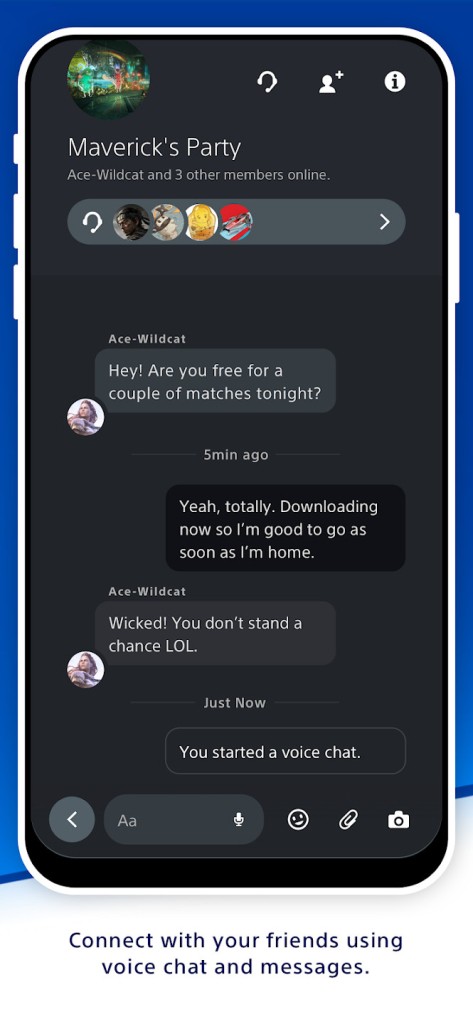
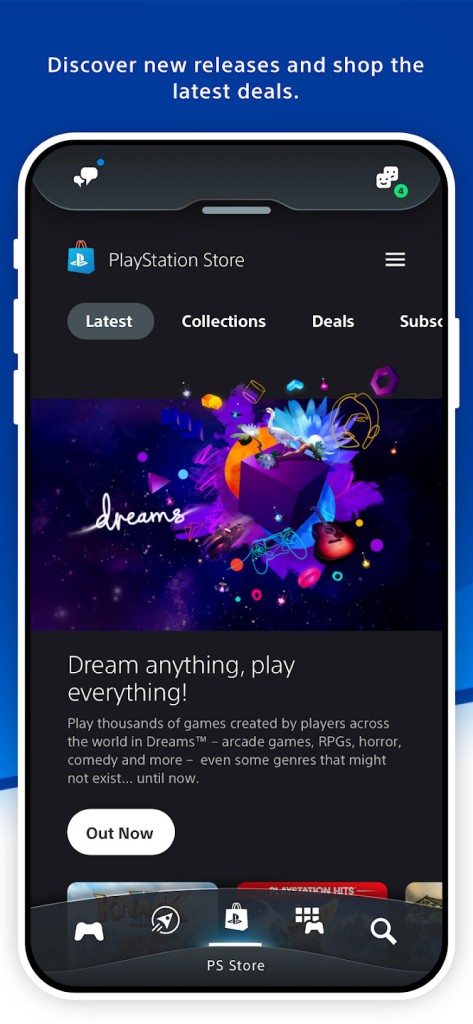
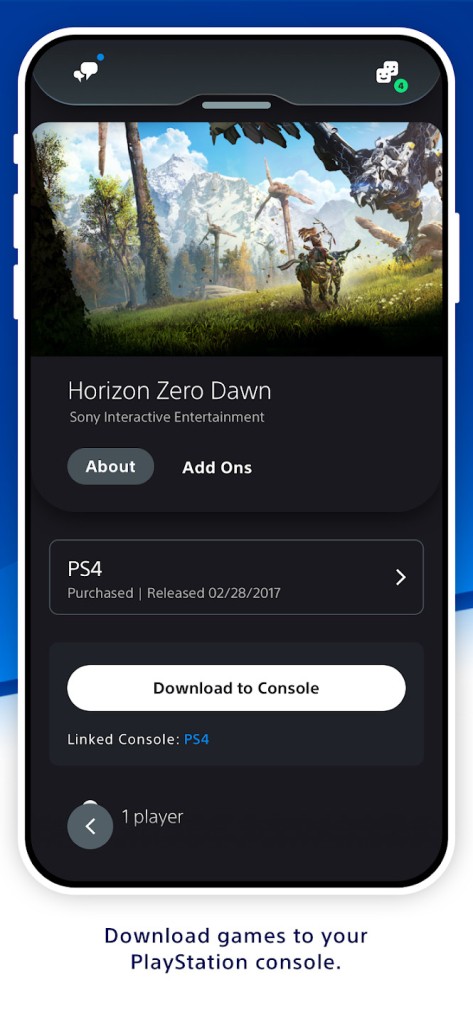
You can see which friends are online, check what they are playing, send messages, and join voice chat. If a friend invites you to a multiplayer session, the notification comes through on your phone, so you do not need to switch on the console to respond. The app also connects to the PlayStation Store, where you can browse, purchase, and send games directly to your console to download while you are out.
Your digital library is accessible through the app, including trophy progress, console storage management, and cloud-synced PS5 captures. It does not replace the console experience, but it removes the need to sit in front of the TV to handle the parts of PlayStation life that do not require a controller.
What Are the Key Features of PlayStation App?
The app brings several smaller tasks together into a single mobile dashboard. Checking trophies, monitoring active downloads, and browsing your library are all possible from your phone without powering up the console.
Social features are central to the experience. You can view friend profiles, track trophy milestones, exchange messages, and start voice calls. Organizing a multiplayer session or dropping into an existing party is handled entirely from the app.
Remote downloads are one of the more practical benefits. Purchase a game from the PlayStation Store on your phone, and it pushes straight to your PS4 or PS5. If the console is in rest mode, the download starts automatically so the game is ready when you return. Storage management works the same way: you can delete old titles and free up space without touching the console.
Game captures are another useful feature for PS5 users. Screenshots and video clips are automatically synced to the cloud and visible in the app, where you can download them, share them to social media, or send them directly to friends. This removes the need for USB transfers or manual file management.
The app also connects with PS Remote Play, launching it quickly and allowing you to transition between the two tools with less friction. It is not a standalone powerhouse, but it ties the various parts of the PlayStation ecosystem together in a way that makes everyday management noticeably more convenient.
Is PlayStation App Free to Use?
Yes. The PlayStation App is free to download and use. A PlayStation Network account is required to sign in, and most features depend on having a PS4 or PS5 registered to that account. The app itself carries no subscription fee, though certain platform features, such as online multiplayer or game streaming, require a PlayStation Plus membership separately. Core functions, including messaging and library management, are available at no cost.
Which Platforms Support PlayStation App?
The PlayStation App is available for iOS on iPhone and iPad, and for Android on smartphones and tablets through the Apple App Store and Google Play Store, respectively. It is not available on PC, Mac, smart TVs, or web browsers. Sony designed it specifically as a mobile companion rather than a desktop management tool.
A PSN account is needed to access most features. Some functions, including launching Remote Play, require a PS4 or PS5 to be linked to the same account. Storage management and remote downloads only work when the console is connected to the internet and set to rest mode.
Automatic game capture sync is a PS5-only feature; PS4 does not support cloud uploading of screenshots and video clips through the app. Lock screen notifications are supported on mobile, so party invitations and messages appear even when the app is not open. PlayStation Store availability, promotions, and some app features vary by region.
What Are the Best Alternatives to PlayStation App?
PlayStation Family is another Sony tool within the PlayStation ecosystem, though it serves a different purpose. Where the PlayStation App focuses on social connection and remote console management, PlayStation Family is built around parental controls. Parents and guardians can monitor playtime, approve purchases, and adjust communication settings. It is not concerned with trophies, storage, or messaging, but it is the right tool for households where younger players need boundaries around spending and screen time.
PlayStation Plus for PC, previously called PlayStation Now, is a streaming service that lets PlayStation Plus subscribers play a selection of PlayStation games on a Windows PC. It appeals to users who do not own a console or who want to play on their computer rather than on the TV. It does not offer remote download management, social features, or capture access; it is purely a game streaming service running off Sony's servers. If your goal is to manage your PlayStation console from a distance, the PlayStation App is the appropriate tool. If your goal is to play PlayStation games on a PC, PlayStation Plus for PC serves that purpose instead.
PS Remote Play is a separate app that streams your PS4 or PS5 directly to another device, such as a phone, tablet, laptop, or handheld. Rather than managing the console, it puts the full game on your chosen screen so you can play remotely. Many users run both apps alongside each other: the PlayStation App handles downloads, messages, and captures, while PS Remote Play takes care of actual gameplay when they are away from the television. The two complement each other well, with the PlayStation App covering console management and PS Remote Play handling the gaming side of remote access.