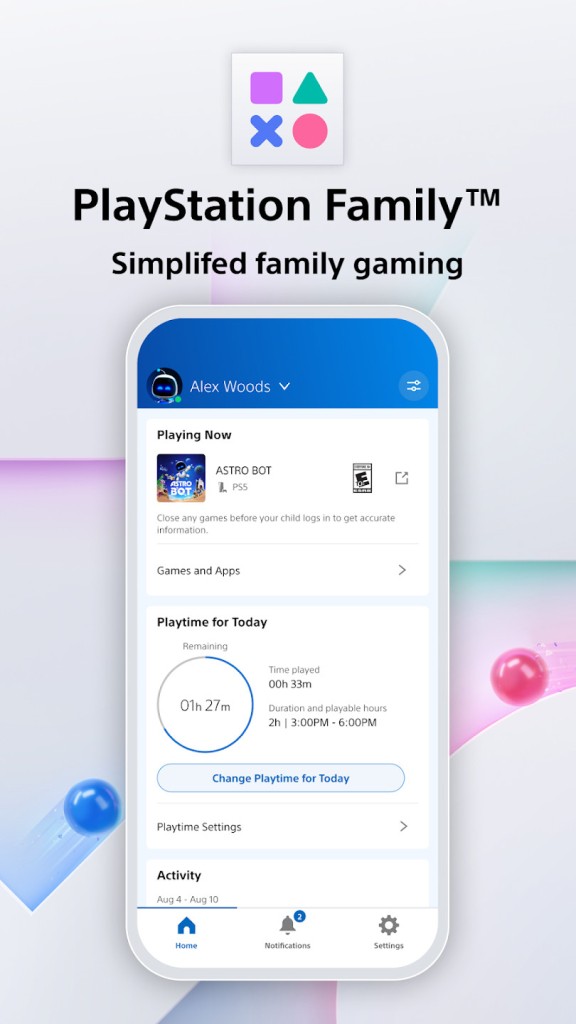
PlayStation Family is a parental supervision application designed by Sony for a guardian or parent who wishes to monitor how their children play on a PS4 or PS5. The app consolidates all the controls into a single mobile dashboard, as opposed to powering the console and surfing through numerous options.
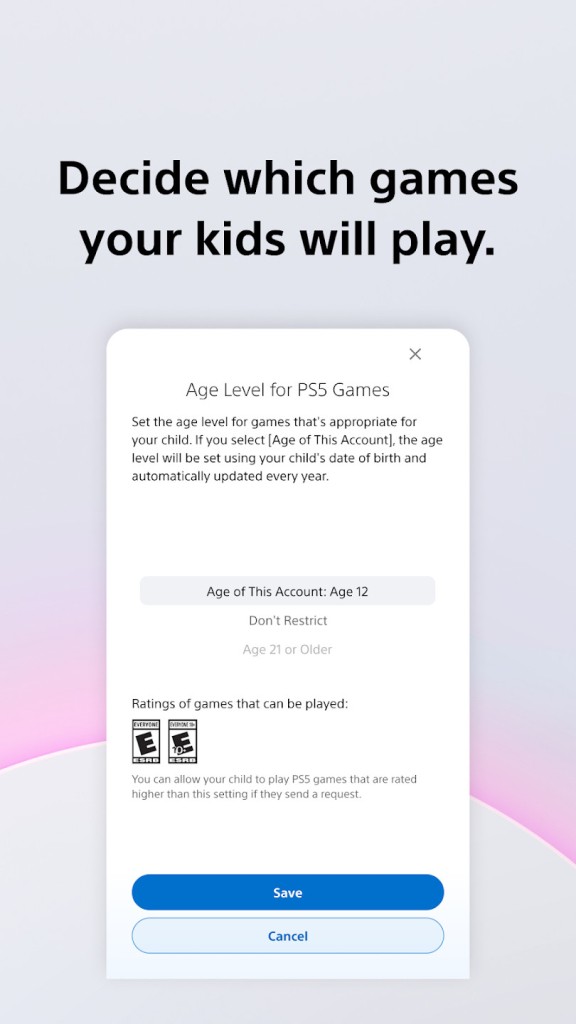
It is not a game application, and thus, you will not see or play games with it. Imagine it as a distance management tool that allows you to place time limits on playtime, change privacy settings, grant or deny access to games, and spend on the PlayStation Store. The idea is to enable families to be able to establish some balance and order without necessarily hovering above the console or frequently checking what is being played.
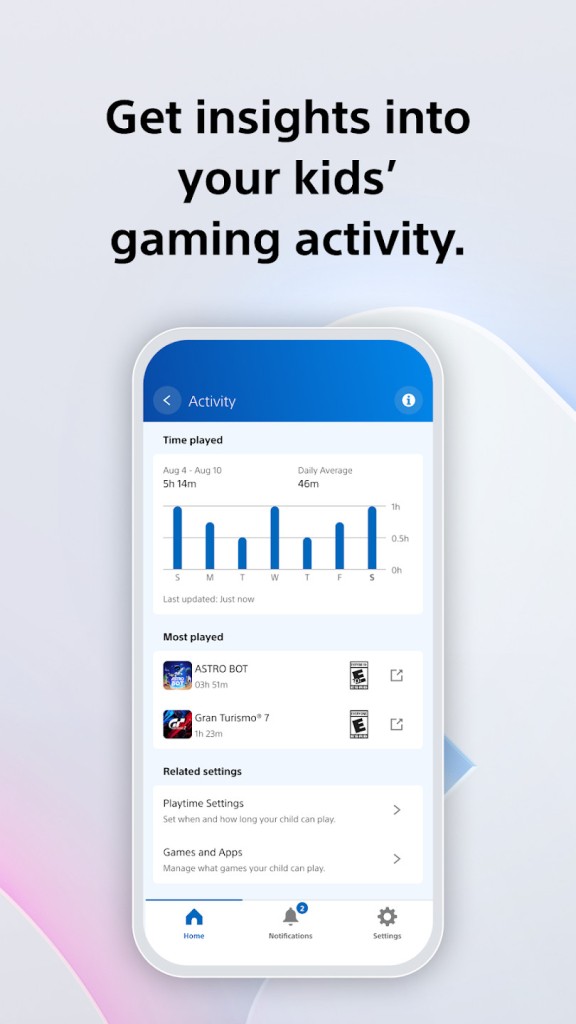
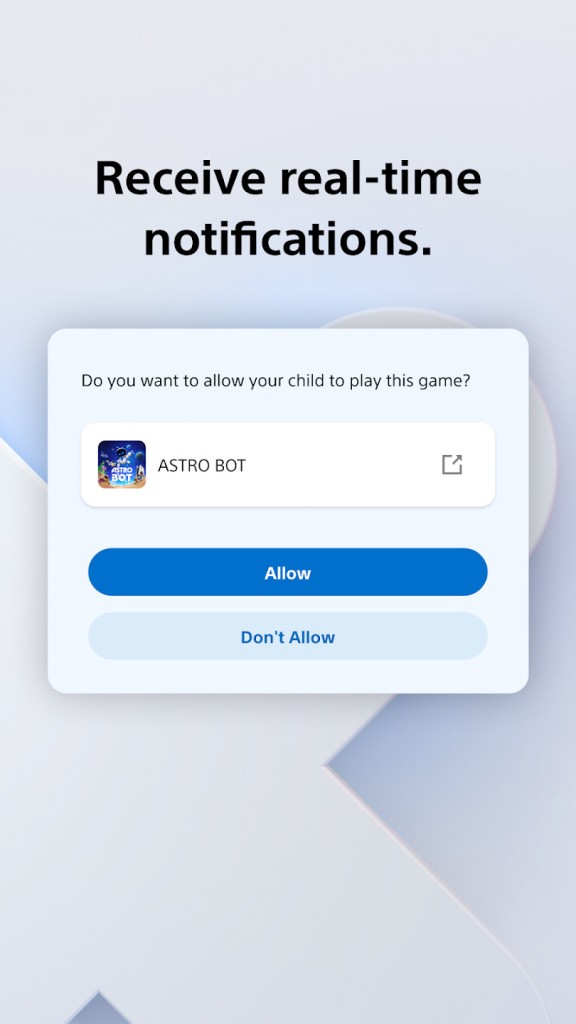
Parents are allowed to see what the child is currently playing in real time and receive summaries of the activities played by the child that display the duration of time the game was played throughout the week. The app is flexible instead of restricting everything: children can ask to get more playtime, and their parents can say yes or no on their phones. It is centered on visibility and convenience, as it is easier to keep track of the gaming habits and leave the kids playing on the console.
What Are the Key Features of PlayStation Family?
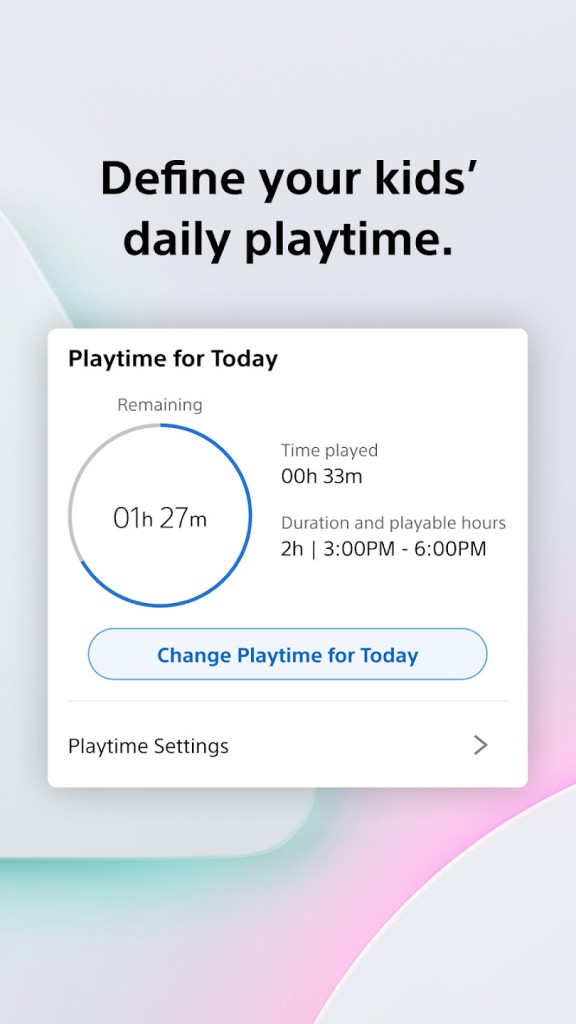
The main concept of PlayStation Family is to have basic control and management with less friction. It is all arranged in a visual format: what the child is playing, how much time he/she have played, and how much money they are spending. The playtime is customizable, a strong characteristic of the child-sets; it allows parents to determine when and how long a child is able to play. Once the time is reached, either there will be a reminder displayed by the app, or gameplay will be forbidden based on the household rules.
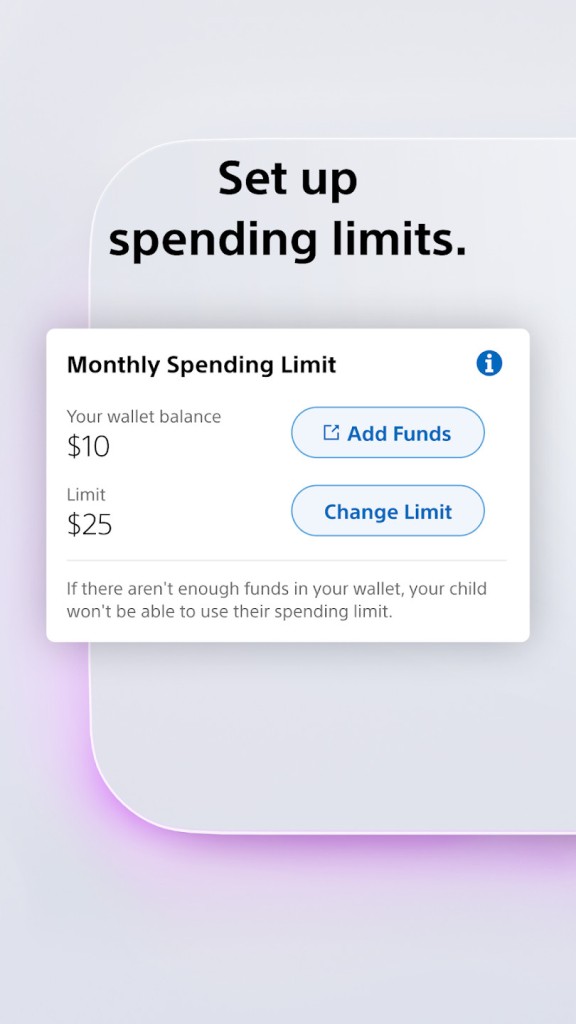
The other important feature is spending management. It is the parent who controls the wallet and not the child. Monthly limits can be established, money can be added manually, and balances can be reviewed by parents, who will no longer be able to spend their money unintentionally or at an impulse in the PlayStation Store or in-game currency.
Privacy and communications are enabled. Parents may limit or enable such features as messaging, voice chat, and user-generated content. These environments are not fixed and parents may provide some exceptions to certain games as required.
Live updates bring in the openness. In case a child asks to spend more time or to open an inaccessible game, a parent will get a notification and have an opportunity to respond right on the phone. Weekly activity reports are also available in the app and indicate the amount of time spent on each game.
There is nothing complicated about keeping PlayStation Family monitored: parents are provided with clear information, and they can decide in a very short period.
Is PlayStation Family Free to Use?
The PlayStation Family application is free. It is free to use without subscription charges, and even without having to pay to be a PlayStation Plus user, you have access to parental controls, activity reports, and playtime management. All one needs is a PlayStation Network account and a connection between the parent and child accounts. There are no additional charges for all features, including spending limits, privacy settings, and notifications when connected.
Which Platforms Support PlayStation Family?
PlayStation Family is accessible on the iOS and Android platforms. Get it on the App Store on Apple or the Google Play Store. The application requires an operating system version to install and to work properly, usually iOS 14 or Android 8 or higher. It does not have a desktop version; hence, it cannot be used on either PC or Mac.
In advance, you do not need a PlayStation account. When installing the app, you are able to create an account upon installation. Upon logging in, you are able to create a child account, parental controls, and connect the family group with the PlayStation console.
The app requires a PS4/PS5 that is linked to the same PlayStation Network family to be functional. The data and reports about playtime are synchronized on the child using the console. The majority of controls, like request approvals, are done on the phone itself without the need to access the console.
What Are the Best Alternatives to PlayStation Family?
For Xbox console users, you’ll be interested in Microsoft Family Safety. It primarily aims at screen-time controls, spending limits, and usage of the apps on Windows PCs and Xbox. It monitors device use and online time, synchronizes device time limits, and allows optional location sharing, which some parents can find useful, and which may not be required by some parents.
Google Family Link focuses on Android devices, Chromebooks, and Google accounts as opposed to a particular gaming console. Parents can monitor downloads on the App Store, grant permissions, and monitor screen time and app times. When a child plays games on Android, the app provides the parent with access to the time spent and Google Play Store expenditures. The parent can also define a time span for each app and game on the child’s phone or tablet.
Nintendo Switch Parental Controls is a comparable application that works with Nintendo Switch consoles. It allows parents to limit time spent, view the recent gameplay activity, and block the online communication and purchases in the Nintendo eShop. Nintendo also has a daily time of play, unlike PlayStation Family, which directly displays on the Switch and may automatically turn off the game if the parent opts to set the option. It is not based on account-related spending limits but on the control of game access and the time on certain titles.