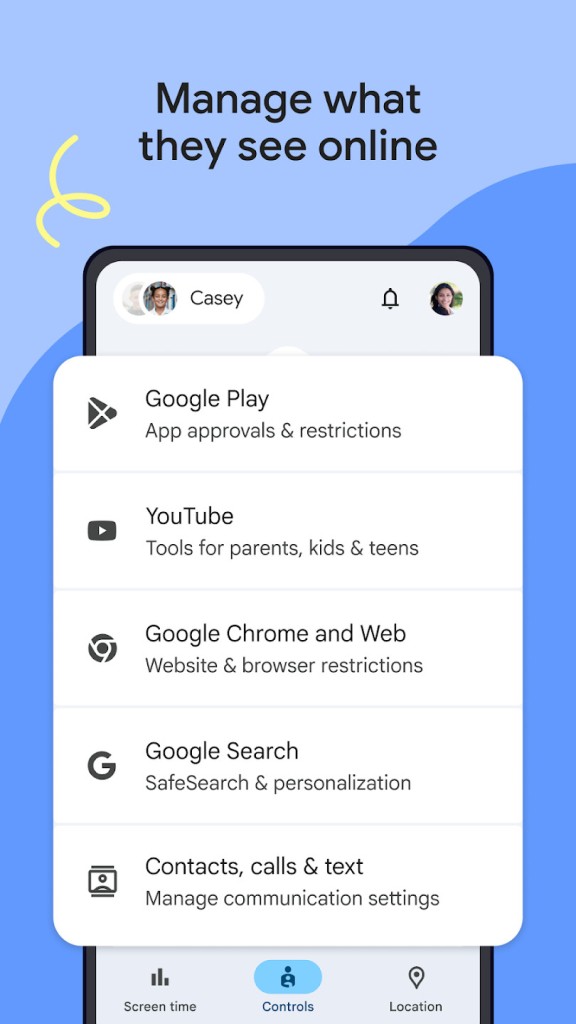
Google Family Link is a parental control application that assists parents in controlling their children on the usage of digital devices. Rather than filtering content on a system-wide basis, Family Link allows parents to understand how much time their children spend on apps, which apps they install, and what websites they search by using Google-based applications like Chrome and Search.
In the case of children who are still too young to manage their own accounts, Family Link allows parents to create a supervised Google account. It is not aimed at restricting the use entirely; it is meant to assist families in developing balanced digital habits.
Family link enables a parent to accept or reject downloading of apps in the Google Play Store directly on his/her phone. The parent can examine and customize permissions like camera, microphone, or location. The device can also be set to have limitations on the use of the device by parents, or they can lock the device when they are on a break. Family link gives the child freedom to roam and, at the same time, gives the parent an oversight and the power to intervene when necessary. The application should provide structure without eliminating autonomy.
What Are the Key Features of Google Family Link?
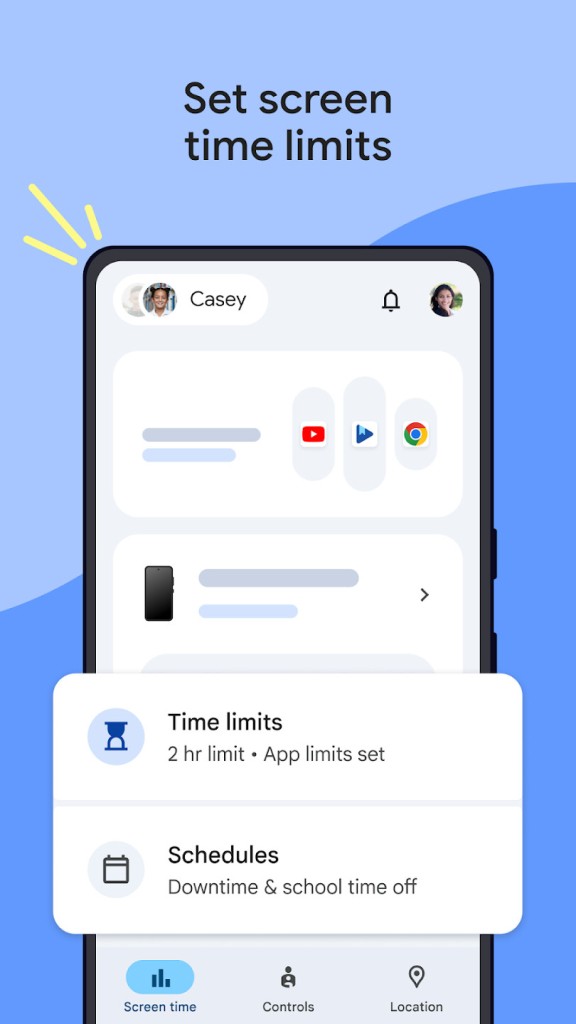
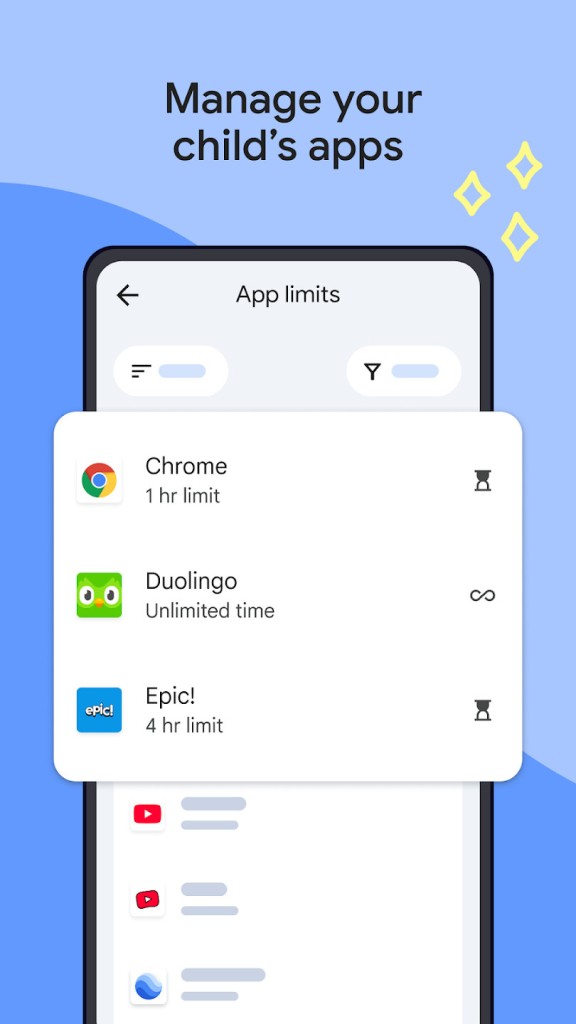
Family Link is time, visibility, and control-oriented. Screen-time management is one of the primary characteristics. Parents determine the number of hours per day the device should be used and establish the time limits, such as school time, idle time, or sleep time. In case the child goes to the limit, the device will lock until the parent decides to override or change the schedule. Family Link also understands that there are apps that are also used for learning or communication purposes. Parents are able to provide infinite access to some applications and limited access to others.
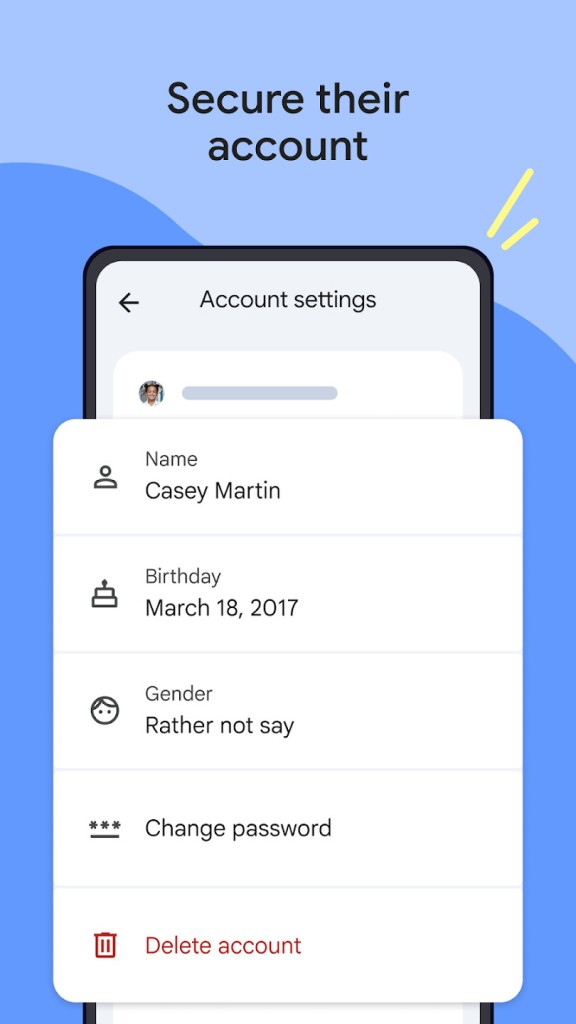
App management is also another fundamental characteristic. The parent is notified of a request and has an option to approve or disapprove the request when the child wishes to have a new app. Family Link displays the frequency of the child using each app and the duration the child spends using it, and therefore, parents are in a better position to know what the child is up to rather than speculate. On the supervised account, there are also privacy settings. Parents are also able to edit permissions, passwords, change personal information, or delete the account.
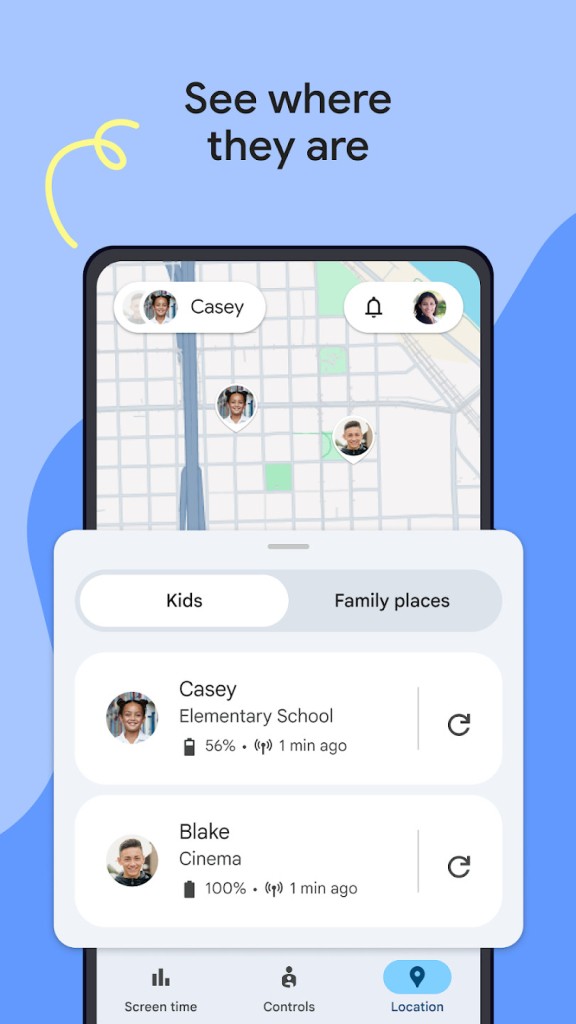
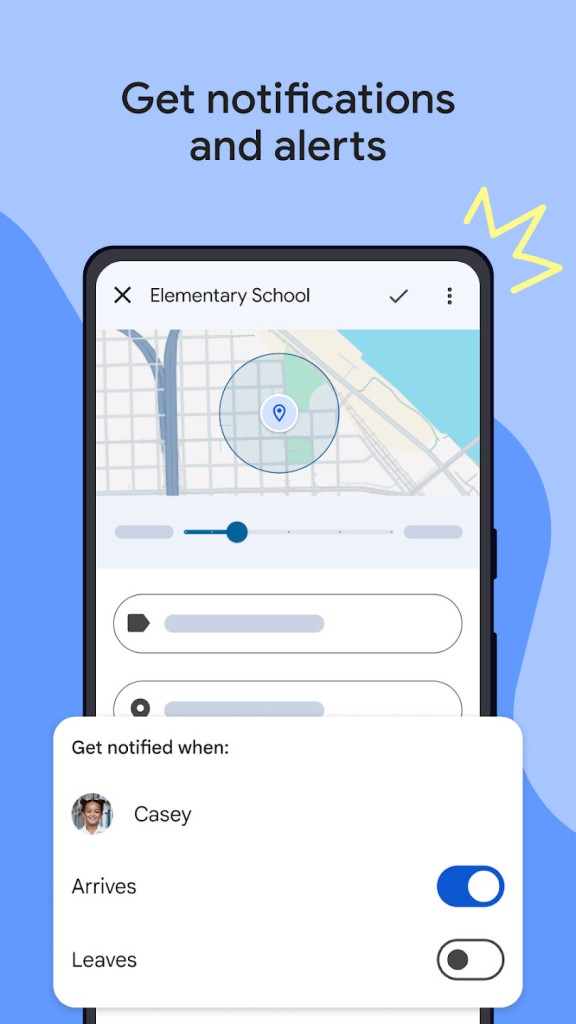
Location awareness is incorporated in Family Link. When a device is turned on and connected, a parent appears on a map with its location. The parent is notified when the device is at a place or is leaving it. Although this does not imply that it is safe, it allows the parents to check in without calling or texting.
Is Google Family Link Free to Use?
Google Family Link is entirely free. It does not have any subscription, premium, or concealed charges. The app does not place the required parental controls on a paywall. All one will need is a supervised Google account, which is created in the process of Family Link onboarding. All the app approvals to screen-time management and location tracking are also included at no cost.
Which Platforms Support Google Family Link?
Family Link is employed mainly with Android smartphones, Android tablets, and Chromebooks since it is closely connected with Google. The parents' app is compatible with iPhones, so that parents who are Apple fans can still control the Android devices of their children. But children need Android or ChromeOS devices to be monitored to the fullest extent. When using supervised accounts, parents can manage access to apps, permissions, rules of device usage and privacy, as well as data management.
Using Family Link, the child will need to have their device on and be connected to the internet with the parent-created supervised account signed in. After linking, Family Link allows the parent to view the activity of the phone in real-time, regardless of their location with the device. Limitations and modifications are implemented immediately. The platform is more of a remote guidance than a blocking, and is particularly helpful when playing on mobile or when using devices.
What Are the Best Alternatives to Google Family Link?
Microsoft Family Safety is a service applicable to Windows and Xbox users. It is devoted to screen-time management on all devices, such as app and games usage limits, site blocking on Microsoft Edge, and spending on the Microsoft Store. However, whereas Family Link remains largely on Android and ChromeOS, Microsoft Family Safety can check and manage Windows computers and Xbox gaming consoles. It also has the optional feature of sharing locations. Microsoft Family Safety is most applicable in instances where the key device ecosystem is Windows or Xbox.
Nintendo Switch Parental Controls allows parents to track gaming activities, view the duration of the gaming sessions, limit internet communication, such as voice or chat, and control the use of the e-shop. Nintendo's strategy is to assist parents in balancing game time instead of monitoring the use of various apps and platforms. It puts insight into the games that are being played rather than the downloaded apps. This application fills the control factor that Family Link lacks when gaming primarily occurs on the Nintendo Switch.
PlayStation Family is the alternative but for the PlayStation ecosystem. It provides parents with spending, communication, and access to games on PS4 and PS5 consoles. Parents are able to accept or reject playtime extensions, access to restricted games, view activity history, and spend on the PlayStation Store. It aids in multimedia control of access and interaction of the child. The family link does not deal with interactions on the console except for the permission of apps on Android. The PlayStation Family takes care of the social and communication aspect of the game that is not taken into consideration by Family Link.