Gmail was developed by Google and represents one of the leading email services for personal and business communication. Launched in 2004, Gmail transformed from its original role as an inbox to become the primary communication center that connects all Google services, including Google Drive, Google Calendar, and Google Meet. Gmail offers a user-friendly design with quick operations and robust spam blocking to protect users from spam.
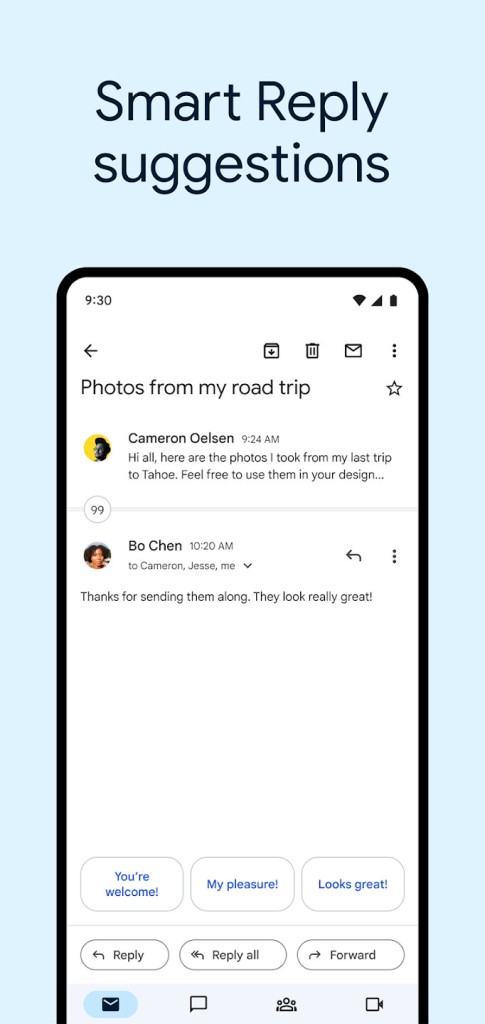
Gmail is a web-based platform that doesn’t require a download, though it does have an app. Email organization through Gmail is especially effective because it has features such as automatic smart reply recommendations, improved search functions, and inbox prioritization abilities. The email service guarantees user data protection through two-step verification tools, as well as encryption and phishing detection systems.
Gmail offers two versions of the service: a personal free version for independent users, and a professional Google Workspace alternative for organizations requiring extended storage space and additional collaboration tools. Gmail functions as a versatile, dependable, and global email solution and cloud storage for individuals and businesses.
What Are the Key Features of Gmail?
The first key feature of Gmail is its link to the Google ecosystem. You can save any file you receive as an attachment to your Google Drive, or send any file you’ve stored to yourself. You can also integrate meeting or travel information into your Google Calendar. Finally, Gmail offers a direct link to Google Chat (for professionals) and Google Meet. As Gmail works online, all your information is synced across all of your devices without any additional configuration.
Gmail’s anti-spam tools and automatic system for email organization stand as major benefits. The machine learning algorithms of Gmail are responsible for detecting spam, phishing, and promotional emails, which are automatically placed into categories. This way, your inbox stays organized, with significant messages remaining visible and distracting messages hidden from view. The email platform allows users to create distinct labels and filters that let them sort messages according to their purpose, origin, or priority level.
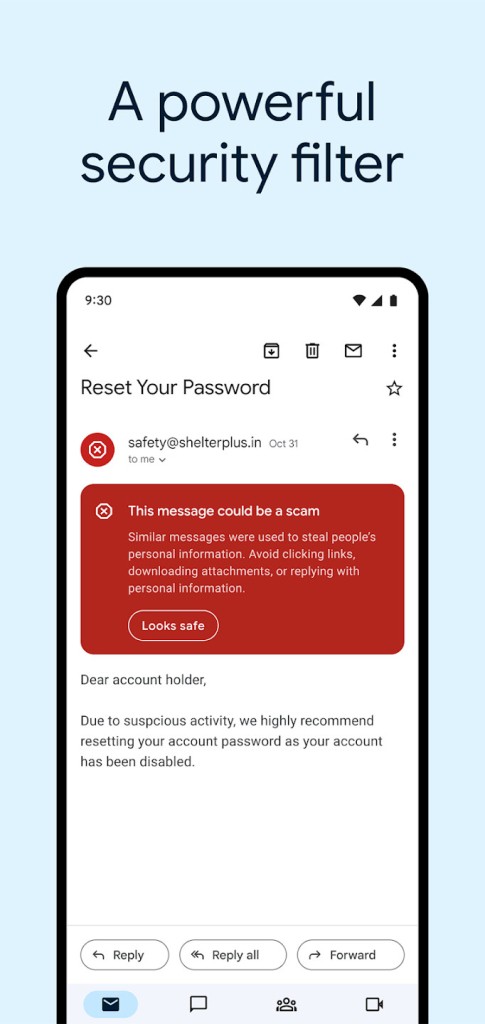
Professionals depend on Gmail because it provides reliable security layers. Google users can enable two-step verification to enhance security with the help of their phone number or an authenticator application. Gmail’s malware detection and phishing threat assessment tools scan all received attachments along with links to help users avoid cyberattacks.
Gmail stands out because of its effective search capabilities. Google Search technology in Gmail lets users discover emails regardless of when they received them through keywords, sender name, or phrase searches. Bigger email management becomes feasible through Gmail, while conventional basic filtering systems fail to handle high volumes efficiently.
Gmail provides its users with accessible features and practical convenience benefits. Users can use Gmail applications on Android and iOS systems to monitor and reply to emails from anywhere. They can take advantage of the offline feature to read and reply to emails without an internet connection, since messages will automatically deliver upon reestablishing a connection.
Gmail offers ample storage capacity. The standard 15 GB storage capacity of the Gmail service extends to three Google services, including Google Drive and Google Photos, providing free users with an unusual amount of storage. Users can store a substantial number of emails along with their attachments through this system. The storage needs of users who require additional space can be solved by Google through its Google One service.
The commercial functionality of Gmail, combined with Google Workspace, produces simple collaboration possibilities for business groups. Gmail turns into a full productivity platform through features that include shared Google Drive storage, real-time document editing, and built-in video conferencing with Google Meet. Through Google Workspace, Gmail enables businesses to obtain professional custom domain email addresses that suit corporate communication needs.
Gmail showcases its position as an industry leader through its user-friendly design and safety features, as well as intelligent organization logic and seamless integration with other Google solutions. Gmail enables users to experience reliable email functionality for their personal needs, as well as their work and collaborative needs.
Is Gmail Free to Use?
Gmail is free for individuals. The basic Gmail service allows users to access 15 GB of cloud storage space that combines Gmail content with Drive files and Photos uploads.
The entire essential set of email features, including spam protection, two-step authentication, and Google AI organization tools, is free of charge to all users. The free Gmail service accommodates personal users. Businesses and professionals who require more features like custom domains, greater storage capacity, and superior security measures must choose Google Workspace, which requires payment.
Which Platforms Support Gmail?
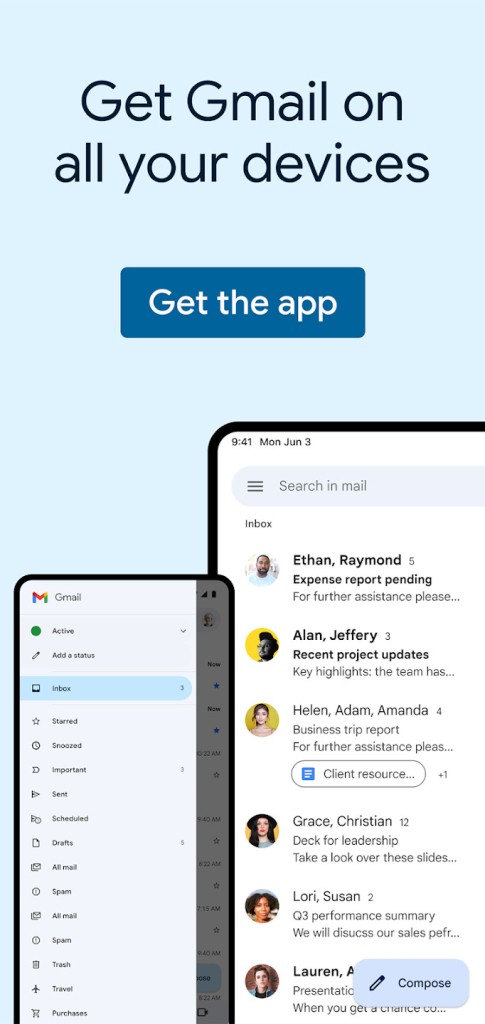
Gmail works across multiple platforms, thus achieving extensive accessibility. Using a web browser enables users to access Gmail on Windows, macOS, ChromeOS, and Linux operating systems through any computer without additional software requirements. The Gmail mobile app is available on Android and iOS systems, giving users complete access to their emails along with attachments. Users can also take advantage of Google Workspace integration features.
Through its mobile application, Gmail enables users to exchange emails, regulate their contact lists, and maintain message synchronization between mobile and web-based interfaces. The system notifies users automatically through push notifications, which helps them stay informed. Users of Microsoft Outlook and Apple Mail can connect to their Gmail accounts through IMAP or POP connection settings. The Gmail application enables users to access their email systems through all common desktop platforms, as well as mobile phones and web browsers.
What Are the Best Alternatives to Gmail?
The widespread use of Gmail does not stop users from choosing different email service providers that suit their individual needs. Each email provider has its own priorities, which may include data privacy, productivity enhancement, or inter-system connection capabilities.
Outlook from Microsoft is recognized as one of the most popular alternatives to Gmail. Microsoft 365 includes the Outlook app, which provides business users with a professional email and advanced productivity features. The service flawlessly connects its functions with Microsoft's Word and Excel applications, as well as OneDrive storage, offering perfect solutions for Microsoft platform users. The organizational features in Outlook comprise focused inbox functionality and integration between calendars and scheduling features. Businesses and professionals who require extended security and custom domain options alongside increased storage can choose Microsoft 365 after obtaining their free Outlook account.
ProtonMail represents another competitive email service. It puts an emphasis on encrypted communication and privacy protection measures. Due to its different encryption mechanism, ProtonMail provides end-to-end encryption that makes messages unreadable to third parties. Users who value security can trust ProtonMail, since its Switzerland-based operations must adhere to stringent privacy regulations. Free users get restricted storage space, and paid subscribers gain access to features that let them create custom domains along with bigger email storage capacity.
The iCloud Mail platform stands out as an excellent mail service for users who prefer the Apple interface. iCloud Mail serves Apple users with its free email service that functions as a single platform for macOS, iOS, and iPadOS systems. The program features a minimalistic user interface that enables basic email features without clutter and unnecessary components. Apple users who seek an easy-to-use email solution without additional organizational features should consider this platform.