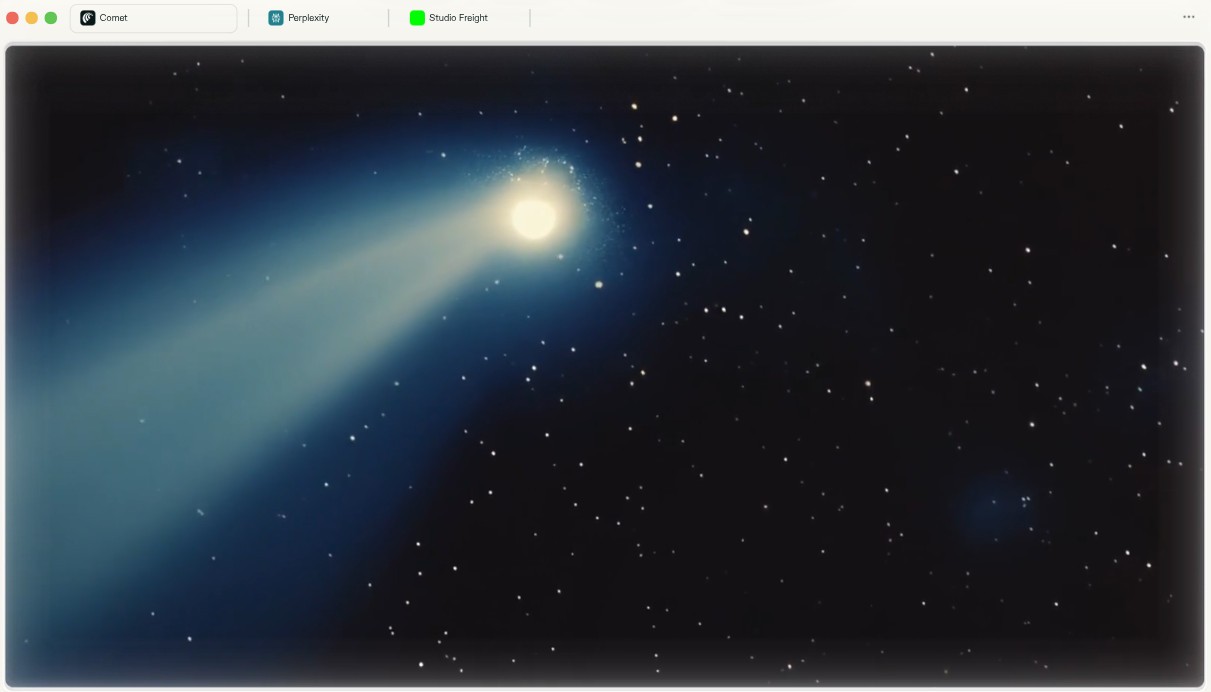
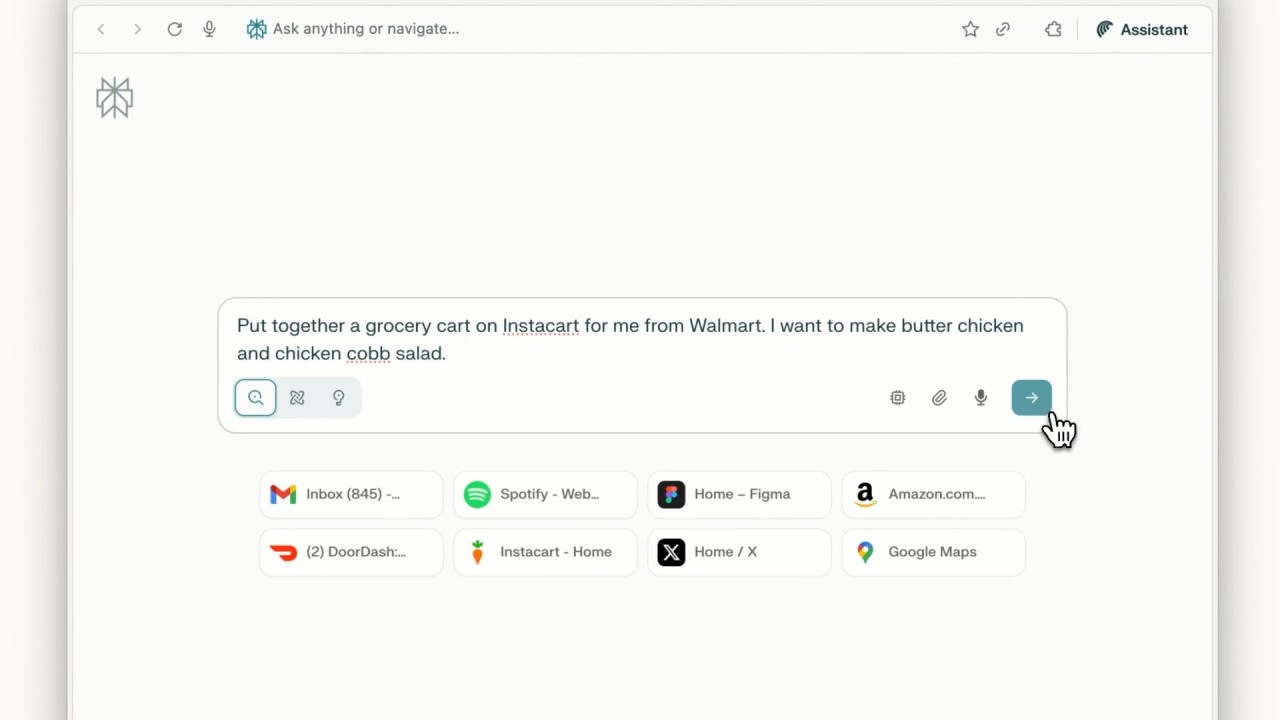
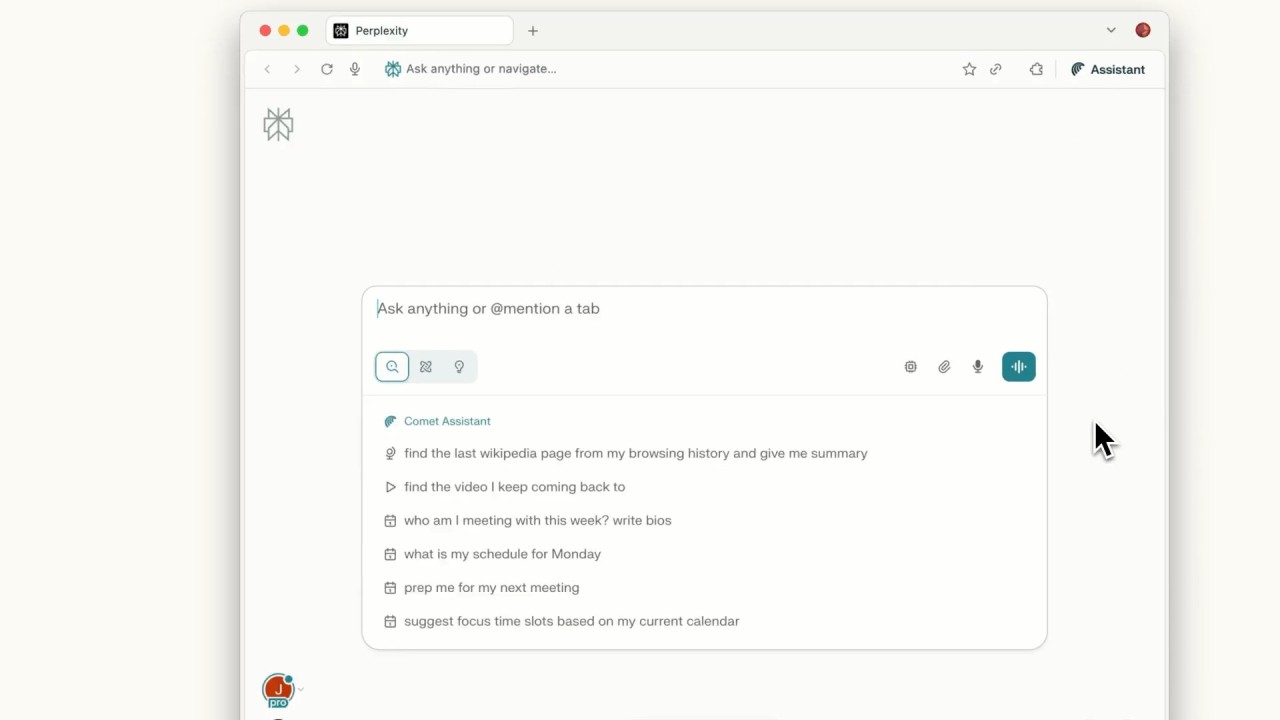
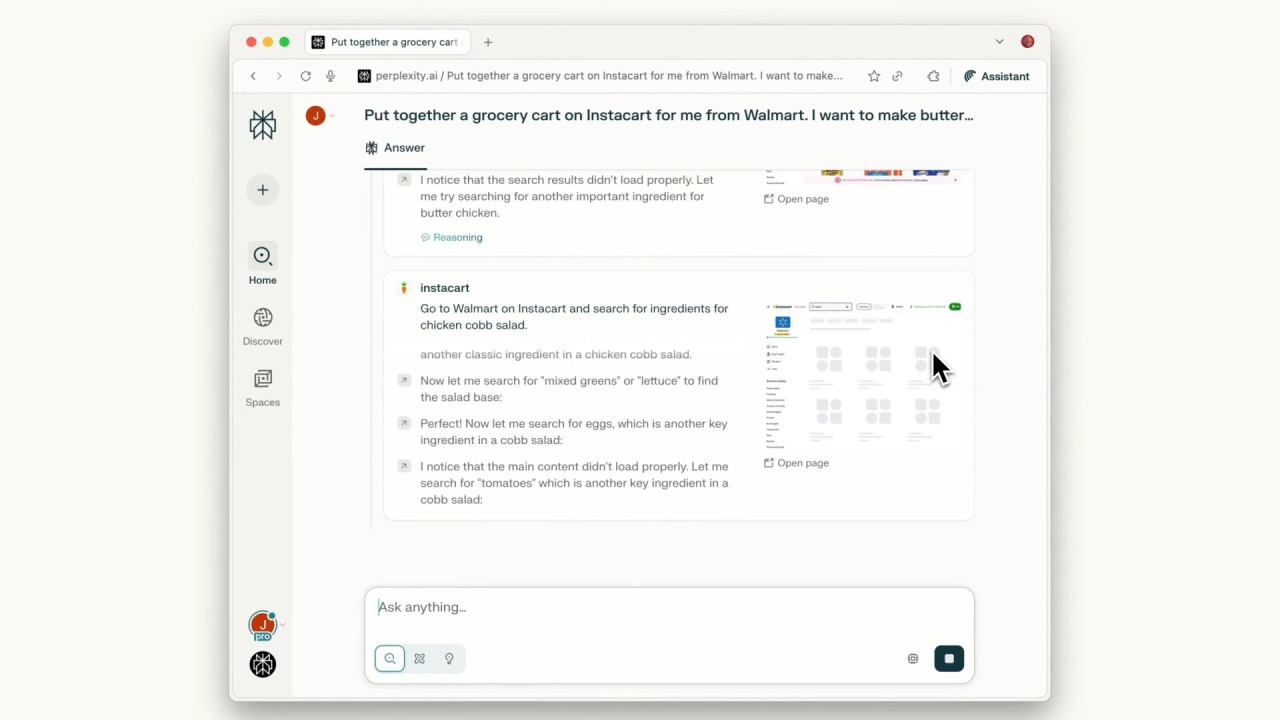
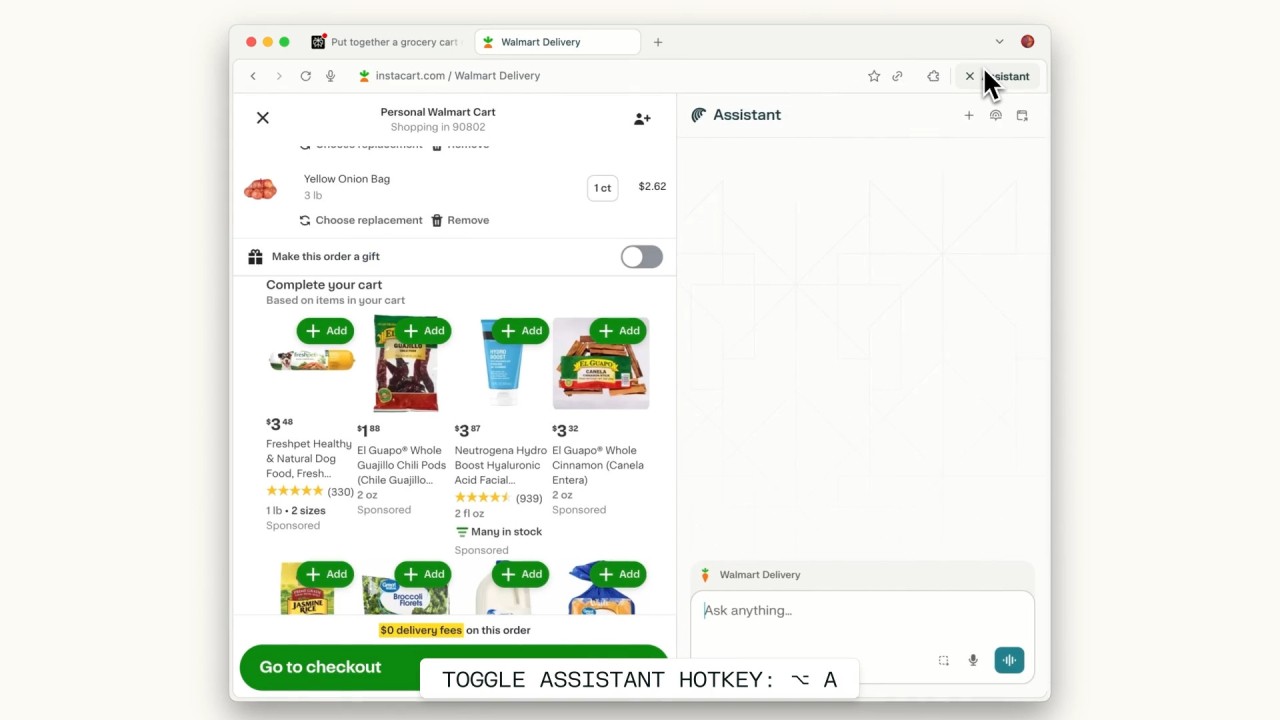
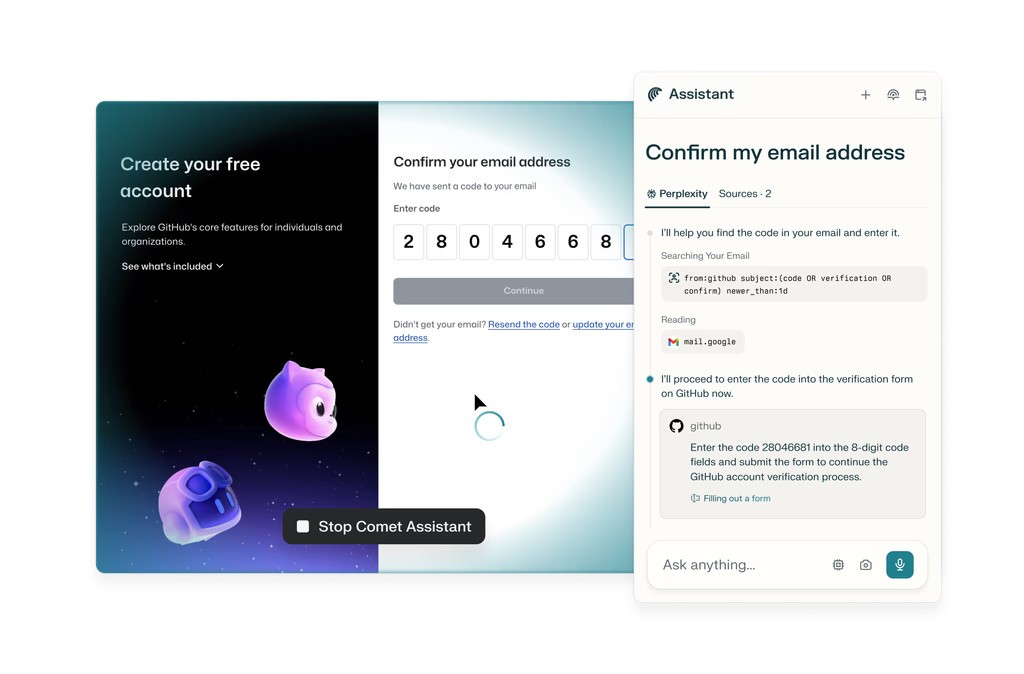
Comet Browser is a lightweight and modern AI web browser that includes the Perplexity search engine as its core. It focuses on the users who desire an easy-to-use, responsive browsing experience without the bulky interface and clutter of mainstream browsers. Comet does not compare itself with dozens of features, but rather strives to provide fast search, easy set up and great privacy.
The objective of Comet is to deliver a clean browsing experience where responses are shown in seconds, and users do not have to be bombarded with tabs, advertisements, and other types of unnecessary pop-ups. The results are not the same as the common search engines since it runs on the engine of Perplexity AI. You find quicker summaries, source links, and a more direct way to get down to business.
It is also fresh, and being new is in fact an advantage to it. The interface is clean, it only takes one click to import old data, and one can easily switch to another browser without any complex setups. Comet does not complicate things but gives it extra little features like in-built privacy settings, on-device storage management, and in-device control.
What Are the Key Features of Comet Browser?
Comet has a one-click importing system, which is one of its largest strengths. You will be able to transfer bookmarks, extensions, saved passwords, cookies, and browser settings without having to recreate all of it. This easy migration is an outstanding feature since most users do not desire to arrange all their data manually. It is also easy when open Comet as the default after installation.
Comet focuses on the search engine of Perplexity AI, which produces another flow in comparison to Chrome or Firefox. The Ai personal assistant is based on prioritizing fast replies with references to the sources, allowing the users to move between the original websites and a simplified representation. This is a reasonable approach for those who use it to do research, are students, or simply prefer fewer advertisements and quicker access to information.
Another significant feature is privacy controls. Comet would provide an easy way to access and delete browsing history, search history, cached data, cookies, and other elements saved at any time. Having these settings buried in the menus like the big browsers, Comet has them in the privacy section. Multi-layered protection and artificial intelligence-based suggestions can ensure privacy without advanced settings.
This browser, made with artificial intelligence, offers a light and uncomplicated browsing experience. The visual noise is kept to a minimum, and the pages load fast. Comet avoids the cumbersome multitool model and puts emphasis on stability, speed, and clarity. These features make Comet refreshing to users who desire a quick search experience combined with a clean layout.
Is Comet Browser Free to Use?
Yes, Comet Browser is free to download and use. Perplexity has mentioned that we shall always have a free version, and Comet is not an exception. There are no paywalls to stop basic functionality, and it does not require any subscription to use core browsing or search functions.
Which Platforms Support Comet Browser?
Comet Browser is now offered on Windows and macOS, which connects with the majority of desktop and laptop users. It is easy to install, and both operating systems can run the browser without any extra plugins. You can also download Comet for your Android devices (iOS is yet to come).
Importing of Chrome, Edge, Firefox, and other popular browsers' bookmarks, extensions, and settings is available on Windows and macOS. It simplifies the process of switching to people who are dependent on stored data and do not want to reconstruct everything by themselves. The modern desktop versions are more focused on speed and privacy and provide users with an opportunity to surf the web without being pursued and monetized.
What Are the Best Alternatives to Comet Browser?
If you want to boost your web research with AI, here are three other AI-powered browsers you could consider.
Dia, from The Browser Company, is an experimental browser made by the same makers of Arc Browser. Dia concentrates on innovation and new browsing habits, with a redesign of the way the web is used by users. It provides a graphic, entertaining design that substitutes the traditional tab format with fast navigation and less clutter. In its early developmental stages, Dia, as in the case of Comet, does not overload itself with features. Dia may also be an invigorating experience for users who are accustomed to clean interfaces and lighter workflows, as well as those who prefer visual tools and do not necessarily want the standard browser experience. Many users download Dia to try a fresh, visual browsing style without heavy features.
ChatGPT Atlas is a web-based AI-powered tool that is built on top of the web. It makes ChatGPT the main gateway, providing summarized outputs, interactive explanations, and interactive navigation over bare search platforms. Atlas is an interesting alternative to those who enjoy AI-assisted browsing, in which the information is already arranged. You are able to navigate items, switch sources, and study complex concepts without opening dozens of tabs. Although it does not substitute an entire browser, it supplements the workflow process with a conversational interface and real-time remixing or refining of information. People download ChatGPT Atlas when they want AI-guided browsing and quick, structured results.
The Opera Neon is an experimental Opera browser that lays stress on a very visual and futuristic experience. Neon is designed like a desktop instead of the traditional design with bubbles, floating icons, and amusing layouts. It has inbuilt features such as split-screen browsing, special tab view, and an extremely light UI. Neon is not supposed to be the general audience browser; it is an idea of how browsing may be in the future. Neon is also an option among users who prefer creative and unusual designs and wish to experiment with something not provided in the template. Users often download Opera Neon to explore a futuristic and highly visual browsing concept.