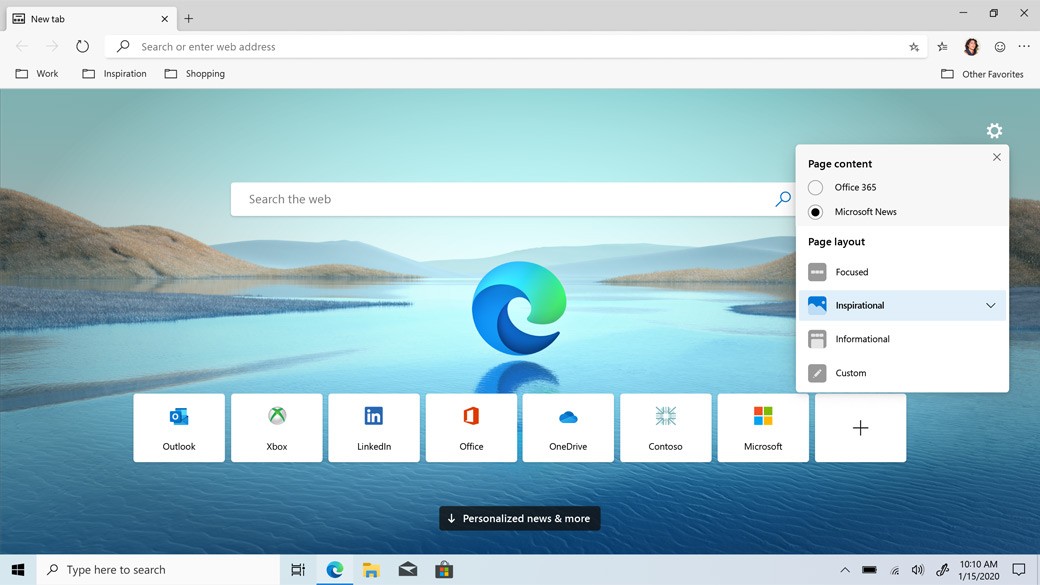
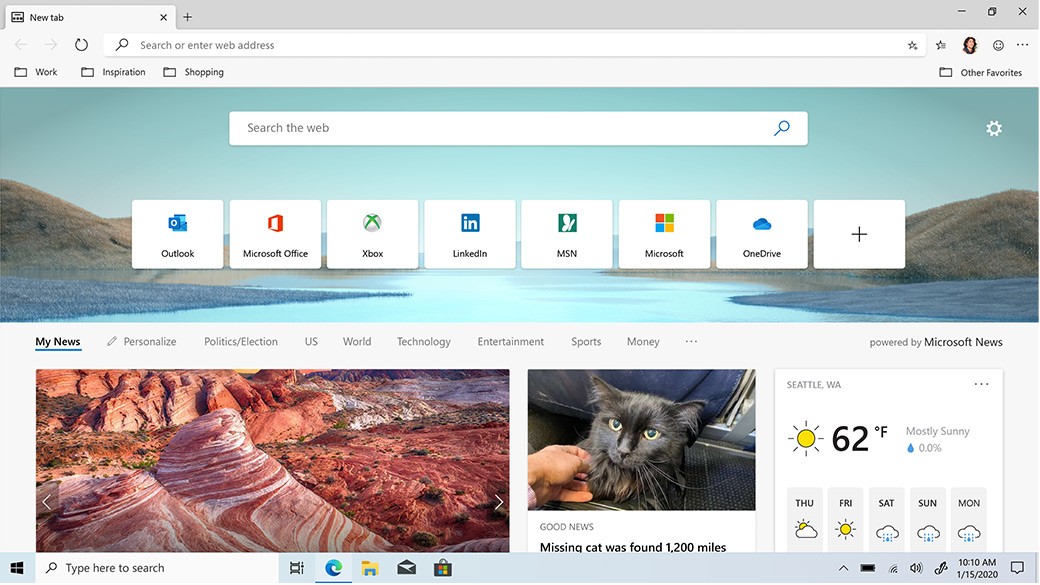
Microsoft Edge is a web browser built by Microsoft to succeed Internet Explorer. It ships as the default browser on Windows and runs on the Chromium engine, the same foundation as Google Chrome. Edge layers an AI-assisted experience on top of standard browsing through its Copilot integration. Rather than simply loading pages, it can help you work through tasks, condense content, search across open tabs, and keep information organized. Users who want that extra layer of help can lean into it; those who prefer a proper experience can switch it off entirely.
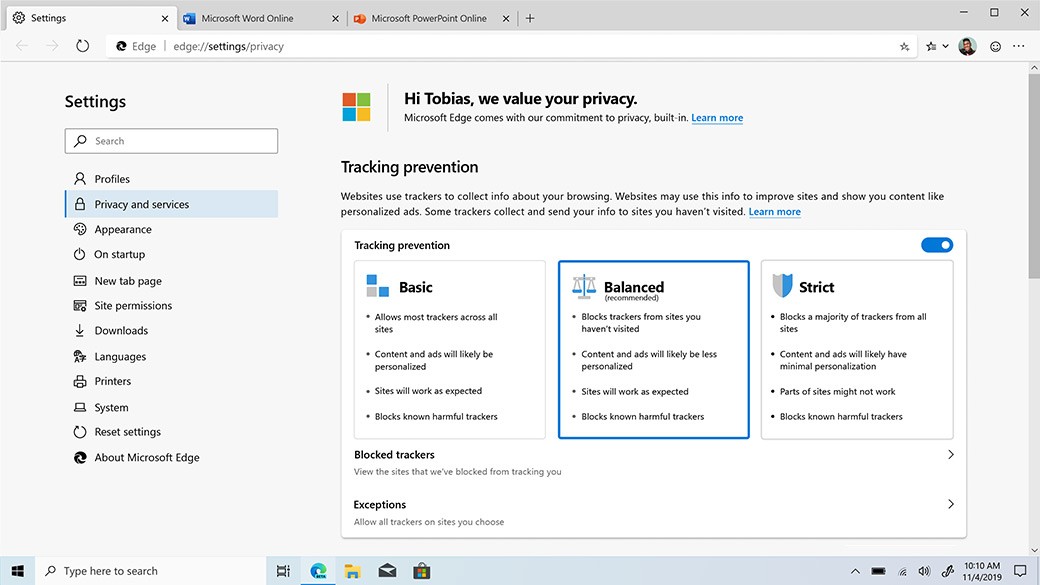
Performance and battery efficiency also factor into Edge's design, especially for laptop users. Sleeping tabs and the efficiency mode trim system resource usage automatically in the background. Security and privacy tools are built in rather than added on, including security filters, a password manager, and an optional VPN. Edge is not trying to displace other browsers by force, but it offers more than a basic URL bar. It aims to make browsing, productivity, and staying safe feel like one connected experience. Because it is built on Chromium, it also supports the full Chrome extension library.
What Are the Key Features of Microsoft Edge?
Microsoft Copilot is fully embedded in Edge. Rather than opening a new tab to search, you can ask Copilot questions, get page summaries, compare information across sources, or track down something you read earlier. Edge also includes Copilot Vision, which lets the assistant analyze what is on your screen and offer relevant suggestions or information. Every Copilot feature can be switched on or off, so users who find it intrusive are not locked into it.
Performance tools are another core part of the Edge experience. Sleeping tabs, Startup Boost, and Efficiency Mode work together to reduce battery drain and keep RAM usage in check. These features make a noticeable difference on older machines and extend battery life on newer ones. On the security side, Microsoft Defender SmartScreen blocks phishing attempts and suspicious downloads. Edge Secure Network provides a lightweight VPN-style connection for basic privacy needs, and the built-in password manager syncs login credentials across all your devices without requiring a third-party tool.
Game Assist is a more specialized feature aimed at PC gamers. It opens a compact in-game browser overlay for checking guides or quick lookups without minimizing your game. Tab management tools, including vertical tabs, workspaces, and collections, help users stay organized when juggling large numbers of open pages. These are all optional, available when you want a more structured setup and ignorable when you do not. Taken together, Edge covers productivity, AI assistance, and everyday browsing within a single browser.
Is Microsoft Edge Free to Use?
Yes, Microsoft Edge is completely free. There are no paid tiers, subscription plans, or locked features. All AI tools and security features are available to every user at no cost, and the browser updates itself automatically.
Which Platforms Support Microsoft Edge?
Edge runs on most major platforms. On Windows, it comes pre-installed and deeply integrated with the operating system. Windows and macOS users both get the full feature se,t including syncing, extensions, and security tools. Mobile users on iOS and Android can download Edge and have bookmarks, passwords, browsing history, and settings sync automatically through a Microsoft account.
A Linux version is also available thanks to the Chromium Foundation. Feature availability differs slightly across platforms due to system constraints, such as iOS requiring browsers to use Apple's WebKit engine, but the overall experience stays consistent. Moving between desktop, phone, and macOS is seamless since everything stays in sync. Edge does not require you to be invested in the Microsoft ecosystem, but a Microsoft account ties everything together neatly.
What Are the Best Alternatives to Microsoft Edge?
Google Chrome remains the most widely used browser. It is fast, broadly compatible, and the majority of websites are built and tested with Chrome in mind. Its extension library is enormous, covering productivity, entertainment, and everything in between. The main drawbacks are its tendency to consume significant memory across multiple tabs and a higher level of default data collection. Users already embedded in Google's services tend to gravitate toward Chrome because of how tightly it connects with the rest of their Google account. Most people download Chrome simply because it loads almost every site without friction.
Mozilla Firefox is a strong option for users who prioritize privacy. Developed by a nonprofit, Firefox is not tied to advertising revenue, which shapes how it handles your data. It blocks a wide range of trackers automatically and offers extensive privacy and security settings. The extension library is large, and the interface can be customized with themes and layout changes. It is not always as quick as Chromium-based browsers, but it appeals to users who want a browser with fewer ties to large technology platforms and a more transparent approach to how it operates. People who care about privacy often download Firefox as a more open and trustworthy alternative.
Opera is another Chromium-based browser that bundles features usually found only as third-party extensions. It includes a sidebar with quick-access shortcuts, a built-in VPN, an ad blocker, workspace management, and access to experimental features ahead of other browsers. Its interface is colorful and highly customizable. The built-in VPN handles basic privacy tasks without needing a separate app. Most users who choose Opera do so because they prefer having a full set of tools ready to go rather than assembling them through add-ons. Many users download Opera when they want a browser that works like a complete toolkit straight out of the box.