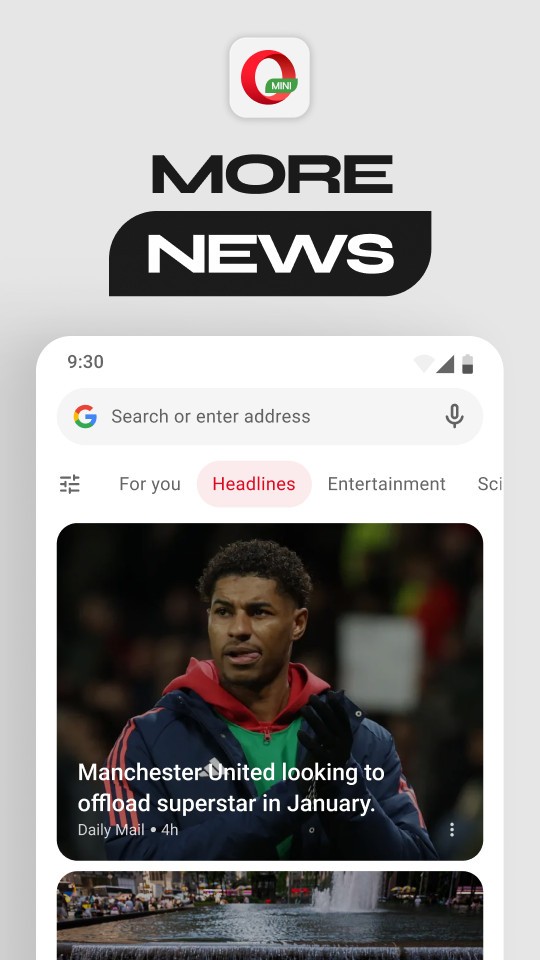
Opera Mini is a lightweight mobile version of the Opera web browser. This is best suited to users who do not have a high-speed internet connection or need to store information. Rather than loading the pages, the browser forwards the pages to its servers, compresses the content, and subsequently transmits a smaller size to your phone. This lightweight nature makes the browser more responsive on slow, shaky, or constrained connections. It is also favored by individuals who have prepaid data or have frequent switching between 3G and public Wi-Fi and low signals.
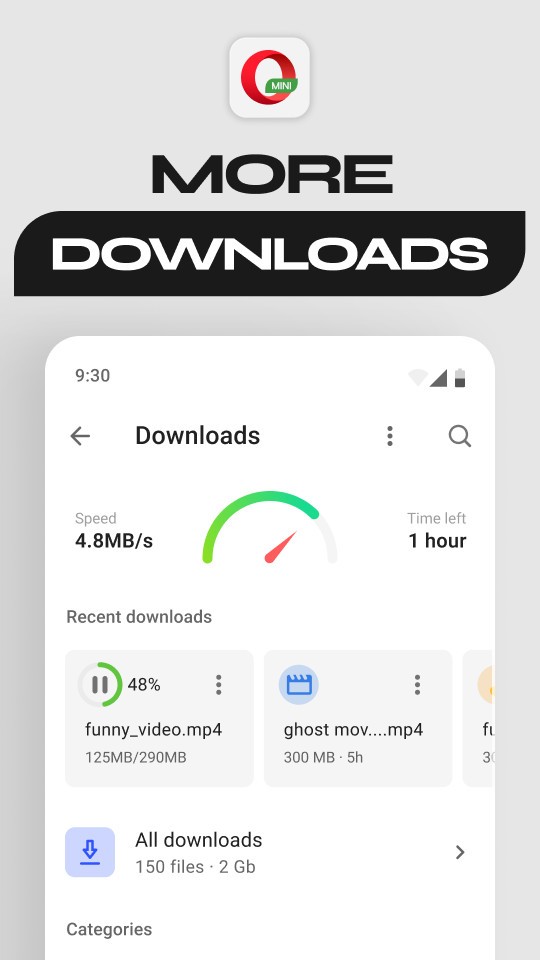
Contrary to bigger mobile browsers, Opera Mini will add on-the-go features to enable usage on a day-to-day basis. It provides fast applications, such as news, offline reading, football results, file sharing, and minor payment services, that match the general mobile usage. Opera Mini is not a substitute for full desktop-type browsers. Rather than offering an elaborate, complicated solution that takes time to load and consumes high data, it offers features like shortcuts that keep users informed without consuming a lot of bandwidth.
What Are the Key Features of Opera Mini?
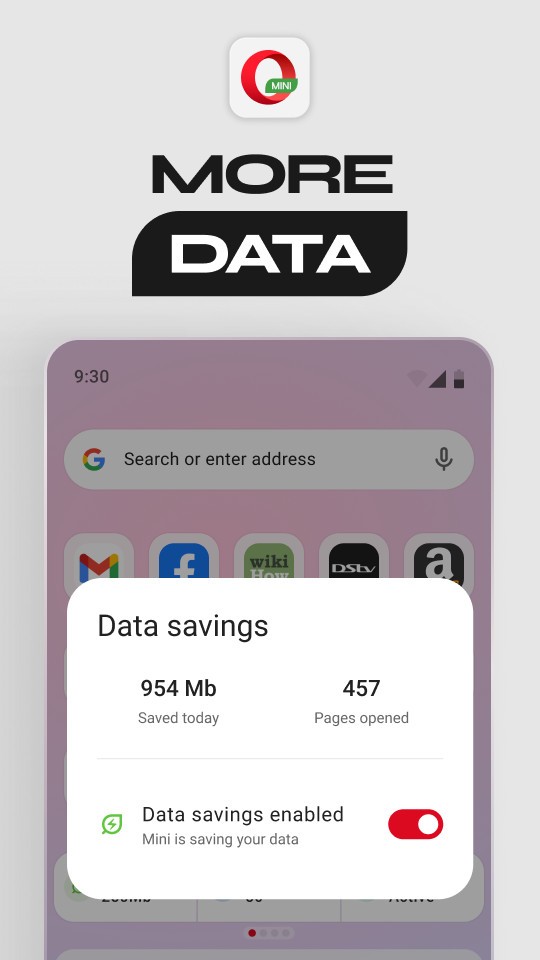
Compression of data is the strength of Opera Mini. Web pages are compressed in various forms by the browser, such as an Extreme Mode, which is capable of compressing up to 90 percent of data. This increases loading speed even on slow networks. The browser has a free data program, which provides users with a limited data allowance per day in certain countries to enable them to remain on the internet without extra expenditure. Availability is related to region and collaborations.
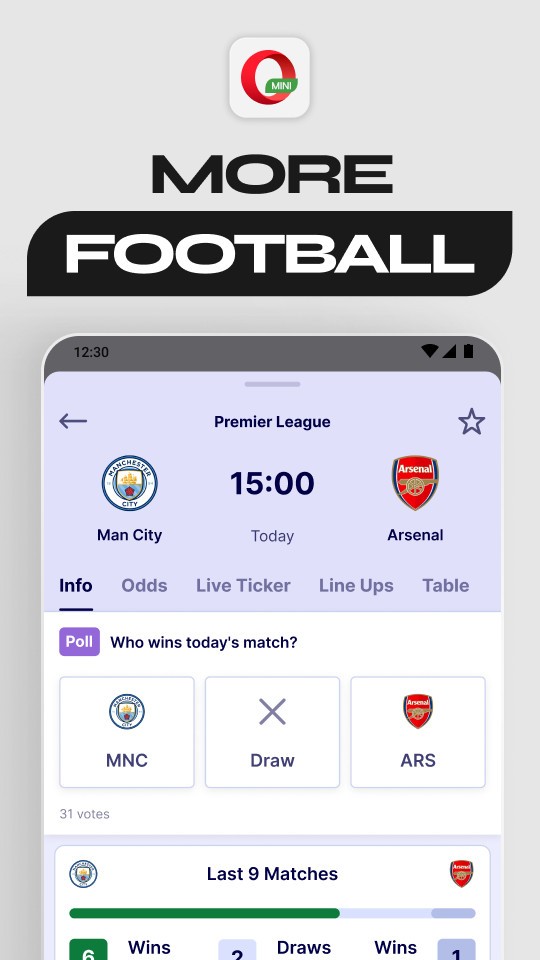
The second important feature is Aria, an in-built AI assistant of Opera. Aria assists in search, text explanation, summarization, and query. Football kinds of scores are also available live on the browser, and hence you get updates on the match without the need to use separate sports applications. MiniPay allows sending and receiving money in various countries with stablecoins, and it is all done through a phone number. To further increase privacy, Opera Mini has a private mode and a locked mode where the tabs are hidden by a PIN.
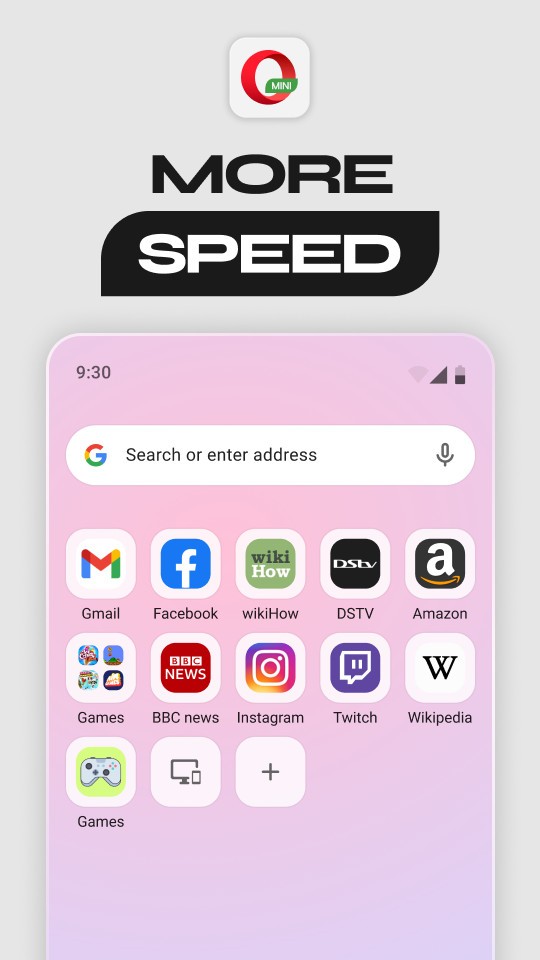
You can also read news, articles, and pages offline so that you can use them later without an internet connection. Speed Dial is also compatible with Opera Mini, allowing one to access frequently used websites quickly. The customization process allows one to choose color themes, news options, layout options, and a light and functional design.
Is Opera Mini Free to Use?
Yes. The browser is entirely free. Everything, such as VPN-type data servers, AI assistants, offline pages, and privacy modes, is free of charge. Functions such as the free data are based on location and affiliation; however, the browser itself is always free.
Which Platforms Support Opera Mini?
Opera Mini is mobile-oriented, and it is developed on Android and iOS. The Android version is more flexible and customizable since there is greater latitude of browsers in the platform. Browsers, such as Opera Mini, on iOS have to use the WebKit engine as Apple does not allow them to do otherwise, but the experience is comparable. Regardless of these distinctions, Opera Mini does share the same identity on both platforms, which is the ability to be lightweight and efficient.
On any device, the main characteristics remain the same. Opera Mini does not have a desktop version; Opera offers separate browsers as Opera (aka Opera One) and Opera GX (this one is gamer-oriented). A device sync is an option that allows you to transfer your phone or reinstall the Opera browser without losing bookmarks or Speed Dials. Succinctly, Opera Mini is designed to meet the needs of mobile users who require minimal data consumption.
What Are the Best Alternatives to Opera Mini?
Phoenix Browser is available to users who prefer quick browsing and excellent data savings that do not consume a lot of storage space on the phone. It loads videos and pages fast, has intelligent video recognition, has a desktop file-saving option, and has a built-in media downloader. Phoenix also offers an ad blocker and a private mode, and it is dedicated to the consumption of content, as it has news feeds and video tabs. The plain interface is focused on speed; hence, it is suitable for older handsets or shaky access. It is not as full-fledged as Opera Mini, but it is fast-loading and easy to use. Many users download Phoenix Browser when they require quick browsing without filling up their phone storage.
Dia Browser is also a very lightweight browser that is mostly targeted at data-sensitive users. It provides easy navigation in a minimal design and includes simple tools like night mode, private tabs, and basic swipe navigation. Dia itself tries to be minimalist in order not to use many resources and not to get cluttered. Dia can be useful to users who require a quiet, reliable browser, as well as one that does not take too much memory. It does not have AI or heavy compression options, as Opera Mini does, which is why it is focused on stability and usability. People usually download Dia Browser when they want a clean, no-clutter browser that saves data.
Firefox Focus is a privacy-driven app. It is a contrast to the traditional browsers, where browsing history and cookies are deleted after every use. It also blocks numerous trackers by default and blocks several scripts that make mobile browsing slow. Firefox Focus is not a multitasking or bookmarking tool; it is a one-purpose, privacy-focused tool to accomplish a quick search and visit a page. It is popular among users who do not have to use heavy features but require a quick and private browsing experience. Although it does not have any news feeds, payments, or AI functionalities like Opera Mini, its advantage is that it is a privacy-focused, lightweight alternative. Users download Firefox Focus when they want a fast, private browsing session without leaving any trace.