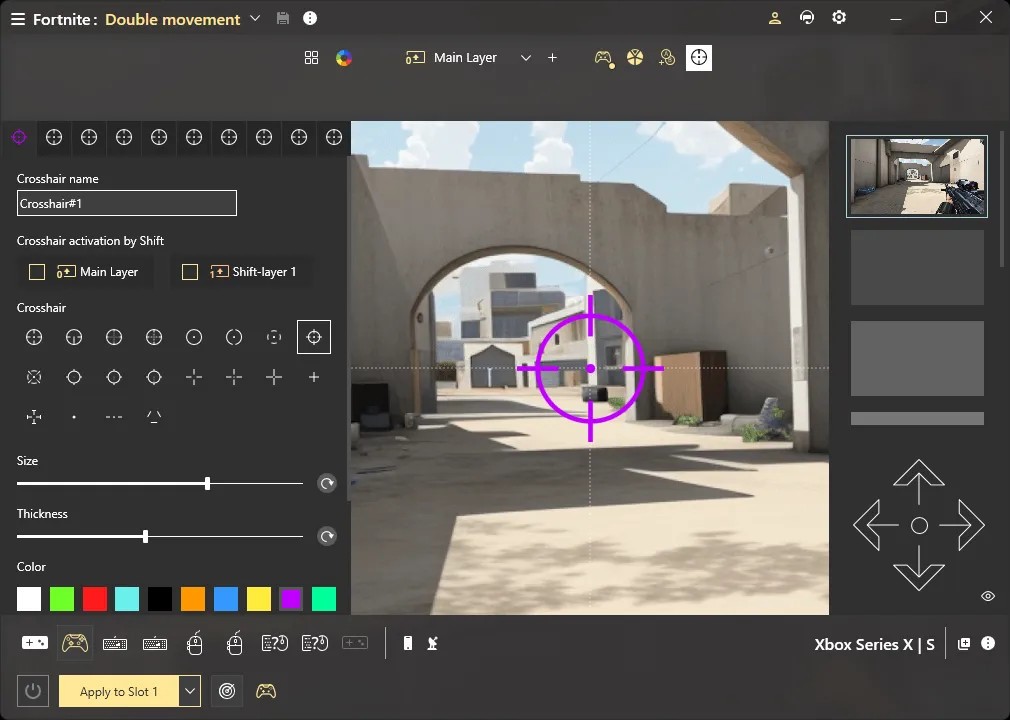
reWASD is an application for PCs and consoles that allows you to change keyboard and keypad commands. With its help, you can adjust your gaming setup to suit you entirely and make playing video games that much more intuitive. The software is compatible with Windows PCs, as well as PlayStation, Nintendo Switch Pro, and Xbox consoles.
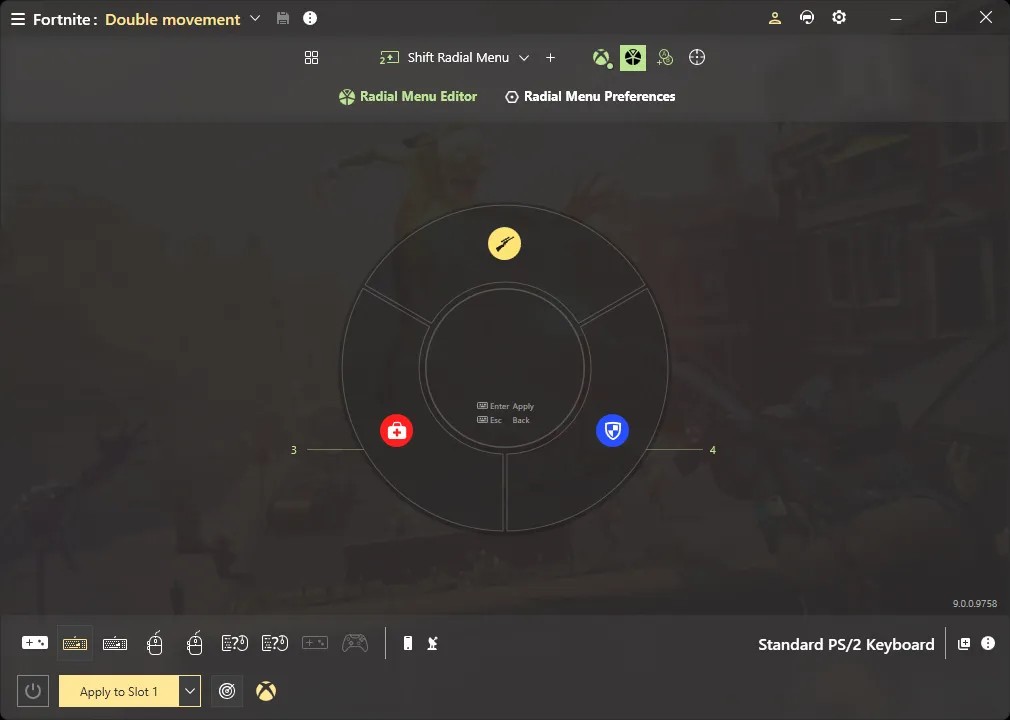
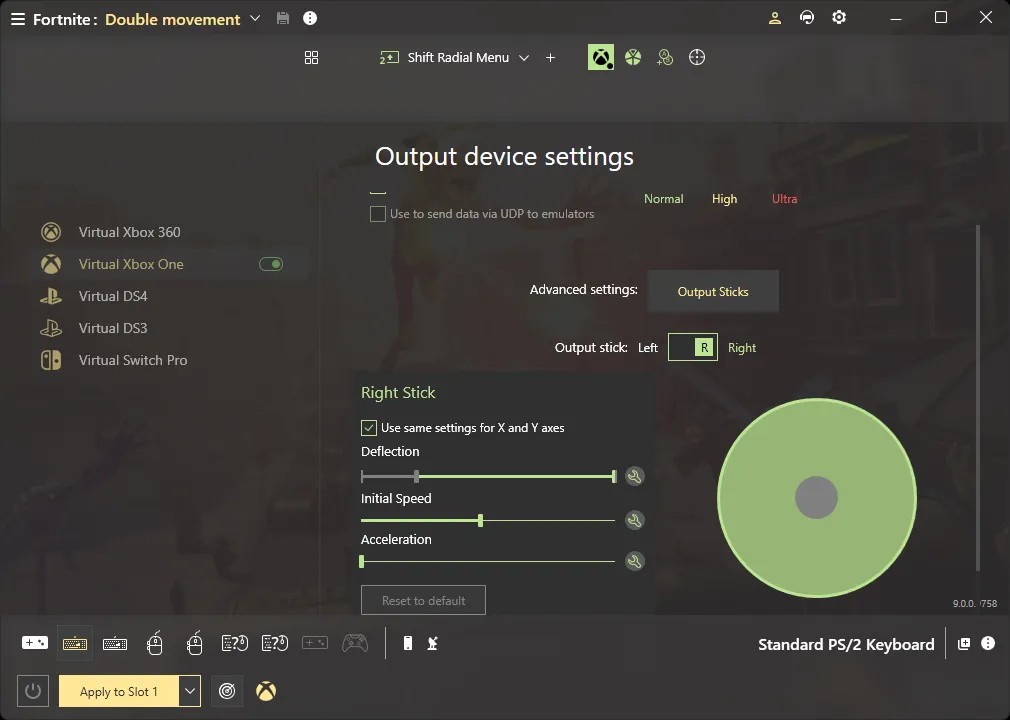
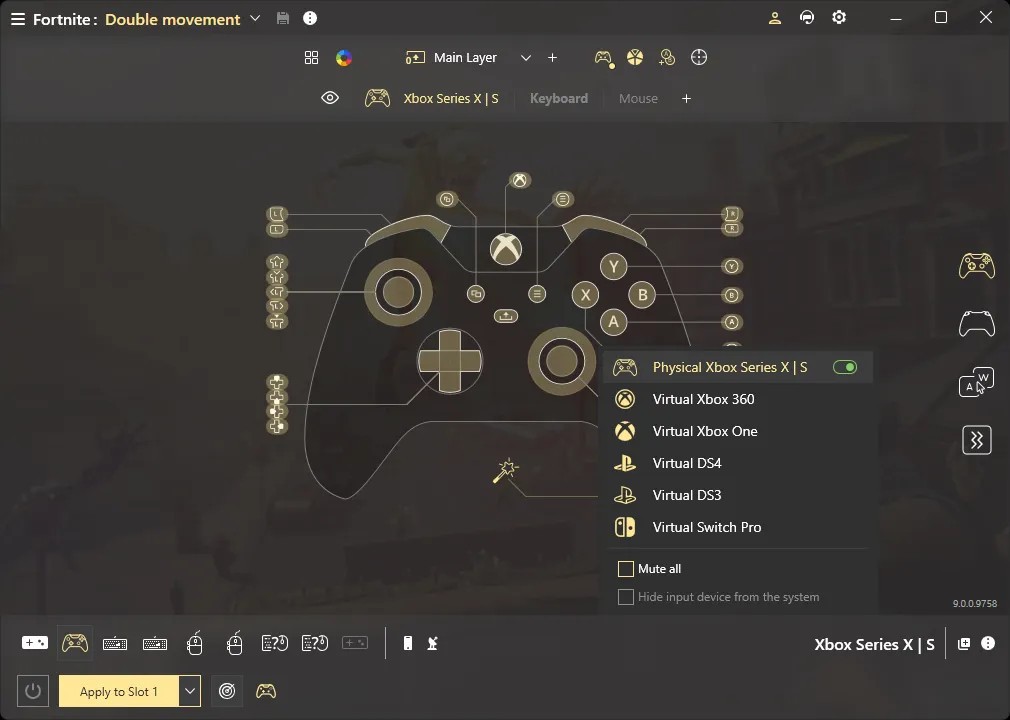
The software offers device emulation, whereby you can change the look of your controller entirely to suit your needs or create a virtual controller. Buttons can be used to create custom dead zones, Turbo zones, trigger zones, and more. One button can be responsible for multiple in-game functions. If you need to add more commands, you can do so with the help of selection wheel menus.
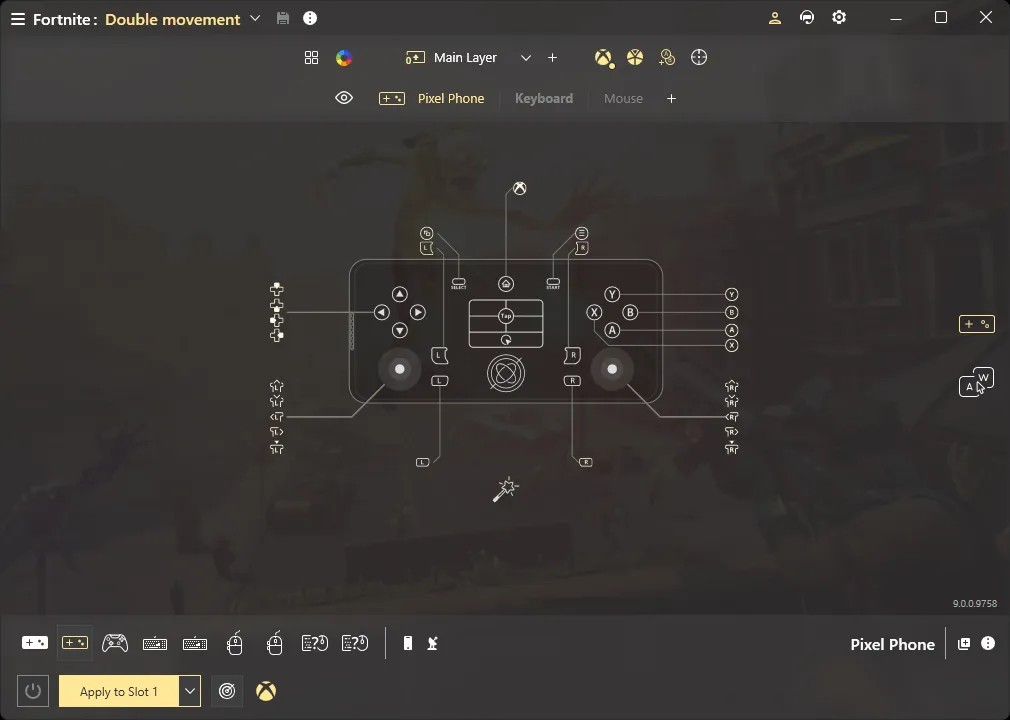
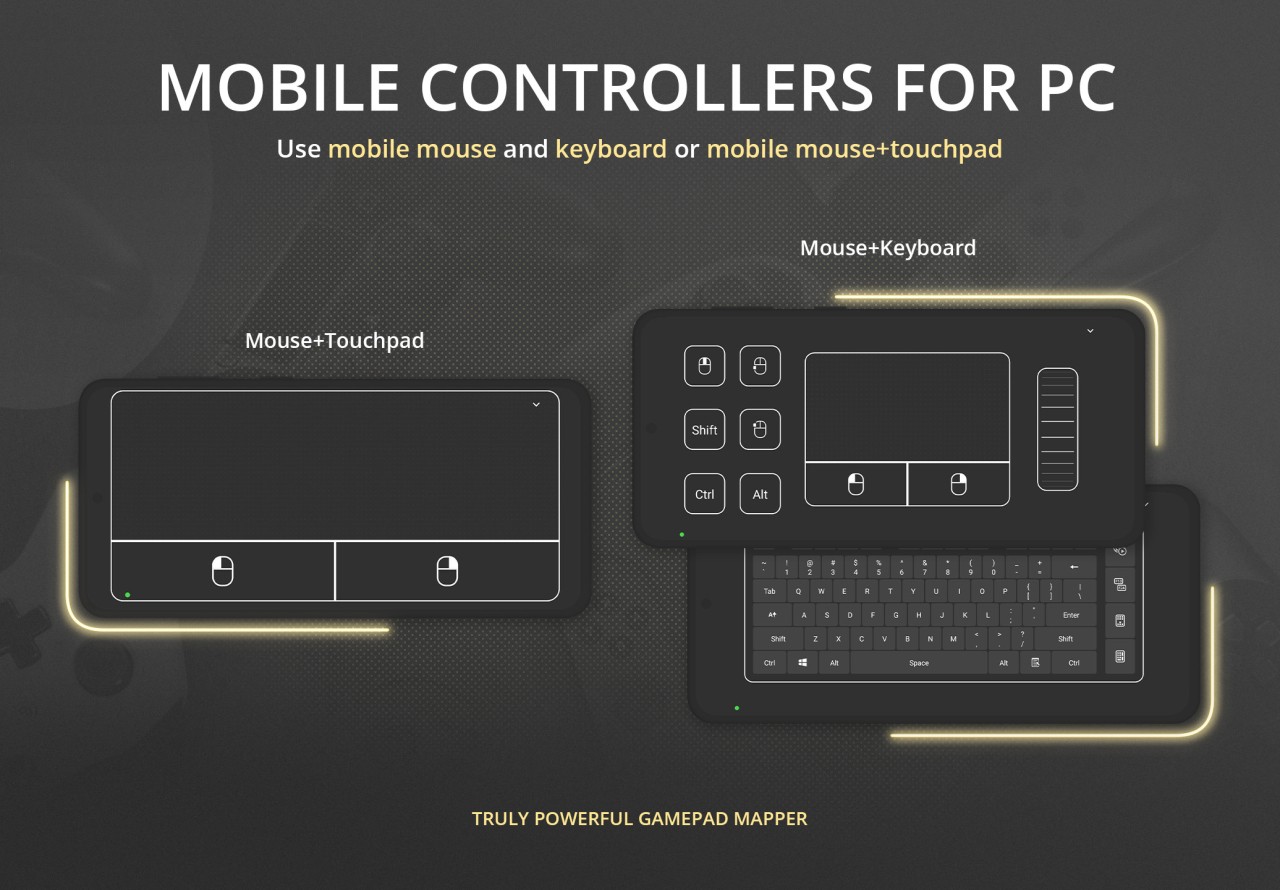
The reWASD mobile app for iOS and Android allows you to customize and manage keypads from your phone.
What Are the Key Features of reWASD?
reWASD is an application for remapping and adjusting the controls on your keyboard or keypad. It is compatible with Windows computers and gaming consoles. There is a mobile app for iOS and Android devices that allows you to view the status of your keypad from anywhere.
The app’s main feature is remapping. You can decide what each button will be responsible for in games or create custom maps for different games. That spans across keyboards, keypads, mice, and other controller inputs. A single button can carry up to 3 different commands, boosting the versatility of each controller you own. Commands can also be determined through activators and shortcuts such as single, double, or triple taps, longer presses, and more. Advanced features allow users to build even more complex commands.
With the built-in virtual controller emulator, you can take it to the next level and create virtual gamepads that mimic popular game controllers. reWASD also provides access to advanced features, like on-screen radial menus and analog keyboard support.
The mobile version of reWASD can be used to adjust settings and change keyboard maps remotely or when you’re in the middle of a game and don’t want to exit.
Is reWASD Free to Use?
No, reWASD is not a free tool. There is a 7-day free trial you can use to learn about the features of the app. However, once the trial period has passed, you have to purchase lifetime access or go for a subscription to keep using the service. Users who do not wish to pay for remapping software can find a free alternative.
Which Platforms Support reWASD?
reWASD is compatible with Windows computers and Windows-based consoles, including Asus ROG Ally and Ayaneo. reWASD also has a mobile app for iOS and Android mobile devices.
You can use reWASD to remap your Xbox, PlayStation, and Nintendo Switch gaming consoles, among others. The tool is compatible with most basic mice and keyboards, as well as some analog keyboards like Razer.
What Are the Best Alternatives to reWASD?
InputMapper is a remapping tool for Windows computers. You can connect it to gaming consoles like PlayStation, Nintendo Switch, and Xbox to use them for gaming on PC. InputMapper functions as an emulator, whereby you can use your selected console controller on your computer in specific games. It is equally useful for remapping buttons and keys, and creating shortcuts. Your key layouts are all saved in your profile, so you can switch to the relevant keyboard whenever needed.
DS4Windows is a free and open-source remapping software, which will appeal to gamers who do not want to spend any extra money on licenses or subscriptions. The mapper was made specifically for PlayStation controllers and Windows 10 and 11 computers. PC games tend to be compatible with Xbox controllers. DS4Windows bridges that gap for users of PlayStation, translating PS controllers into virtual Xbox controllers. The use of this service prevents glitches caused by the incompatibility between Windows and PlayStation. As with any remapping software, this one allows users to adjust their keyboard settings and assign commands to different keys and mouse movements. Avid gamers can create profiles to use in different games.
DSX (formerly known as DualSenseX) is another application built for connecting PlayStation controllers with Windows computers. With its help, you can play PC games using your PlayStation controller instead of an Xbox. You can customize haptics, assign commands to buttons, and create layouts for different games. DSX is a paid tool that is available through Steam.